Check the acquisition promise
Read the store headline, screenshots and description. What problem is the app promising to solve?
Study the storefront ↗
BigBalli Consulting llc · iOS
Explore the ad evidence, study the storefront, and build your next acquisition hypothesis.
01 / Creative research
Read the store headline, screenshots and description. What problem is the app promising to solve?
Study the storefront ↗Explore apps with direct store-link matches. Compare their hooks and formats without assuming the same approach works here.
Browse observed advertisers ↗Store rankings and revenue estimates describe market context. They do not establish ad spend, conversions or ROAS.
Review the market context ↗02 / Storefront & product
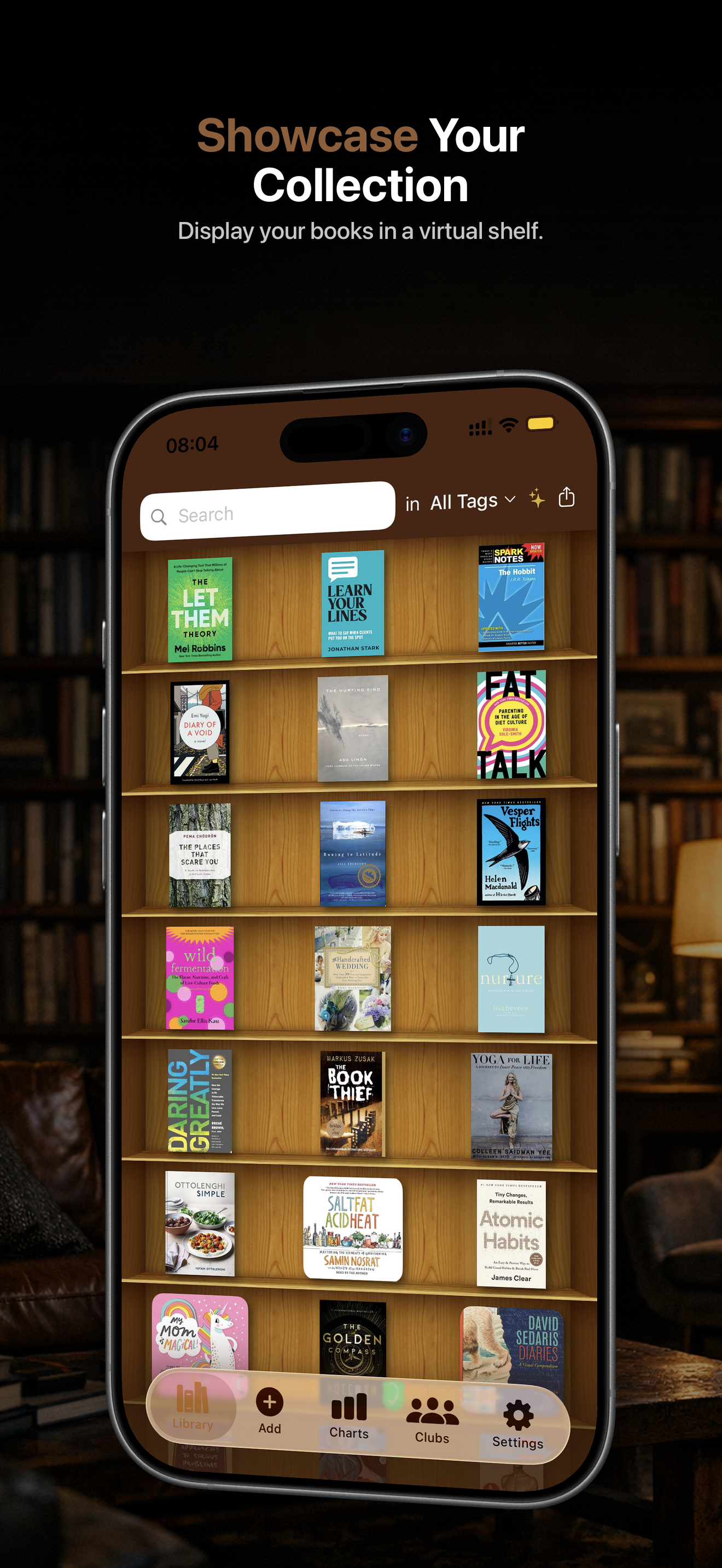
Study the product story and store experience behind the acquisition funnel.



03 / Market context
Keep revenue, downloads and store rankings separate from advertising performance.
It’s a very nice user interface for keeping track of books you have read but I have two suggestions that could make it a 5-star app: 1. Allow users to create book series that would collapse or expand on the bookshelf screen. If a series has 5+ books, we don’t need to see all of them displayed every time. 2. Change the charts section to a suggestions section and suggest books based off the user’s saved books. The option for suggestions is already in the app, why not expand it and make it more useful?
I bought this app several years ago and at the time had an iPhone 4S. I had a collection of over 200 motorcycle books and relied on this app to remind me of what I had when looking at new possibilities. As the app was revised, it required IOS 10, but my 4S stopped updating at iOS 9. Once I updated to an iPhone 8Plus, I contacted the app developer and explained that I could not get the app to load my library history. Within 12 hours I was contacted by him and told that the history files were reset so that they could now be imported directly onto my new phone. I followed his directions and all of my book collection was restored. Many thanks!
I am sick of this app. Even after you do the in app upgrade, every time you go to options it continues to blink at you like you haven’t purchased anything. I think I’ve accidentally “purchased“ this app upgrade three times now, which I suppose technically is my fault but they keep screaming at you to upgrade even after you have. You can’t turn it off. Plus it’s just erased all my books and apparently the only way to sign in to retrieve them is by using Facebook, which most of us would prefer her not to use as a login. Some other option ought to be available on this also. The app itself works fine but I’m tired of the deceptive in app purchase bit that they have never corrected. So I’ve ( reluctantly ) deleted the app. ( Apple helpfully gave me a refund on this “upgrade” also). Hope this helps somebody.
Catalog your entire home library in an afternoon. Snap a photo of any shelf and the AI adds every title. No typing, no spreadsheets, no scattered note...
| Name | Price | Type |
|---|---|---|
| 500 Tokens | $4.99 | One-time |
| Full unlock (Monthly) | $4.99 | Monthly |
| 1000 Tokens | $9.99 | One-time |
| Premium Yearly Offer | $14.99 | Yearly |
| Full unlock (Annual) | $24.99 | Yearly |
| Lifetime Full Unlock | $49.99 | One-time |
| 10000 Tokens | $49.99 | One-time |
| 20000 Tokens | $79.99 | One-time |