Check the acquisition promise
Read the store headline, screenshots and description. What problem is the app promising to solve?
Study the storefront ↗
Home Outside, Inc. · iOS
Explore the ad evidence, study the storefront, and build your next acquisition hypothesis.
01 / Creative research
Read the store headline, screenshots and description. What problem is the app promising to solve?
Study the storefront ↗Explore apps with direct store-link matches. Compare their hooks and formats without assuming the same approach works here.
Browse observed advertisers ↗Store rankings and revenue estimates describe market context. They do not establish ad spend, conversions or ROAS.
Review the market context ↗02 / Storefront & product
Study the product story and store experience behind the acquisition funnel.
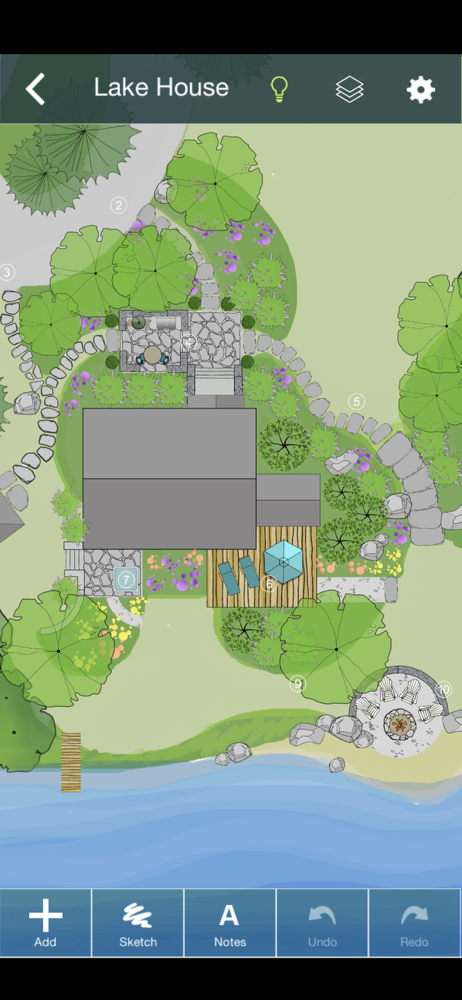


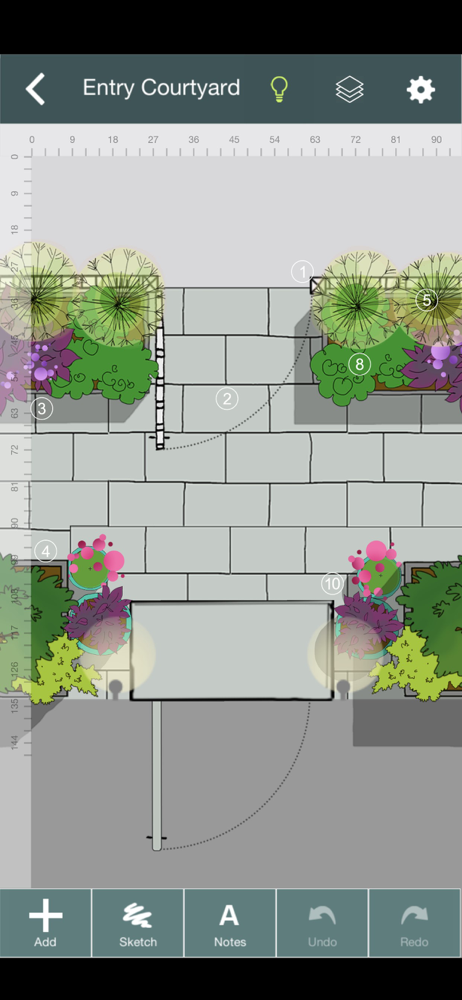

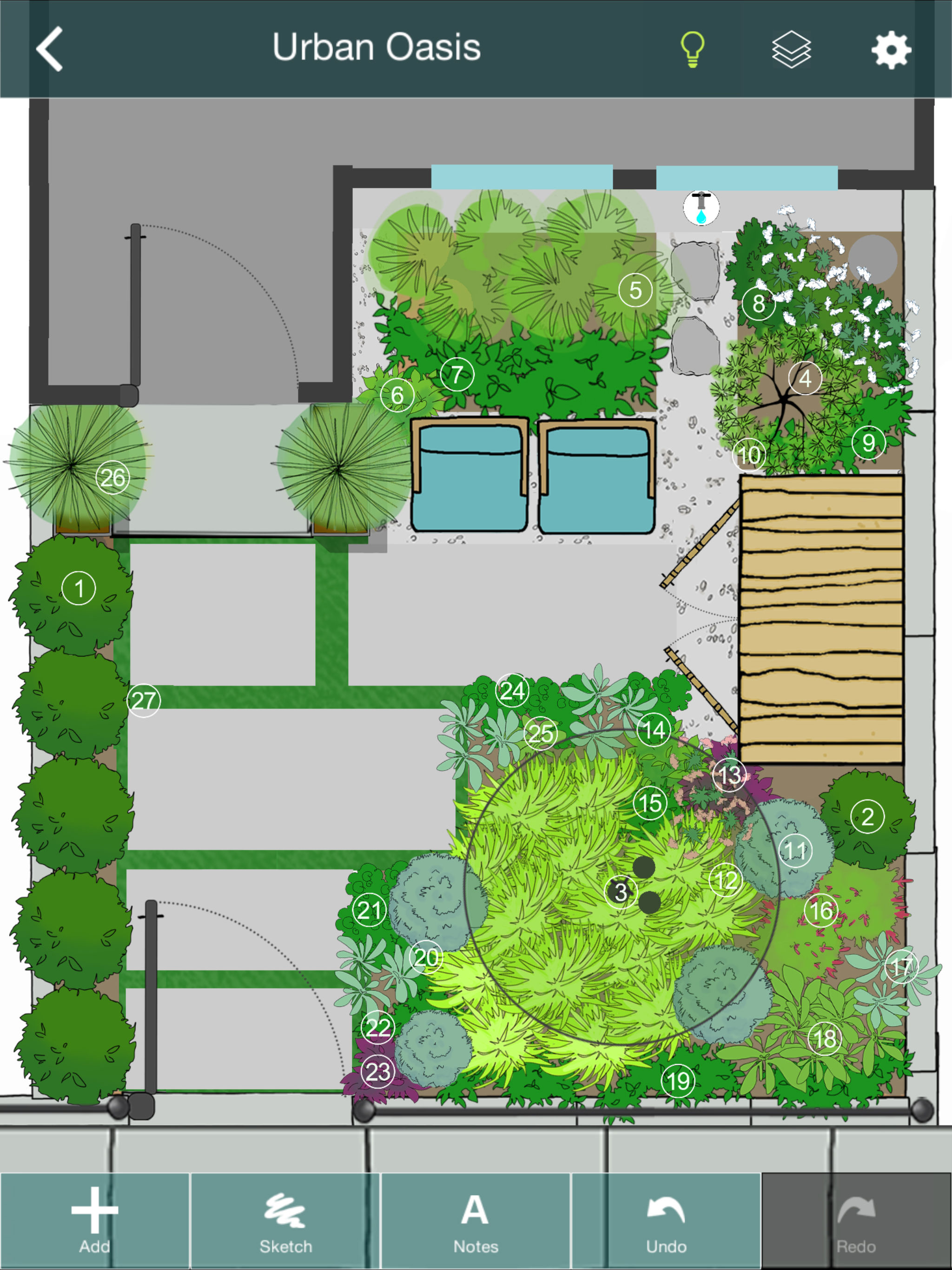
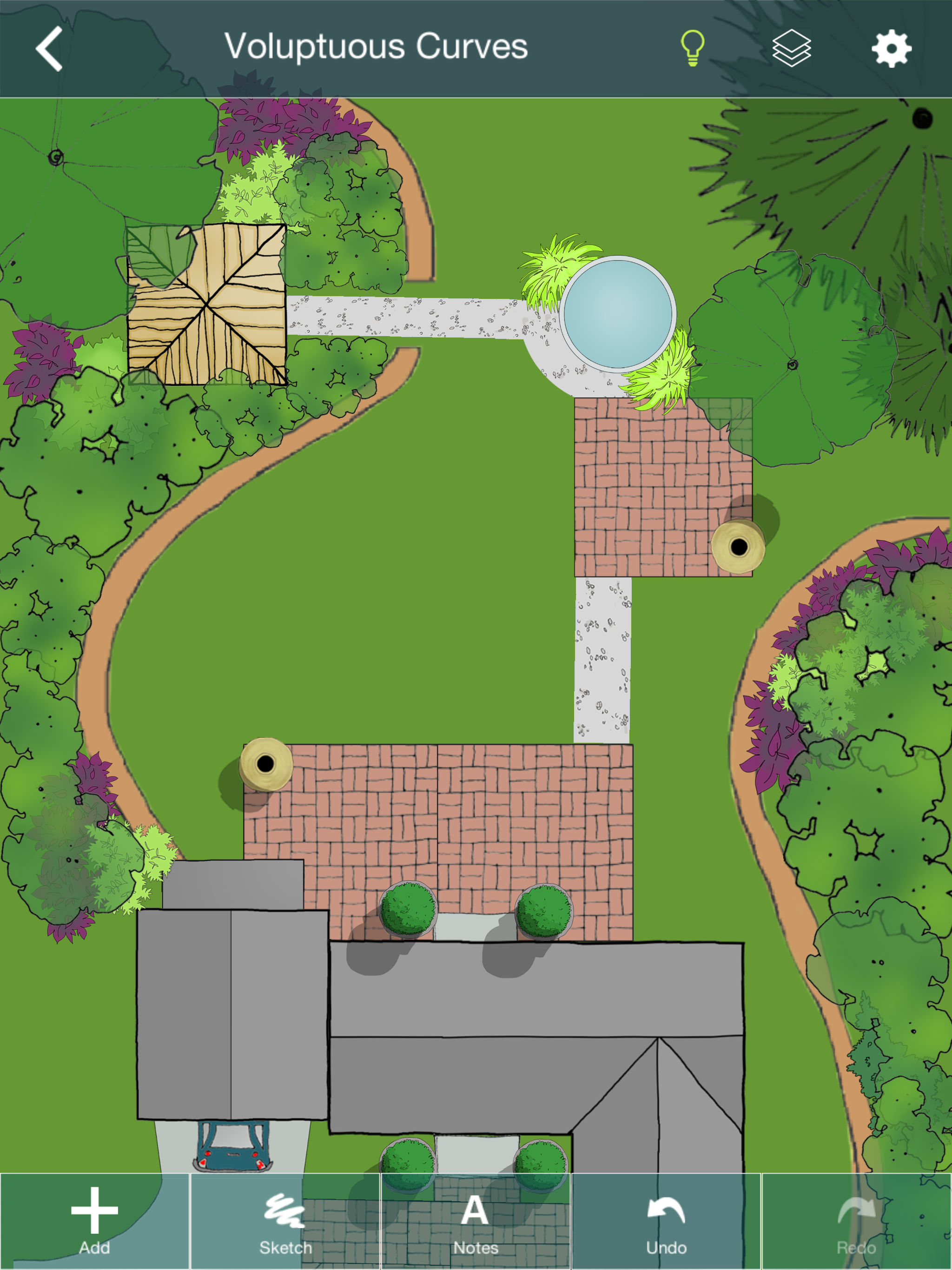
03 / Market context
Keep revenue, downloads and store rankings separate from advertising performance.
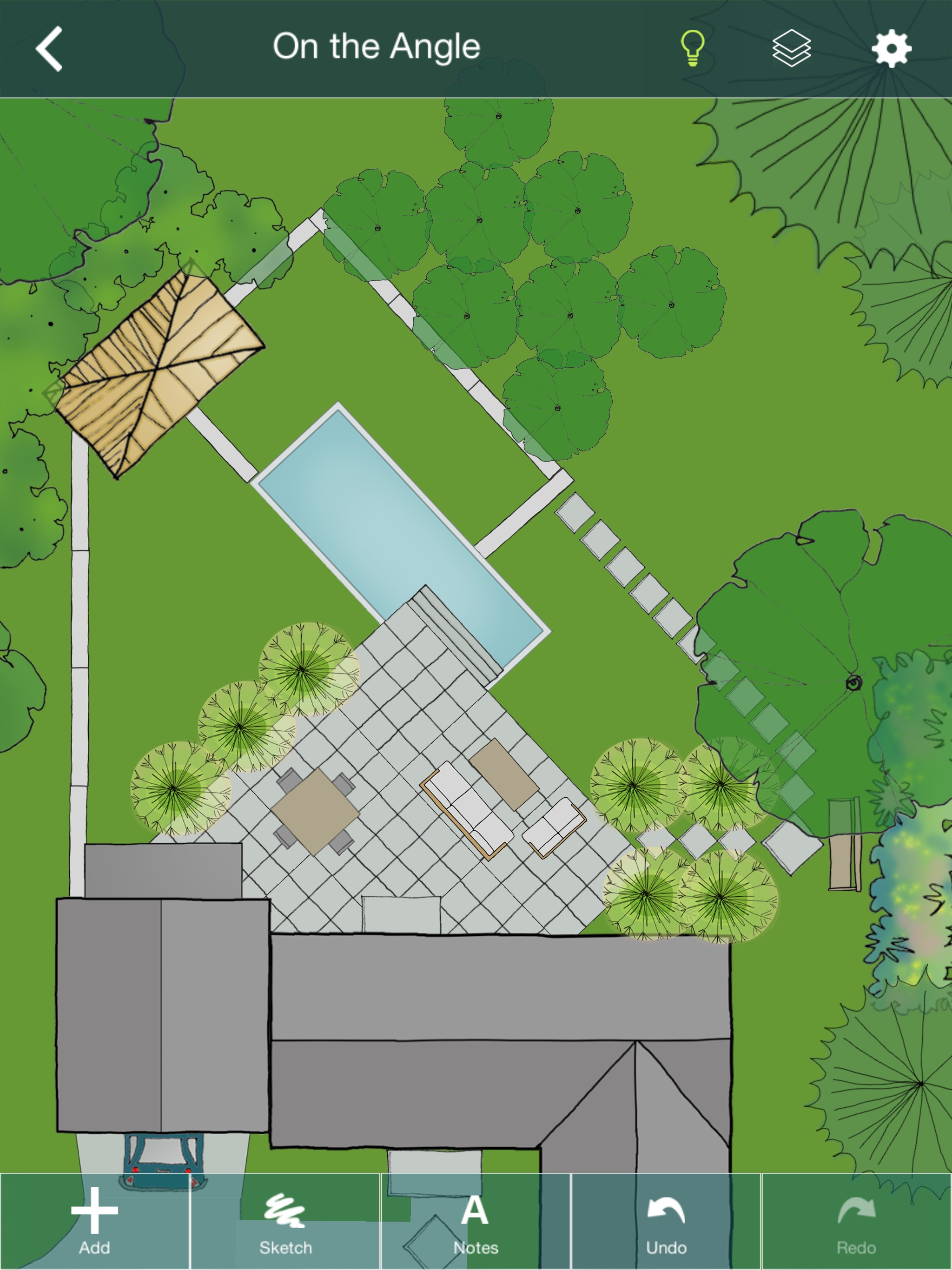
I bought this hoping for the squarespace of landscape design. I’m a graphic designer and I’ve used graph paper to draw to scale, I’ve used procreate, I’ve used illustrator…I wanted more pre-built options where I could adjust the shape of a flowerbed for example, enter actual dimensions and get something to drop plants etc into. This interface just felt like it wanted to sort of be like procreate but clunkier. Lots of steps. No useful tool tips or tutorial videos to get started. The FAQ kind of helped but not really. I can draw faster on my iPad or on paper than I can use this app so I regret spending the money and won’t be using it.
I have been in the landscape industry for over 30 years now. I have used many different design programs during this time. To include expensive cad based programs. This is a good basic and easy to use design app. Some clients can not see the vision of the landscape I’m trying to sell them. When this happens, I find this app very useful to share that vision. There is a little learning curve to be efficient using this design app. Some may not even experience this curve. I can complete a design in about 20 to 30 minutes and either print it out or email it to my client. I’m hoping they continue to add new objects as this will only make it that much better and easier to use. I would recommend this app to anyone who would be in a position to create new landscapes.
I’ve really enjoyed this app, especially now that I’m getting better at using it. It’s addictive! Two things I would love to see that would be great value-adds and not too much development cost is the ability to stretch an object horizontally or vertically to slightly change its shape. Also would like more images to pick from. The object resizing works great, but sometimes I want to keep the width but extend the length, and I haven’t seen that ability. I would also like to rescale everything so that, for instance, the property shown is 150 ft long and 120 ft wide, instead of 180 ft long and 150 ft wide. I’m just having a hard time dialing that in, so I don’t know how big all my objects really need to be, or I have to account mentally for some conversion factor as I size my objects. There was some kind of scale thing when I first uploaded and blueprint of my property, but I can’t figure out how to get back to it, and I’m worried that all my objects would not adjust with it anyway. That’s why I think ithe option would be cool to rescale the whole thing. Otherwise it’s perfect!
YARD PLANNER is a simple drag-and-drop 2D landscape design app with all the tools you need to mock up your property, create new designs, and share the...