Check the acquisition promise
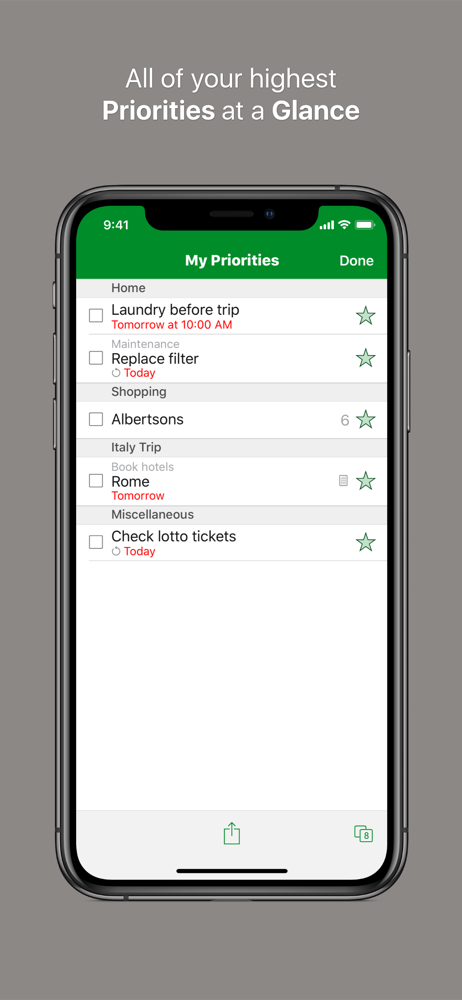
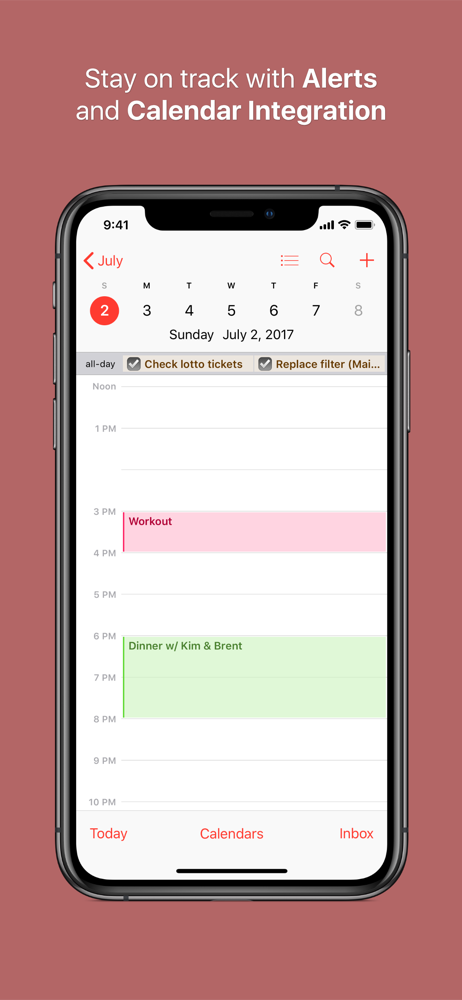
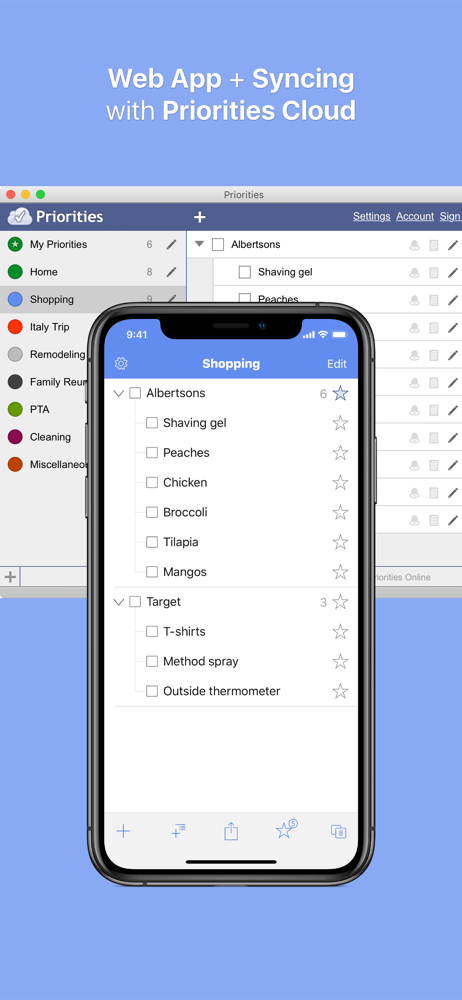
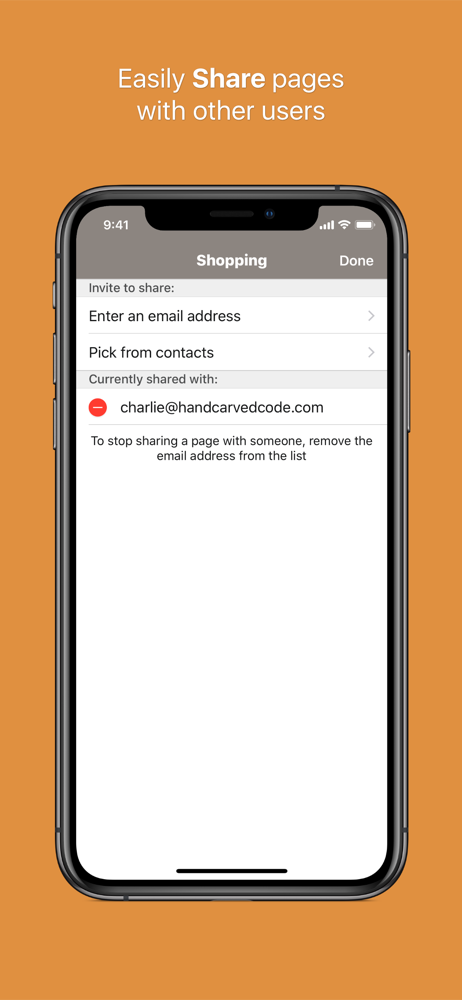
Read the store headline, screenshots and description. What problem is the app promising to solve?
Study the storefront ↗
Hand Carved Code, LLC · iOS
Explore the ad evidence, study the storefront, and build your next acquisition hypothesis.
01 / Creative research
Read the store headline, screenshots and description. What problem is the app promising to solve?
Study the storefront ↗Explore apps with direct store-link matches. Compare their hooks and formats without assuming the same approach works here.
Browse observed advertisers ↗Store rankings and revenue estimates describe market context. They do not establish ad spend, conversions or ROAS.
Review the market context ↗02 / Storefront & product
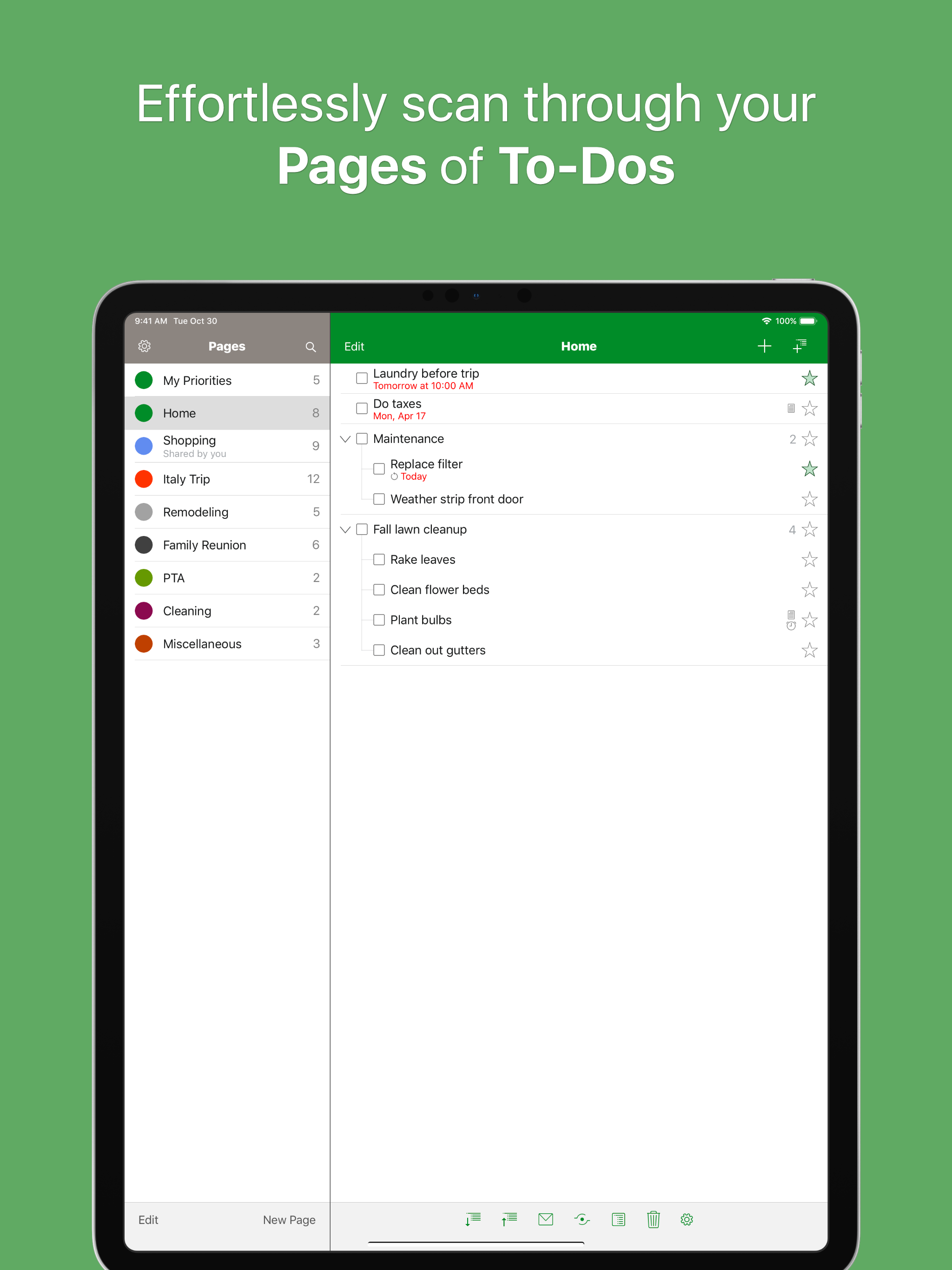
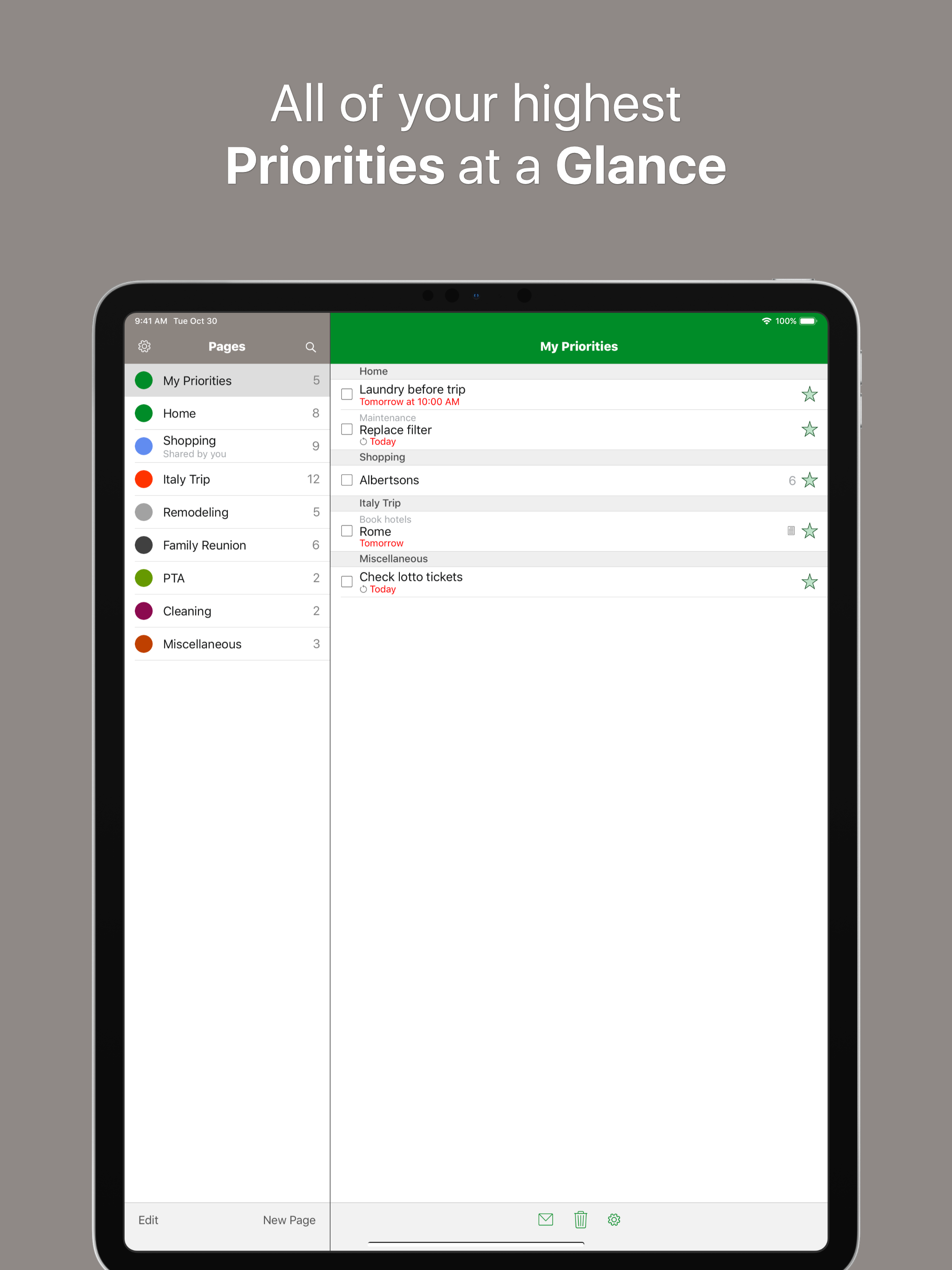
Study the product story and store experience behind the acquisition funnel.


03 / Market context
Keep revenue, downloads and store rankings separate from advertising performance.
I have been using this app for years and even though I am constantly testing out different to do list calendar apps, I have to say this one is by far the most functional for my needs. From tracking bills to errands to daily tasks to projects to reminders to appointments to basic shopping lists (tip save the deleted items from your shopping list and simply uncheck when making a new list) I use this app almost exclusively for planning my life and business. However, it needs its own calendar view by hour, week, and month vs having to open a 2nd app that doesn’t allow for moving things around. And! Drag and drop from day to day and even between time slots would save so much time changing entries manually. And if you really want to stomp the competition let me sort one list by due time and another alphabetically and another by category or whatever. Vs having to choose. But the calendar view with drag and drop time/date is a must that is well past time to do. I stuck with Apple almost entirely for this app (it was definitely a factor if not the only reason) so show me the same love. 😜😎🤞🏼🤞🏼🤞🏼
I am updating my review. It still gets a 5-star rating. My review was 4 years old so I want to show that I am still using this app. I haven’t needed to look for a new app, even though my life is vastly different than it was almost 5 years ago. And the thing I love most is that it works for all types of people. The users range from people in business, to shoppers, to teachers, to stay at home parents, to young people prioritizing their term papers versus their work hours. Here is a piece of my review from 4 years ago that certainly still applies: I love this app. I was searching among apps and a review of a lesser app had Priorities listed as the reason the person left the other app. Have I said I love this app? If you have ever read the book by David Allen called, 'Getting Things Done,' this is the app that can help you achieve that. It isn't lists. It is projects, tasks, and subtasks, all with alarm options and ways to bring it to your attention in the way and time that works for you. Thank you, Priorities!!
I downgraded this app to a 2 and it will return to a 5 when the alerts are fixed. Once I upgraded to iOS 11 the alerts stopped working. I emailed the developer to let them know that alerts were not working in iOS 11 while I was a beta tester for iOS 11 and they never responded. Now that iOS 11 has been released to the public Alerts still do not work. I have to remember to open the app and look for anything that may be due when it used to alert me automatically without opening the app. I love this app. It syncs with your own page on a web site and between the iPhone and iPad. Enter or edit at any location and all other locations are updated. This App will get a 5 from me when there is an option to show or hide completed tasks. I need to keep completed tasks so I have a history of when I completed tasks. Currently one can only delete completed tasks to stop completed tasks from showing and things are getting kind of cluttered.
Enjoy effortless and intuitive task management with Priorities™, and you’ll never dread your to-do list again! The innovative use of pages takes the...