
Check the acquisition promise
Read the store headline, screenshots and description. What problem is the app promising to solve?
Study the storefront ↗
DC Software Arts · iOS
Explore the ad evidence, study the storefront, and build your next acquisition hypothesis.
01 / Creative research
Read the store headline, screenshots and description. What problem is the app promising to solve?
Study the storefront ↗Explore apps with direct store-link matches. Compare their hooks and formats without assuming the same approach works here.
Browse observed advertisers ↗Store rankings and revenue estimates describe market context. They do not establish ad spend, conversions or ROAS.
Review the market context ↗02 / Storefront & product
Study the product story and store experience behind the acquisition funnel.




03 / Market context
Keep revenue, downloads and store rankings separate from advertising performance.
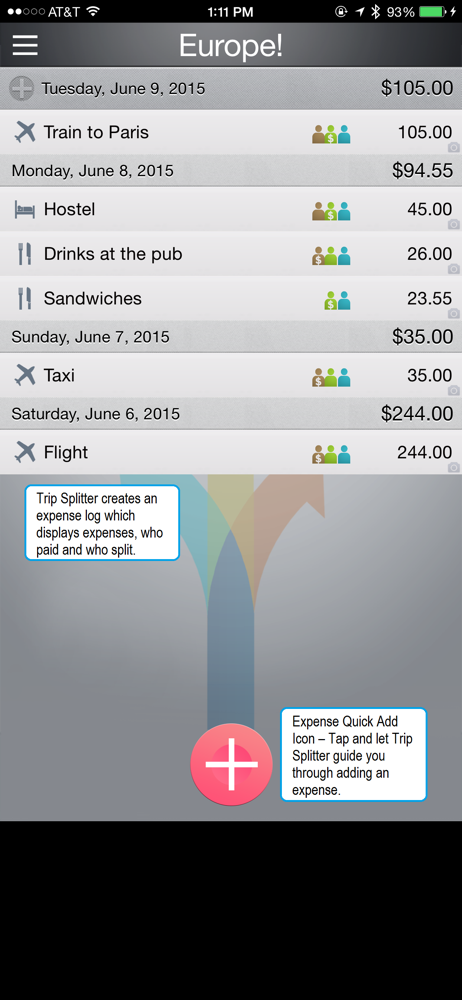
This app was great to use during my recent trip to Italy. I was traveling with a few friends and this easily kept track of our expenses and who owed who. A must have.
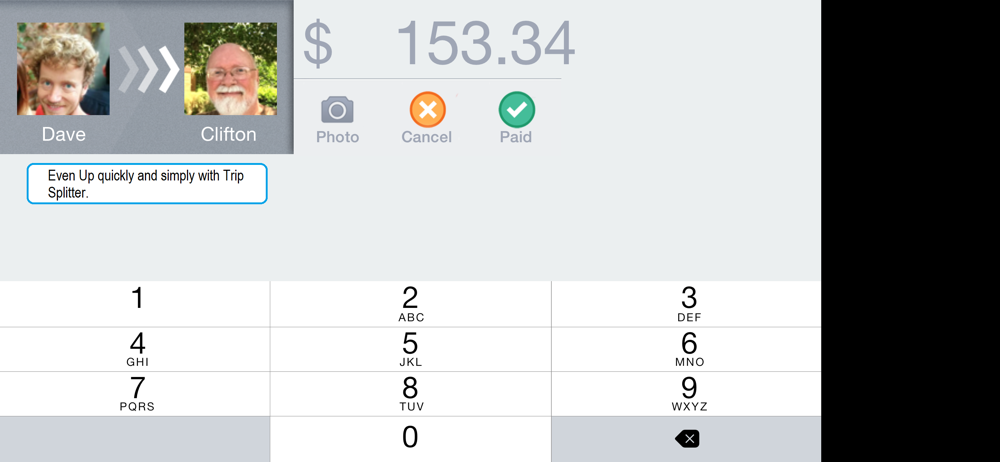
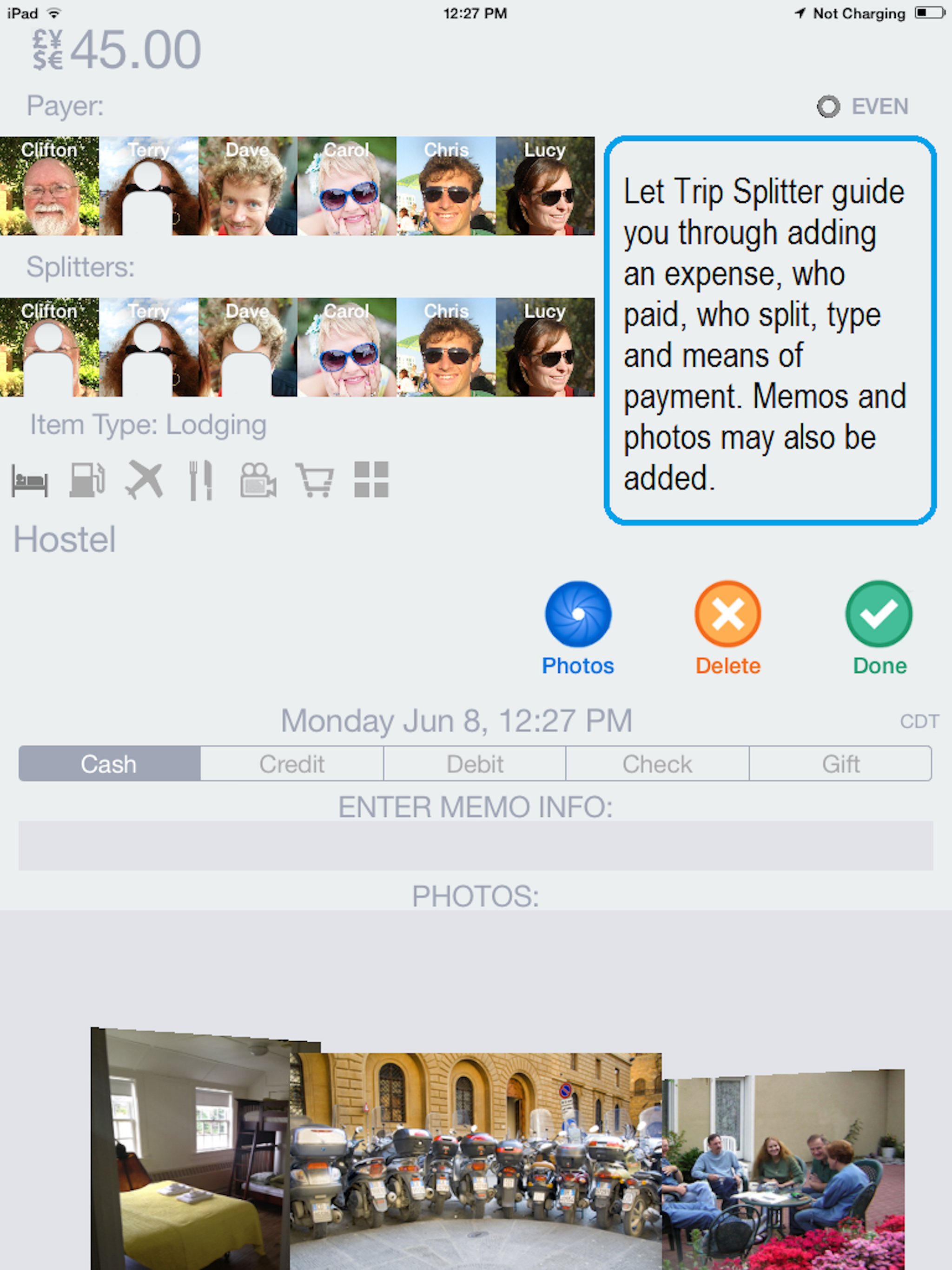
You can have multiple trips. You can split payments unevenly. You can email yourself or whomever the results of your trips. This is great if you are trying to stay within a budget for a trip. And I'm only on the free version where you can only have 2 splitters
First off, I want to say "good job" on have an easy user interface. I would recommend that you also consider this up for general users who wants to keep track of their spending, like when they go on vacation. The splitter is cool. I think you will have a wider audience if you market this also for single users. I tried this on a recent trip to use my iPad to track how I was spending my money. I have no need to split the bills so the defaults are great! I tried the email feature and I feel that it can improve more. A few things that I would suggest are 1. Include all information, the exchange rate used, annotations on the item. 2. Make the time of transaction optional or make it a fuzzy time like am, pm, eve, net etc 3. Have quick buttons for sub categories, e.g under food, you have Inch, breakfast, dinner. Under transportation yu have taxi, trains, bus, etc. That way the time is also not necessary. 4. Allow landscape mode for transaction entry. I like to set my iPad down and do data entry and usually use it in landscape mode. I think the turn to show the summary is cool and it is fast. I don't think that is necessary since I wouldn't need the summary until the end of the trip. One touch away is good enough or better yet, use a slide gesture to move between transaction entry and reports. Overall, great product with potential to be better. Thanks!
Breezily split expenses with a travel companion. In 10 seconds. It takes mere seconds to create a new trip and add yourself and a traveling compani...
| Name | Price | Type |
|---|---|---|
| Unlimited Splitters | $1.99 | One-time |


