Check the acquisition promise
Read the store headline, screenshots and description. What problem is the app promising to solve?
Study the storefront ↗
Synology Inc. · iOS
Explore the ad evidence, study the storefront, and build your next acquisition hypothesis.
01 / Creative research
Read the store headline, screenshots and description. What problem is the app promising to solve?
Study the storefront ↗Explore apps with direct store-link matches. Compare their hooks and formats without assuming the same approach works here.
Browse observed advertisers ↗Store rankings and revenue estimates describe market context. They do not establish ad spend, conversions or ROAS.
Review the market context ↗02 / Storefront & product
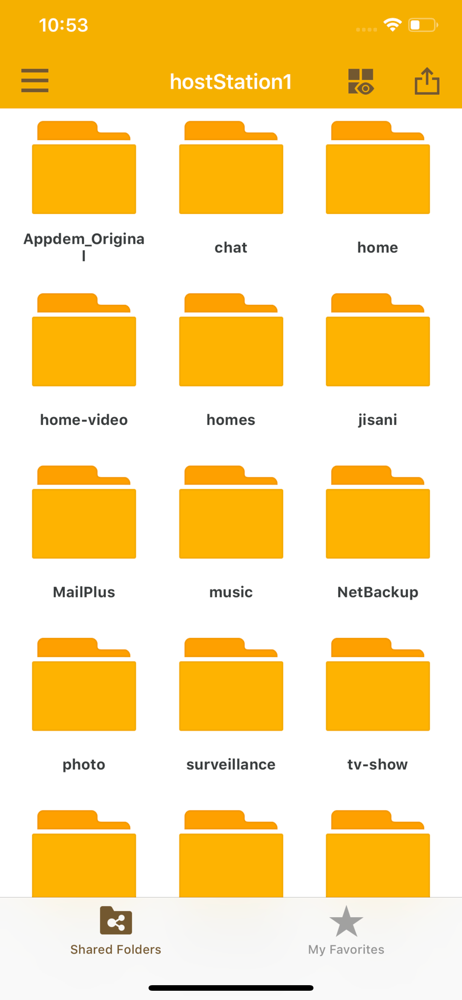
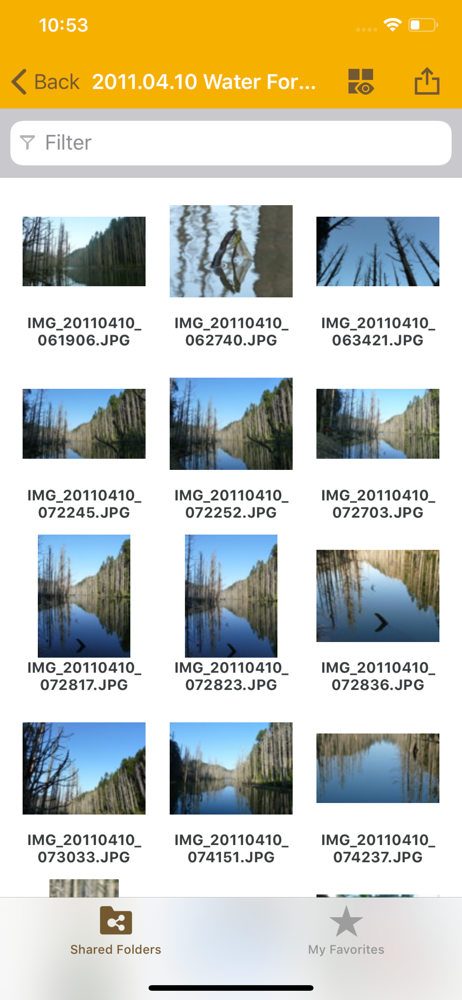
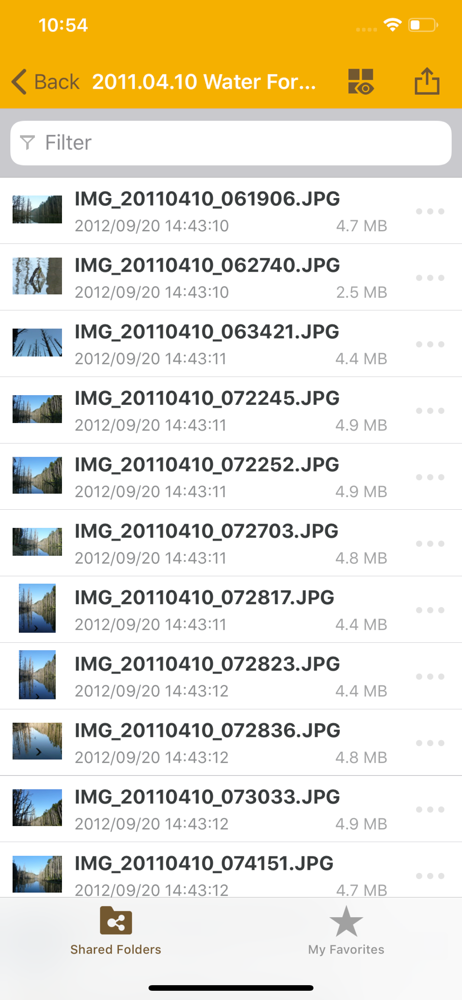
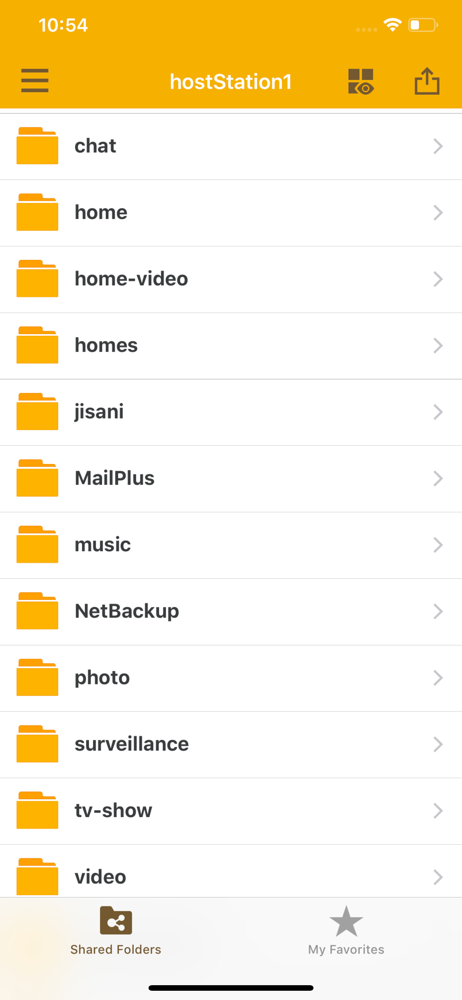
Study the product story and store experience behind the acquisition funnel.
03 / Market context
Keep revenue, downloads and store rankings separate from advertising performance.
But don't gaslight people and say your app will open for out viewing pleasure various file types. The list of file types has continued to grow but you lost basic function. I used to be able to watch a season of videos without having to do anything. Not since the last update. With this version, one video will play normal, the next will be sound only, and eventually not even that. Please note, if I want to do work to load the next episode I can play each video with the VLC app. I could also open all the videos in a VLC playlist and not need to open each one individually but you broke that too. Can't get VLC to connect to the new NAS directly anymore, now it is only accessible to get a video on via your fairly frustrating Files app. We pay enough for the hardware, quit shirking your responsibilities with the apps or we'll all be jumping ship like rats from the titanic.
As the title states, I’m having issues with the videos not playing via the app. It keeps giving me an error. Also, I cannot download the photos to my phone. I’ve tried sending it via email or as a message but nothing works. Please fix this soon. I’ve also run into similar issues stated by other reviewers with uploads not working properly. Small loads seem to work fine but anything over 50 pictures, the app must remain open with nothing else running, and my phone screen left on and not going to sleep. Even still I seem to have issues with errors or photos missing. I have an iPhone 11 Pro Max running iOS 15.1.
I’ve been using this app a few years now, and it does what I need it to. When I open then app on my home WiFi, all recent photos download to my NAS. It will only download photos when the app is open, but I will usually be working on other files as it downloads in the background. I can view all my stored data, and export files. I can save articles on my phone, and depending on the app, I can either save directly to the drive, or save it on Dropbox and then transfer the file to the drive. With Word, I love that I can copy & paste an article from the web, save it on Dropbox, then open Dropbox and export it to the NAS, all within minutes. It is a simple app, and doesn’t have all the features you would get on a pc, but it’s very effective for remote access. My only gripe is that the photo upload will only work when I’m at home on my own WiFi network; it will not upload any photos on any other WiFi network. Why is that, and how can I configure my NAS to upload on any WiFi?
**You must own a Synology NAS to run this app, and have upgraded to DSM 5.2 to get the complete set of features** DS file is ideal to manage files st...