
Check the acquisition promise
Read the store headline, screenshots and description. What problem is the app promising to solve?
Study the storefront ↗
Tatsumi-system Co., Ltd. · iOS
Explore the ad evidence, study the storefront, and build your next acquisition hypothesis.
01 / Creative research
Read the store headline, screenshots and description. What problem is the app promising to solve?
Study the storefront ↗Explore apps with direct store-link matches. Compare their hooks and formats without assuming the same approach works here.
Browse observed advertisers ↗Store rankings and revenue estimates describe market context. They do not establish ad spend, conversions or ROAS.
Review the market context ↗02 / Storefront & product
Study the product story and store experience behind the acquisition funnel.



03 / Market context
Keep revenue, downloads and store rankings separate from advertising performance.
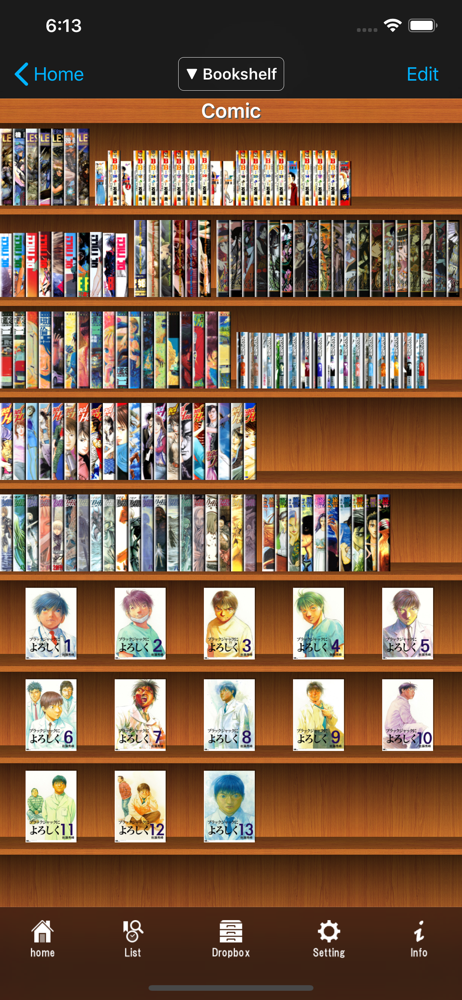
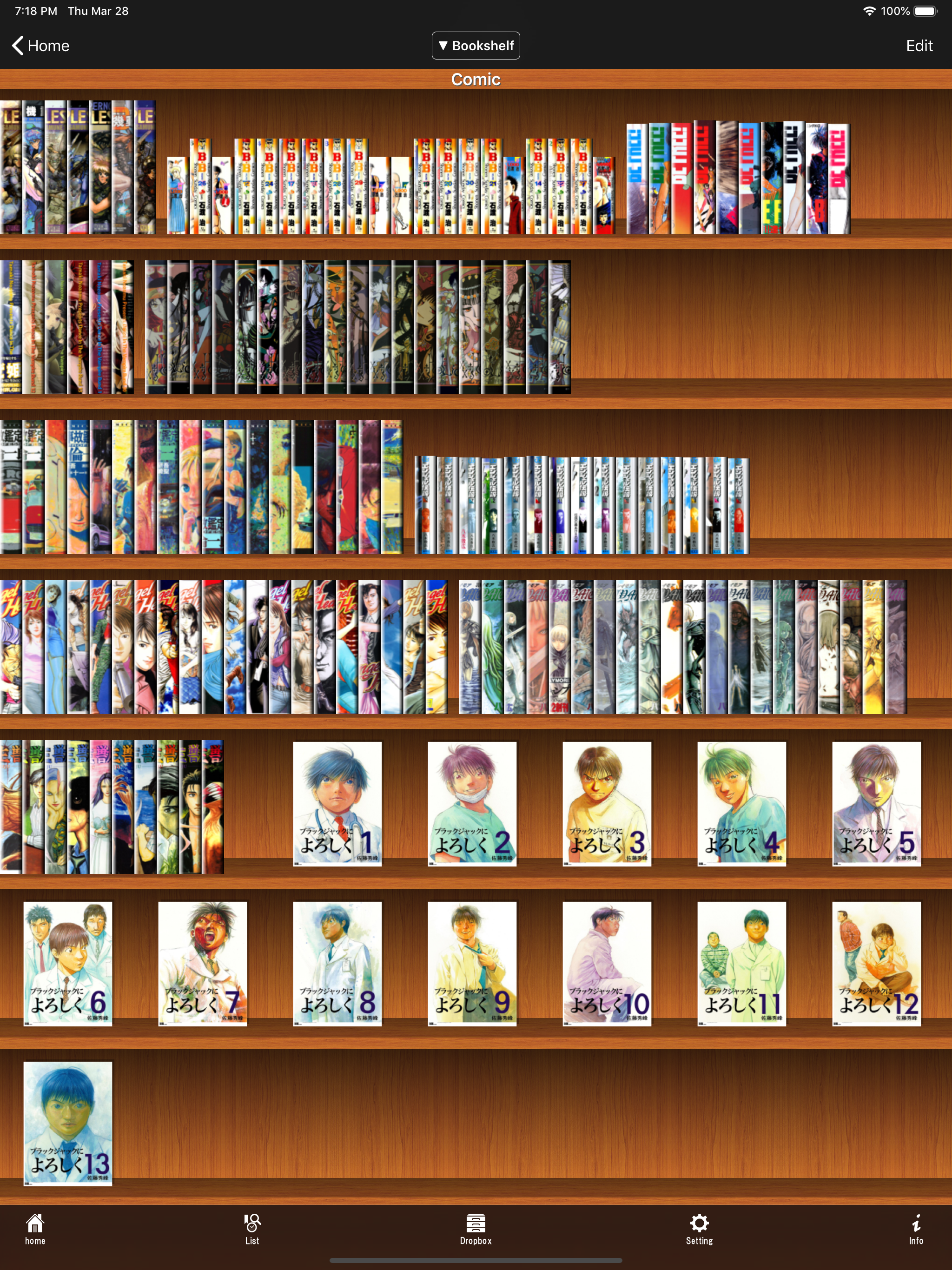
i’ve been looking for an app all night that had specific qualities. I was willing to lose out on a few features if it had the others but this app hit all my requirements to the T. It can open RAR, Zip. transfer from a cloud service or itunes file sharing. It can read right to left, up to down, and obv left to right. it has no ads, not a one. it has a pleasant book shelf and it will make the cover of the book the cover on the shelf. it doesn’t turn multiple pages just to let u change an option, instead you have to slide your finger halfway across the screen to turn and tap to pull up the options. if you’re looking for something to read your comics or manga on, i guarantee you this app is the one u want.
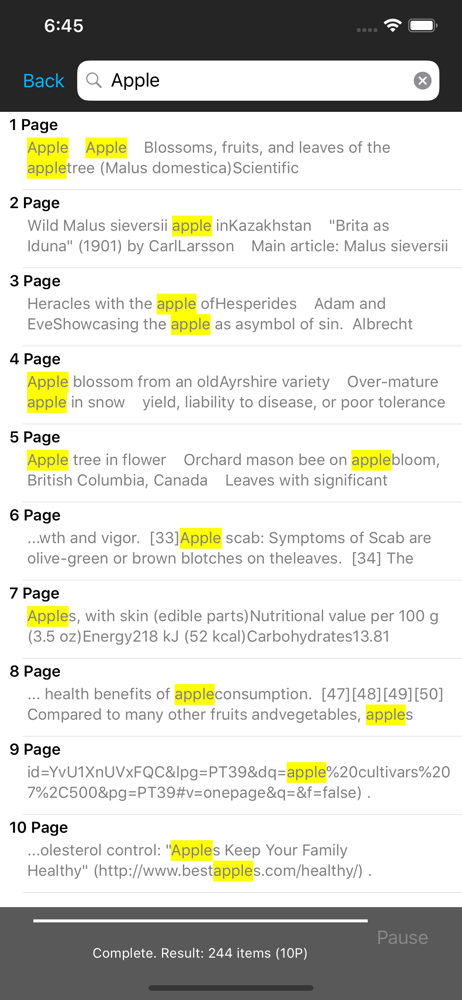
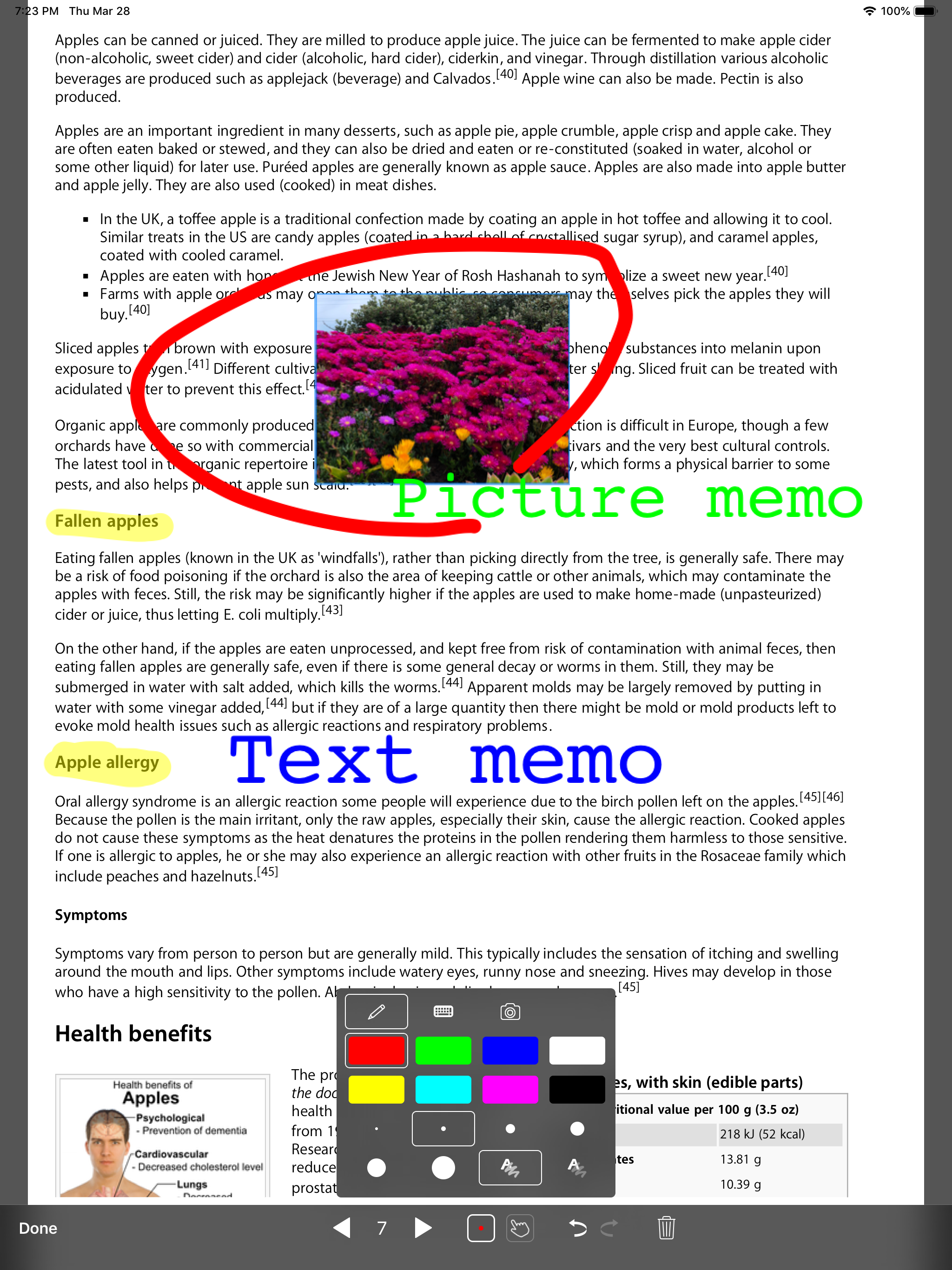
I am an academic, so I do a lot of reading for work: journal articles, students’ papers, etc. Adobe and other PDF readers tend to only frustrate me, but SideBooks is incredibly useful and intuitive. Documents look great both in portrait and two-up landscape mode. It also supports text annotations, bookmarks, and highlighting, with plenty of options. You can have it decrease the margins to fit the pages better, and you can change how it shows the cover of the document on your bookshelf. The page turning is probably my favorite part. Most PDF readers turn the page if you tap the screen at all. That is really annoying and makes it very easy to lose your place when you’re studying and trying to make annotations. SideBooks requires you to drag from the side of the screen, and it uses a beautiful and smooth page-turning animation. This gives more of a feel of reading a tangible, physical text. Overall it’s very easy and smooth to use, but it has more flexibility than your average iPad app. All of this is free, with no ads either, but it’s so good I’d be willing to pay for it. The only thing it lacks that it could really use is a night mode. You can of course simply invert the screen colors using iPad’s accessibility features, but a night mode would work more smoothly. Nevertheless, this PDF reader is miles ahead of the competition.
I looked for a long time to find an ereader that has all the benefits of digital reading and reads like a regular old book. I’ve used this app for a year and i love it. The only issues i’ve run into are when i’ve tried to read huge textbook pdfs (gray’s anatomy, principles of internal medicine, or principles of neural science [causes the app to crash], i put all my huge textbooks in kindle) but i’ve read all of my regular pdf medical school textbooks in this app and it has been a dream. Thanks!
SideBooks is a high performance, high speed PDF viewer that allows you to enjoy reading with the feel of actual paper. =Features= Curl animation tha...
| Name | Price | Type |
|---|---|---|
| Thema extension Add-On | $0.99 | One-time |


