Check the acquisition promise
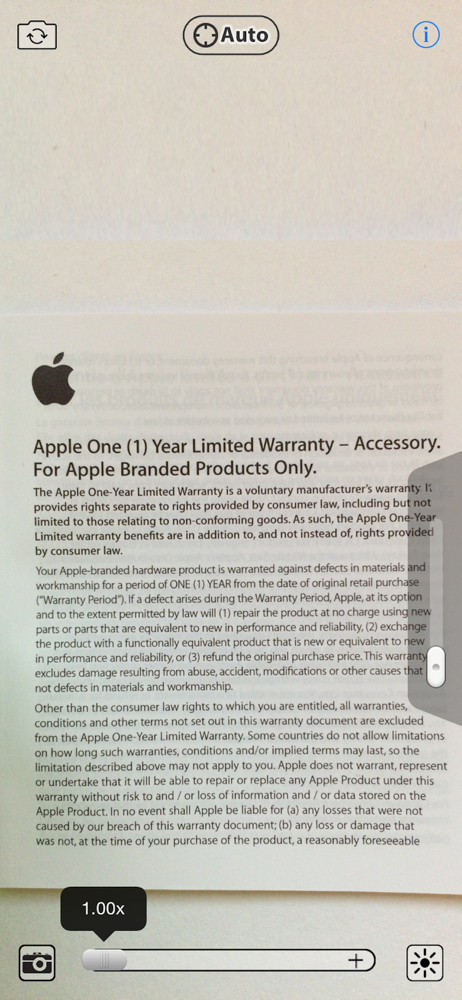
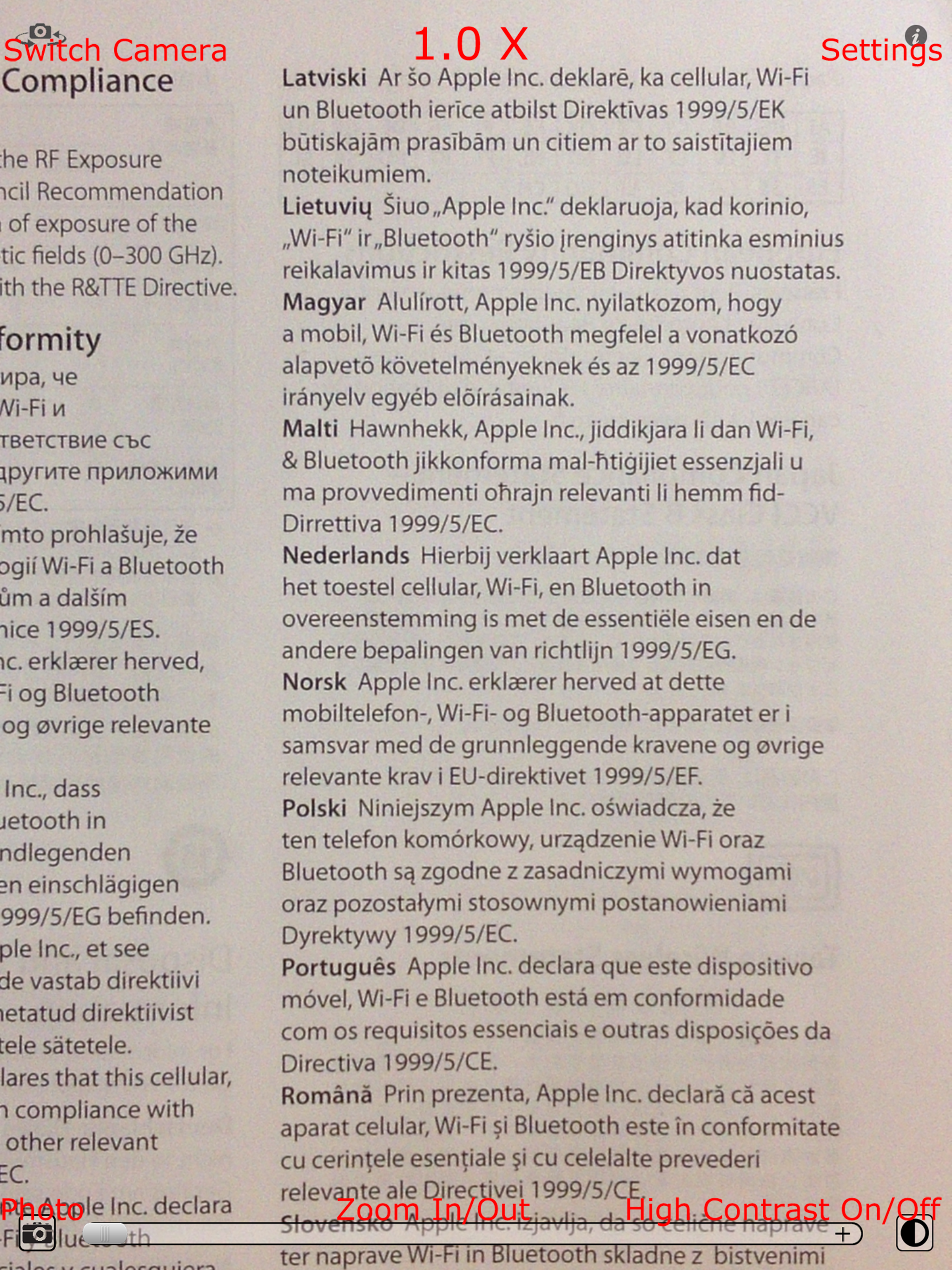
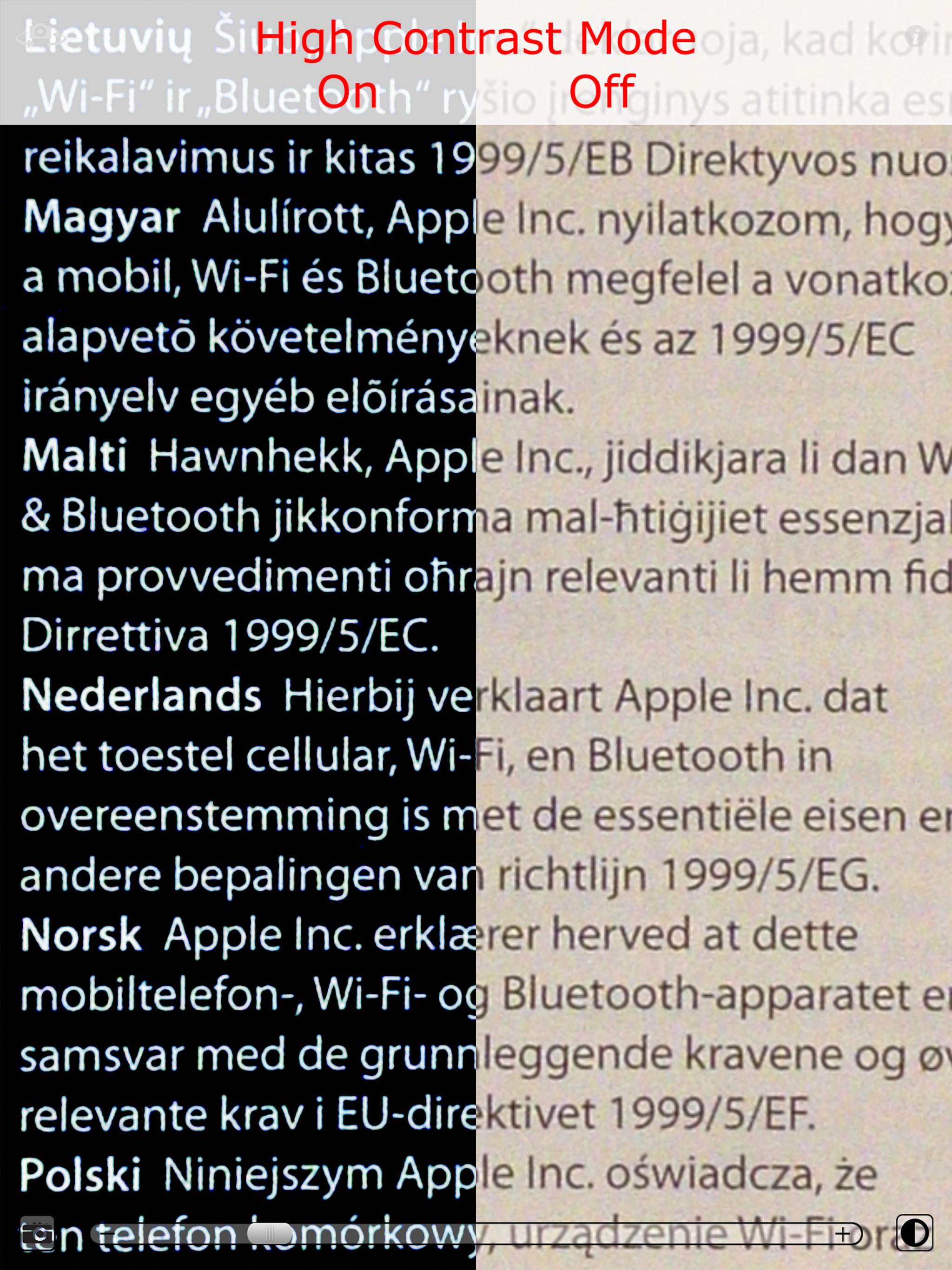
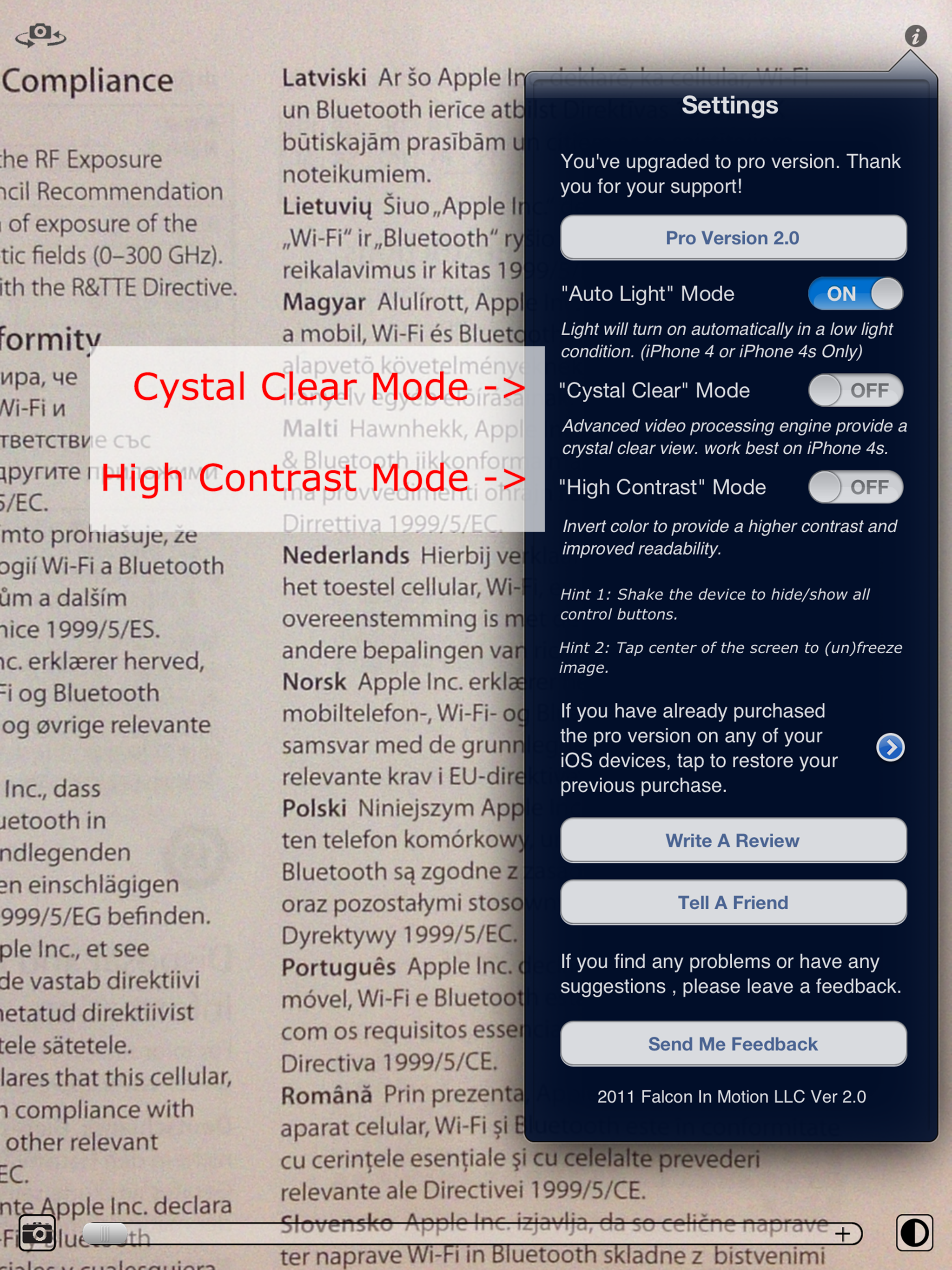
Read the store headline, screenshots and description. What problem is the app promising to solve?
Study the storefront ↗
Falcon In Motion LLC · iOS
Explore the ad evidence, study the storefront, and build your next acquisition hypothesis.
01 / Creative research
Read the store headline, screenshots and description. What problem is the app promising to solve?
Study the storefront ↗Explore apps with direct store-link matches. Compare their hooks and formats without assuming the same approach works here.
Browse observed advertisers ↗Store rankings and revenue estimates describe market context. They do not establish ad spend, conversions or ROAS.
Review the market context ↗02 / Storefront & product
Study the product story and store experience behind the acquisition funnel.




03 / Market context
Keep revenue, downloads and store rankings separate from advertising performance.
I purchased the pro version of this many years ago and after I upgraded to iPhone 15, the zoom stopped working. I can no longer get clear details on super close up like before When I checked today for an update, I saw an exact app except it’s Magnifying instead of Mag on the title. The settings and details of the app are exactly the same except for the version (3.8.5 vs pro 3.5). The developers are the same (falconinmotion). I’m not able to restore my purchase and send feedback link on the pro version doesn’t work. Can someone please let me know how I can restore my purchase for this new version which actually solved the close up issue on iPhone 15. Thanks!
This is a fabulous app for looking at minuscule details of something & for photographing them too. Only problem - when google ads appear at the bottom of the screen, they disallow your from being able to press/click the photo button. And forget alternatives, they don’t work either: (1) the frame doesn’t rotate to reposition to get away from the ad to make the button visible again either; (2) you can’t press the left side click button to photograph it either. So instead, you have to wait an interminable length of time - until whenever, for however long, for the ad to disappear, because there’s no “X” or “close” button to delete the ad from the screen. Very frustrating, especially when you’re right in the middle of doing something.
With this you can find things that are really hard to find. I’ve looked for vape pods, spiders, my cat hiding, any accumulated debris. In crevices that are the hardest to reach. So helpful. I recommend using with lights out or at night, using only the phone torch in the app. The brightness maximum is much brighter than iOS stock maximum. When you’ve spotted something and zoomed in on it, you tap the screen to freeze frame. Then you can get a better look for your search, screenshot, and whatever. The freeware is really clever, and the paid features look cool too. Definitely impressed with this one, there’s no competing apps yet important.
"Why we like it: It’s incredibly handy! There will always be a time where the menu writing is too small or the room is just too dark – this magnifying...
| Name | Price | Type |
|---|---|---|
| Upgrade to Pro version | $1.99 | One-time |