
Check the acquisition promise
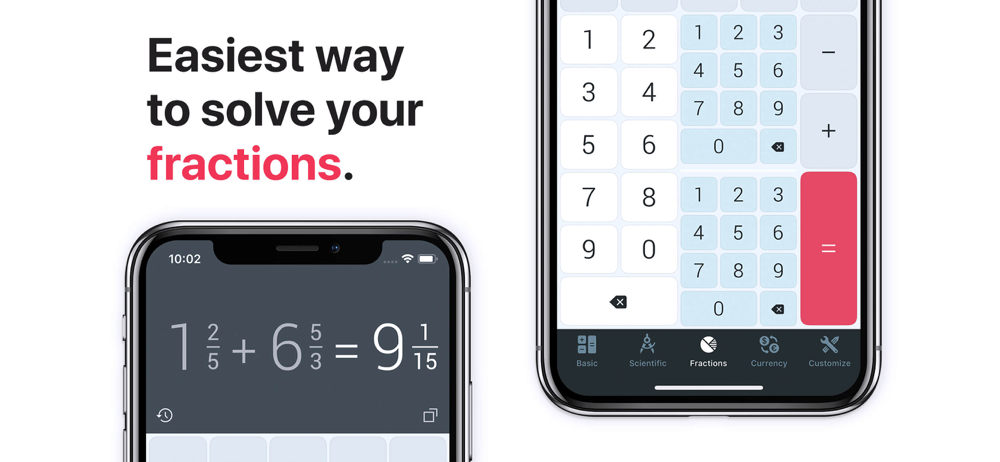
Read the store headline, screenshots and description. What problem is the app promising to solve?
Study the storefront ↗
Impala Studios · iOS
Explore the ad evidence, study the storefront, and build your next acquisition hypothesis.
01 / Creative research
Read the store headline, screenshots and description. What problem is the app promising to solve?
Study the storefront ↗Explore apps with direct store-link matches. Compare their hooks and formats without assuming the same approach works here.
Browse observed advertisers ↗Store rankings and revenue estimates describe market context. They do not establish ad spend, conversions or ROAS.
Review the market context ↗02 / Storefront & product
Study the product story and store experience behind the acquisition funnel.




03 / Market context
Keep revenue, downloads and store rankings separate from advertising performance.
This calculator is the best replacement for Apple stock calculator I mean this calculator has it all it looks great works Great all the features that this calculator have it has currency I mean I can go all day about it it has to much for me and that’s why it is the best calculator on the App Store right now so please download it support him get ad free version you will enjoy it even more
I have been using the paid version of this app since 2012. I loved it when they added a new feature with currency conversion about 2 years ago .Today my app auto updates and suddenly the currency conversion feature is a subscription. My pro version had scientific, basic and currency conversion all included. Now I have to pay a fee for the same feature I have been using all along.
I upgraded to the ad free version of this app. It looks great, and I would love it, except that there is a serious recurring problem I’m having due to the app’s design clashing with the new gesture based interface Apple introduced with the iPhone X. Very often, when I attempt to exit the app by swiping up on the bottom of the screen to return to the home screen, it results in an inadvertent press of either the decimal point or the “+\-“ button on the calculator. This is very annoying. I like the full screen design of the app, which takes advantage of the iPhone X’s screen nicely, and I believe all that needs to be done is an adjustment to make inadvertent key presses less likely when a user swipes up from the bottom of the screen. Please fix ASAP. I want to keep this app. Thank you.
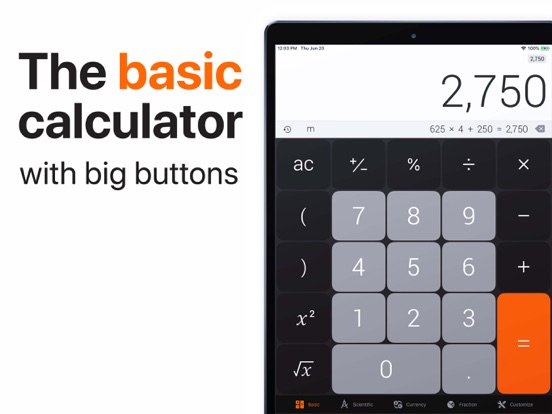
The Calculator gets your daily work done fast! Simply use it for every calculation. Even dictate equations with your voice or use scientific mode for...


