Check the acquisition promise
Read the store headline, screenshots and description. What problem is the app promising to solve?
Study the storefront ↗
Voxeloid Kft. · iOS
Explore the ad evidence, study the storefront, and build your next acquisition hypothesis.
01 / Creative research
Read the store headline, screenshots and description. What problem is the app promising to solve?
Study the storefront ↗Explore apps with direct store-link matches. Compare their hooks and formats without assuming the same approach works here.
Browse observed advertisers ↗Store rankings and revenue estimates describe market context. They do not establish ad spend, conversions or ROAS.
Review the market context ↗02 / Storefront & product
Study the product story and store experience behind the acquisition funnel.

03 / Market context
Keep revenue, downloads and store rankings separate from advertising performance.
LOVE this app! Works reliably, and is super convenient for archiving photos from my phone to my computer. It’s even worked well on larger video files (takes much more time depending on your wife speed, and both phone and computer have to be on the same Wi-Fi network for it to work). This app’s been around for a number of years now and is a KEEPER. Highly recommended. Absolutely perfect for its intended application.
I was happy to find this app because I’m trying to clean photos and videos off my phone but didn’t want to lose the original date and time or location on those photos and videos. Unfortunately, I had already moved and permanently deleted quite a few videos before I discovered that I was not getting date and time information on the videos. I don’t know, now, when my videos were actually recorded. Works great on photos, but I don’t think you get location. You get no metadata, on videos.
This works great for pulling original photos from my IPhone SE 2020 with a few limitations. Batch extract is limited to 200 photos so need to work in multiple batches for large libraries. Photos extract in true ORIGINAL format which is HEIC. If using Windows or more critically Adobe Lightroom on Windows you will need to convert those files to jpg. I used iMazing HEIC converter for an efficient batch conversion (all metadata maintained). If transferring by USB cable to PC the photos convert to jpg on import (iTunes?).
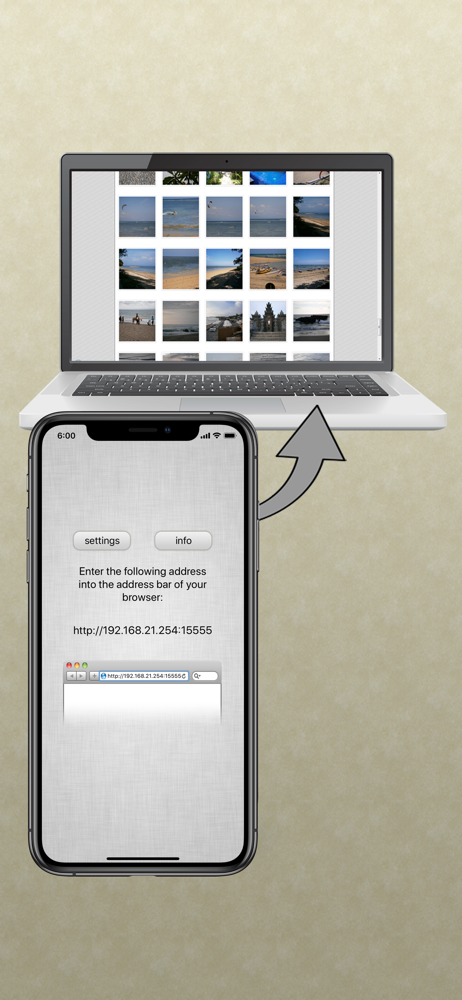
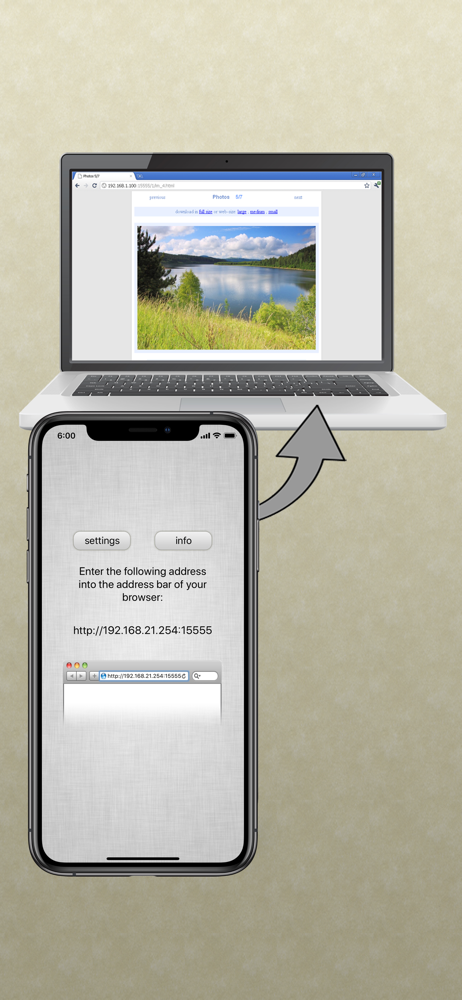
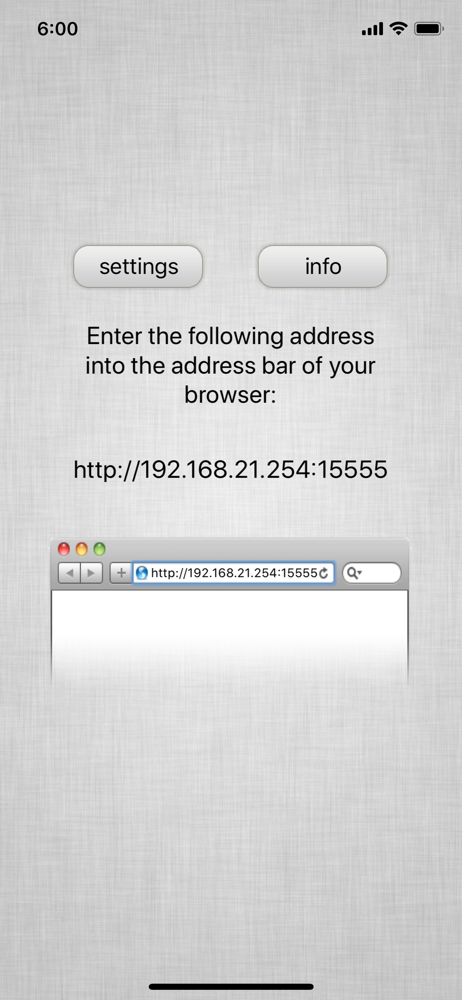
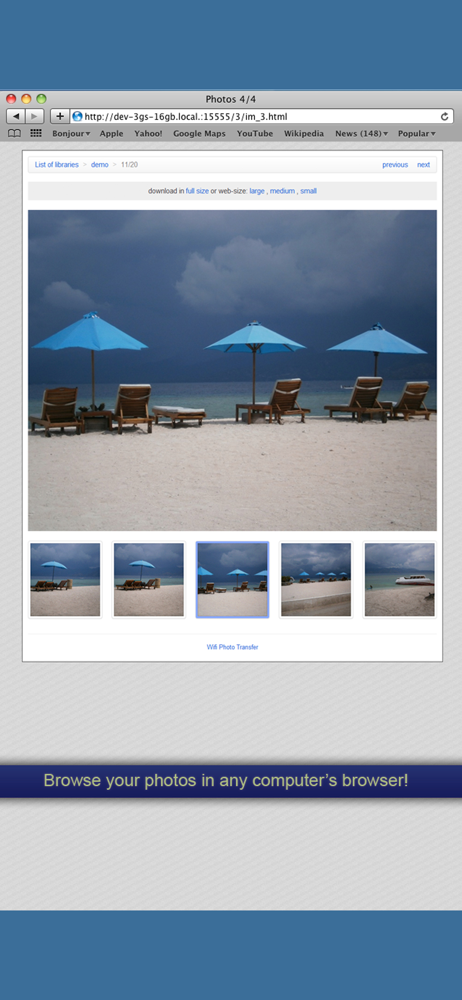
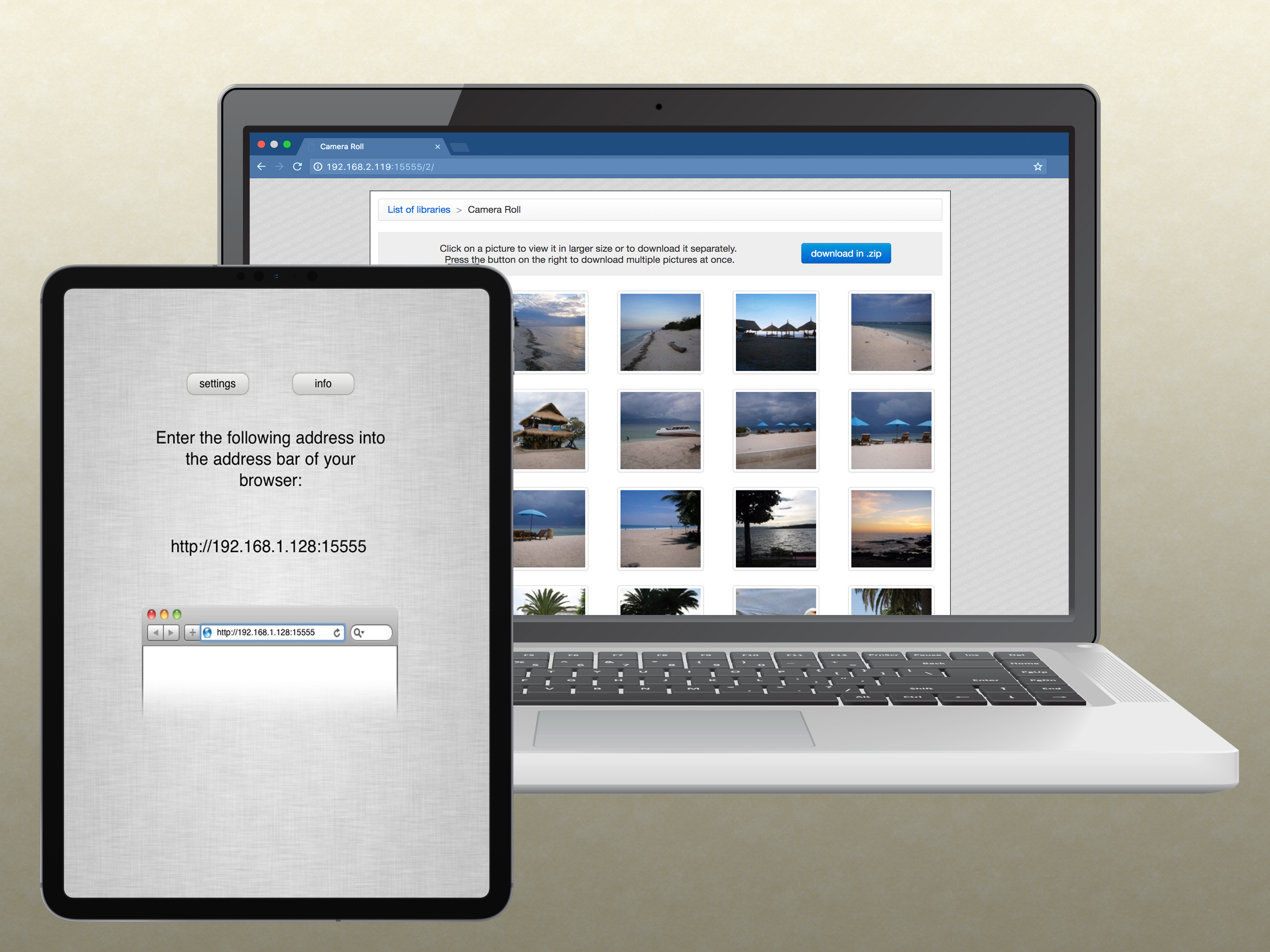
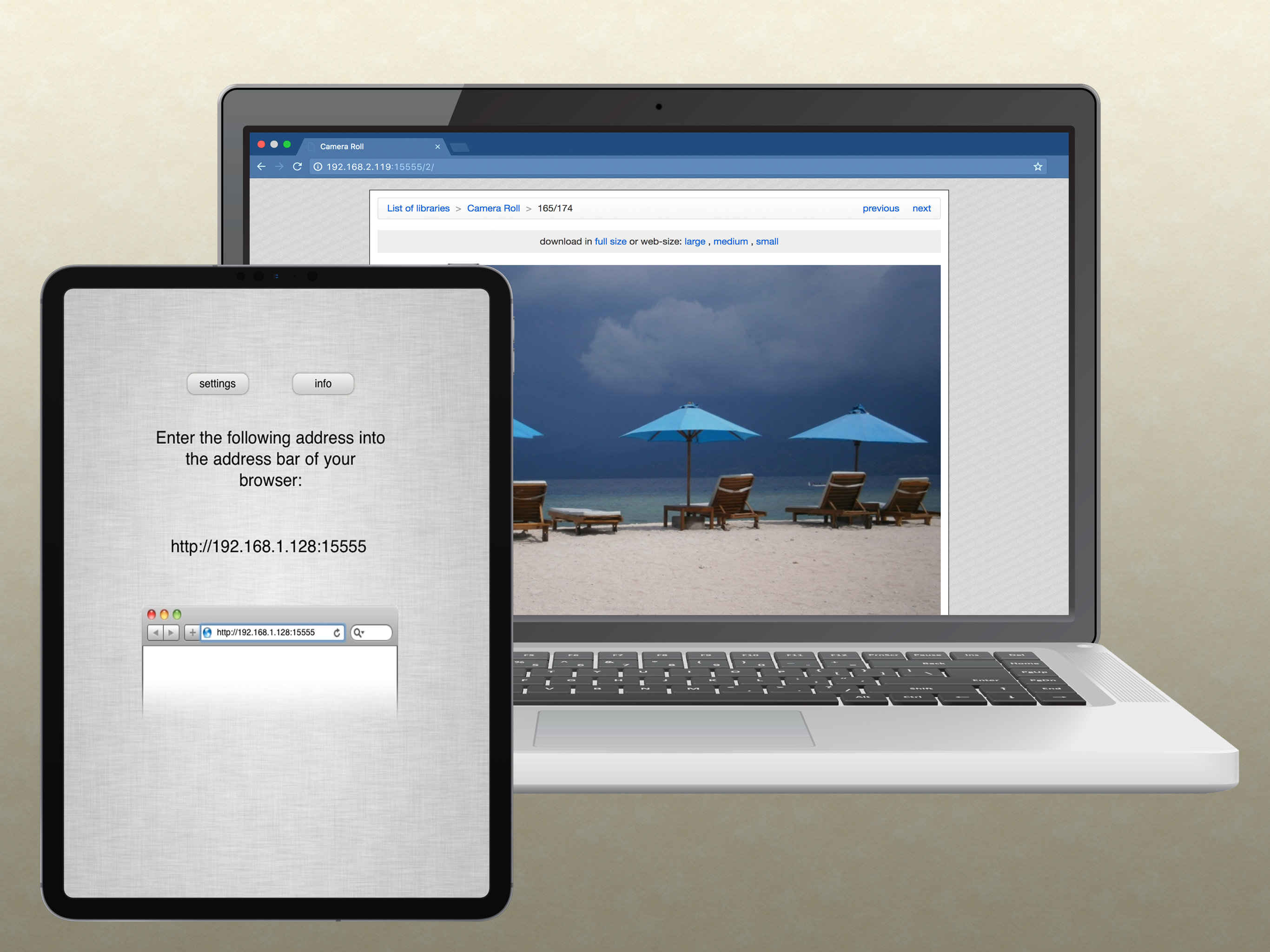
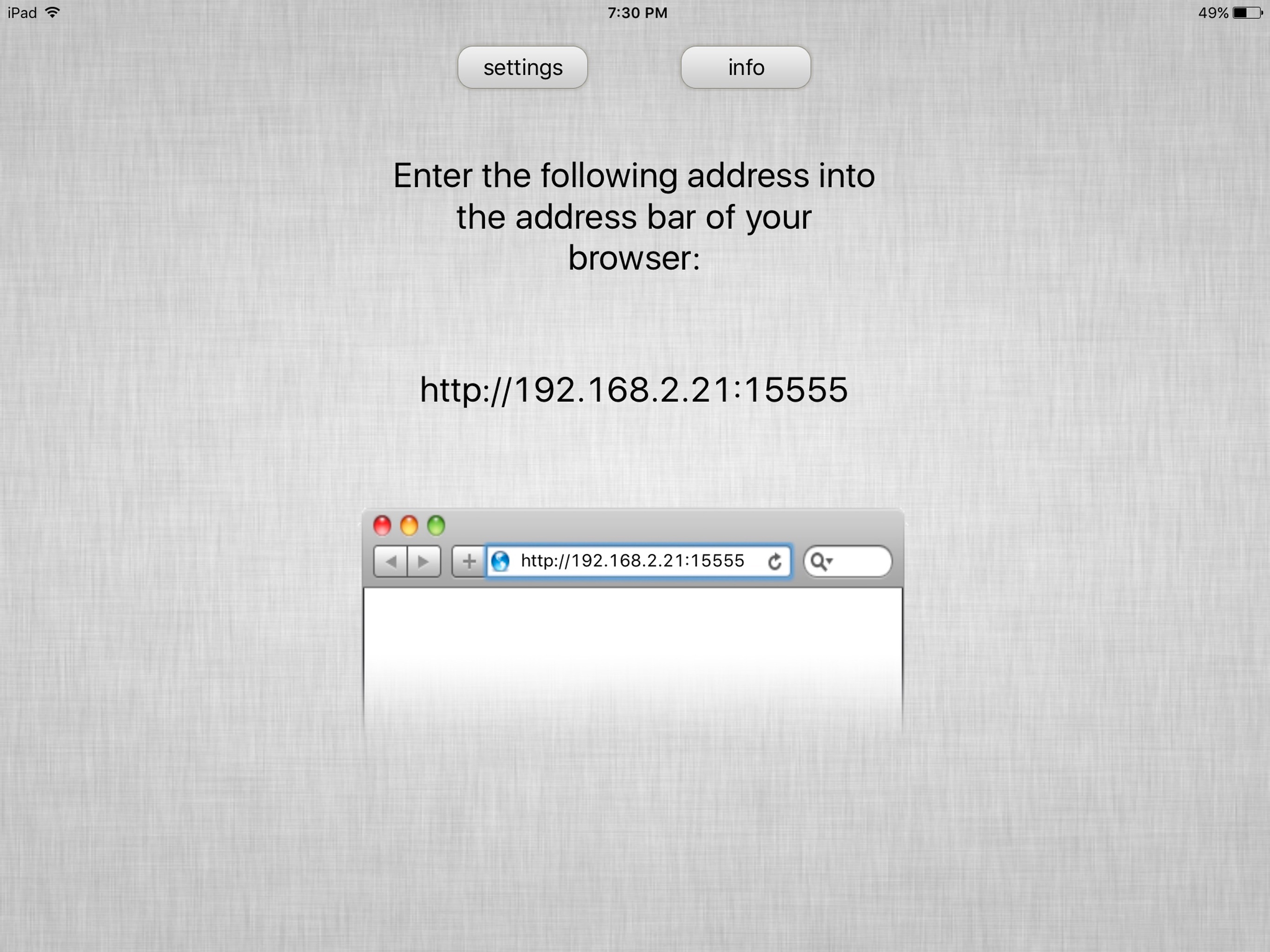
Easily access your photo libraries via wifi from any computer with a web browser! Just start the app and enter the displayed address into the addres...