Check the acquisition promise
Read the store headline, screenshots and description. What problem is the app promising to solve?
Study the storefront ↗
Nir Alperovitch · iOS
Explore the ad evidence, study the storefront, and build your next acquisition hypothesis.
01 / Creative research
Read the store headline, screenshots and description. What problem is the app promising to solve?
Study the storefront ↗Explore apps with direct store-link matches. Compare their hooks and formats without assuming the same approach works here.
Browse observed advertisers ↗Store rankings and revenue estimates describe market context. They do not establish ad spend, conversions or ROAS.
Review the market context ↗02 / Storefront & product
Study the product story and store experience behind the acquisition funnel.

03 / Market context
Keep revenue, downloads and store rankings separate from advertising performance.
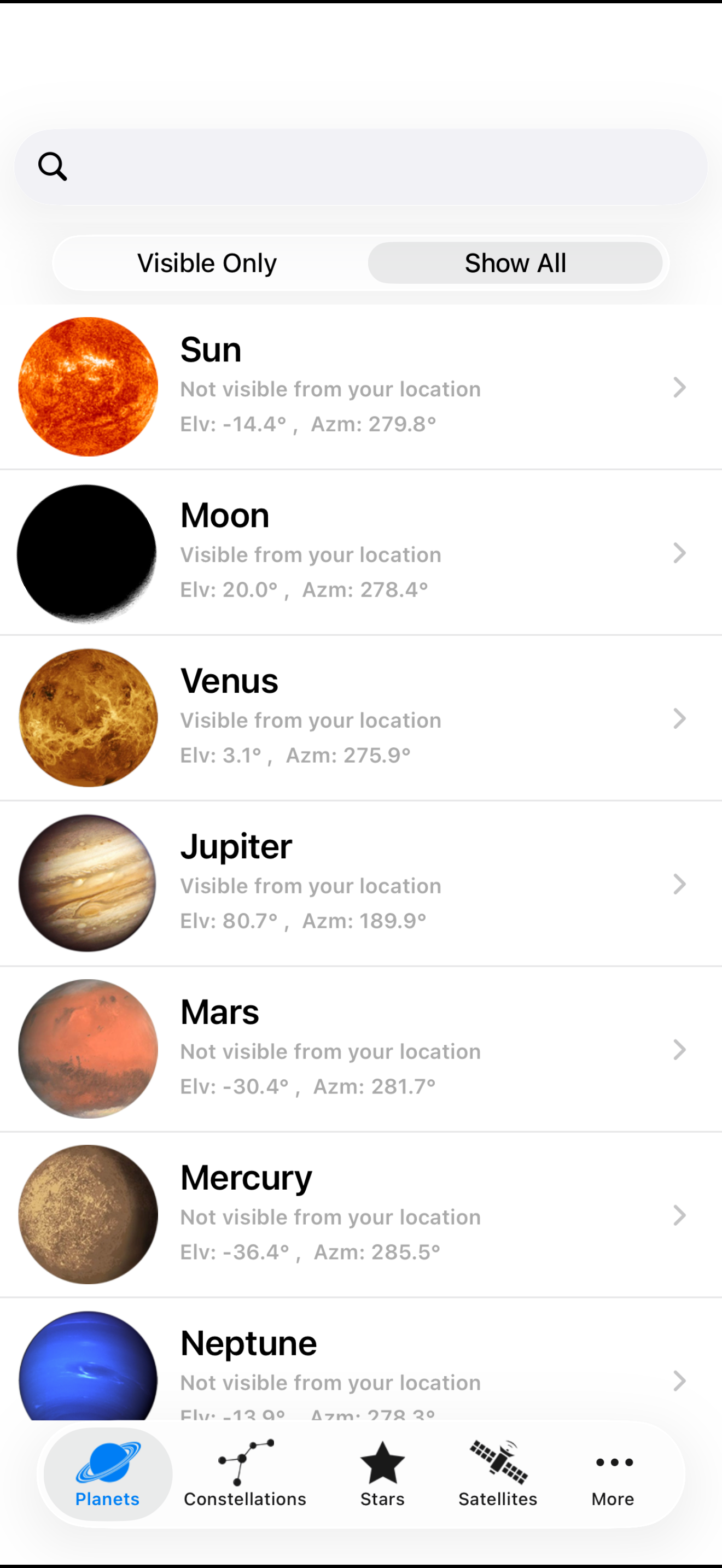
I love this app more than anything. It is the best that I’ve discovered out of all the others when it comes to planet finding and it’s the most accurate and less complicated than others. but recently there’s been a bug I can’t even click on planets in the visible or not visible to know where they even are at. It crashes every single time the second I tap on any planet. Please fix this. This was my favorite.
I am 100% void of conventional sight but, for the past few years I have been thrilled that with Apple's VoiceOver feature on my iPhones and this remarkable Planet Finder application, I can always point exactly to where the heavenly bodies in our amazing solar-system are located! Everyone I show off using this great Planet Finder to are constantly amazed that a blind person can always show & tell sighted people where the moon is in the night sky. I love having every feature unlocked and Planet Finder is worth far more than I paid to utilize its comprehensive up to the seconds knowledge... Thank you! 🌞🌝☄️🌟
Good app. They are deffo onto something but this needs improvements still. I.E. outline of constellations, back button, gui update . . Otherwise great! Had this app since my iPhone 3GS, now use a 6 Plus. And you CAN in fact restore purchases. All you have to do is try and purchase the add on again and you will receive a message stating you already bought it and press "ok" to download again for free.
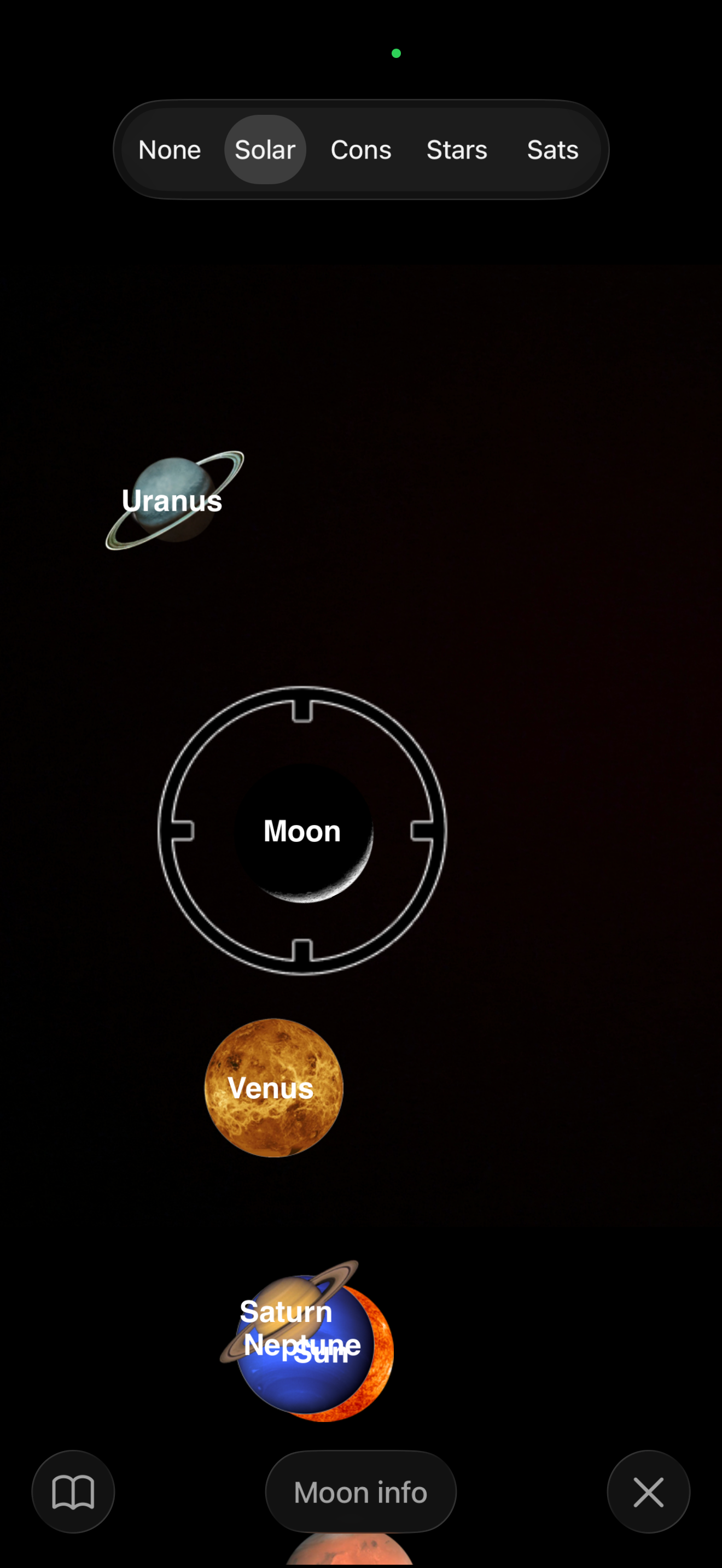
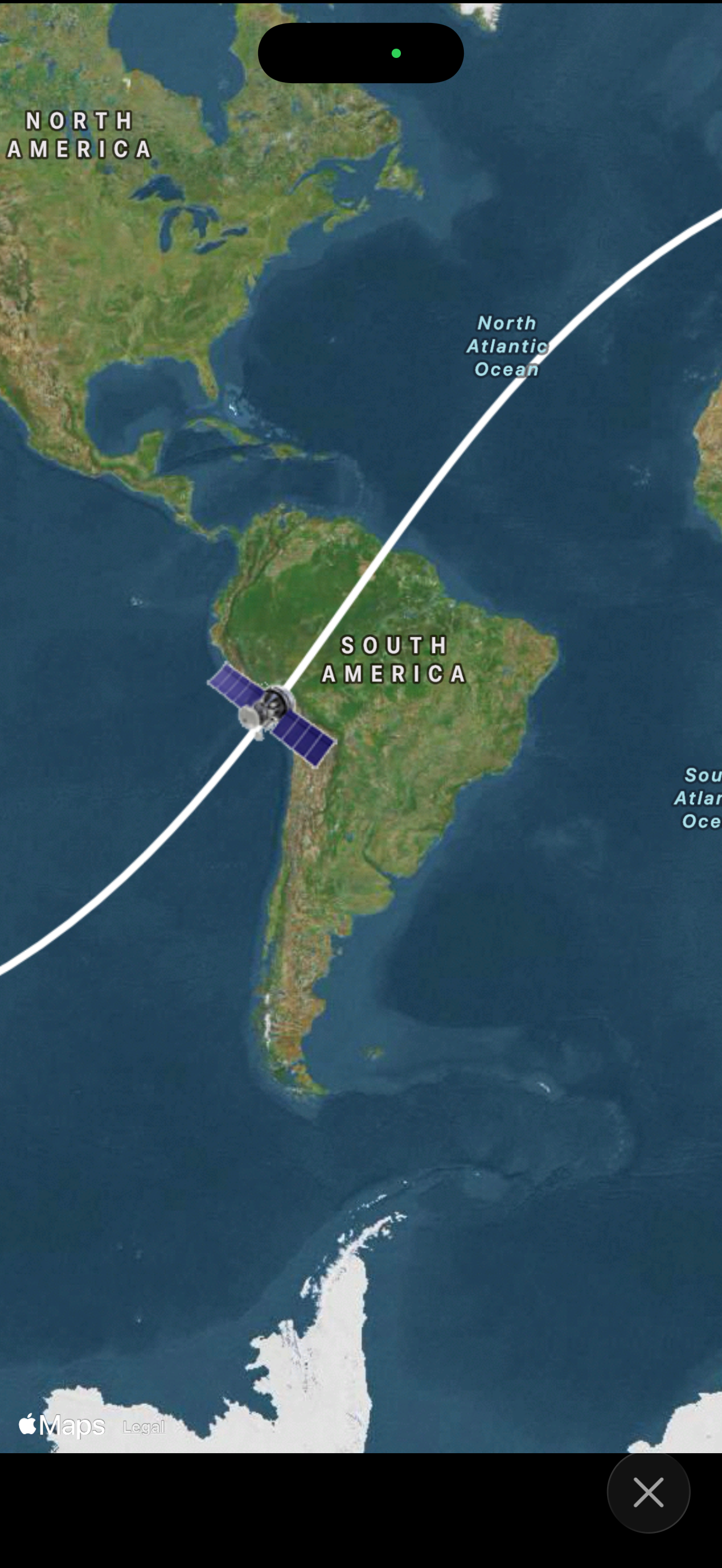
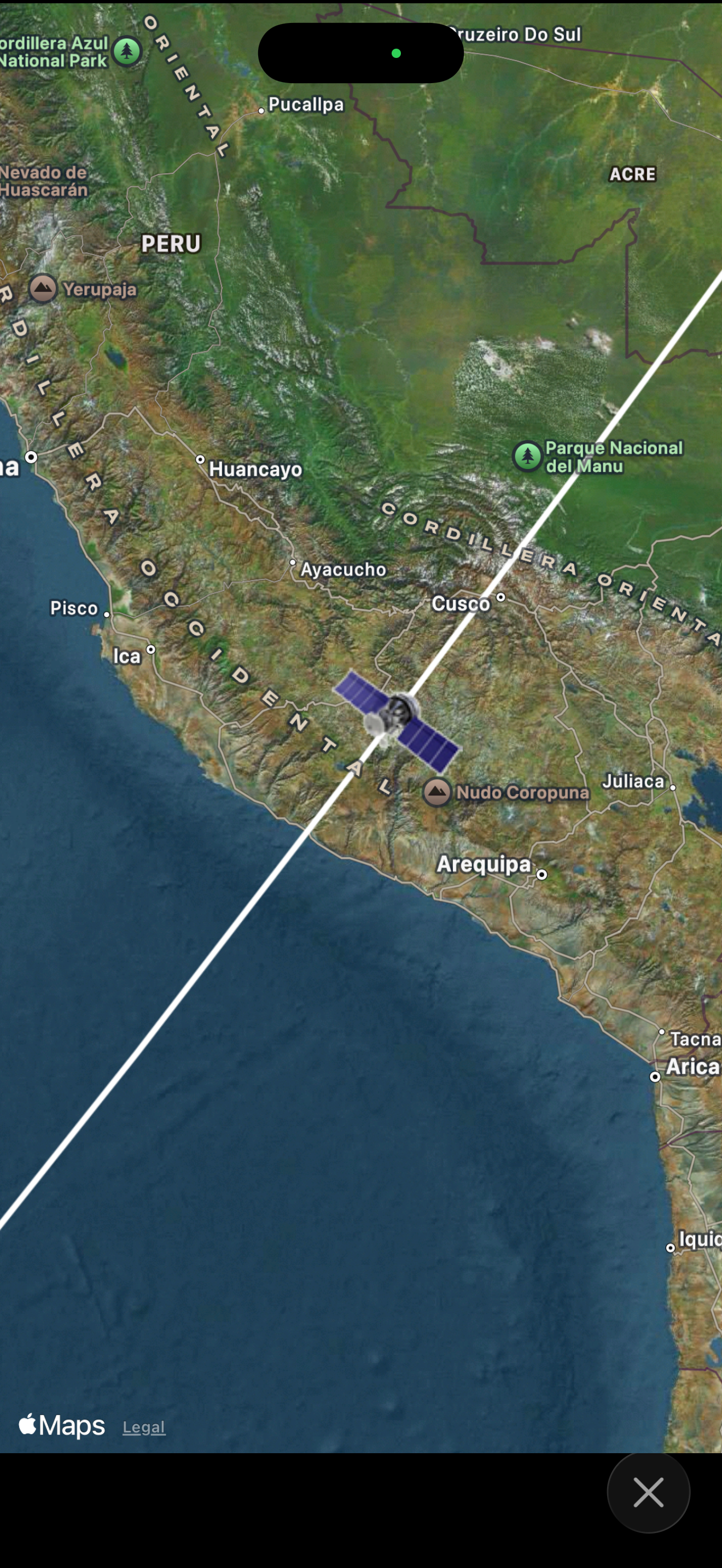
Star & Planet Finder guides you to see stars, planets, constellations and satellites in the sky. Simply choose a planet from the list, and move your...
| Name | Price | Type |
|---|---|---|
| The 300 Brightest Stars | $0.99 | One-time |
| All 88 Constellations | $0.99 | One-time |
| The 150 Brightest Satellites | $0.99 | One-time |