Check the acquisition promise
Read the store headline, screenshots and description. What problem is the app promising to solve?
Study the storefront ↗
Infinity Softworks · iOS
Explore the ad evidence, study the storefront, and build your next acquisition hypothesis.
01 / Creative research
Read the store headline, screenshots and description. What problem is the app promising to solve?
Study the storefront ↗Explore apps with direct store-link matches. Compare their hooks and formats without assuming the same approach works here.
Browse observed advertisers ↗Store rankings and revenue estimates describe market context. They do not establish ad spend, conversions or ROAS.
Review the market context ↗02 / Storefront & product
Study the product story and store experience behind the acquisition funnel.

03 / Market context
Keep revenue, downloads and store rankings separate from advertising performance.
I work in finance and rely on powerOne every single day. Getting the pro version is well worth the small investment since you can download templates others have created. I am just starting to build my own and already can see how useful it will be. Building your own templates looks and is initially confusing. If you want to build your own templates I highly recommend downloading the simple overview (~15 pgs) and the detailed manual (~200+ pgs) from the developers website. The value that powerOne has provided to me, academically and professionally, is WAY, WAY more than the small price for the pro version. I know the dev doesn’t make much, if any, $$ off powerOne which makes me appreciate what they do even more. No matter your profession or major powerOne can and will help you in life. I do most of my calculations in Excel templates that I’ve set up, but when I’m away from my computer or iPad Pro Excel is very difficult to use on my phone. That’s where powerOne comes in. I also use it if I don’t already have an Excel template set up and don’t have time to set one up. I just have to search the library for the calculation I’m working on and can have an answer within a few minutes or less. This is especially when I am visiting with a client and need to solve complex calculations on the fly. For the devs of powerOne, keep doing what you’re doing. You’re awesome.
I generally like this calculator, and use it frequently for "time value of money" calculations. However there are a couple of problems. First, it does not support multitasking on the iPad (I use the iPad Mini 4), which to me is critical for any calculator. I need to use it with other apps that are generating numbers. Second, the calculator itself has a few odd quirks. For. Example: the +- function does exactly the same thing as the - operator; it puts a - sign at the location the cursor rather than changing the sign of the last input number as normal calculators do. Neither functional nor useful. Similarly the square and square root function don't operate on the last input number like a normal calculator although the xth power of y works that way. I still haven't figured out how to get the xth root of y to work in any way. No matter how I input it returns a "syntax error" alert. I haven't tested other advanced functions to see if they work normally. If multitasking was added and fixes for calculator functions were made, I could give this 5 stars.
At the risk of sounding like a broken record, everything you've read about this app is true. I too have been using it's older siblings for more years than I can remember and cannot imagine a better financial/business/general purpose calculation application, but the developers continue to surprise! Each new release adds more and more functionality and finesse to make it easy and enjoyable to use. Really needs to have Bluetooth keyboard support for iPad version.
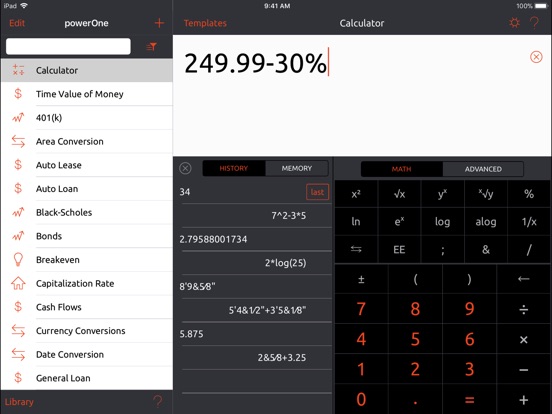
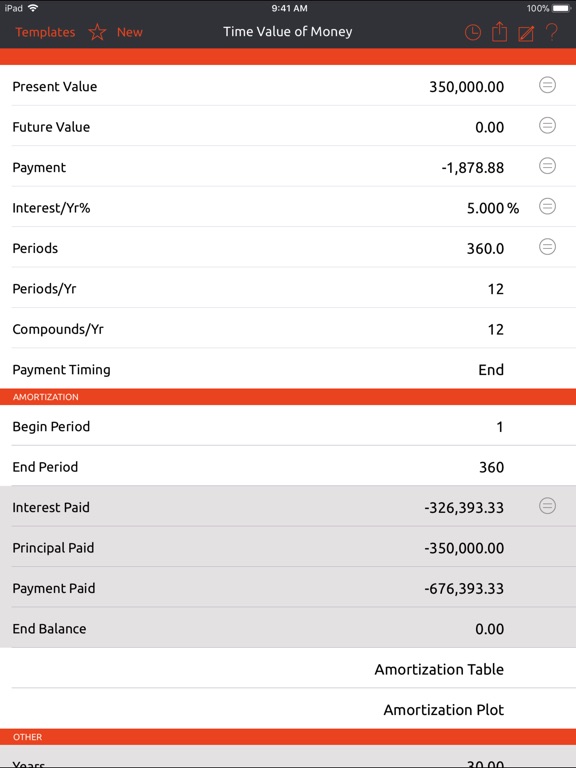
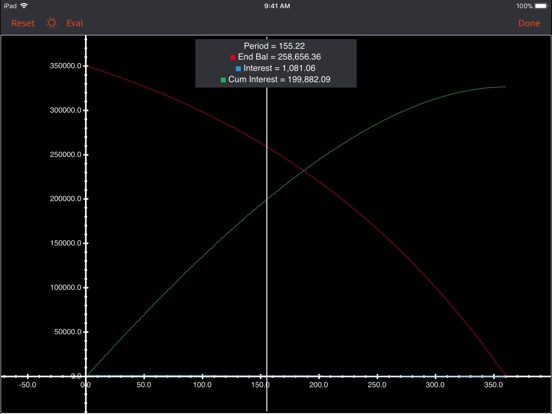
Powerful financial, business and real estate calculator includes algebraic, RPN input and over 400 free calculations. Create your own, keep a history...