Check the acquisition promise
Read the store headline, screenshots and description. What problem is the app promising to solve?
Study the storefront ↗
Doormouse Mfg. · iOS
Explore the ad evidence, study the storefront, and build your next acquisition hypothesis.
01 / Creative research
Read the store headline, screenshots and description. What problem is the app promising to solve?
Study the storefront ↗Explore apps with direct store-link matches. Compare their hooks and formats without assuming the same approach works here.
Browse observed advertisers ↗Store rankings and revenue estimates describe market context. They do not establish ad spend, conversions or ROAS.
Review the market context ↗02 / Storefront & product
Study the product story and store experience behind the acquisition funnel.
03 / Market context
Keep revenue, downloads and store rankings separate from advertising performance.
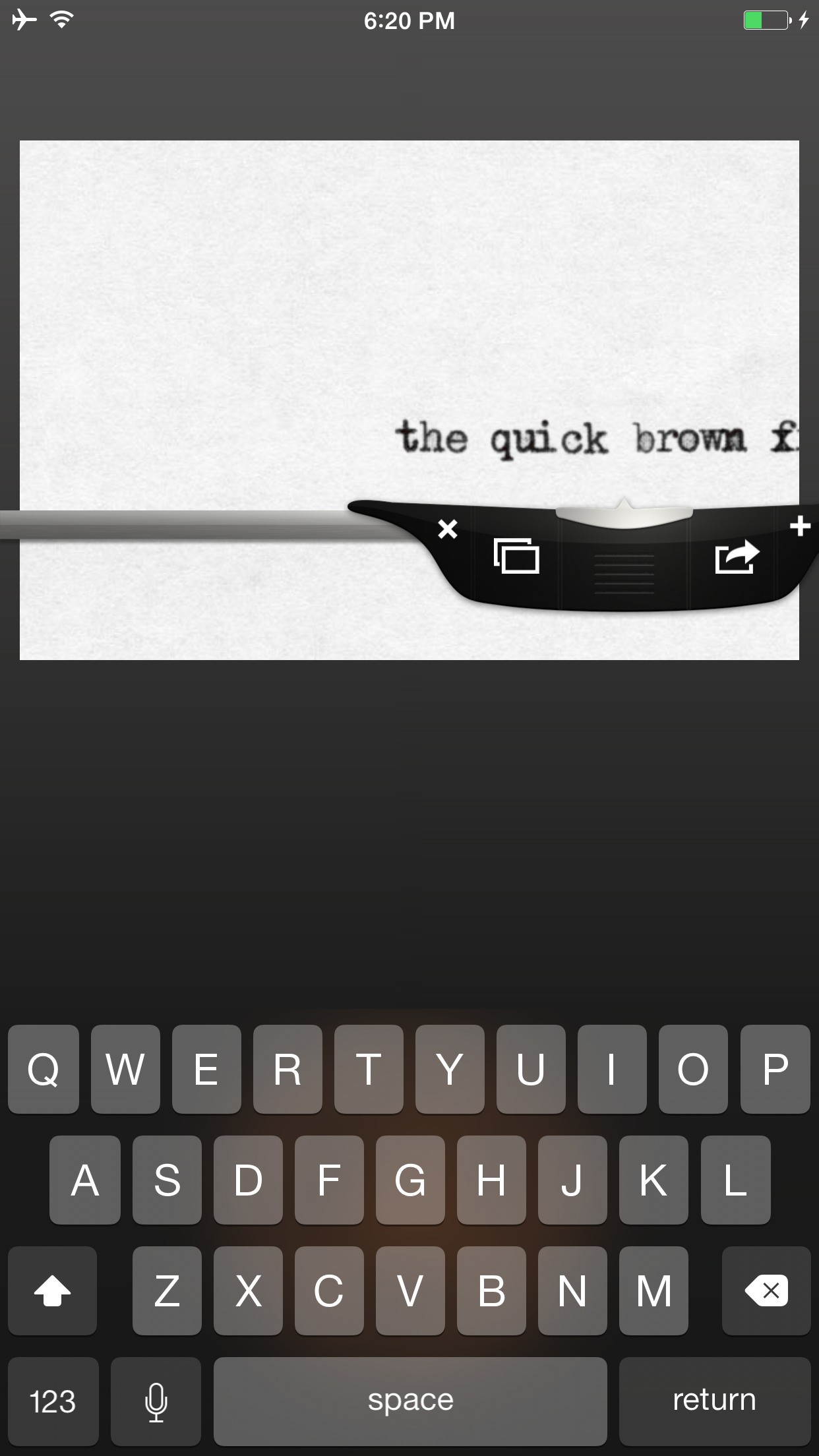
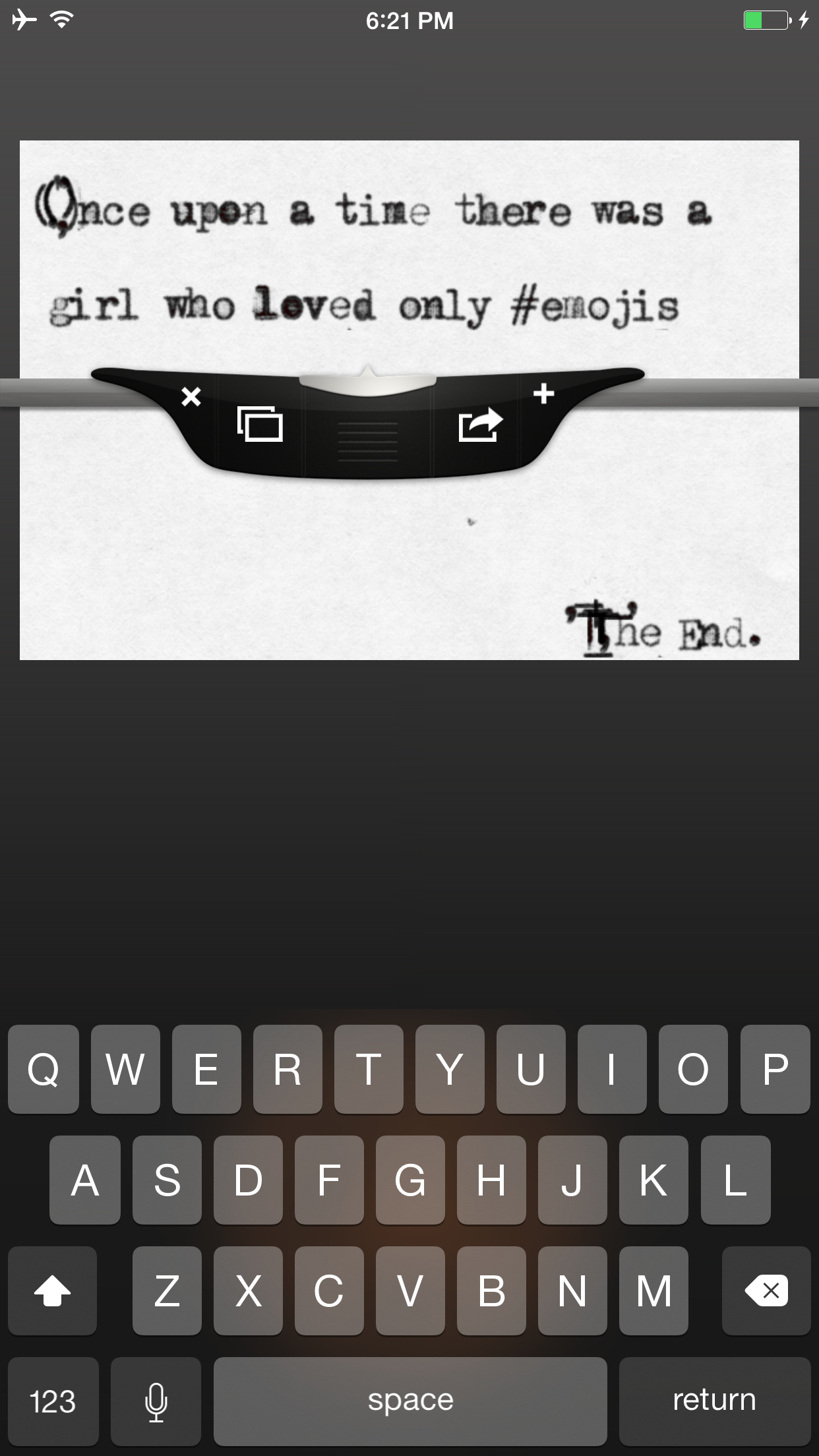
I was looking for a typewriter font for my applications. I thought was that this would download the fonts so I could use them on my ipad. That is not the case. I need to open this app and type in the very small window, using my keyboard. NOTE: This little window does not orient to Landscape mode (I use the ipad keyboard which only works in landscape mode). Also, after I’ve typed 3 words, and came to the edge of the little window, I must ensure I press the return key, otherwise it keeps typing and I cannot see or access anything beyond the little window. Again, my bad, I assumed that when it got to the edge of the space available, it would automatically go to the next line so I could continue to type. Once downloaded, there is no instructions for use. I had to tape all over the screen to open the app and then figure out how to use one font or another, none of which downloaded to my ipad, as I went to ‘Settings’, “General’, ‘Font’ and there was no font availalbe after using this app. All in all, for its VERY limited capability, I resent paying for it. Its not the money. Its that I thought I was purchasing something I needed and wanted, and ultimatly paid for something I just don’t need or want. The company should give the purchaser 24 hours to see if it works for them and refund monies if it doesn’t.
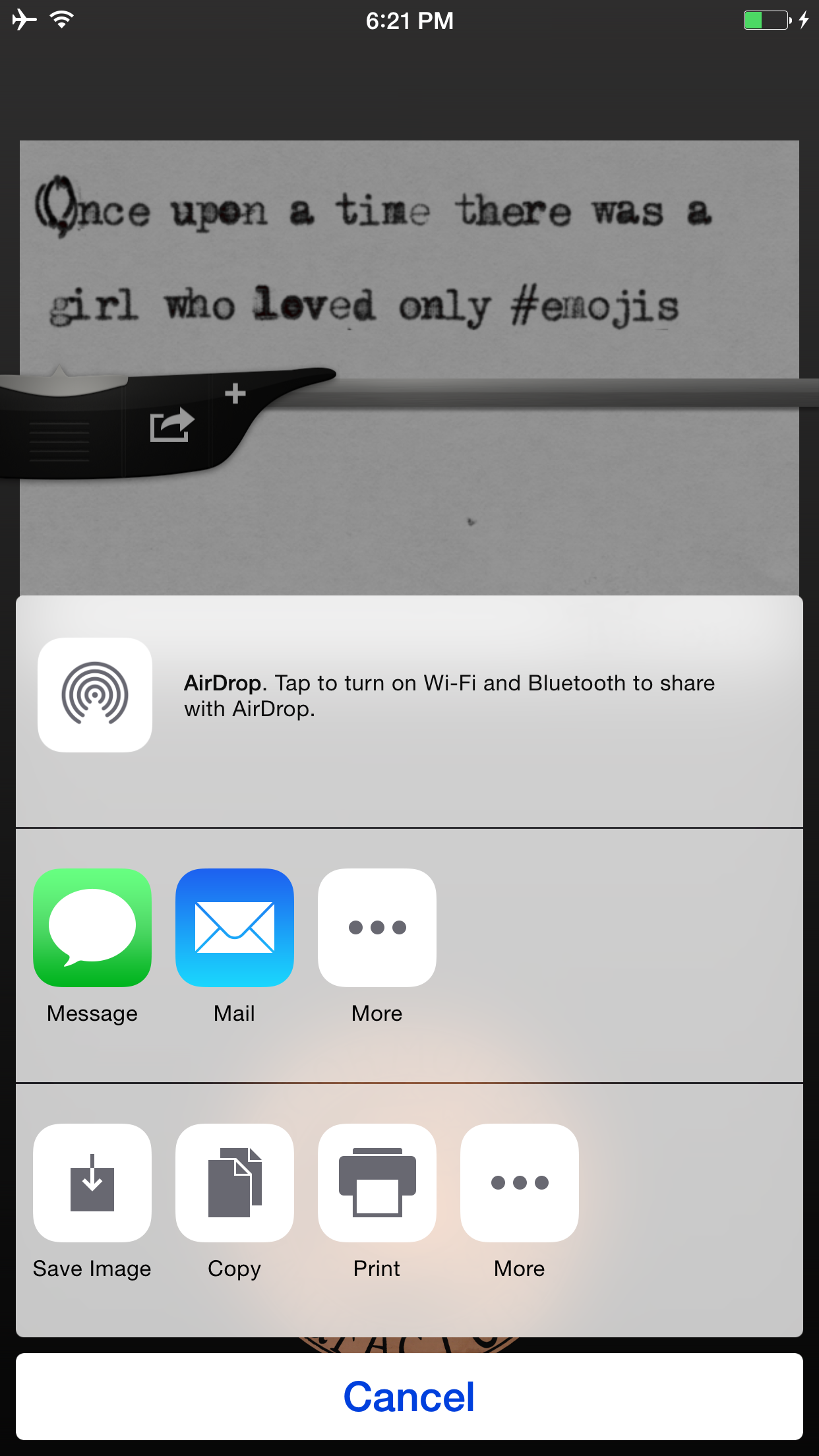
I have loved this since it first came out and love its authentic look. I type my observations, poetry, narratives, etc. and drop the beautiful little cards directly into my art. I just noticed the direct save to photos doesn’t.but there is a work around* and I still get the cards..yes you could add white out but the clogged letters and worn ribbons do not change at all. Before whiteout and those painful erasers we used: strike overs, X’s, and line throughs! *work around: instead of saving image just mail to yourself and save that image. Fixing the glitch would be nice since all these folks are not happy. I’d hate to see this app go away.
I definitely get the goal of this app--to create the classic typewriter experience. The thing is, even before the days of computers, there were ways to fix mistakes when typing. White-Out, correction tape, I even remember ink that could be erased with a pencil eraser. So, while this app succeeds in replicating the abstract experience of using an old typewriter, the reality was different from what we get from this app. In other words, a delete-character option would be a welcome addition. Hey, you could even do it in the form of a correction tape option or something similar. For now, it's just too frustrating to use. Great idea, though.
A pocket type-writer of finest manufacture, at an incredible (and limited) price! Until May the 20th, 2015, all Amazing Type-Writers will be sold at...