
Screenshots



How Much Does wikiHow Make?
Platform Performance
Rating Distribution
Top Countries
Reviews (3)▼
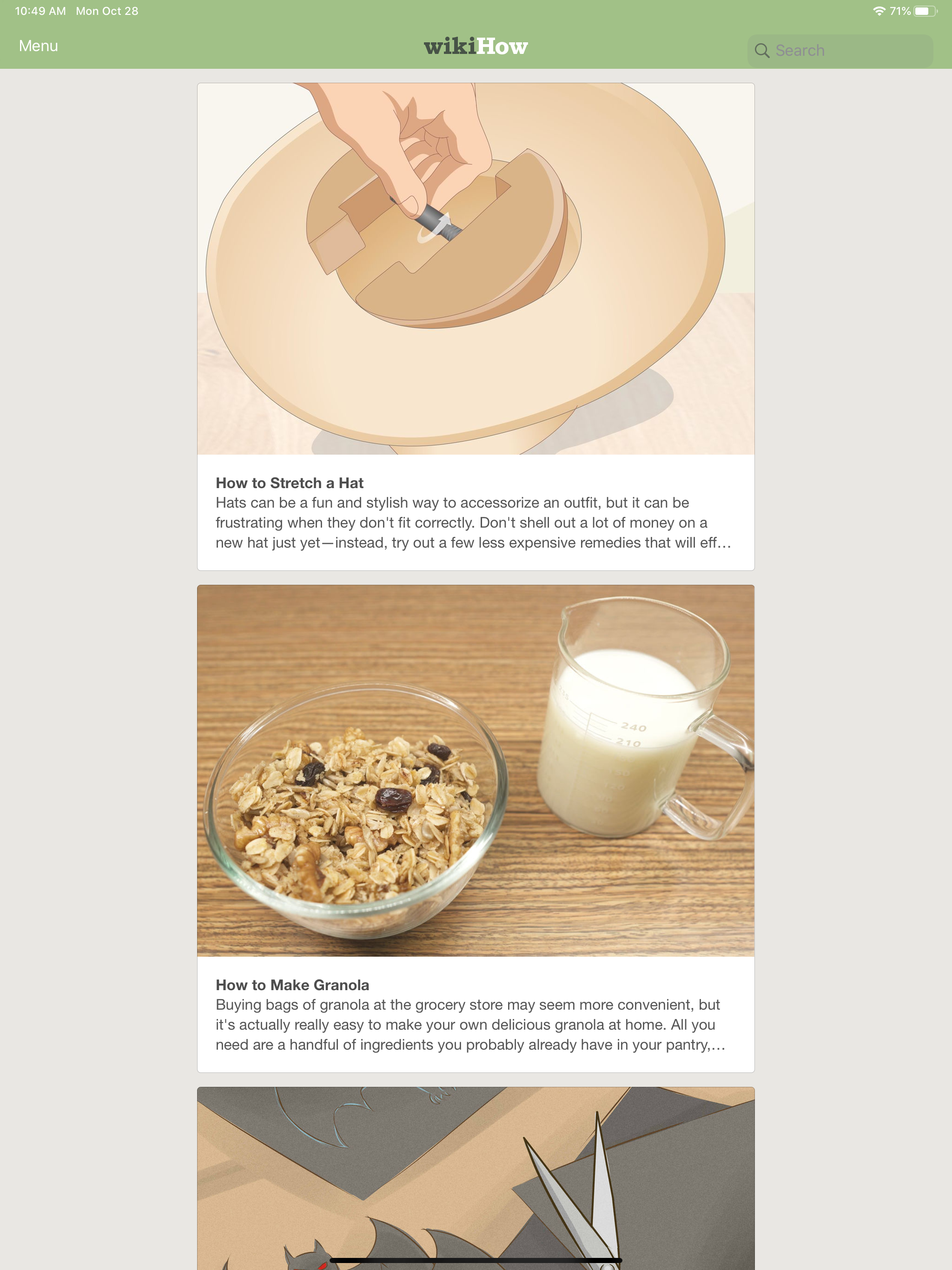
It’s a good program but it’s not at all friendly to the baby boomers generation. The text only covers about 2/3 of the screens. The rest is just totally useless white space. You can’t even get it to zoom in by pinching. As it is I’ve got to close one eye to even get started reading it. Plus most of the articles I’ve read are with a white background. If you’re already having reading difficulties then that’s only going to make it worse. How about some sort of options that make viewing the screens easier? Such as a zoom that sets the maximum font size based on the content. Just like Open Office has a optimal setting under the view tab? And why at the same time throw in a couple of dark modes? Almost everything on my system from the screen backgrounds to Wikipedia is using a dark mode. Not only is it much easier to see over time it can also help with your device saving a whole lot of battery drain.
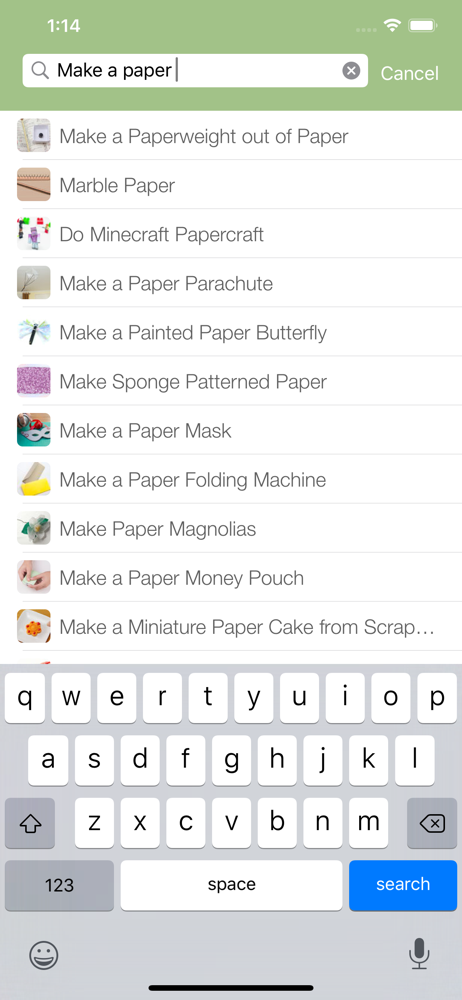
While I love this app so much and has been so useful for me, I haven’t been able to use it as of recently. I upgraded to the iPhone X from a SE a couple weeks ago and was looking on the app for a tutorial, but couldn’t type in anything because I couldn’t see the search bar. It upsets me, and I hope that this issue can be fixed soon, especially since the X was released nearly 2 years ago.
I always loved the website, and I never got the app. Once I got it I was amazed. I always had it to help me with whatever I needed. Though I have approached a problem recently. Whenever I type anything in the search bar, it says “The data could not be read because it’s in the incorrect format” even though nothing before said this. I have tried force killing it, restarting, deleting and reinstalling and even a new device. I need help with this issue and I don’t know how to fix it.
Version History (2)▼
Available In (115 Countries)▼
Supported Languages (1)▼
App Details▼
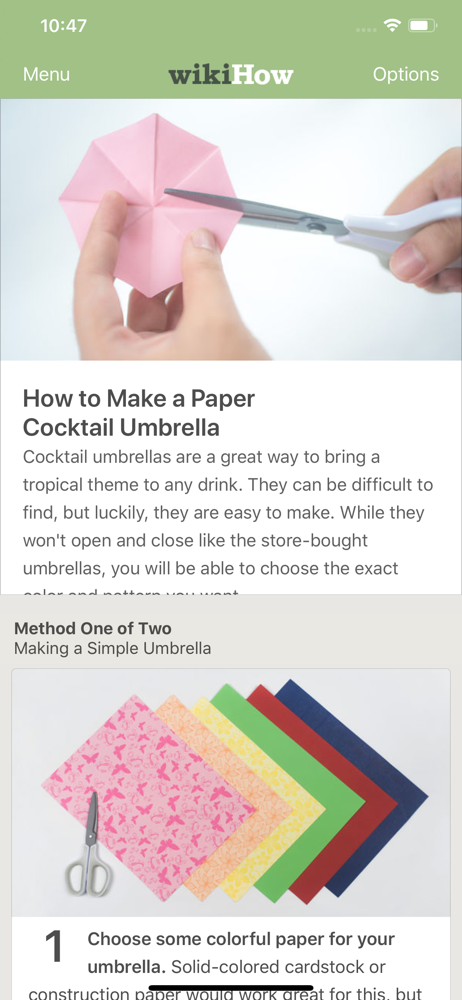
The wikiHow app gives you over 150,000 how-to guides right in the palm of your hand. Learn how to do anything from wikiHow, the world’s leading how-t...