Check the acquisition promise
Read the store headline, screenshots and description. What problem is the app promising to solve?
Study the storefront ↗
Renewed Vision LLC · iOS
Explore the ad evidence, study the storefront, and build your next acquisition hypothesis.
01 / Creative research
Read the store headline, screenshots and description. What problem is the app promising to solve?
Study the storefront ↗Explore apps with direct store-link matches. Compare their hooks and formats without assuming the same approach works here.
Browse observed advertisers ↗Store rankings and revenue estimates describe market context. They do not establish ad spend, conversions or ROAS.
Review the market context ↗02 / Storefront & product
Study the product story and store experience behind the acquisition funnel.
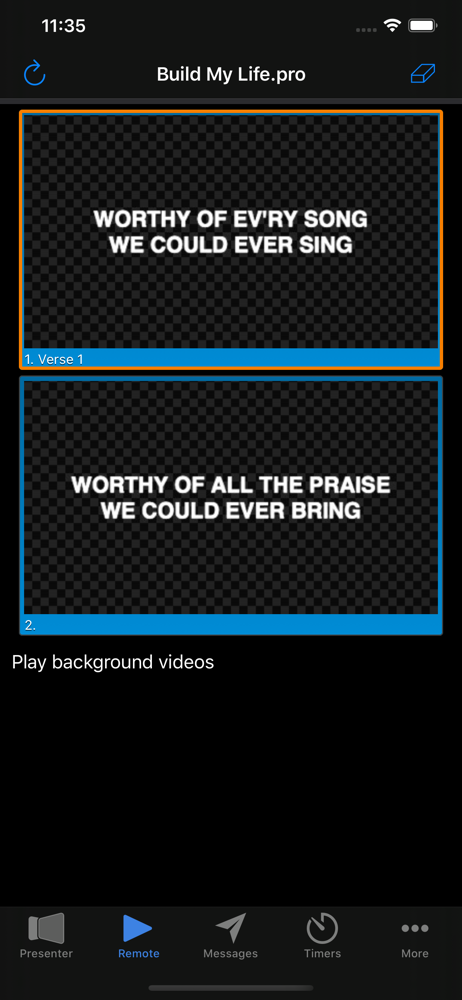

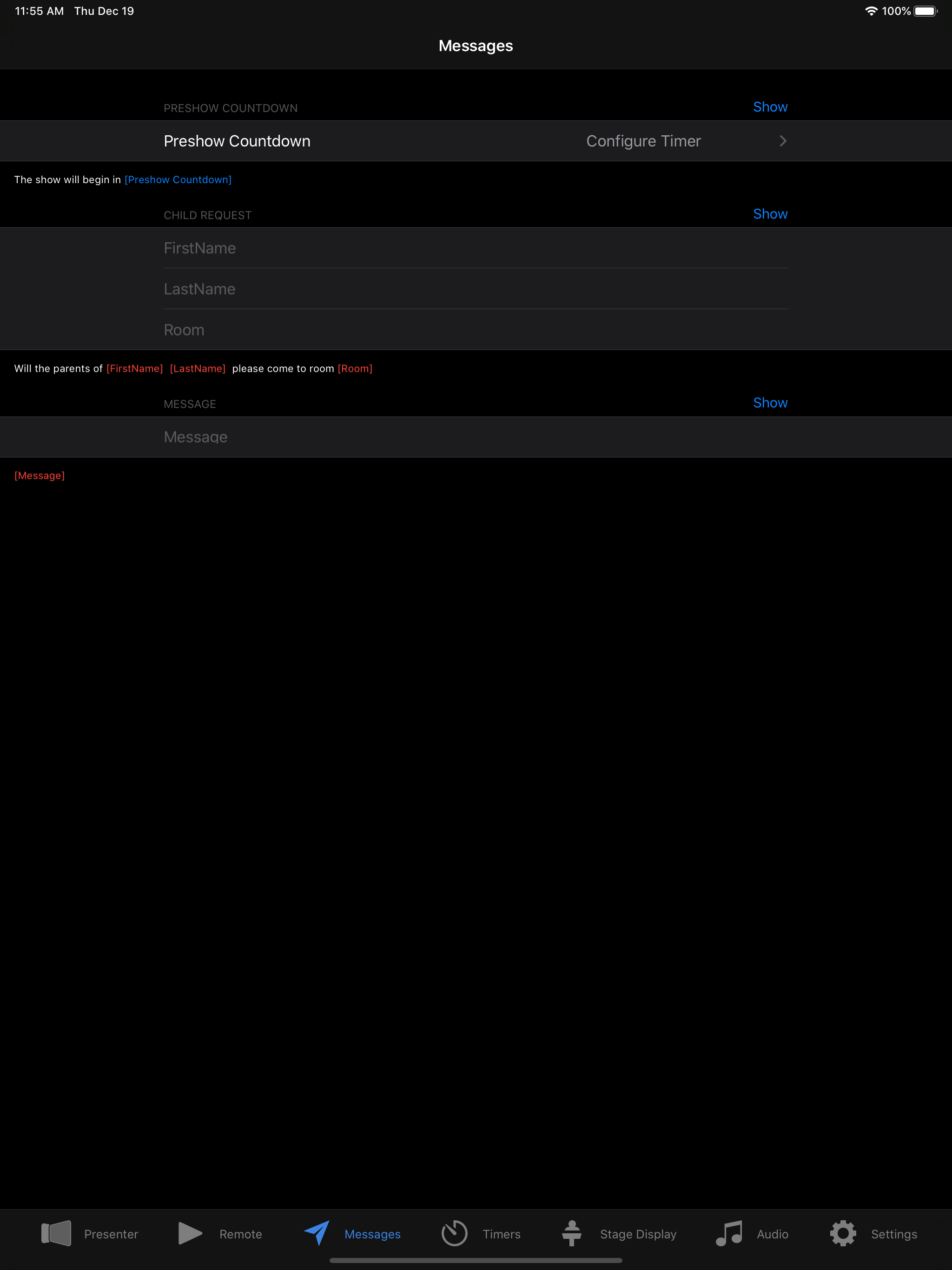
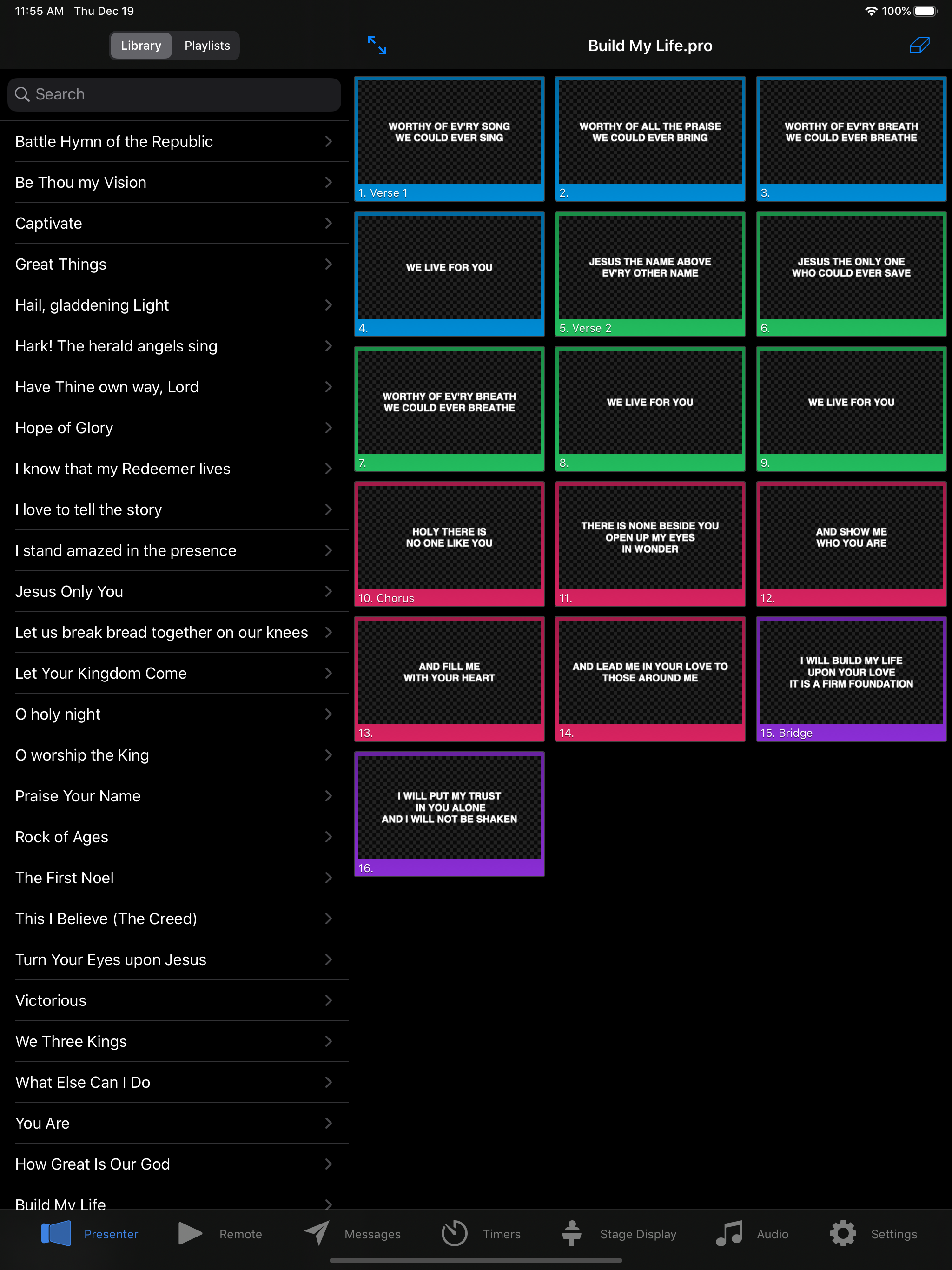

03 / Market context
Keep revenue, downloads and store rankings separate from advertising performance.
I bought this app to be able to control a few presentations with video and slides I had prepared beforehand. This was at my sisters wedding and it went very smooth. I didn’t have high hopes since there were some bad reviews, but this worked better than expected and had no issues at all. I used it to cue up different videos and didnt have to sit at the computer the whole time. I was able to easily switch between slides and also clear the screen. Since I haven’t had experience with previous versions, I can’t compare other users experiences. But it does seem like they have been putting in more development to this app recently. Keep up the good work! I’m excited to see future enhancements and features!
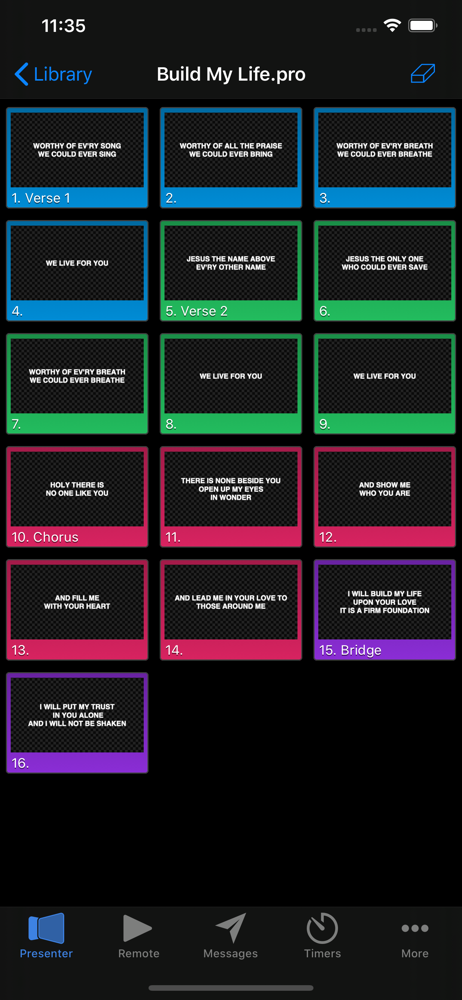
Like another reviewer mentioned, the slide/click option for moving slides is a little strange and can totally mess with the flow of the presentation when you are accidentally moving back when you mean to go forward. I would absolutely LOVE the option another reviewer stated of being able to see the slide that came before, and especially the slide that comes next on the phone/tablet screen! That is actually why I came to leave a review here! I would rate this app 500 stars if you were able to see your slides, where your at, and how to verbally transition because you can see the slide that’s up next. Great remote, life saver if sound guy doesn’t show, but clunky transitions could totally be fixed with the option of seeing/clicking preceding, current, and next slide.
The interface is not that smooth. It is a little clunky and there are a lot of pointless features within the app that they rolled over from the computer software. It needs simplified. For example, if you need to move one slide back you have to slide but sometimes it moves it forward. A simple arrow to tap would be sufficient and much cleaner. Or, if it showed the previous slide and the next slide (three slides on the interface at once) so that you could just click the previous slide if needed. The primary function is for a presenter to move forward or backward. That should be the most efficient part of the app, but it lacks in that area.
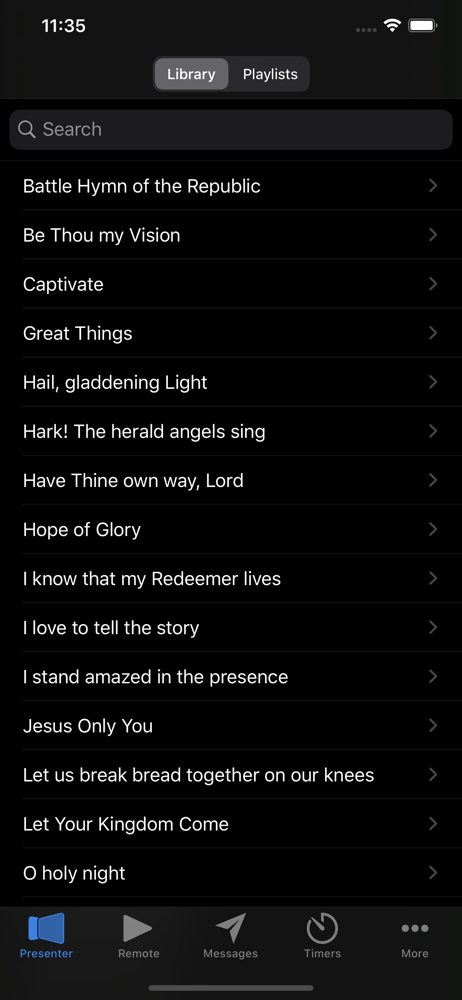
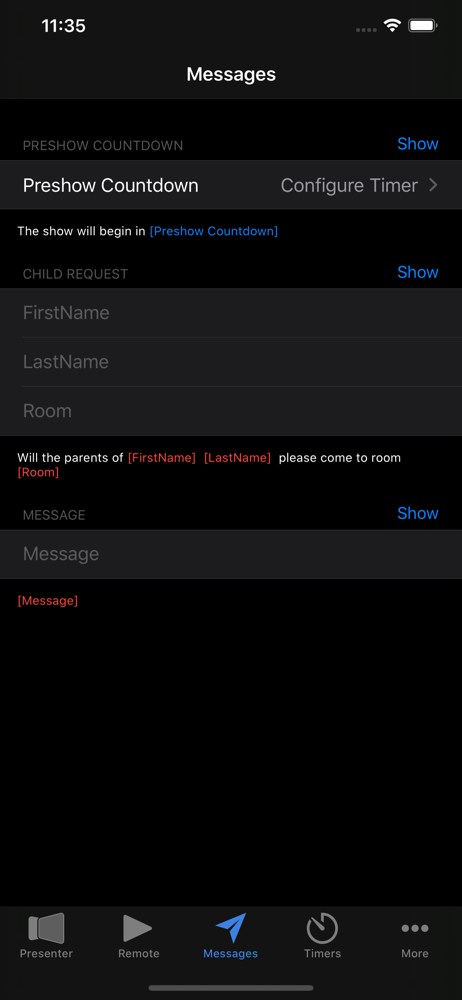
ProPresenter Remote is the perfect companion for Renewed Vision's award winning ProPresenter presentation software. Using ProPresenter Remote you'll...
| Name | Price | Type |
|---|---|---|
| Telestrator | $4.99 | One-time |