
Check the acquisition promise
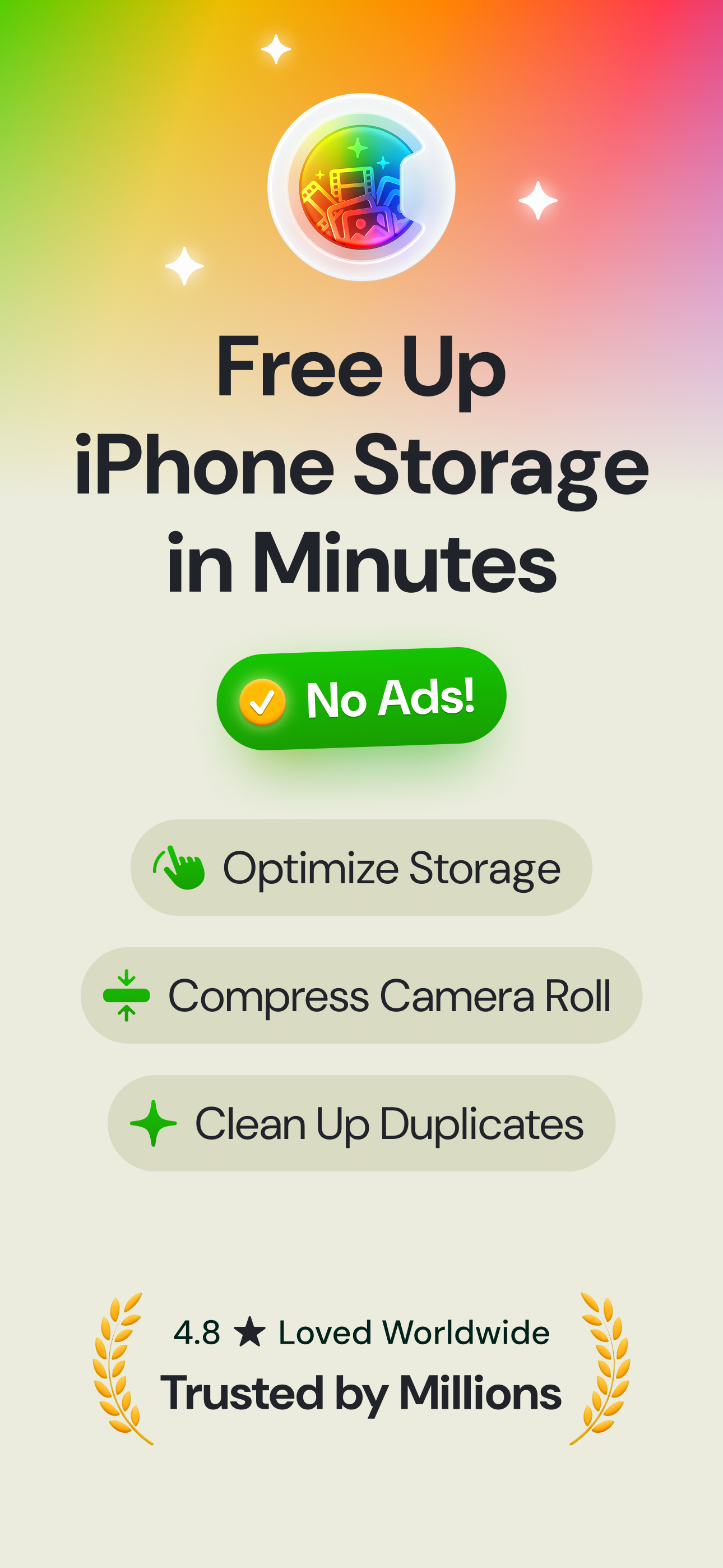
Read the store headline, screenshots and description. What problem is the app promising to solve?
Study the storefront ↗
CleverFiles Inc. · iOS
Explore the ad evidence, study the storefront, and build your next acquisition hypothesis.
01 / Creative research
Read the store headline, screenshots and description. What problem is the app promising to solve?
Study the storefront ↗Explore apps with direct store-link matches. Compare their hooks and formats without assuming the same approach works here.
Browse observed advertisers ↗Store rankings and revenue estimates describe market context. They do not establish ad spend, conversions or ROAS.
Review the market context ↗02 / Storefront & product
Study the product story and store experience behind the acquisition funnel.



03 / Market context
Keep revenue, downloads and store rankings separate from advertising performance.
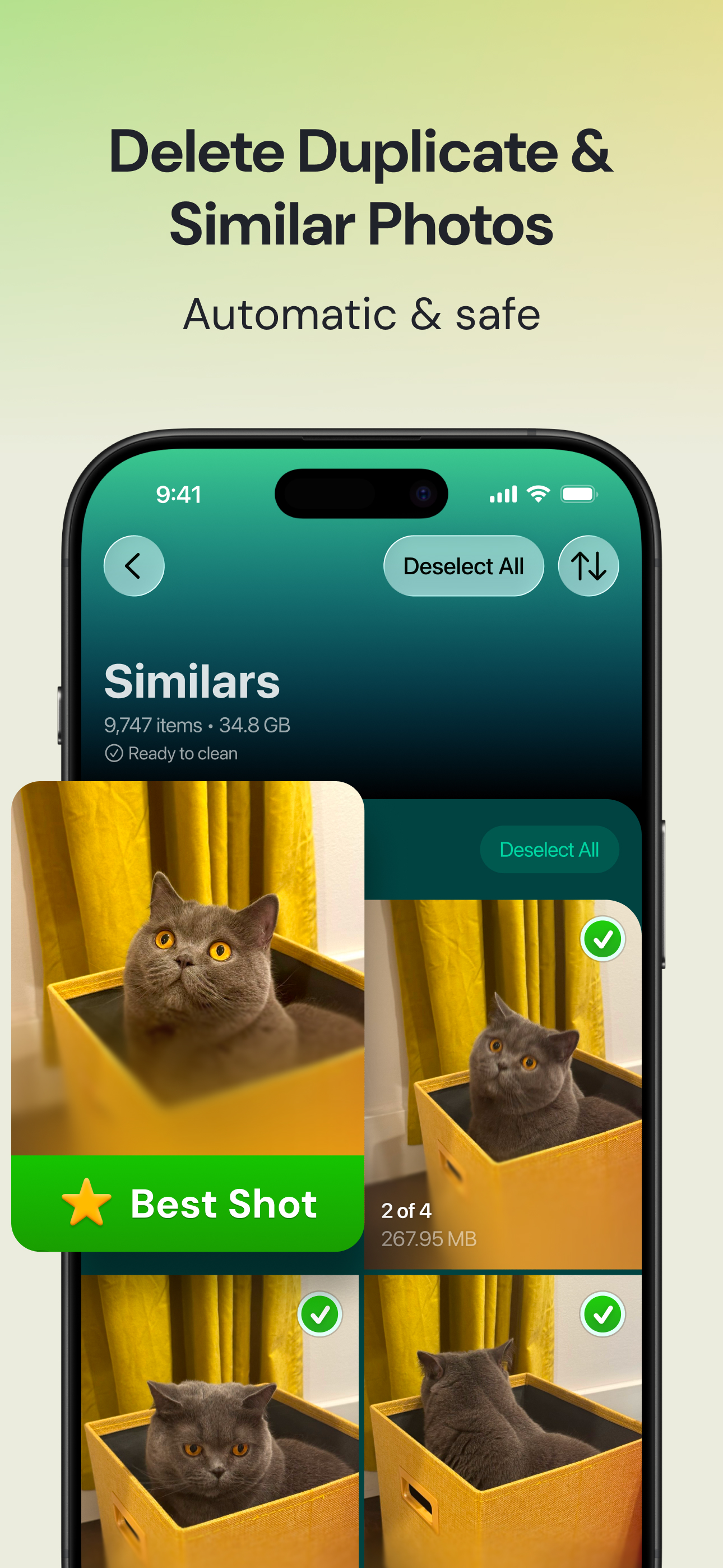
I use this and the Slider (similar to swipe wipe but free) app as a way to actually make me go through my photos. This app has a swipe category option, but I just prefer Slider’s since I’ve been using it longer so I know how it works better. I’ve been using this app for a week or so now and my attention stays on this so much better than if I were to just try to go through my photos. This makes it a lot easier with clustering similar photos together and choosing which one looked best (I don’t always agree with it, but usually I do) to keep yourself on task and actually follow through. If I’m getting overwhelmed swiping through I turn here and in 5 minutes, I can have 800 photos deleted. This app has categories for “heavies”, “screenshots”, “similars”, and “lives”. All of them have slightly different options to delete photos so for someone who is bored easy you can transition between them. This app and the Slider app are both entirely free from what I have found. The Slider app has the occasional Ad that you can just swipe past, but that’s it and Clever I don’t think I have seen any ads on thus far. For ADHDers, I feel like this app is great and for someone who just gets overwhelmed by their gallery or gets bored going through it, I’d highly recommend. Even just for a timesaver, I’d try it. I think I have probably spent a total of 40 minutes or so on the app over the the last week or so I have had it and I’ve gotten rid of almost 5 GB worth of photos and videos
I’m in the middle of my first cleanup with Clever Cleaner. My cleanup content spans years of photos I have taken, received, screenshot, downloaded etc. after my initial scan the app presented me with a review screen of photos it determined to be duplicates or similar to that were ready to be reviewed and removed. Many of the photos were years old I and I was scared that I might mistakenly delete photos that I wanted to keep especially in the “similar category” So building trust with this free app is essential for a user to feel comfortable to release control to Ai. Before I activated the bulk delete button I looked up application information that said my deleted photos would go into the deleted file and remain there for 30 days. I believe the number of days the files are recoverable depends on the individual user settings for the photo application. Suggestion: I would suggest that a prompt for setting up the 30 day window be part of the information on the splash screen before cleanup is activated. Even if it is already set up the user will be confident that the files/photos are recoverable and where/how to do it prior to the Ai cleanup being activated. This may be the longest I have spent on a review but this app deserves it since you are providing such an awesome tool free of charge. I love the Clever Cleaner App and many thanks to the development team.
I love taking pictures and take them everywhere I go. In the hopes of getting the perfect picture for the event or place, I take many shots (so many shots). As a result, I have accumulated over 46,000 pictures on my iPhone, many very similar shots. As the number got larger, I got overwhelmed. I wanted to organize them, but where to start? I’ve been searching for an app to help for a long time. I wanted one that would make this easy and painless. This app DOES IT ALL!. It only took a few minutes for it to read and organize all of my photos. I could have chosen the “one swipe” option to clear it all out, but I didn’t want to do that. I wanted to be able to choose which to keep. This app makes that process so easy. I’m not dedicating extra time to this project. Instead, any time I would have picked up my phone to do some mindless scrolling, I open this app instead and start getting rid of extra photos. It also has tabs dedicated to videos, live, and screenshots (I had 9 GB of screenshots?! - what a waste). Again, you can choose a one-swipe clearance or control what goes. One of the best features is that this app really does pick the “best shot” at least 95% of the time, which is remarkable since everyone has their own opinion on which picture they like best. One other great thing about using this app is that using it reminds me of many great events and leaves me much happier than the time I would have wasted on mindless scrolling.
Clever Cleaner – The Best Free iPhone Cleaner App! Looking for a truly free iPhone cleaner app with no annoying ads and no mandatory subscription? Me...
| Name | Price | Type |
|---|---|---|
| Clever Cleaner Weekly with Trial | $6.99 | Weekly |
| Clever Cleaner Lifetime | $39.99 | One-time |


