Check the acquisition promise
Read the store headline, screenshots and description. What problem is the app promising to solve?
Study the storefront ↗
SparkReceipt Oy · iOS
Explore the ad evidence, study the storefront, and build your next acquisition hypothesis.
01 / Creative research
Read the store headline, screenshots and description. What problem is the app promising to solve?
Study the storefront ↗Explore apps with direct store-link matches. Compare their hooks and formats without assuming the same approach works here.
Browse observed advertisers ↗Store rankings and revenue estimates describe market context. They do not establish ad spend, conversions or ROAS.
Review the market context ↗02 / Storefront & product
Study the product story and store experience behind the acquisition funnel.



03 / Market context
Keep revenue, downloads and store rankings separate from advertising performance.
SparkReceipt keeps getting better, and it’s genuinely amazing. Before this app, managing receipts and paperwork was a constant struggle—tax time especially felt brutal. Now, capturing receipts is effortless: just snap a photo with my phone on the go, and the AI takes care of the rest. It simplifies the entire bookkeeping process so well. I set up categories that mirror the tax forms, and suddenly my taxes are about 90% done with almost no effort. The continuous improvements really seal it for me—this is the best app in its category. It’s lightweight yet extremely powerful. Highly recommended for anyone who wants to stop drowning in receipts and finally feel in control of their expenses.
I have been using SparkReceipt for a year now and it has been an incredible help and time saver for me. I experimented with every similar app and website I could find and immediately noticed that this one somehow has MUCH better AI OCR (optical character recognition) than the others. While others struggled to read my old wrinkled receipts, this one did so immediately with few problems. It is also the most simple and intuitive design, which is what I want … just get my info and give me the report I need. I use it all day .. I use the app to snap a photo of the receipt and it’s done and I throw the receipt away, or drag and drop from my desktop or email, and the report is what I want. Super easy and fast and effective. Thank you everyone at SparkReceipt!
I played with the software for about 15 minutes, and I can already tell this is going to be a huge timesaver for my small business. Scanning receipts and printing expense reports is quick and easy. The automatic AI data input is about 90% accurate. It seems to have trouble adding tips, but that could be my handwriting. :) What I really appreciate and didn't expect, is that links and/or images to the digital copies of receipts can be embedded into the custom expense reports. 6 Month Update: I originally posted a review after using the software a few weeks. Six months later, my review of SparkReceipt is still five stars! If I could give it six stars, I would. The new auto-scanning function quickly identifies the edges of receipts and saves them. Just point your camera at the receipt, the software does it all. The app also extracts details from PDF receipts that are attached to emails. You no longer have to download the PDF, save it, and then upload it to the expense tracker. Another huge time-saver.
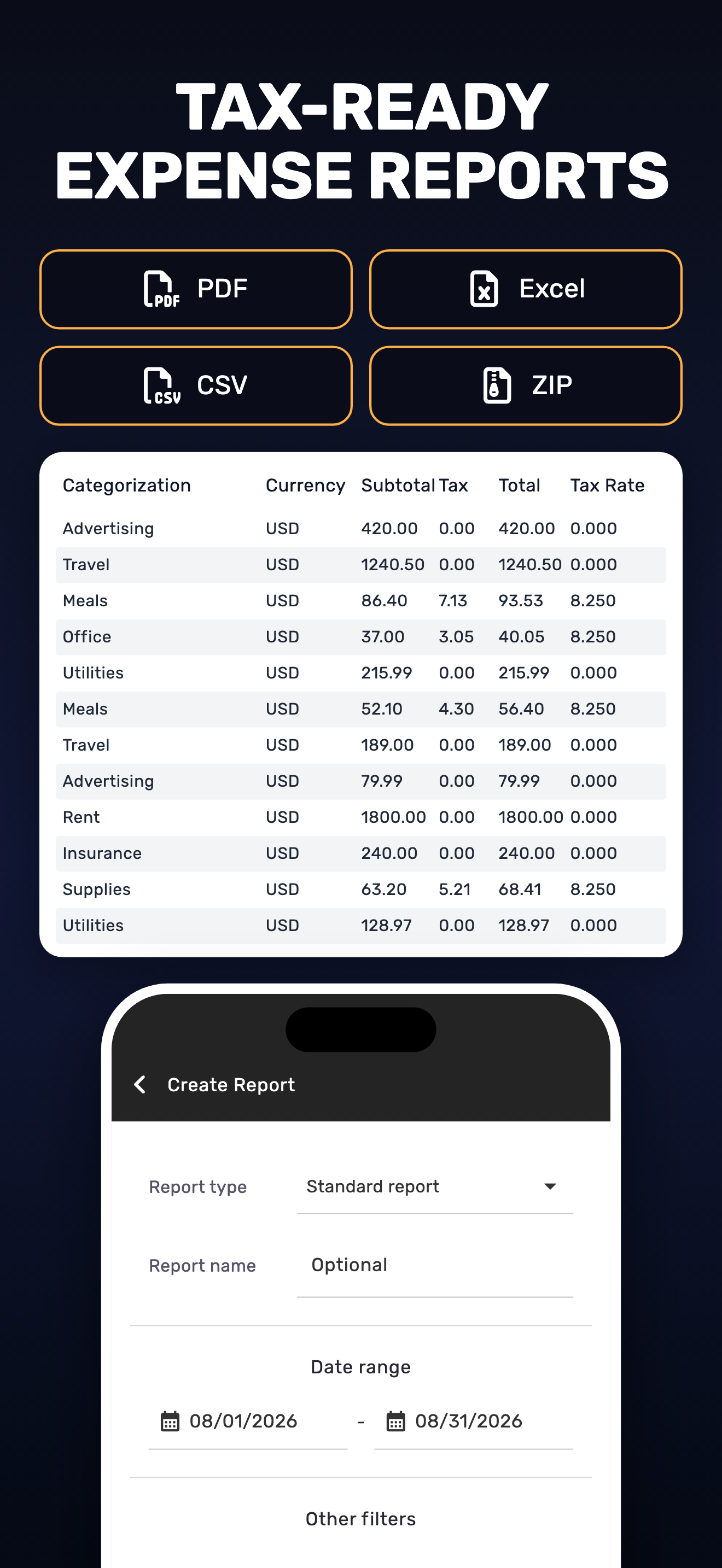
SparkReceipt is an AI receipt scanner and expense tracker app for freelancers, self-employed professionals, and small business owners. Snap any receip...
| Name | Price | Type |
|---|---|---|
| Pro subscription monthly | $8.99 | Monthly |
| Pro for 2 users monthly | $12.99 | Monthly |
| 1000 Consumable Credits | $14.99 | One-time |
| SparkReceipt Elite (Monthly) | $14.99 | Monthly |
| Pro for 3 users monthly | $17.99 | Monthly |
| SparkReceipt Elite, 2 users (Monthly) | $29.99 | Monthly |
| Pro for 5 users monthly | $34.99 | Monthly |
| Pro subscription yearly | $69.99 | Yearly |
| SparkReceipt Elite (Annual) | $99.00 | Yearly |
| Pro for 2 users yearly | $119.99 | Yearly |