
Check the acquisition promise
Read the store headline, screenshots and description. What problem is the app promising to solve?
Study the storefront ↗
师松 梁 · iOS
Explore the ad evidence, study the storefront, and build your next acquisition hypothesis.
01 / Creative research
Read the store headline, screenshots and description. What problem is the app promising to solve?
Study the storefront ↗Explore apps with direct store-link matches. Compare their hooks and formats without assuming the same approach works here.
Browse observed advertisers ↗Store rankings and revenue estimates describe market context. They do not establish ad spend, conversions or ROAS.
Review the market context ↗02 / Storefront & product
Study the product story and store experience behind the acquisition funnel.

03 / Market context
Keep revenue, downloads and store rankings separate from advertising performance.
Somehow a phone call from UPS came in and disconnected the Bluetooth although my calls from unknown callers were blocked. I think local hackers invaded via Bluetooth and took over the port. I have consistent trouble with Bluetooth Hackers on other devices as well. The blue light Bluetooth indicator on the unit isn’t lit, anymore. The reset button is not working. The sound system was amazing before the hackers took the Bluetooth connection. We cannot even use the top button to turn the unit off now that the Bluetooth Hackers took over the machine. They disabled our connection. The machine is locked. We think all the Bluetooth problems are from the local hackers otherwise we think the E-Life APP is a hack into Bluetooth.
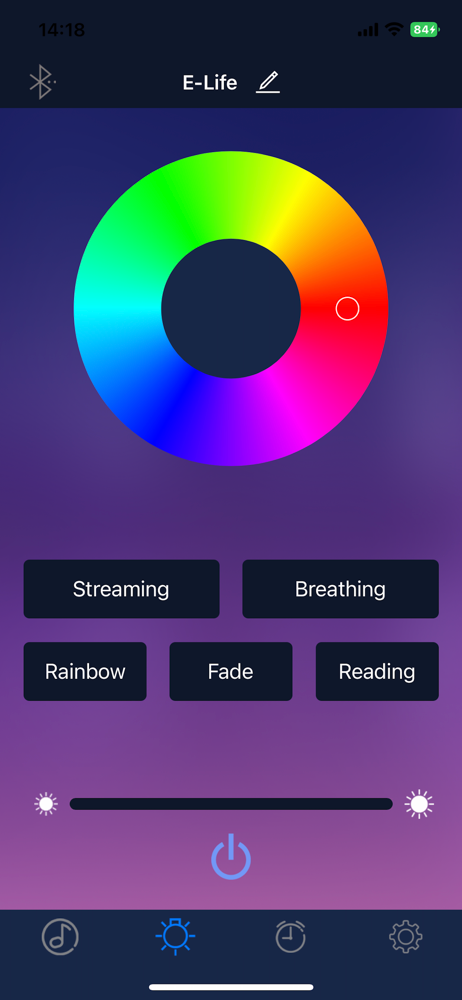
It barely works, and app constantly disconnects from unit via Bluetooth and always needs to be re-setup from scratch to reconnect. App also needs the ability to show/preview on the app screen what light color or action setting is happening on the physical unit. Likely needs both firmware and software upgrades for resolving stability and connectivity issues.
When you first set up and sync the alarm and app, it works perfect. There are many options for lights and alarms, as well as sounds and setting up a speaker. However, I have found that every night, when I go to set the alarm, the app will not connect with the device. The Bluetooth option will not show up, no matter how long I wait or press the research button. I have found that the only way to get it to work again is to disconnect the light, delete the app, reconnect the light, and then redownload the app. This is an annoying and tedious routine to do every night in order to get the alarm to work.
Better products for better life. The app is designed for E-life device, allows you to set up and use the E-life easily. E-life Alarm Clock simulates...


