Check the acquisition promise
Read the store headline, screenshots and description. What problem is the app promising to solve?
Study the storefront ↗
DownRiver Limited · iOS
Explore the ad evidence, study the storefront, and build your next acquisition hypothesis.
01 / Creative research
Read the store headline, screenshots and description. What problem is the app promising to solve?
Study the storefront ↗Explore apps with direct store-link matches. Compare their hooks and formats without assuming the same approach works here.
Browse observed advertisers ↗Store rankings and revenue estimates describe market context. They do not establish ad spend, conversions or ROAS.
Review the market context ↗02 / Storefront & product
Study the product story and store experience behind the acquisition funnel.





03 / Market context
Keep revenue, downloads and store rankings separate from advertising performance.
First off, what you get for the price is outstanding! The accuracy, ease of use, and especially cost of plans is excellent. Their extremely low cost monthly monitoring packages are by far and away superior. Literally 1/4 of the price for the same update interval. But this review is for the app only. Which FTR I wish I could do 3.5 stars. Here are the few things that bother me that I’d like to see improved. - Default to following the tracker, or at least make it an option to stay following it once selected. It’s annoying to have to go in and select that every time. Especially if you only have one device. - History. I’m not the biggest fan of the screen and red dots, but it’ll do. I’d prefer to watch back (in faster speeds) the travel. But if it’s dots and timeline, if I click on one line, don’t make me unclick that one to then click another time point. If I want to see the location on the map, I have to unclick the previous one. While at it, I don’t need to read the license plate, zoom out a bit so I can at least see what the location is. - This one is very annoying: Why can I not get rid of the big white info box once I click on the vehicle? It’s a great piece of information, but let me get rid of it with a little x. Please - Last one that is a major annoyance for me is the geofences. The size limit is quite large, but that’s whatever right now. Please make it easier to edit. When I click on edit it instantly zooms in to where I’m at, and not the location of the fence I want to edit. It is very tedious for no reason. - In addition, please make it easier to add in a temporary one time fence for where the vehicle is currently. The only work around is to go turn on the movement slider. Which would be fine, but again let it be temporary. Or even better separate movements and stops. I don’t need alerted at every stop sign or traffic light. But seriously, I am a big fan so far, just coming from other bigger names like LAS, these missing things that could be tweaked in the app would make yours next-level.
This is an affordable option for keeping track of my equipment when left on a job site. It has gives me peace of mind knowing I can check there location at anytime. It will send an alert if the tracker leaves the geofence I set up. I loved the 1st one so much I bought a 2nd one.
This tracking device meets all needs. The device itself is very easy to install and the app works great with many different options and views. The map is also very up-to-date and updates are received as described in the product detail. Great product for the cost compared to some 8x the price.
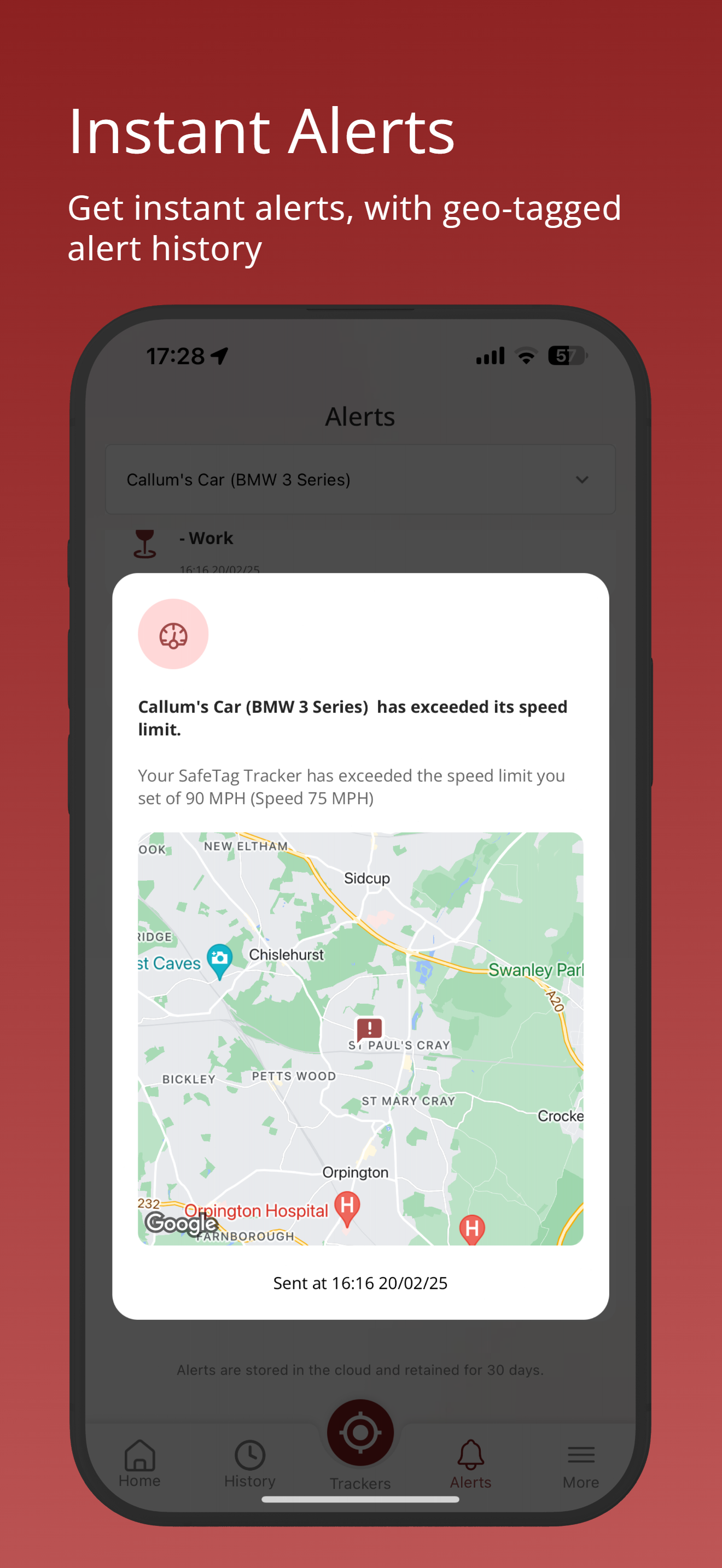
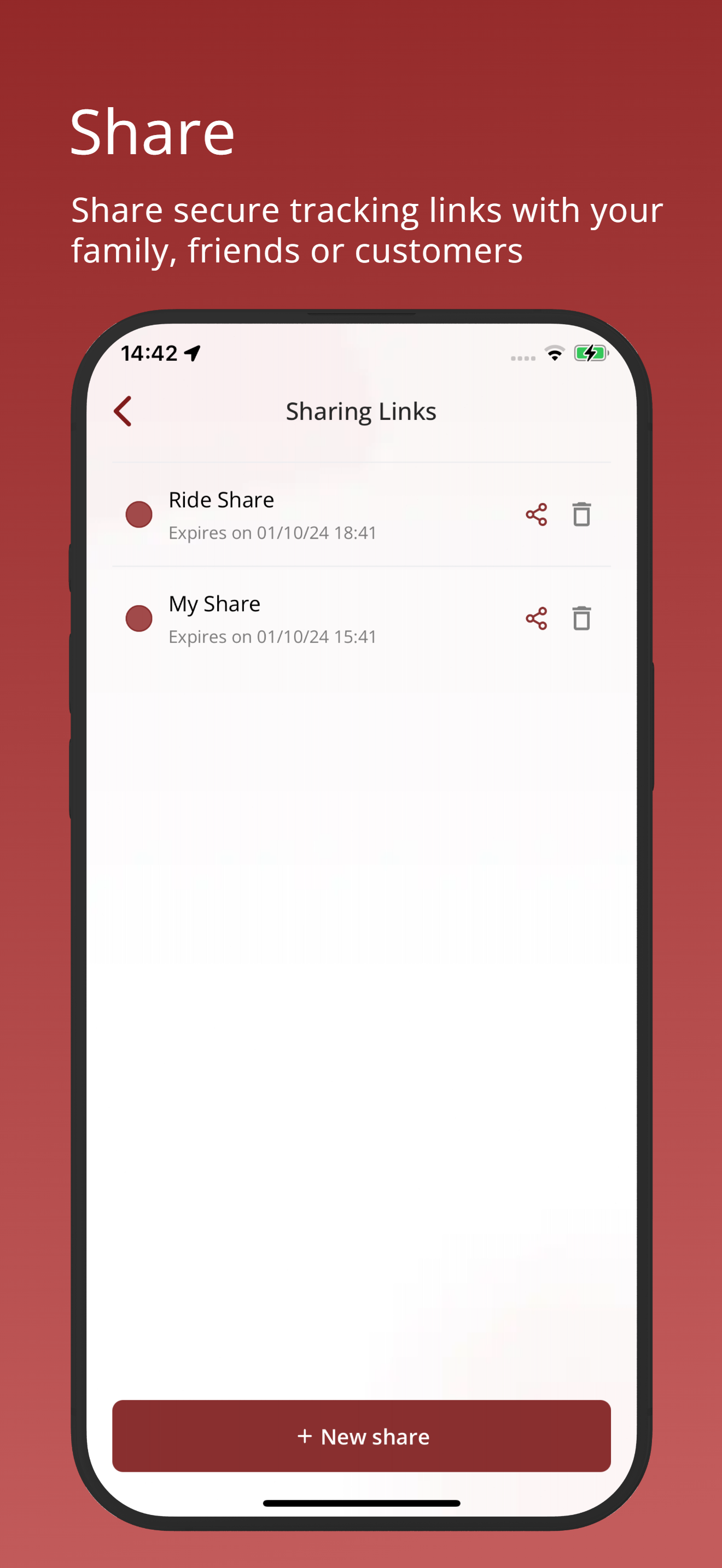
Sign in to your SafeTag account, and keep track of your SafeTag GPS Trackers on the go. Set alerts, monitor, and track the history of your devices. Pe...