Check the acquisition promise
Read the store headline, screenshots and description. What problem is the app promising to solve?
Study the storefront ↗
Seeed Technology Limited · iOS
Explore the ad evidence, study the storefront, and build your next acquisition hypothesis.
01 / Creative research
Read the store headline, screenshots and description. What problem is the app promising to solve?
Study the storefront ↗Explore apps with direct store-link matches. Compare their hooks and formats without assuming the same approach works here.
Browse observed advertisers ↗Store rankings and revenue estimates describe market context. They do not establish ad spend, conversions or ROAS.
Review the market context ↗02 / Storefront & product
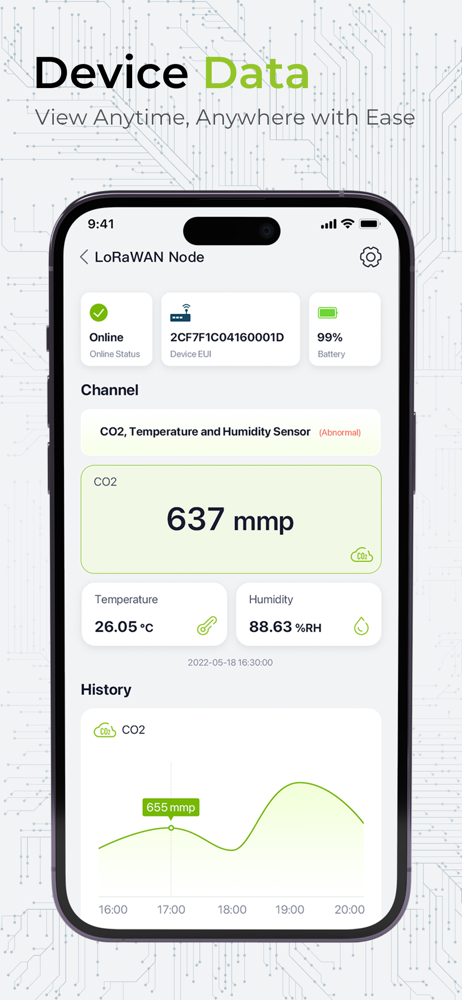
Study the product story and store experience behind the acquisition funnel.


03 / Market context
Keep revenue, downloads and store rankings separate from advertising performance.
I have attempted adding a new S2101 Air Temperature and Humidity Sensor in the app dashboard. Whether I attempt scanning the QR or attempt adding the EUI and KEY manually it just displays the message “Device Added” but no devices show in the dashboard and the app does not bring any other prompts up. I have also attempted updating the firmware via the app from 2.2 to 2.4. The app says the device has upgraded but when I reconnect and check the version it still says 2.2 unfortunately. Any assistance with this issue would be appreciated.
It‘s easy to use and perfect working with multiple SenseCAP sensors. Checking the realtime LoRaWAN data on App is SUPER!
SenseCraft provides a simple way to experience IoT. It helps users remotely control the smart devices and displaying data by using your mobile devices...