Check the acquisition promise
Read the store headline, screenshots and description. What problem is the app promising to solve?
Study the storefront ↗
Teltonika Networks · iOS
Explore the ad evidence, study the storefront, and build your next acquisition hypothesis.
01 / Creative research
Read the store headline, screenshots and description. What problem is the app promising to solve?
Study the storefront ↗Explore apps with direct store-link matches. Compare their hooks and formats without assuming the same approach works here.
Browse observed advertisers ↗Store rankings and revenue estimates describe market context. They do not establish ad spend, conversions or ROAS.
Review the market context ↗02 / Storefront & product
Study the product story and store experience behind the acquisition funnel.



03 / Market context
Keep revenue, downloads and store rankings separate from advertising performance.
My RutM50 works just fine with this app. I have noticed issues even over https where the connection is not re-established after a firmware upgrade so I’m not surprised the app has a similar issue. Restarting the https connection fixes the issue so I’m sure the app simply needs to be restarted . No issues
New to running a rutx50 5g router and modem and recently encountered a quirk in the ecosystem that Teltonika offers. Maintaining up to date firmware on the device makes it unreachable on the RutOs app as the app does not recognise the latest firmware. The device is in working order and accessible using browser IP lookup and SMS utilities but annoyingly not through a simple app unless you reset to factory settings and roll back the firmware update. Pls fix
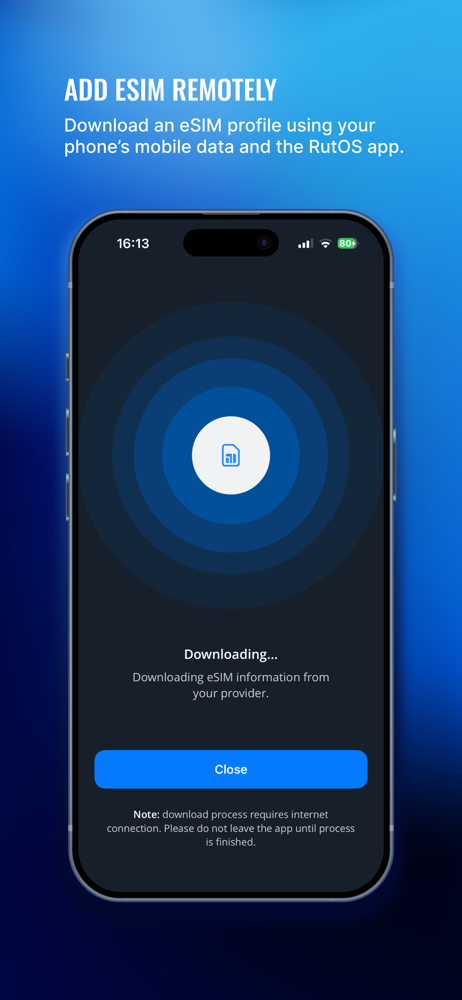
Have complete control and monitor your Teltonika Networks products with this easy-to-use app. It offers a Wi-Fi and device list for wireless connectiv...