Check the acquisition promise
Read the store headline, screenshots and description. What problem is the app promising to solve?
Study the storefront ↗
MuziGuide · iOS
Explore the ad evidence, study the storefront, and build your next acquisition hypothesis.
01 / Creative research
Read the store headline, screenshots and description. What problem is the app promising to solve?
Study the storefront ↗Explore apps with direct store-link matches. Compare their hooks and formats without assuming the same approach works here.
Browse observed advertisers ↗Store rankings and revenue estimates describe market context. They do not establish ad spend, conversions or ROAS.
Review the market context ↗02 / Storefront & product
Study the product story and store experience behind the acquisition funnel.




03 / Market context
Keep revenue, downloads and store rankings separate from advertising performance.
I’ve been using MusiView on my iPad for about two years, and over that time it has evolved into my primary music library and organization tool. I use it to store, organize, and access the songs I perform both with other musicians and as a solo performer. As my music library has grown, MusiView has made it remarkably easy to keep everything organized and readily available when I need it. One of the things I really appreciate is how many useful features are built specifically with musicians in mind. You can import individual song files or entire song sets, making it easy to build and organize your repertoire. You can also change the key of a song you’re playing, which is especially useful when performing with other musicians or adapting a song to your voice. Another feature I find particularly valuable is the ability to set up practice intervals and link music to the sheet music. That makes MusiView more than just a place to store songs — it becomes a tool for actually learning, practicing, and preparing music. And these are just a few of the features. There are so many thoughtful touches throughout the app that make it genuinely useful for musicians. What I especially appreciate is that the developers have continued to improve and expand MusiView over the past couple of years. It has become an essential part of how I manage my music. Another big plus is the cost. For a small one-time price, you get a very capable music organization tool without having to commit to ongoing subscription fees. If you’re a musician looking for an effective way to organize, practice, and manage your song library, I highly recommend MusiView. I’ve found it to be an incredibly valuable tool, and for the modest price, it’s absolutely worth having in your music library.
I have used numerous music related apps, both for work and my own attempts to play my own music. Frankly, as a low priced app, I wasn’t expecting much on this one, but, as it is low priced, I figured I’d download it. To my surprise, it was easy to navigate, and I’m no techie. I probably open this one, now, more than any other music apps.
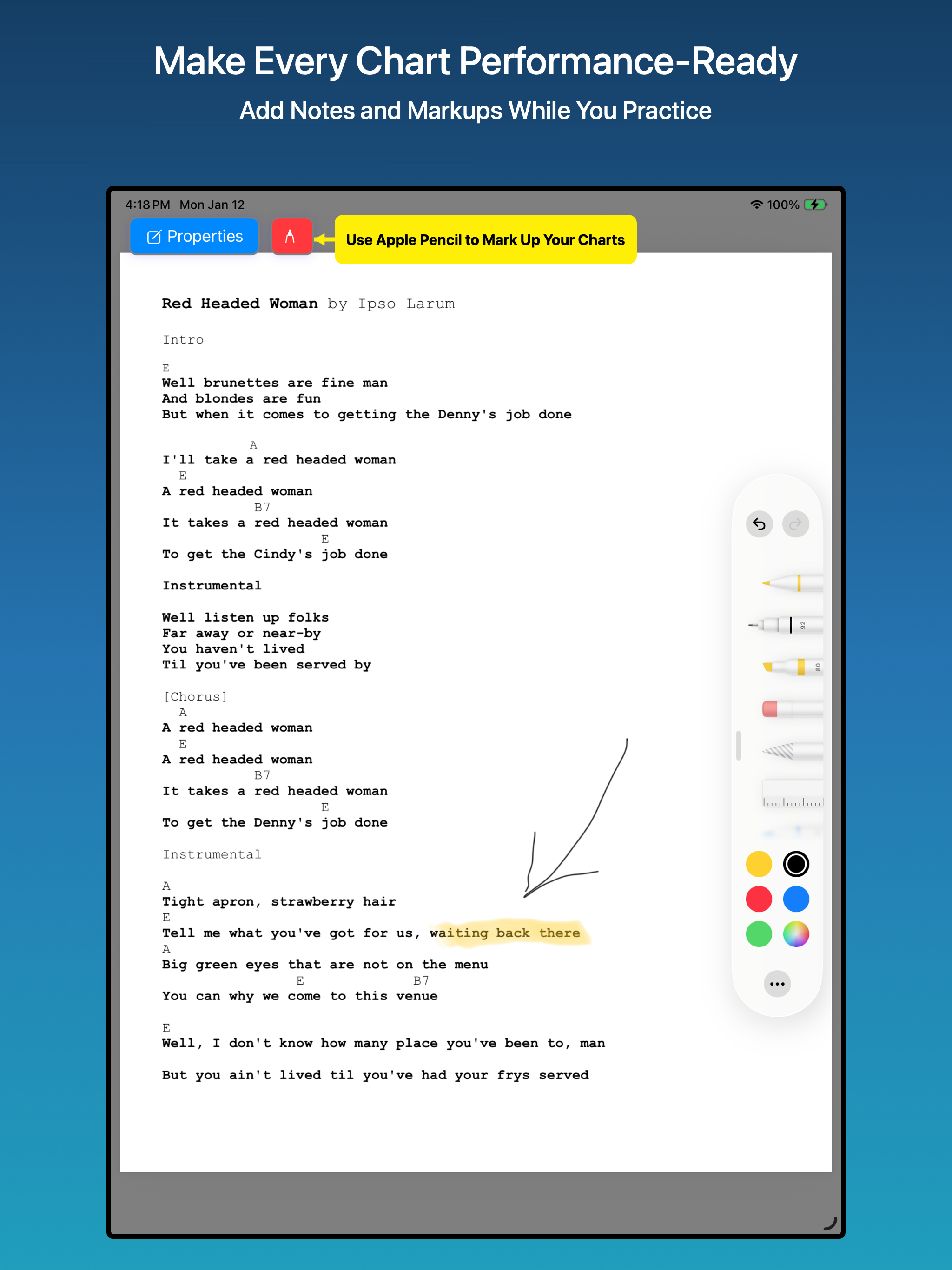
MuziView is an affordable, full-featured music viewer, practice tool, and set list organizer for iPad and Mac. Create and save an unlimited number of...