
Check the acquisition promise
Read the store headline, screenshots and description. What problem is the app promising to solve?
Study the storefront ↗
Tarasov Mobile · iOS
Explore the ad evidence, study the storefront, and build your next acquisition hypothesis.
01 / Creative research
Read the store headline, screenshots and description. What problem is the app promising to solve?
Study the storefront ↗Explore apps with direct store-link matches. Compare their hooks and formats without assuming the same approach works here.
Browse observed advertisers ↗Store rankings and revenue estimates describe market context. They do not establish ad spend, conversions or ROAS.
Review the market context ↗02 / Storefront & product
Study the product story and store experience behind the acquisition funnel.




03 / Market context
Keep revenue, downloads and store rankings separate from advertising performance.
Coming from Chaos Control 1, this upgrade takes it to a new level. After playing around for a week I knew it would do everything I needed. Contexts and projects simply laid out. You are out and about? Go to your errands or out and about context and see what you can fit in. At the computer, go to that context. Checking off your tasks from anywhere automatically plaudits projects As a GTD person, I find that this can put all the methodologies in one place. The only other things I use are note taking apps, but apparently those features are coming. The free version will take care of regular household management but if you are like me and put my work, side businesss, and personal all together, the paid version is 100% worth it.
Images and files soon broke me down to purchase pro lifetime. I would like to see the more important aspects moved to the top of the main screen. Move settings and shop to the bottom and place shop in the settings and out of main screen all together.
I have used Chaos Box since 2022, and have recently upgraded to the new Premium option for time tracking. All I can say is that this app is beautiful both aesthetically and for its simplicity. As someone who has to access information or add items to my list or projects throughout the day, the ubiquity that this app provides is priceless. I can access my stuff on my iPhone, my MacBook Pro, and my pc. If you aren’t familiar with David Allen’s GTD methodology, CB provides a primer. But again, the beauty of GTD and CB is that it doesn’t FORCE you down any particular path of productivity, but rather provides a framework that you can then use to adapt to your own learning and work style. For someone with ADHD, that is invaluable. Every day you can use it differently, or you can follow the baseline GTD method, or you can make it your own. I have two suggestions that would make Chaos Box even better: 1. Add a notes/journal section and don’t restrict the word count. For those of us who practice the Second Brain method for aggregating thoughts and notes to support the projects we are working on, or to provide deeper contexts, this functionality would truly add an exceptional layer. 2. Provide the ability to do a numbered checklist. The Ivy Lee method is an amazing and basic tool that folks can use to supercharge their day by prioritizing the up to 6 most important things that need to get done. I get around this by creating a project called Ivy Lee and dumping my 6 tasks there, or you can create a tag called Ivy Lee and tag the today items. But the missing piece is to create a numbered list. This would be an easy add on, I would think, and I would pay extra for these two features. They blend beautifully with Chaos Box, and would further strip the use of other apps and redirect our focus back to a single source of truth. Keep up the great work!
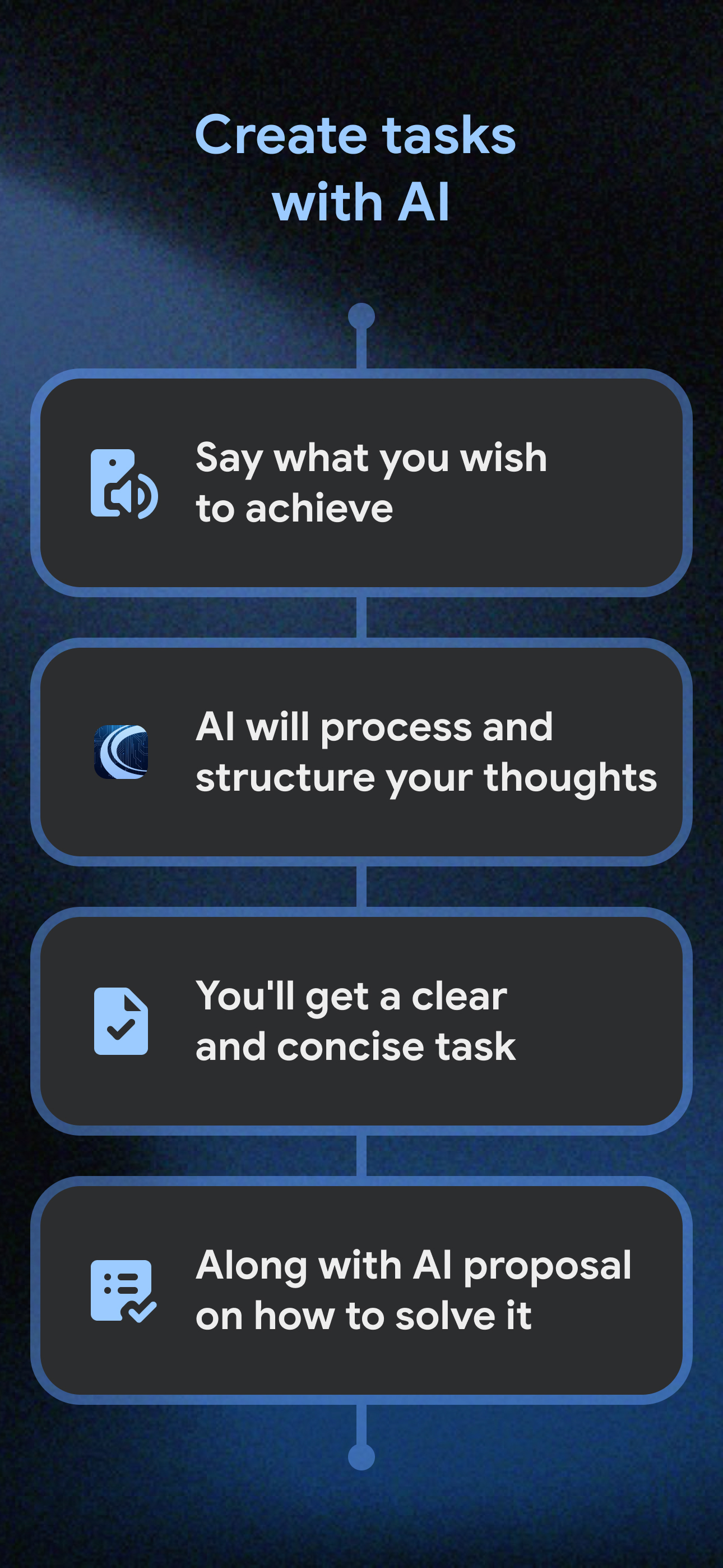
Convenient personal goals and tasks organizer with AI assistant features. Perfect for planning work and personal activities without stress and with ma...
