Check the acquisition promise
Read the store headline, screenshots and description. What problem is the app promising to solve?
Study the storefront ↗
Marian Koenig · iOS
Explore the ad evidence, study the storefront, and build your next acquisition hypothesis.
01 / Creative research
Read the store headline, screenshots and description. What problem is the app promising to solve?
Study the storefront ↗Explore apps with direct store-link matches. Compare their hooks and formats without assuming the same approach works here.
Browse observed advertisers ↗Store rankings and revenue estimates describe market context. They do not establish ad spend, conversions or ROAS.
Review the market context ↗02 / Storefront & product
Study the product story and store experience behind the acquisition funnel.





03 / Market context
Keep revenue, downloads and store rankings separate from advertising performance.
It’s not quite Apple’s Preview, but it’s great for redistributing pages or removing a few pages. It’s not perfect yet; one large PDF errors out when I scrub through it in edit page mode (crashing the app, and logging me out). Likewise, it only allows acting on one page at a time.
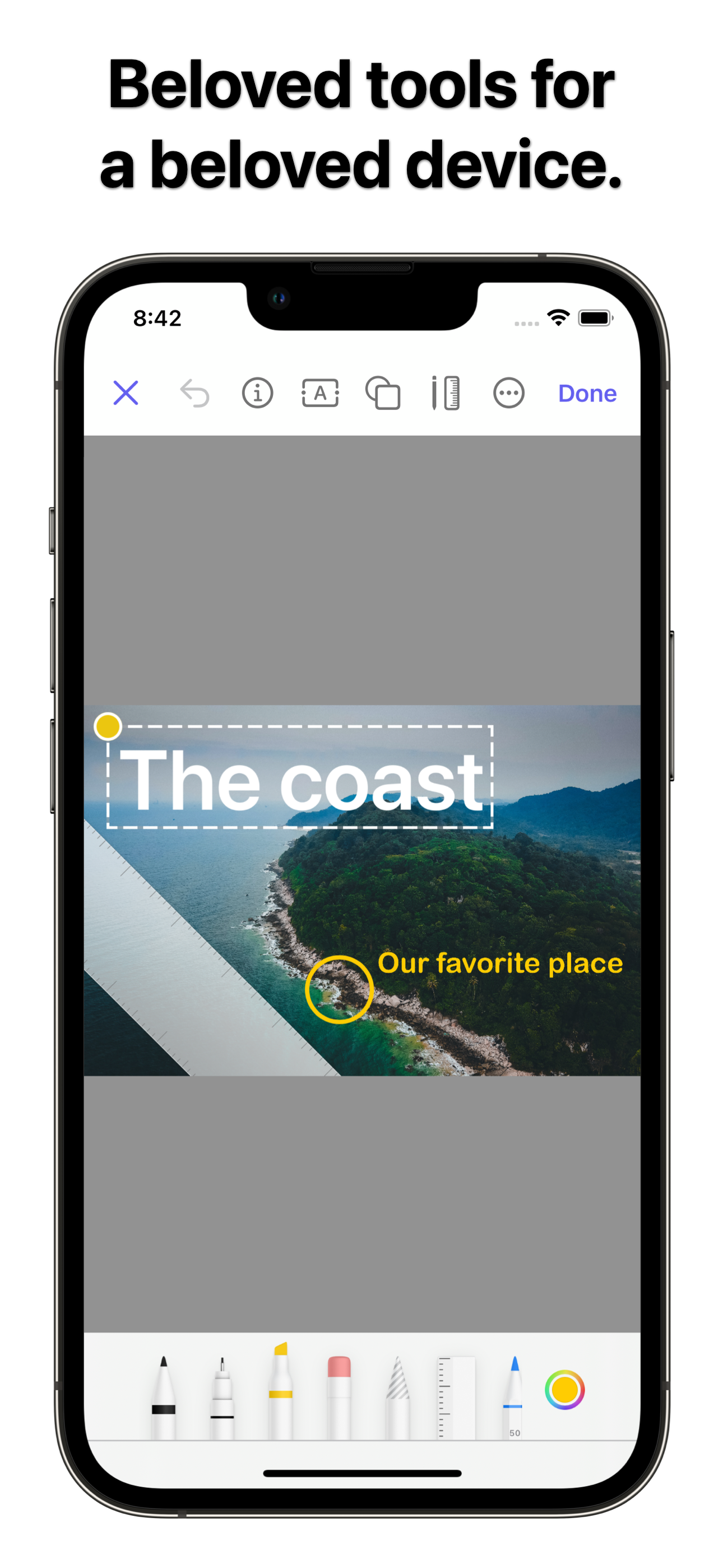
Been wanting a version of Preview for my iPhone. I wanted it, initially, to edit pdfs sent to me, or created by me. I have to admit that it takes practice working on such a small screen and typing in numbers or copying and pasting items, but it’s not that difficult to do in actuality. Overall, although I have not explored it fully, I give it 5 stars because I have accomplished a few tasks involving need to edit pdfs already without any significant issues.
I was surprised to find that once I allowed access to one or all of my photos in the Photos app, that all the other share options are available within Preview mini. So I can import copies of pdfs or photos from my PDF Expert files or GoodReader files, edit them and export the files back to those apps directly from Preview mini. Sharing to Messages and Mail are other export options as well as sharing to other devices by AirDrop. I love this app!
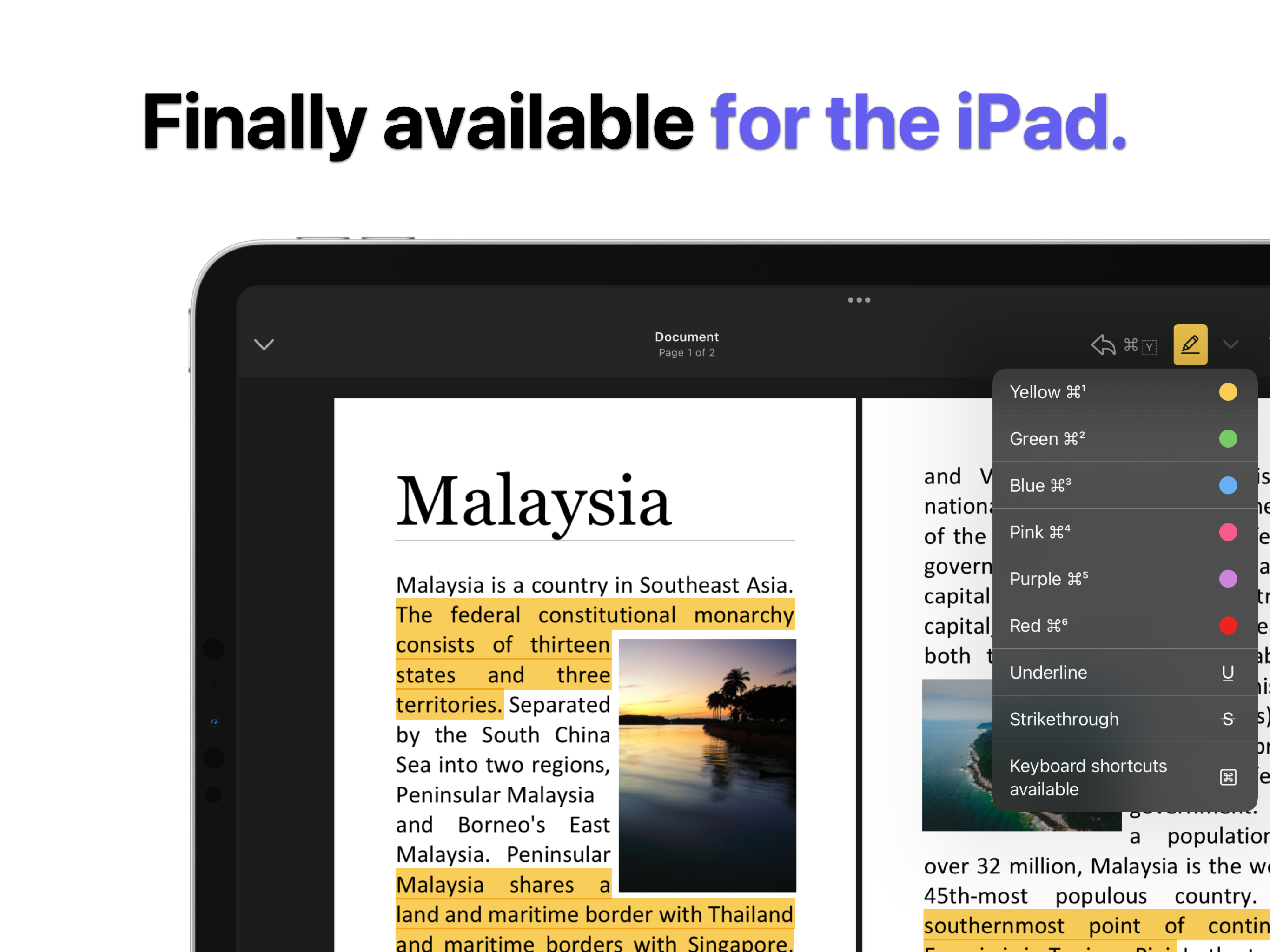
Preview mini is a powerful tool for working with images and PDFs on iPhone and iPad. Inspired by macOS. Created for iOS. Preview mini combines the co...
| Name | Price | Type |
|---|---|---|
| Preview mini PRO | $4.99 | One-time |