
Check the acquisition promise
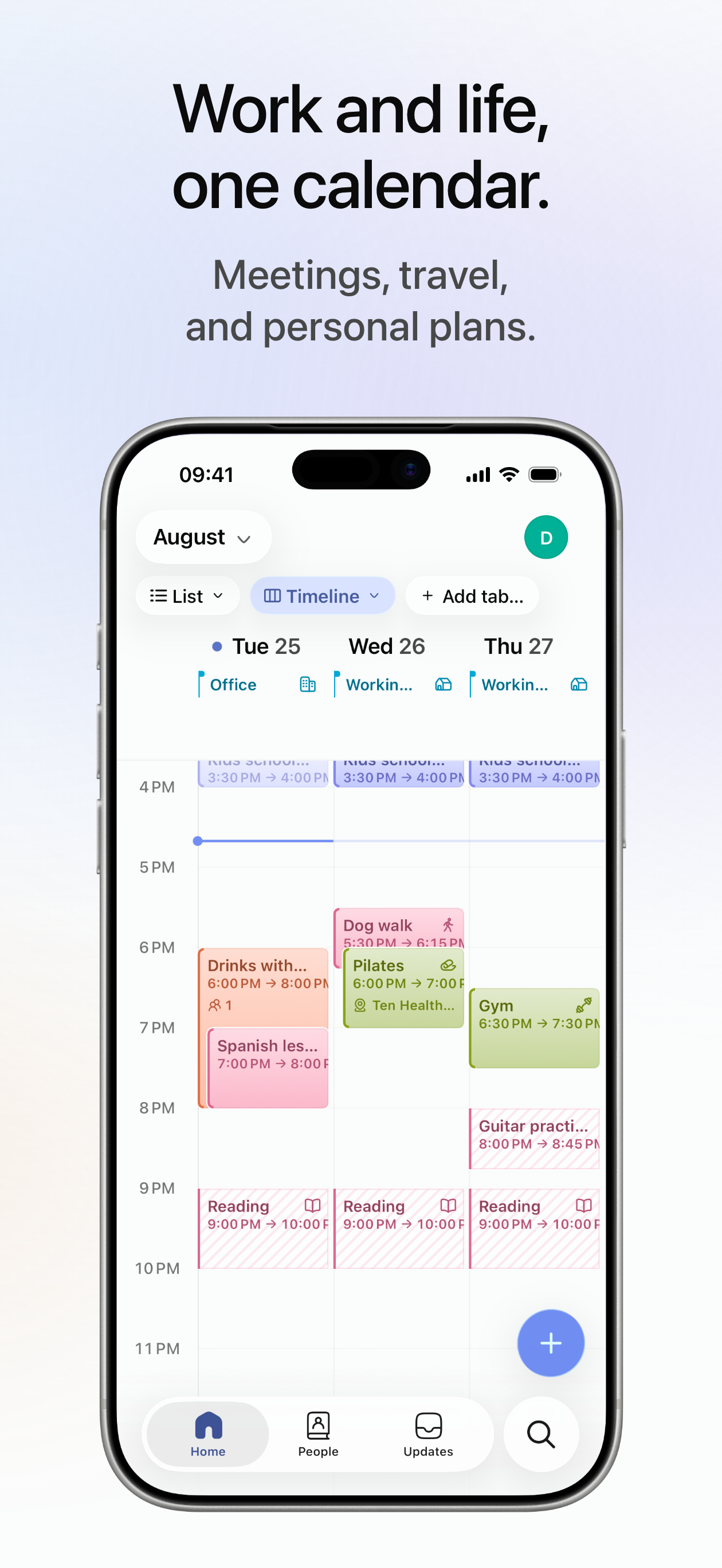
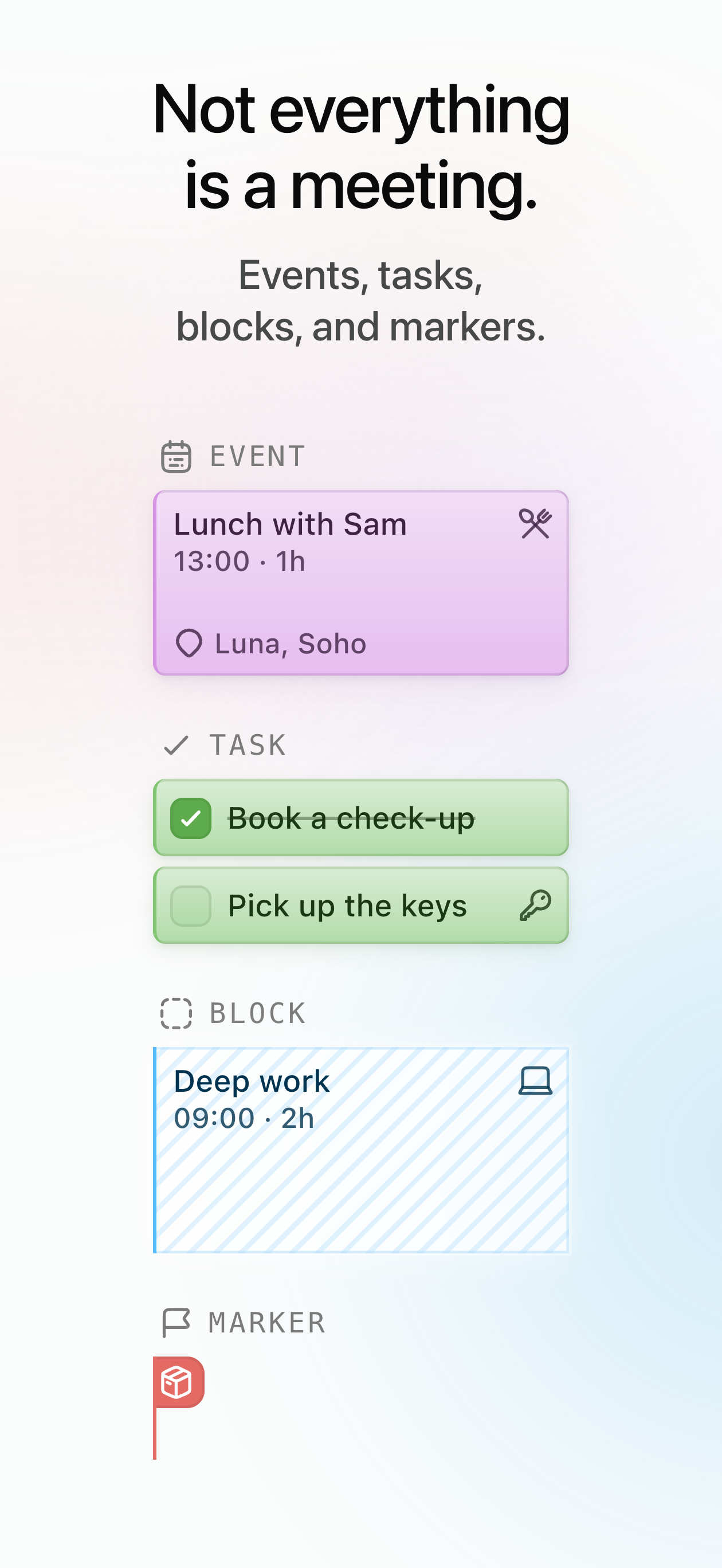
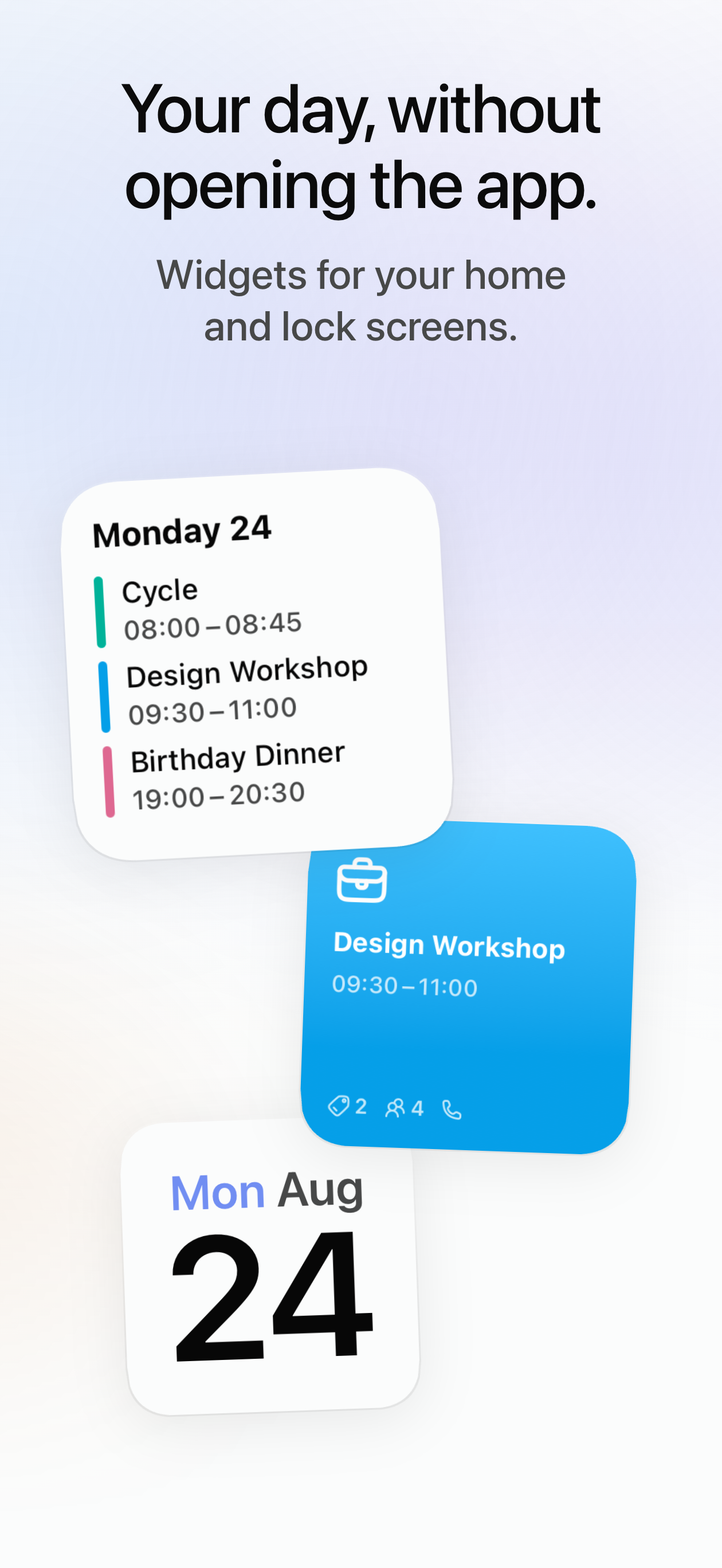
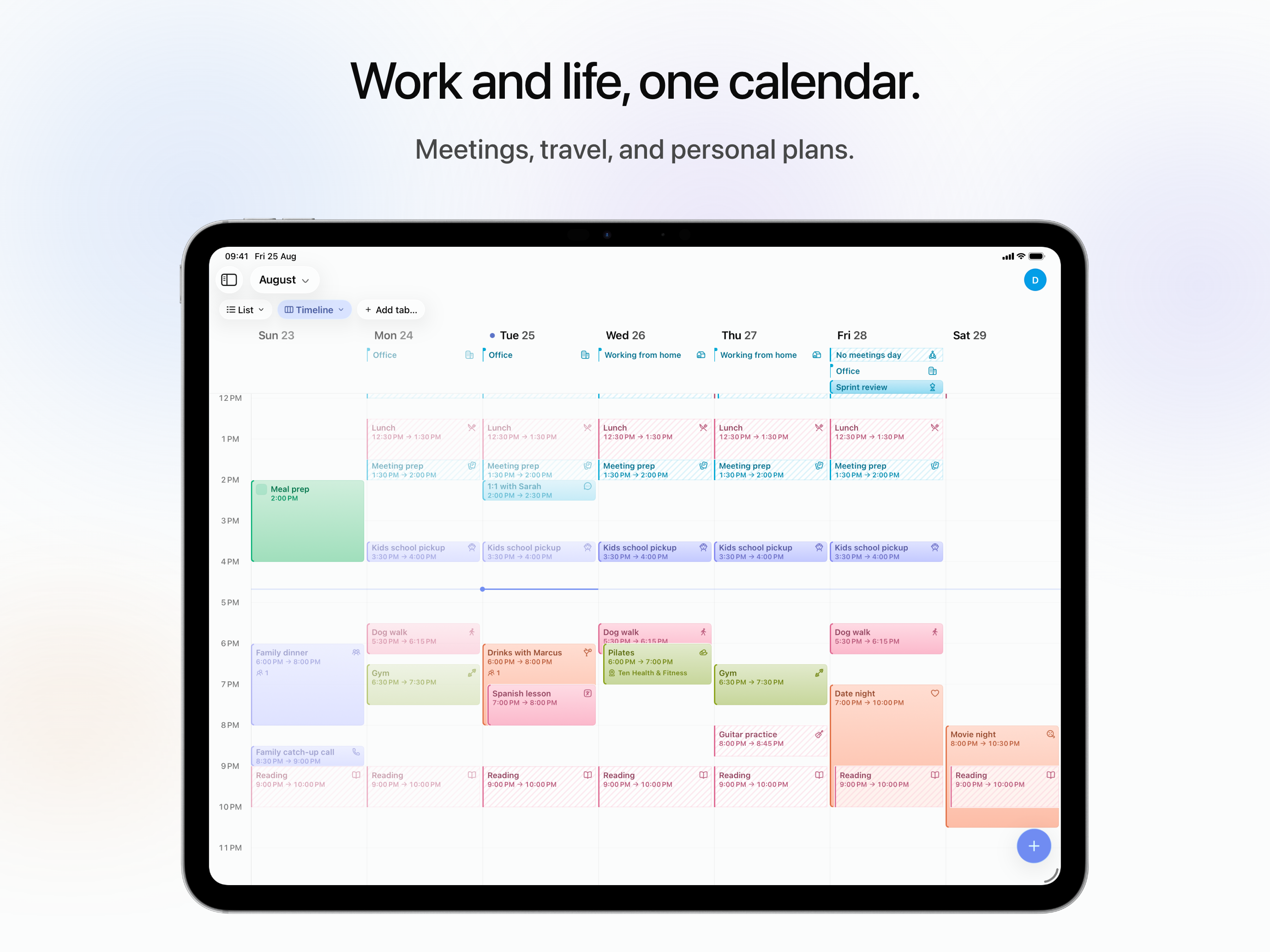
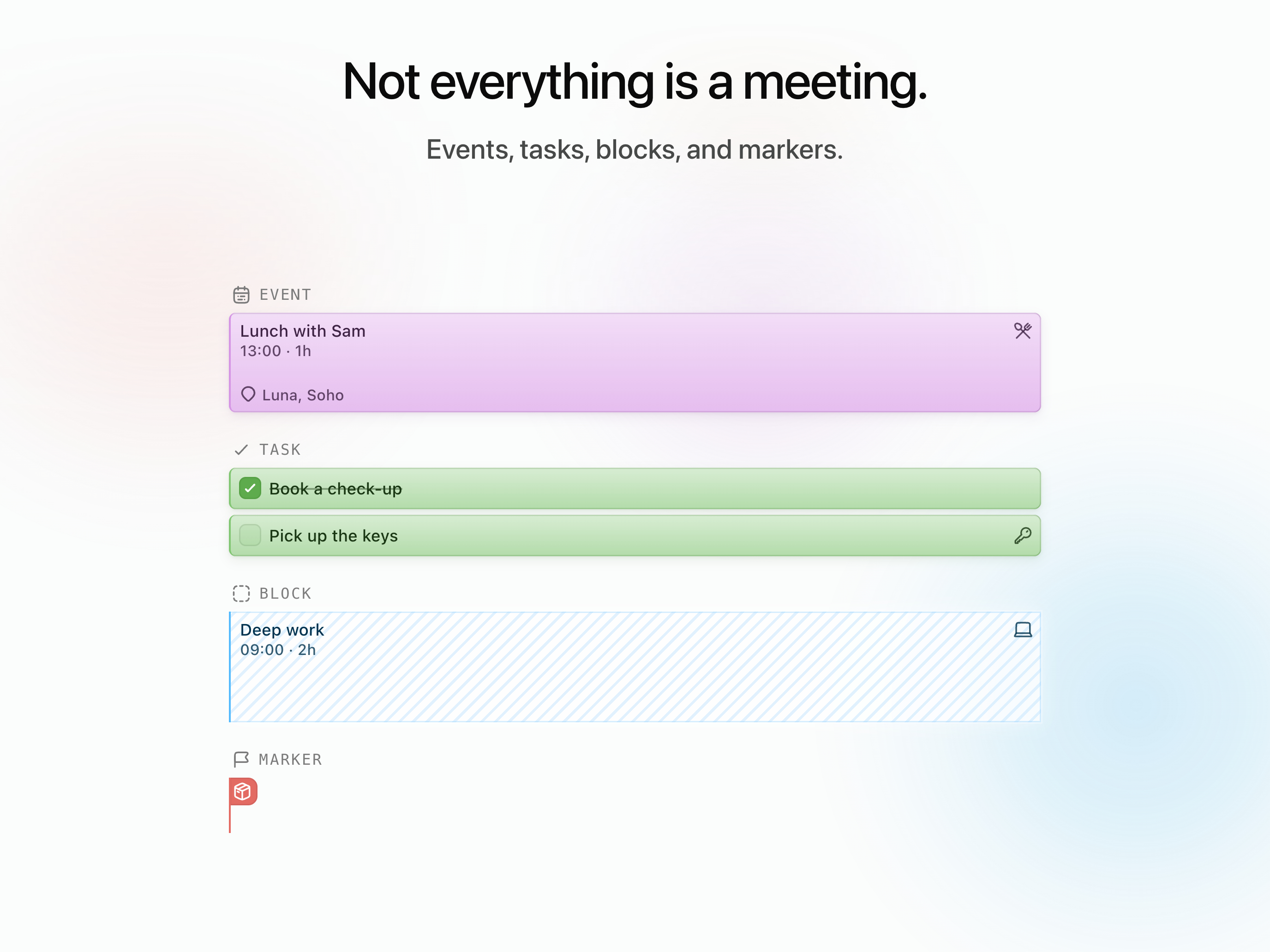
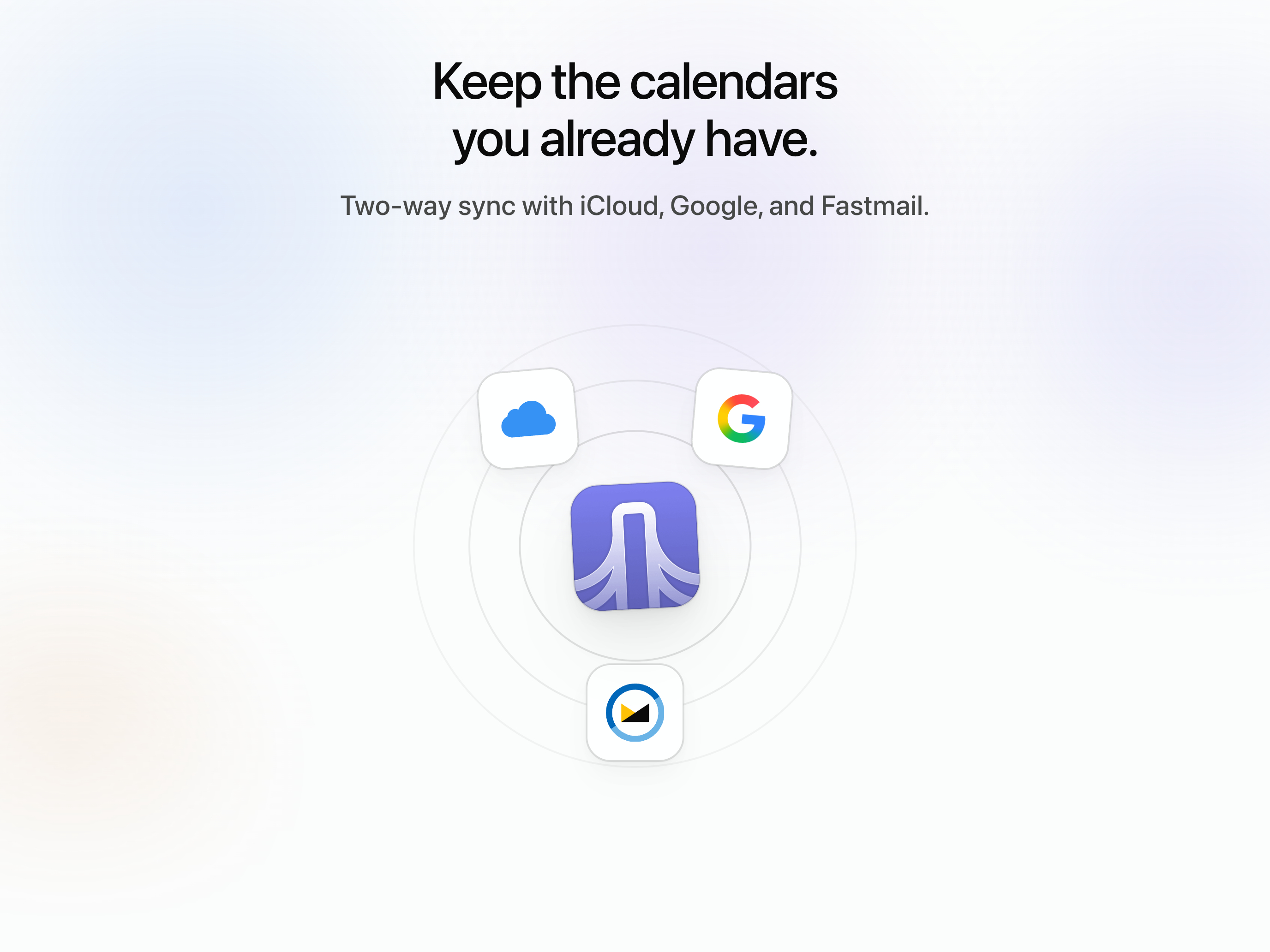
Read the store headline, screenshots and description. What problem is the app promising to solve?
Study the storefront ↗
Daybridge Software Limited · iOS
Explore the ad evidence, study the storefront, and build your next acquisition hypothesis.
01 / Creative research
Read the store headline, screenshots and description. What problem is the app promising to solve?
Study the storefront ↗Explore apps with direct store-link matches. Compare their hooks and formats without assuming the same approach works here.
Browse observed advertisers ↗Store rankings and revenue estimates describe market context. They do not establish ad spend, conversions or ROAS.
Review the market context ↗02 / Storefront & product
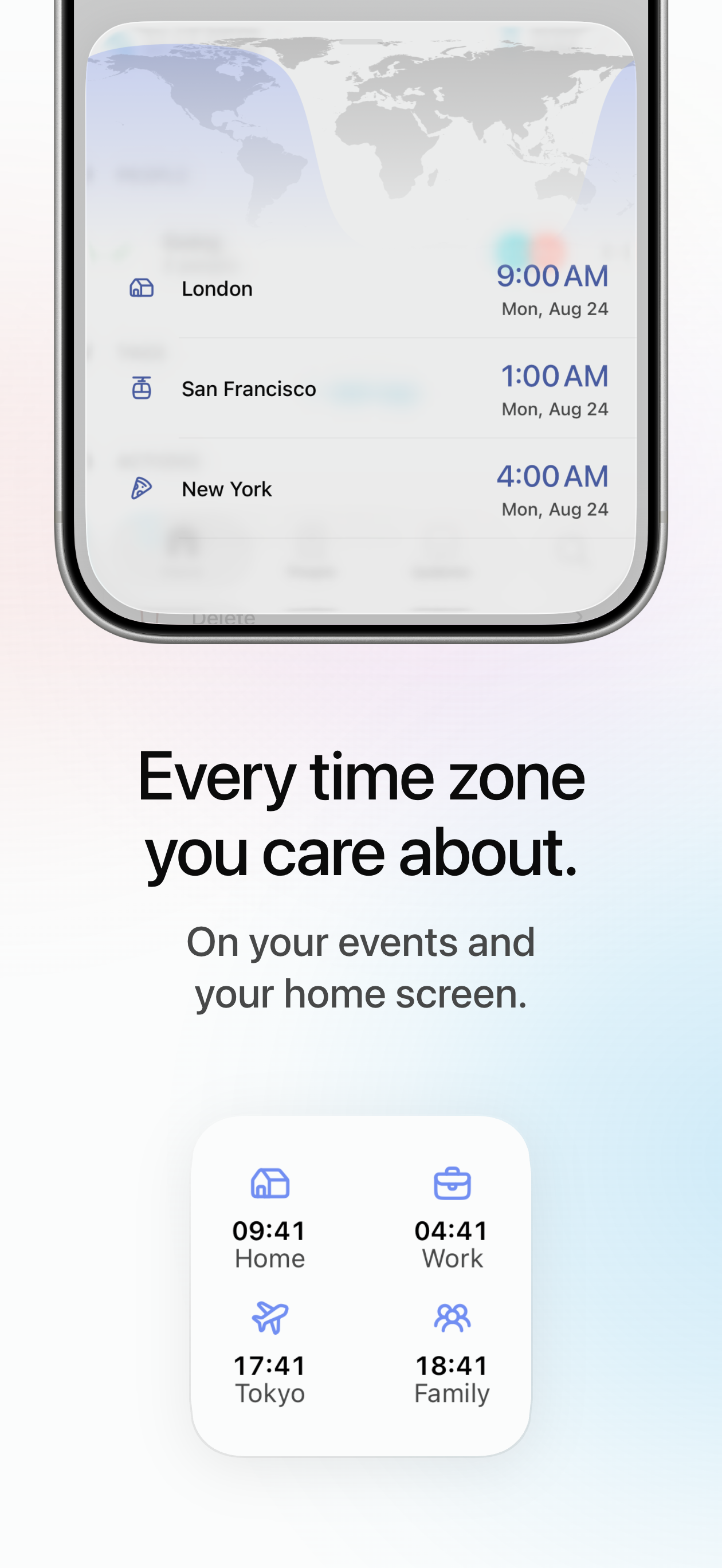
Study the product story and store experience behind the acquisition funnel.
03 / Market context
Keep revenue, downloads and store rankings separate from advertising performance.
I anxiously awaited the public release of this app for quite a long time. While I’m happy that it’s finally here, it’s still got a ways to go until it’s my daily driver calendar. The lack of iCloud integration as others have mentioned is my second biggest deal breaker. The first is the lack of view options. A week view, agenda view, and split month view would make using this calendar a lot more enjoyable. All the icons and colors are awesome unless you’re like me and don’t have enough events in a day to appreciate those options. Once those are implemented I know this will be by default calendar and arguably the best on iOS.
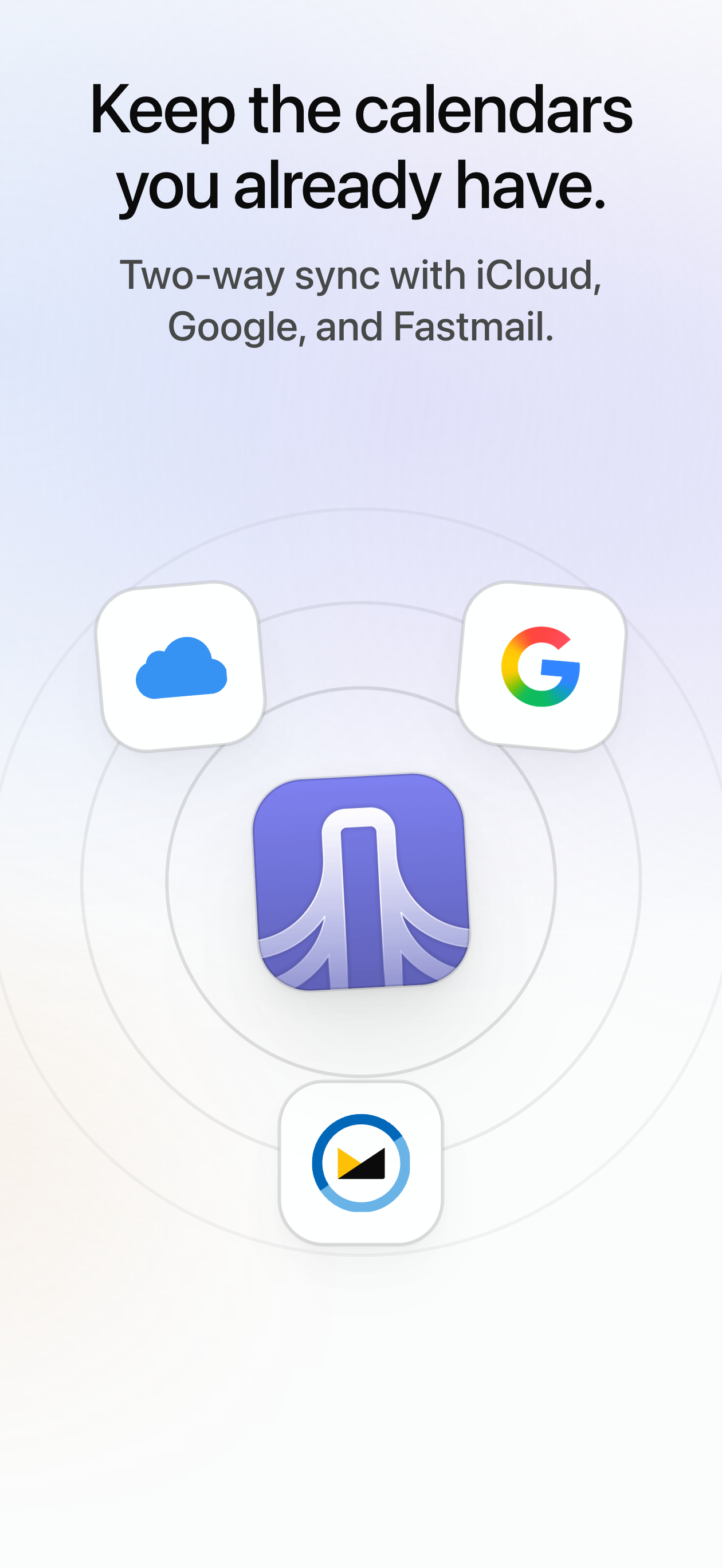
Came across this app on a blog I read and it piqued my interested. Downloaded it and I am not really sure what is going on. I feel like I am missing something. I linked my Google Account to the calendar and it was, kinda, successful. I can see prior events I have added, but nothing new. Nor, can I seem to find anything new that I add. I am also wondering if there will be calendar integration for iCal. My main calendar is through the native Apple app.
The lack of iCloud calendar support is what stops me from using this calendar. It is pretty and simple which I love, but without iCloud I’m out.
Stop juggling calendars. Daybridge puts meetings, travel and personal plans in one fast, beautiful calendar you'll actually enjoy using. Bring your e...