
Check the acquisition promise
Read the store headline, screenshots and description. What problem is the app promising to solve?
Study the storefront ↗
Immigration & Checkpoints Authority of Singapore · iOS
Explore the ad evidence, study the storefront, and build your next acquisition hypothesis.
01 / Creative research
Read the store headline, screenshots and description. What problem is the app promising to solve?
Study the storefront ↗Explore apps with direct store-link matches. Compare their hooks and formats without assuming the same approach works here.
Browse observed advertisers ↗Store rankings and revenue estimates describe market context. They do not establish ad spend, conversions or ROAS.
Review the market context ↗02 / Storefront & product
Study the product story and store experience behind the acquisition funnel.




03 / Market context
Keep revenue, downloads and store rankings separate from advertising performance.
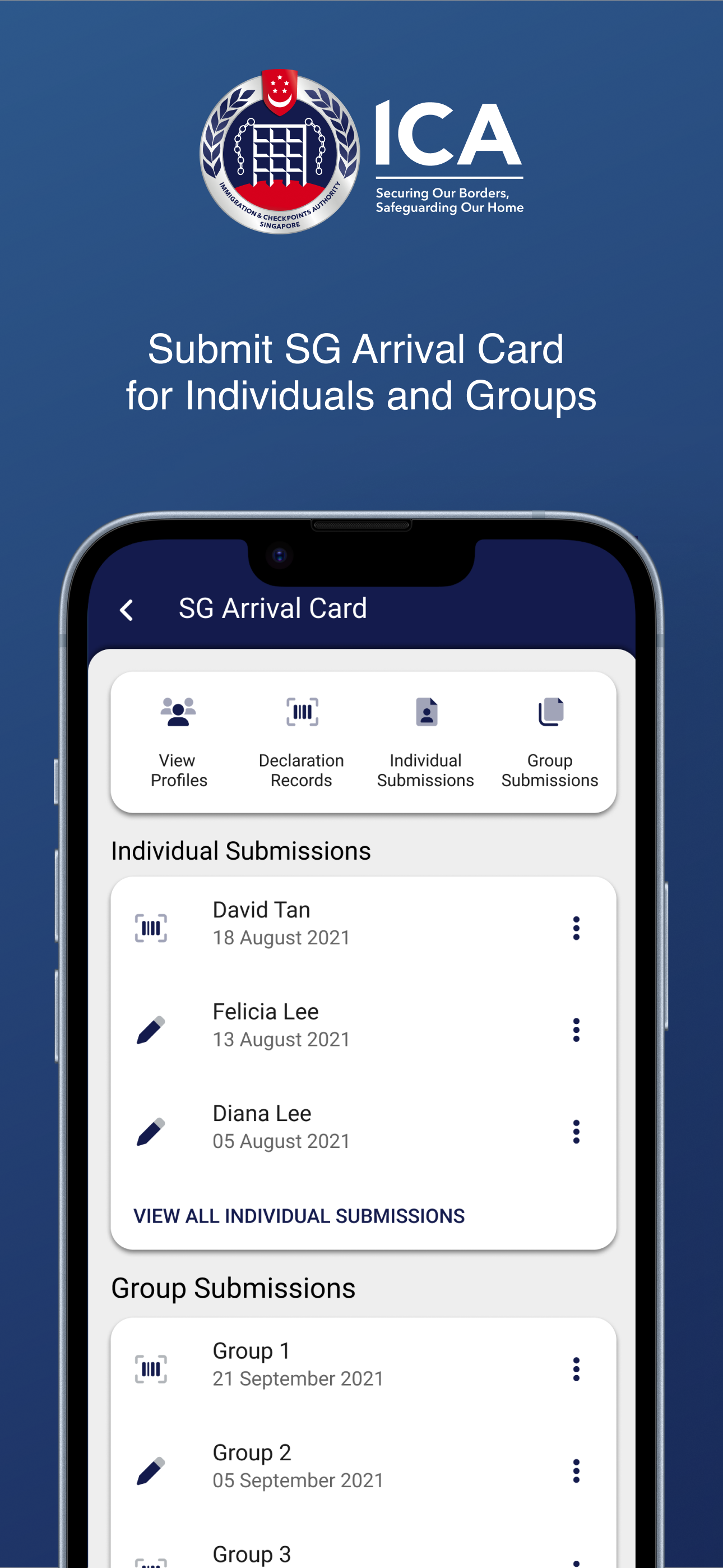
Unfortunately, you have to use either the MyICA mobile app or the SGAC e-Service website to complete an entry card prior to arrival in Singapore. The mobile app is pretty terrible and excessively inefficient. 1) If you have already filled out an entry card using the SGAC e-Service website, the app has no option for you to log in to access or edit your existing entry card. In fact, the very limited FAQ in the app tell you that you have to view the website for information about logging in to view your existing entry card, and the website says you need to log in using the app. 2) When filling out the entry card, you have to indicate your last departure city immediately prior to entering Singapore. The mobile app requires you to scroll through more than a thousand cities to select one. So if you enter Singapore from Seoul, for example, you have to scroll down past more than 1000 cities to get to the South Korea section, and then find Inchon in the dozens of South Korean cities listed. The website lets you start typing and quickly and efficiently filters the remaining options. For example, if you type SEO in the field in the website, it immediately filters out the thousands of cities and only lists Seoul. 3) If your first destination city when leaving Singapore is different from the city you arrived in Singapore from, you have to repeat the same time consuming and inefficient process. Luckily, if you are departing to the same city you arrived from, there’s a checkbox so you can skip having to do this a second time. 4) There’s no intelligence in the backend system to recognize whether you have already completed an arrival card. For example, if you filled out an arrival card on the website and then discovered that you can’t lookup or access it from the app and you create a new one in the app, it doesn’t recognize that literally every single detail you have entered is identical to an existing arrival card. Bottom line, use the website, not the app.
This is a great app that saves a ton of time for frequent traveler to Singapore. You can save profiles for yourself and your family so that you do not need to enter any information when re-entering except dates and health status. I think most of the other bad reviews are mostly people that do not understand the rules or how to use the basics of an app. Minus one star is being critical as the UI could be better. One example, it takes many clicks just to copy a new individual application for myself. It should be a favorite option.
For United States citizens there is a bug that prevents completion of a profile manually. On the first page of the profile setup screen the fields that require a country use drop downs. One of the fields does not have “United States” as an option and you cannot manually enter it. Use the “scan passport” button on the upper right corner of the screen. The information will populate correctly in the field with the bug.
ICA e-Services on-the-go: This application is brought to you by the Immigration & Checkpoints Authority (ICA), a Singapore Government Agency. MyICA...


