
Check the acquisition promise
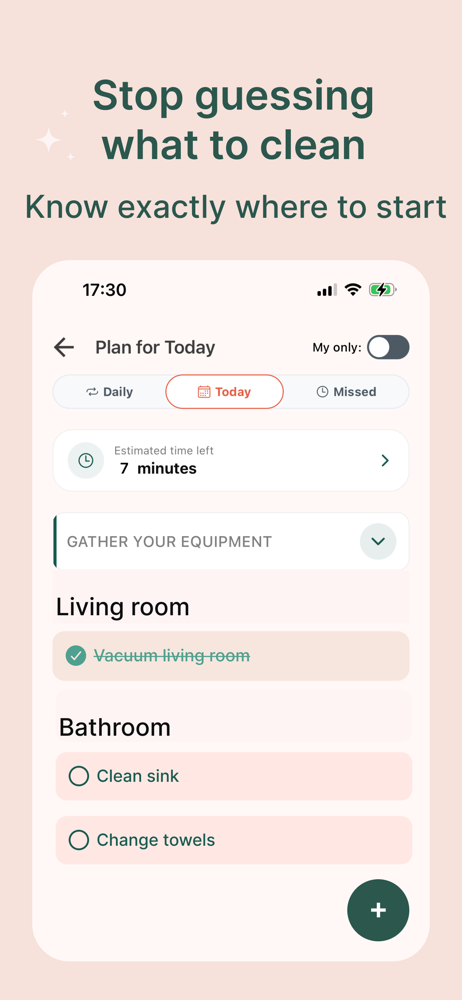
Read the store headline, screenshots and description. What problem is the app promising to solve?
Study the storefront ↗
Chakhouski Artsiom · iOS
Explore the ad evidence, study the storefront, and build your next acquisition hypothesis.
01 / Creative research
Read the store headline, screenshots and description. What problem is the app promising to solve?
Study the storefront ↗Explore apps with direct store-link matches. Compare their hooks and formats without assuming the same approach works here.
Browse observed advertisers ↗Store rankings and revenue estimates describe market context. They do not establish ad spend, conversions or ROAS.
Review the market context ↗02 / Storefront & product
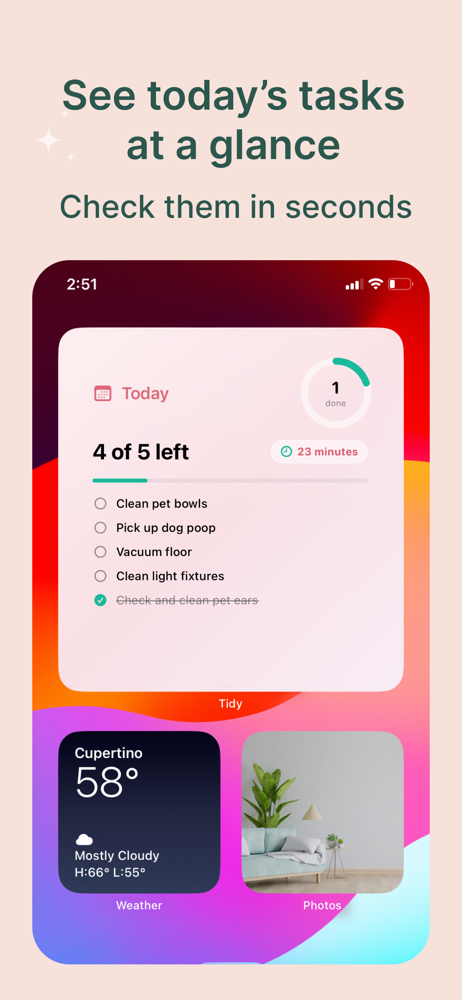
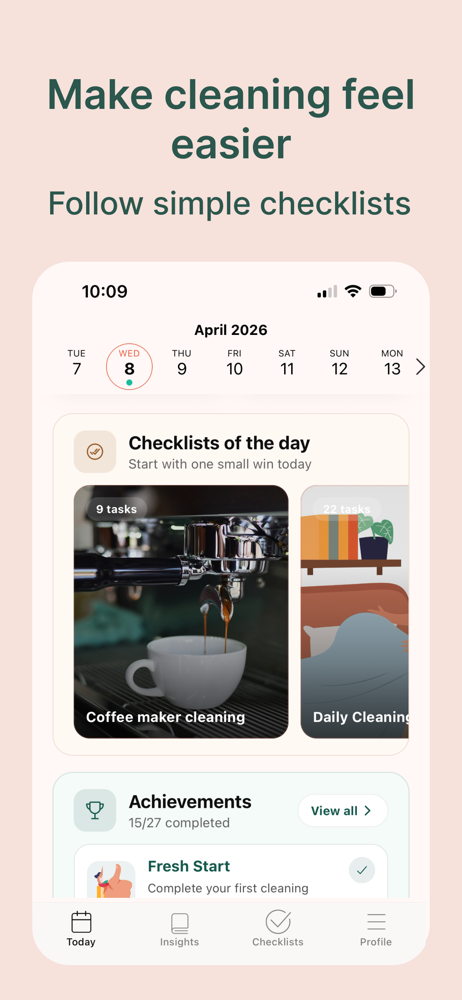
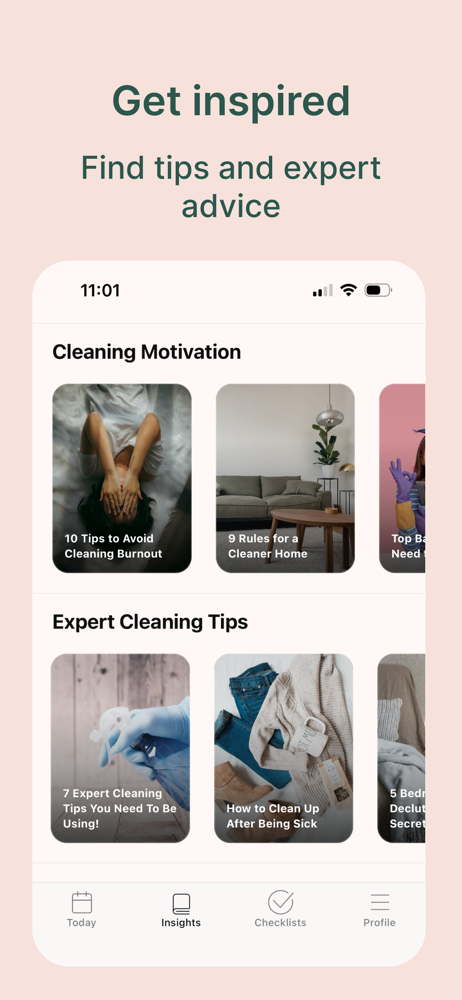
Study the product story and store experience behind the acquisition funnel.




03 / Market context
Keep revenue, downloads and store rankings separate from advertising performance.
I just downloaded this app and two problems initially. 1. It won’t let me add another user. I went to the manage users page where it says to send link. But then it won’t give me an option to send link. I thought maybe this was because I was on the free version, so I bought a month of premium. The same thing is happening. Won’t give me any way to add someone. 2. When I realized this, i went to the contact us button. Unfortunately this button takes you straight to the email app. Which I don’t have installed. So there is no way to contact them or find a contact email without having the Apple mail app. Was very hopeful for this, but extremely disappointed that I spent $4 for this. I know it’s not a lot, but $4 for nothing is frustrating.
I love that it has all kinds of suggestions, but I wish you could add tasks from separate lists into your main “Daily” and/or “Today” list. There’s different lists all over the place and I’m not sure how another family member is supposed to find the tasks assigned to them either. If you could curate tasks from multiple lists, then it’s more organized, you have a timer going, and you can divide different tasks across different days. For example, the Summer Prep Checklist has some great suggestions but it would be nice if I could put say, 2-3 tasks on “Today”, 2-3 more on tomorrow’s list, etc. Then I can try to achieve all of this across the week and not feel overwhelmed. It also just makes the interface more user-friendly. Also, when adding a new task, this would be a great spot to have the list of “all tasks” as a drop down so the user can more quickly add tasks already developed somewhere else in the app. Saves time.
I download any and every cleaning, decluttering, minimalist, tidying, routine, cleaning checklist app I see on the App Store. This app is not only great for recommended daily task but it also gives excellent and detailed information on how to set up routines. Tips and tricks on how to clean certain items. They don’t tease you with one article and then say you have to buy a subscription for more. They give you several articles for free. 10/10
The Tidy is a simple planner for keeping track of cleaning, organizing, and everyday tasks. Are you ready to get your home under control? You don’t ha...
| Name | Price | Type |
|---|---|---|
| Monthly Unlimited | $5.99 | Monthly |
| Yearly Unlimited | $34.99 | Yearly |


