Check the acquisition promise
Read the store headline, screenshots and description. What problem is the app promising to solve?
Study the storefront ↗
Opera Norway AS · iOS
Explore the ad evidence, study the storefront, and build your next acquisition hypothesis.
01 / Creative research
Read the store headline, screenshots and description. What problem is the app promising to solve?
Study the storefront ↗Explore apps with direct store-link matches. Compare their hooks and formats without assuming the same approach works here.
Browse observed advertisers ↗Store rankings and revenue estimates describe market context. They do not establish ad spend, conversions or ROAS.
Review the market context ↗02 / Storefront & product
Study the product story and store experience behind the acquisition funnel.




03 / Market context
Keep revenue, downloads and store rankings separate from advertising performance.
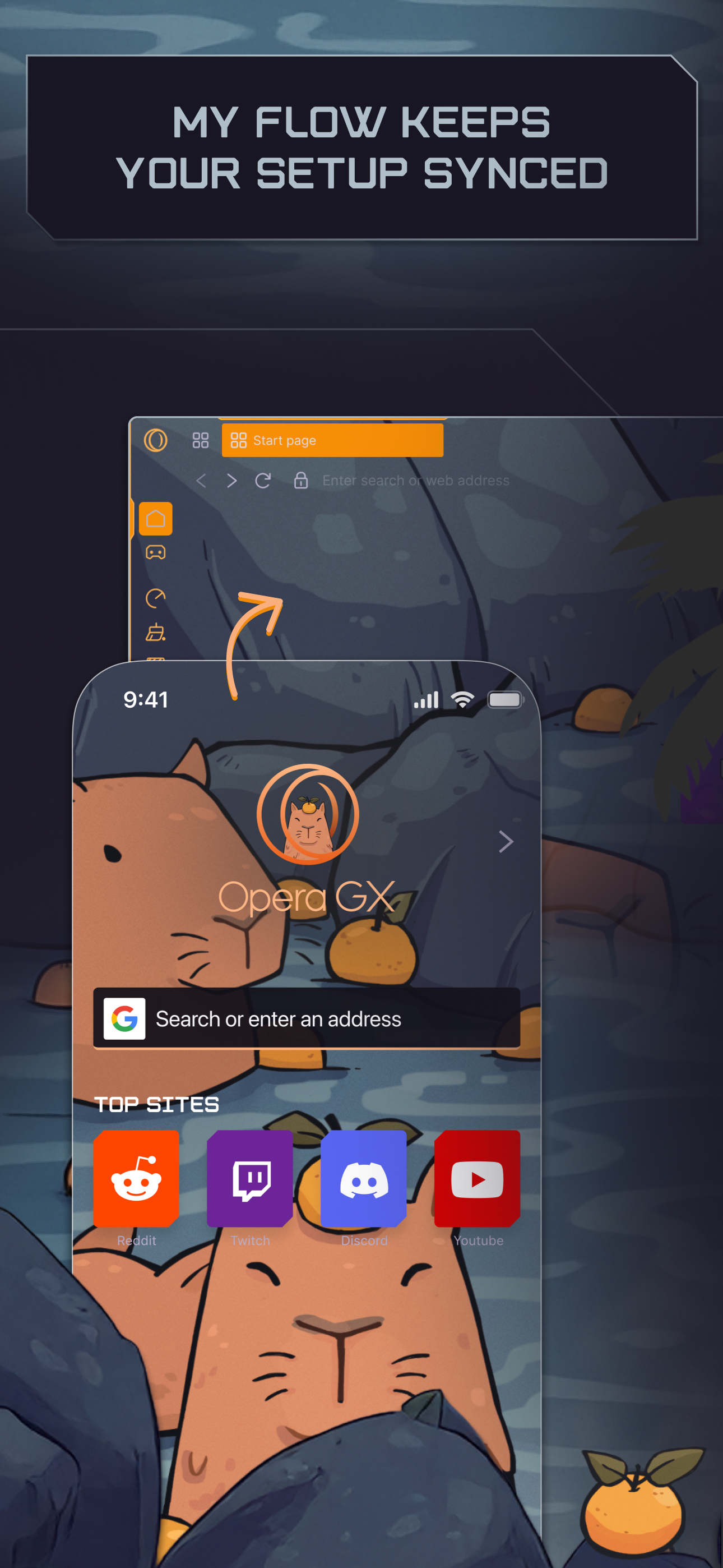
I remember using this browser four or five years ago during middle school. I was quite impressed by the icons on the homepage, as I used those programs regularly. Although today they are not the same icons as they were, there seem to be a lot more features with the browser itself. The My Flow feature of the browser is actually quite useful to me, as I often transfer files between my computer and my phone for later use, or to share with a team member for a project. The usage limiters are also still there as I remember them, and that is a great feature for people who don't have that much processing power. The overall user interface is sleek and minimal, with nice, dark undertones, smooth, solid colors, and foreboding ambiance and sounds. The smoothness and immersion of the interaction you get from this browser based on this user design is, in my eyes, unparalleled. It offers a great miniplayer when you're working in other tabs, with the ability to move along the video and whatnot. The settings aren't that intuitive UI-wise, but they do offer a lot, and the modding section is well-featured. The sidebar itself is quite useful to me for certain things, too, such as checking resource usage. Overall, this is a very solid web browser for those who like more features, a solid, consistent design, and to customize how much in resources the browser eats. Keep doing what you're doing.
For the most part I love this browser but there are a couple quality of life changes that need to happen. First, when I click into the address bar the entire text should be highlighted by default. The number of times I tap and start typing only to realize I’m typing additional characters into the middle of an existing web address is too high. Second, when a new tab is created as the result of clicking a link or long-pressing on a link to force a new tab then the page that tab was opened to should be the earliest history state for that tab. I shouldn’t be able to open a new tab right to a page and still be able to hit the back button and be taken to the empty tab page. I get tripped up sometimes thinking I’m in the wrong tab because of this. The back button should be greyed out if I am looking at the first page that was loaded when the tab was formed. I should only be able to go “back” to the empty tab page if that tab was opened as a new empty tab. There are some additional annoyances here and there but those are the main gripes for now that are causing me to drop it down one star. Otherwise I love this app! Oh, and also the release notes need to be actual release notes. I hate how many apps just do this “bug fixes & improvements” generic note on every single release. This is the tech-minded consumer browser right? Give me patch notes.
I love it, it’s a great app for nerds like me who wanna constantly be updated about recent gaming news. I really just wish there was more to the app honestly. This app give you stores, sales, trailers, updated news, the whole shabang, but I really feel like this app is perfect for PC gamers rather than console gamers. Other than trailers and news, there’s no store support for Nintendo’s e-shop, PS Store, or Xbox store. The app shows upcoming games for each console, I just wish I could like bookmark a game coming up soon, and preorder it on whatever console I want all from the app. PLEASE add store and sales support for us console players. It’d be nice to see every store sale the consoles are doing at the same time as each other so I can look through all of them and determine what to get. It’s a small “eh” thing, but I use the app so much that I’d love to see future support for consoles and other stores! Hey, G4 is also back! Why not add a little G4 page to see what all news they’re talking about? I’ve got a lot of ideas, and this is just a stellar app that I use very frequently. So thanks again guys! I love the app!
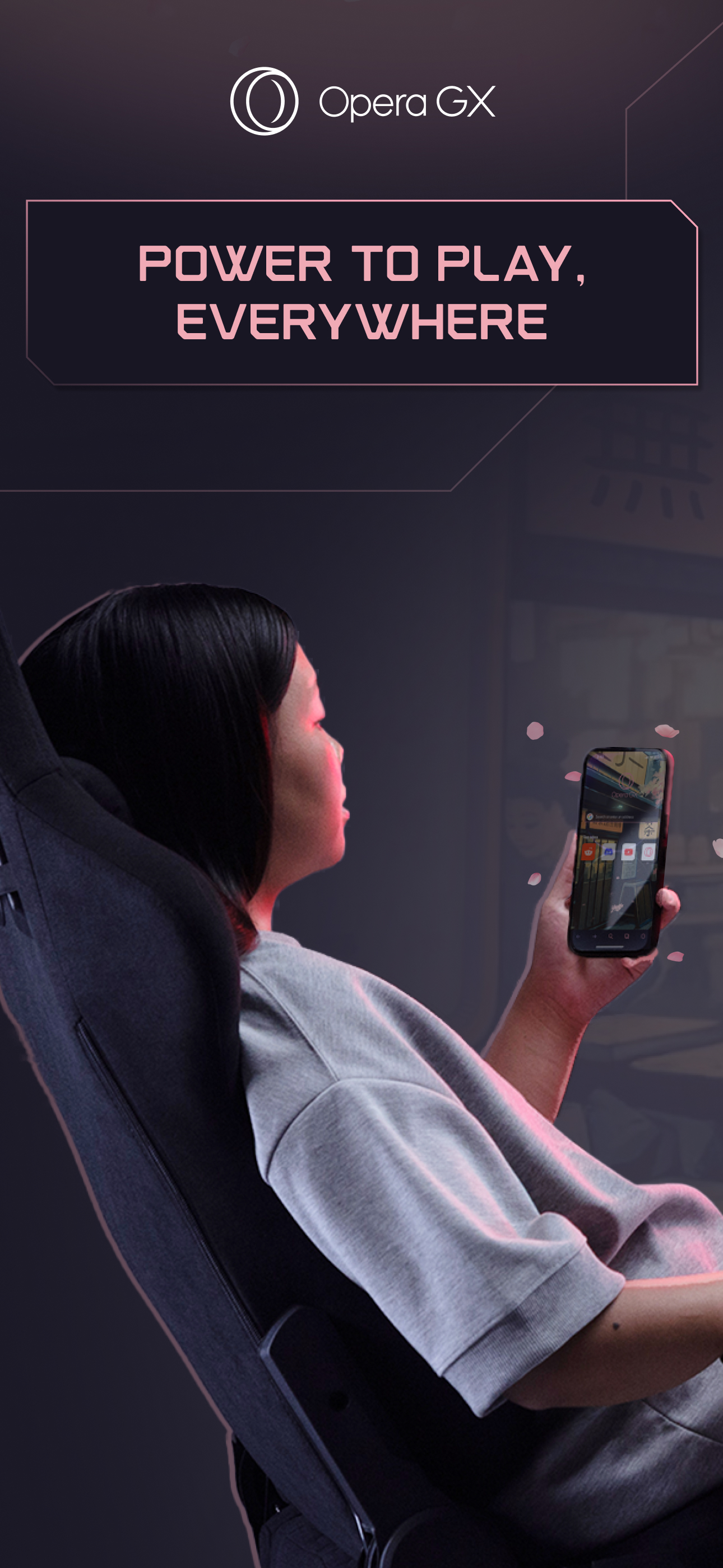
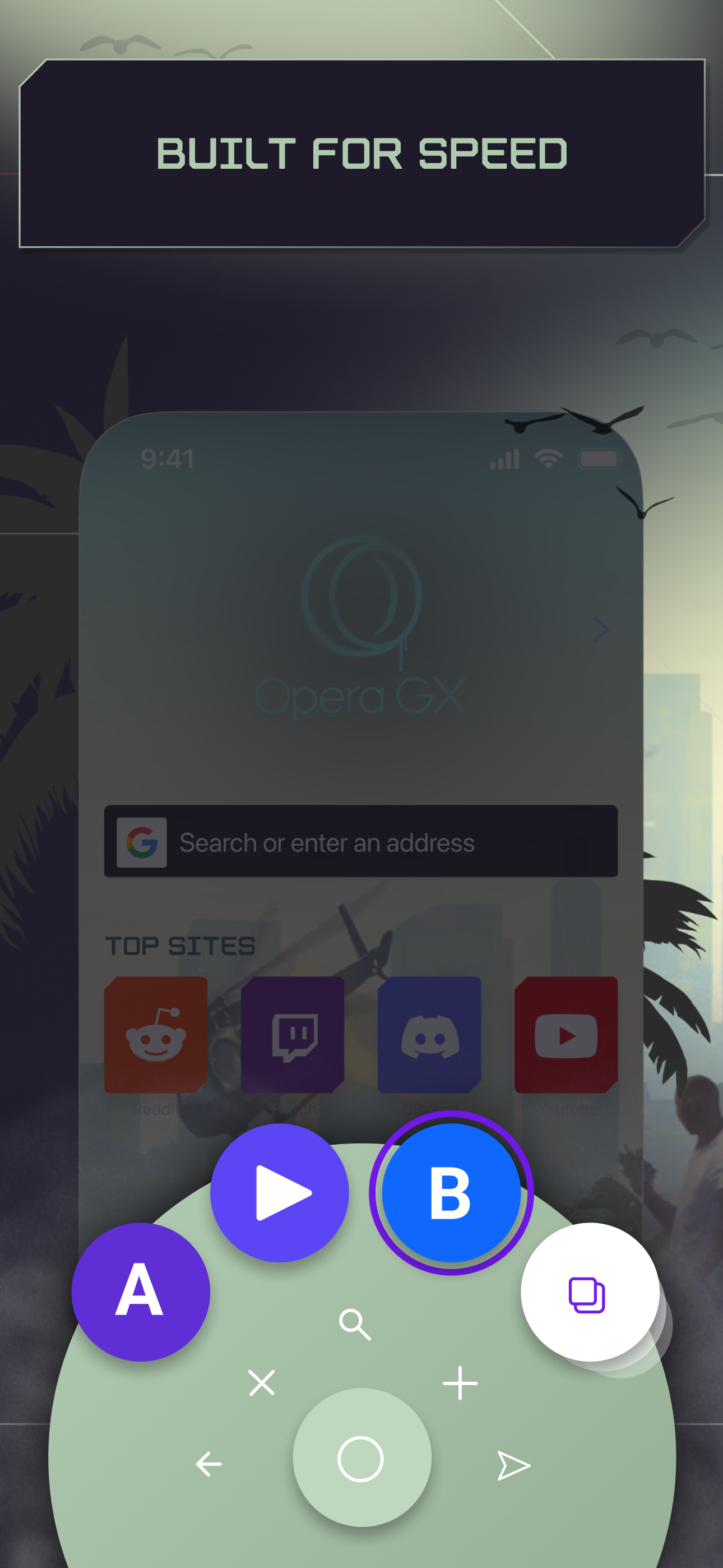
Opera GX brings the gaming lifestyle to your mobile. Express yourself with custom skins, discover free games and the best deals with GX Corner, share...