
Check the acquisition promise
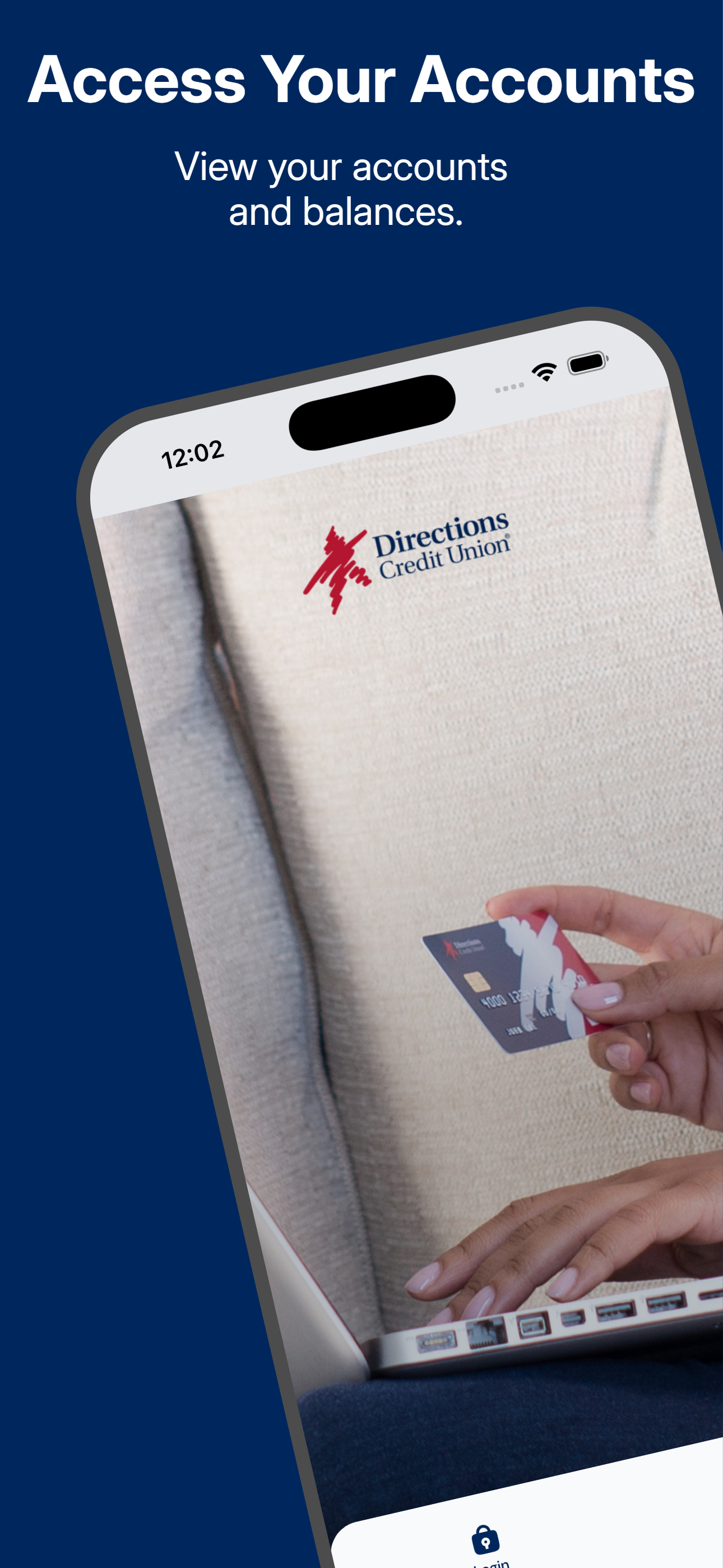
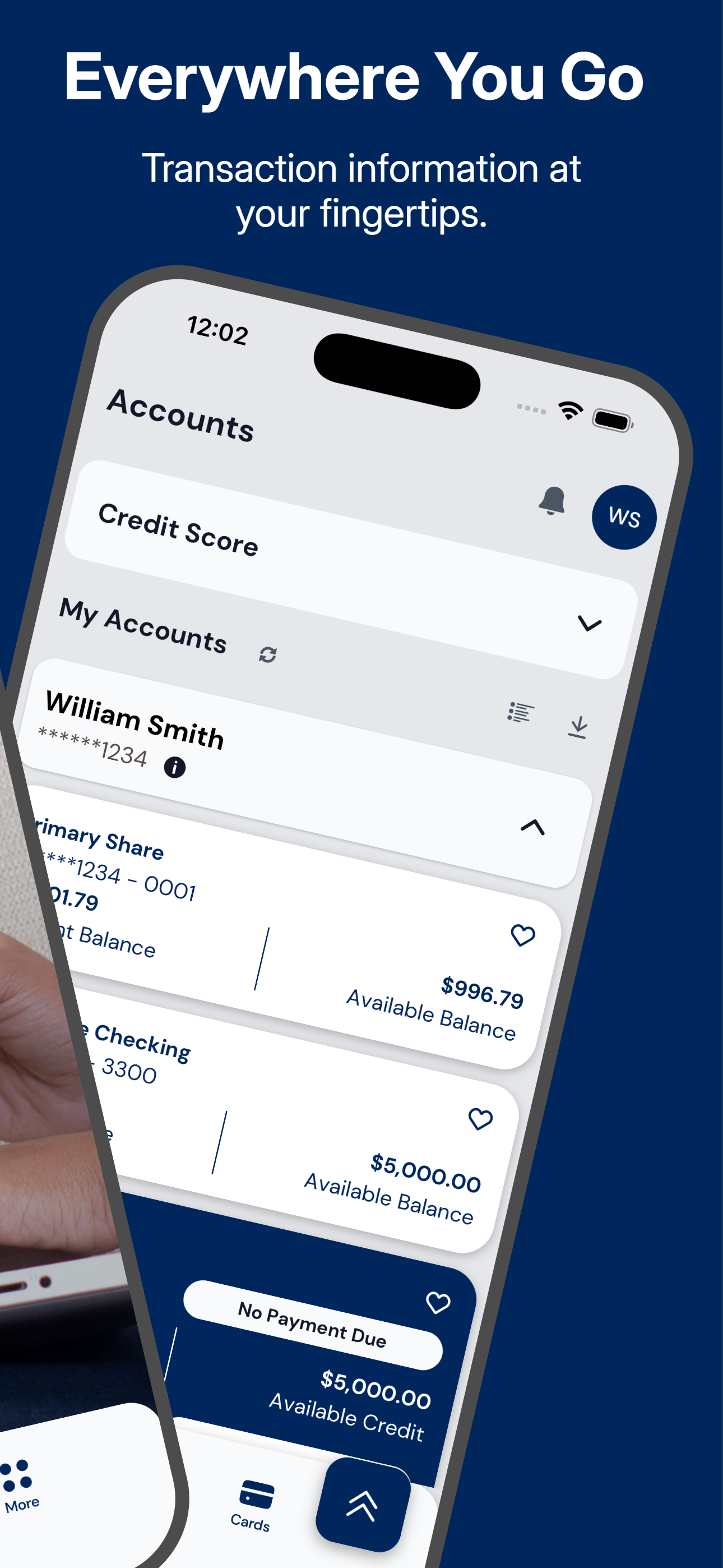
Read the store headline, screenshots and description. What problem is the app promising to solve?
Study the storefront ↗
Directions Credit Union · iOS
Explore the ad evidence, study the storefront, and build your next acquisition hypothesis.
01 / Creative research
Read the store headline, screenshots and description. What problem is the app promising to solve?
Study the storefront ↗Explore apps with direct store-link matches. Compare their hooks and formats without assuming the same approach works here.
Browse observed advertisers ↗Store rankings and revenue estimates describe market context. They do not establish ad spend, conversions or ROAS.
Review the market context ↗02 / Storefront & product
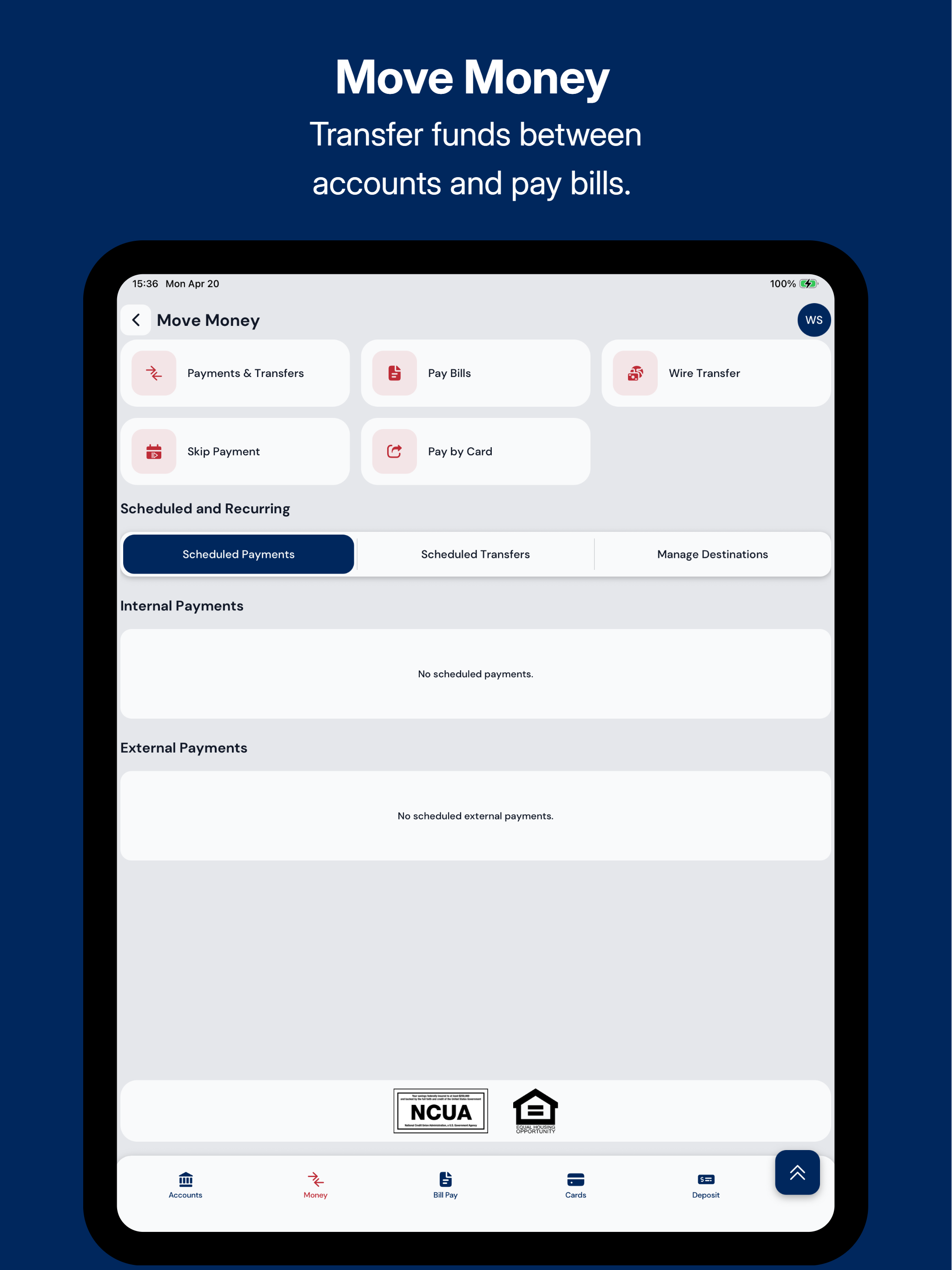
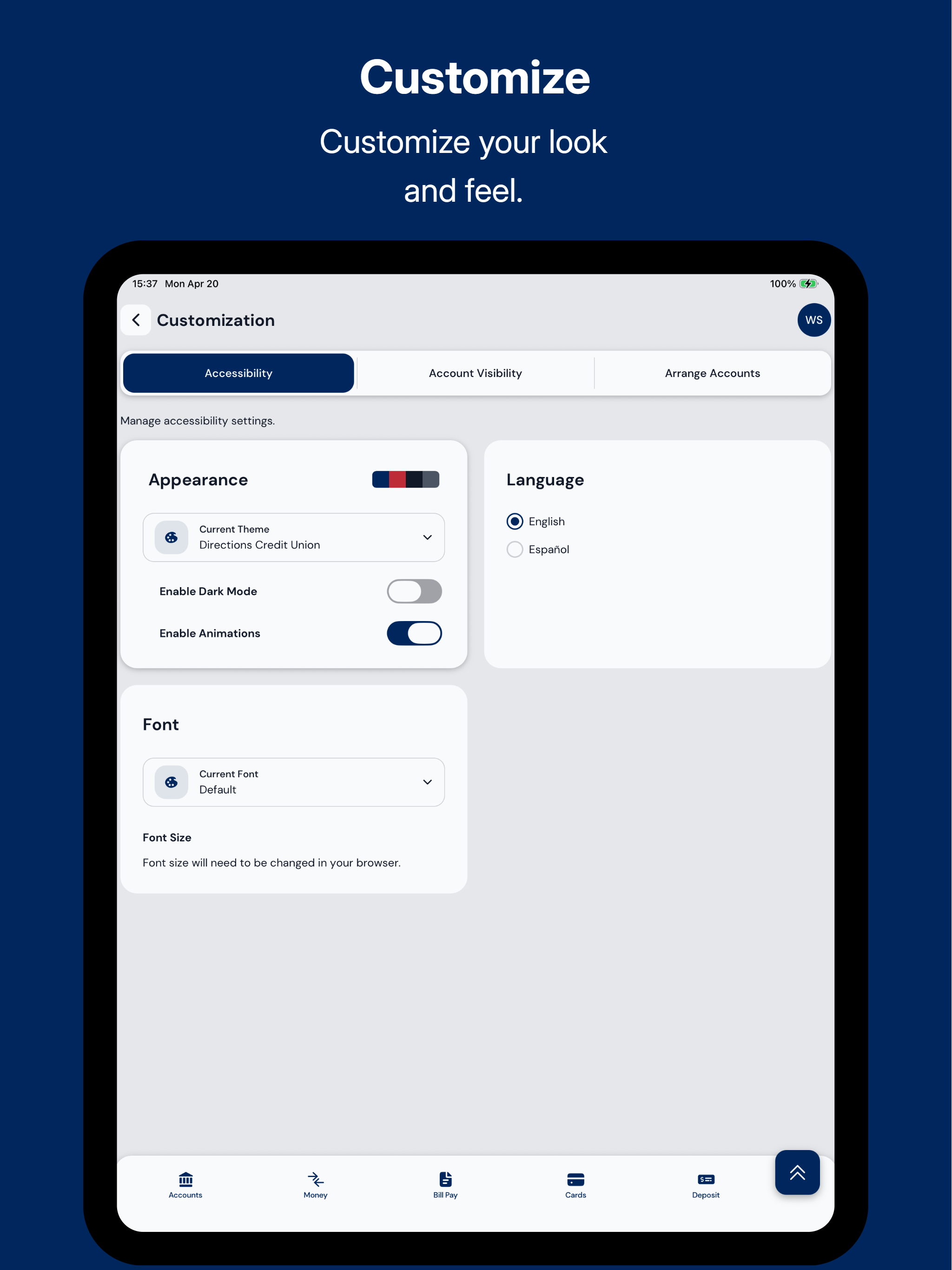
Study the product story and store experience behind the acquisition funnel.


03 / Market context
Keep revenue, downloads and store rankings separate from advertising performance.
The app works credit and does everything I’d ever want it to do. The only thing that doesn’t work is the Deposit feature. I have uninstalled and reinstalled and checked for updates and the Deposit feature doesn’t work when I click the button. It doesn’t take me to the remote deposit screen to cash a check.
Since the upgrade, receiving notifications has been inconsistent. To troubleshoot, I enabled all available notification methods, but I still do not receive push notifications from the app. I also noticed my phone number was listed twice, which made it confusing to determine which number should receive text notifications. Email notifications are now working correctly, but push notifications remain an issue. I was advised to use a different application for notifications; however, I do not feel this should be necessary, as my text notifications worked properly before the upgrade.
Directions has hit the mark 100% on everything except mobile deposit. 10 day holds on things that are deposited automatically when you take in the branch, is unacceptable! I won’t have to learn that lesson twice, but everything else is impeccable Please add coin counting to your branch
Do more with the Direction CU Mobile Banking app. Directions CU Mobile Banking allows you to: - Sign in with Face ID or Touch ID - Use Quick Balance...
