Check the acquisition promise
Read the store headline, screenshots and description. What problem is the app promising to solve?
Study the storefront ↗
Maxima Apps · iOS
Explore the ad evidence, study the storefront, and build your next acquisition hypothesis.
01 / Creative research
Read the store headline, screenshots and description. What problem is the app promising to solve?
Study the storefront ↗Explore apps with direct store-link matches. Compare their hooks and formats without assuming the same approach works here.
Browse observed advertisers ↗Store rankings and revenue estimates describe market context. They do not establish ad spend, conversions or ROAS.
Review the market context ↗02 / Storefront & product
Study the product story and store experience behind the acquisition funnel.




03 / Market context
Keep revenue, downloads and store rankings separate from advertising performance.
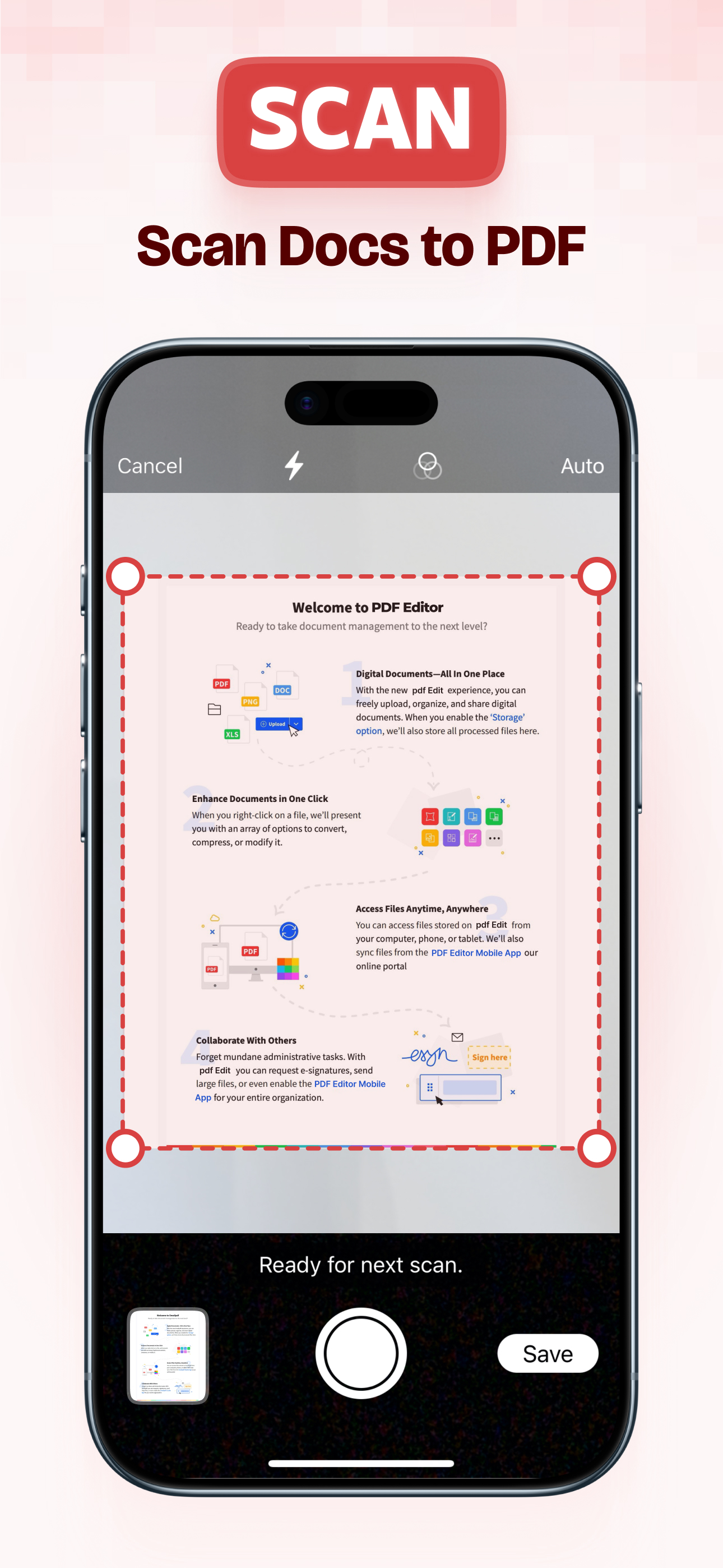
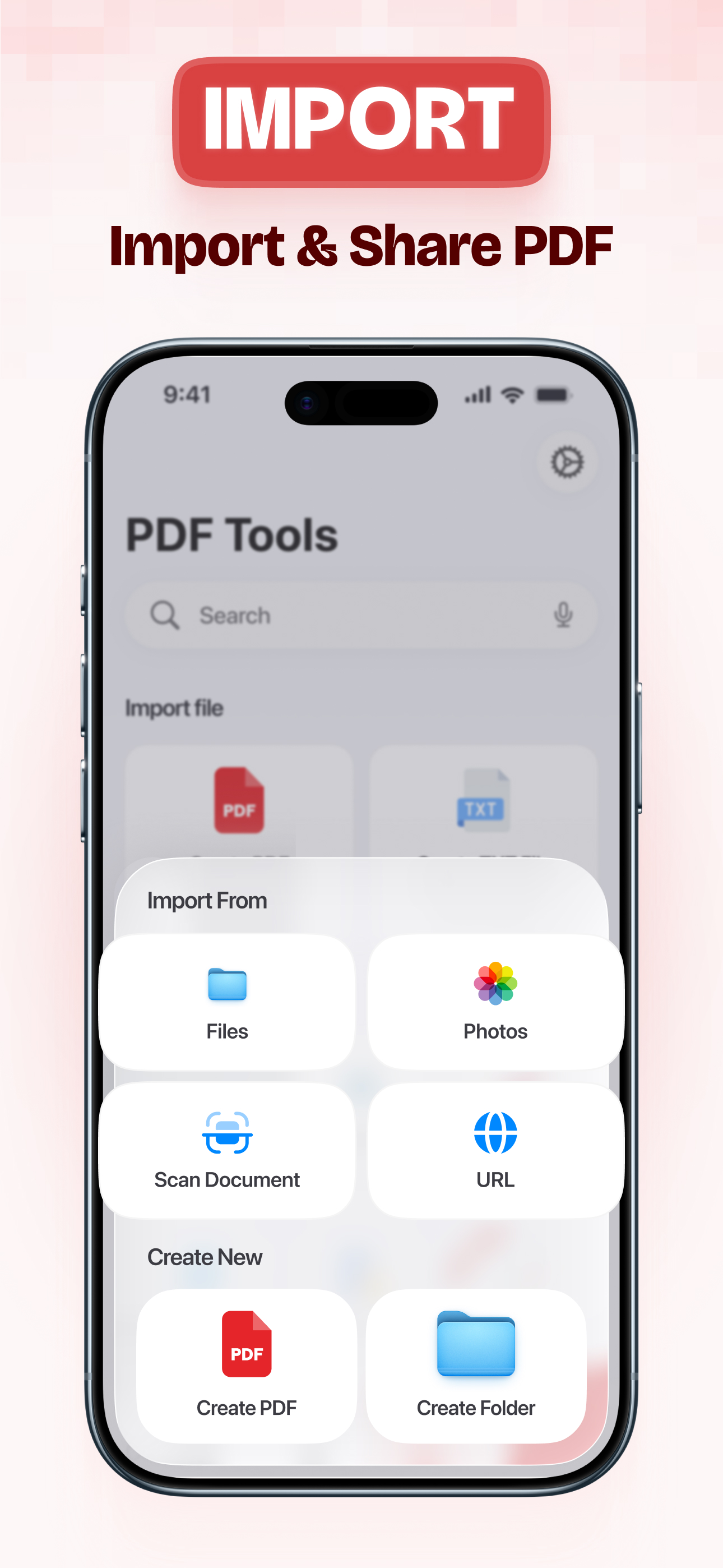
It’s so hard to find free PDF software, especially mobile. Sure there’s tons of simple singing ones. But when i’m in a situation where i need to edit PDFs it’s usually pretty important and i don’t wanna have to fumble around. This app apparently does scanning too which is also helpful lol i have too many apps 😂 GIVE IT A TRY 👏🏻👀🔥
This app has helped me so much. It does everything that I would have thought it did. Scanning has never been so easy for me and also my mother. It is a little more difficult for her to get things done on my printer because it’s a little too techy for her. So this app just make things a little more easier for her. Editing is super neat. They have different colors that the scanned page could be, cropping/rotating, and even the stamps. I don’t know what I’ll need them for but I will defined start using them.I love this app
This app is exactly what I need for school. While I wait to get my computer fixed, I was looking the the App Store for a file converter so I could convert PDF files into Word documents and came across this one. Now, I don’t have to go through the hassle to convert the documents, but I can just edit them straight PDFs as is and submit again. I’ve never seen an app of this kind that functions so effectively. You can sign documents, approve or reject forms, edit like you would any other document. I highly recommend this app based on just the user friendly display and quick and easy tutorial.
PDF Editor: Scan, Convert & Sign Documents Working with PDFs should feel simple and efficient. PDF Editor helps you scan documents, edit PDFs, conve...