Check the acquisition promise
Read the store headline, screenshots and description. What problem is the app promising to solve?
Study the storefront ↗
Rize Home, LLC · iOS
Explore the ad evidence, study the storefront, and build your next acquisition hypothesis.
01 / Creative research
Read the store headline, screenshots and description. What problem is the app promising to solve?
Study the storefront ↗Explore apps with direct store-link matches. Compare their hooks and formats without assuming the same approach works here.
Browse observed advertisers ↗Store rankings and revenue estimates describe market context. They do not establish ad spend, conversions or ROAS.
Review the market context ↗02 / Storefront & product
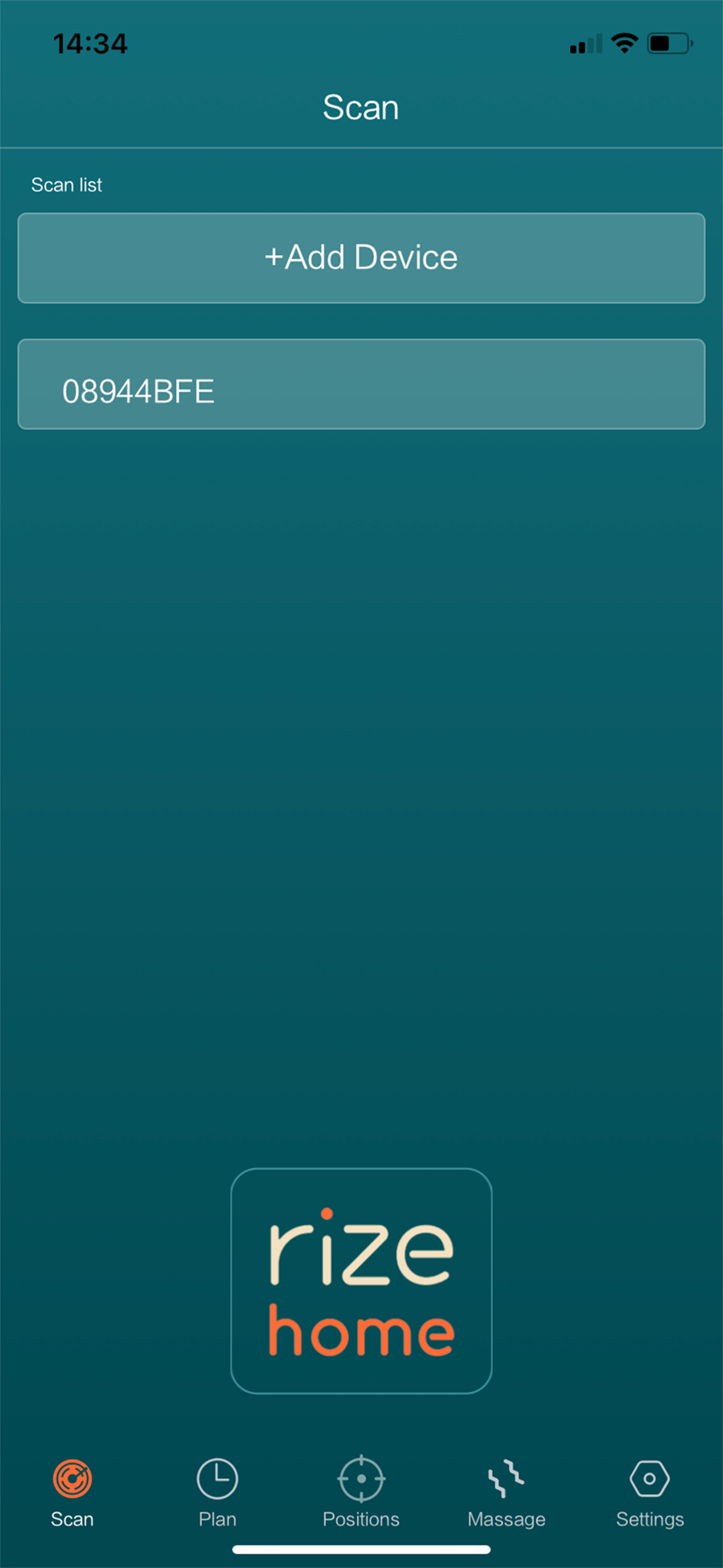
Study the product story and store experience behind the acquisition funnel.


03 / Market context
Keep revenue, downloads and store rankings separate from advertising performance.
This app is zero help. Our remote was dropped on the floor one too many times by our toddler and stopped working. I downloaded the app and it worked the very first time I used it and then never worked again. I’ve tried deleting the app and downloading it again, erasing the info and reentering it, everything you could think to do and nothing. Very disappointed that we can’t use our bed for the exact reason we even bought the bed to begin with.
I found this app a few months after I got my bed in early fall ‘24, it worked fine for awhile, then it would randomly not find the bed, and of course all presets were lost each time I had to re-scan. Then a couple days ago, nothing is working, when you press the “flat” button it doesn’t go flat, when I press a saved preset it doesn’t work. Unless something improves, I’ve lost the usefulness of this app.
I have 2 twin xl clarity 2 with 1 king mattress on them. The app will only control 1 bed. The remote for bed controls both so not understanding why app won’t do it.
1. Connect and control your smart bed by bluetooth. 2. Change the position of the bed, and control different parts of the bed. 3. Add an alarm clock t...