Check the acquisition promise
Read the store headline, screenshots and description. What problem is the app promising to solve?
Study the storefront ↗
Amit Verma · iOS
Explore the ad evidence, study the storefront, and build your next acquisition hypothesis.
01 / Creative research
Read the store headline, screenshots and description. What problem is the app promising to solve?
Study the storefront ↗Explore apps with direct store-link matches. Compare their hooks and formats without assuming the same approach works here.
Browse observed advertisers ↗Store rankings and revenue estimates describe market context. They do not establish ad spend, conversions or ROAS.
Review the market context ↗02 / Storefront & product
Study the product story and store experience behind the acquisition funnel.



03 / Market context
Keep revenue, downloads and store rankings separate from advertising performance.
Love this, I have a moment that no one knows about , I know where, the Dog and who did the trim work in the house. Great idea.
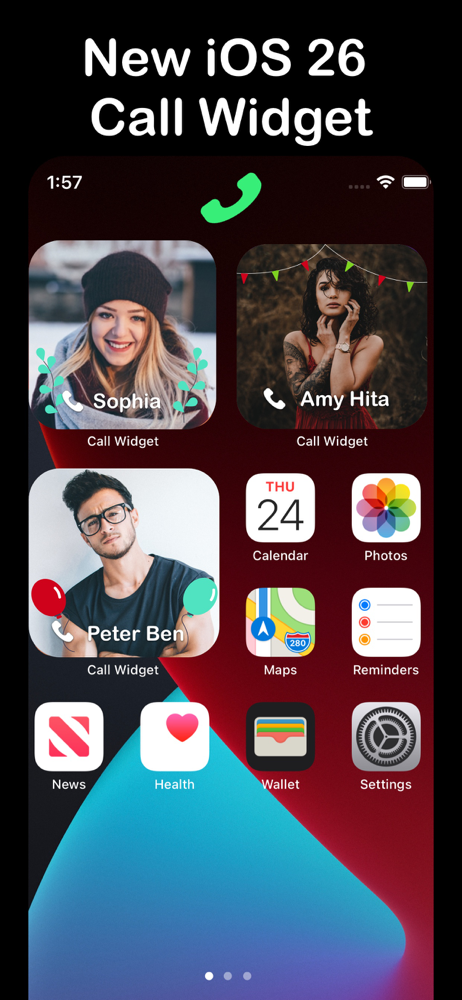
I purchased this widget and it is still asking me to upgrade. I also see that it is not just a one click to place a call as advertised. You have to click on the widget, click on the phone and then click on the phone number. That is a lot of steps to make a call.
I cannot get the widget to let me select the small size. I need more than 3 people on my home page! I upgraded to PRO to be able to add more people to my selection and to frame them according to Emergency Contact or simply family or friend. I will gladly upgrade my rating to 5 stars if you’ll just tell me how to make the pictures smaller! Thank you.
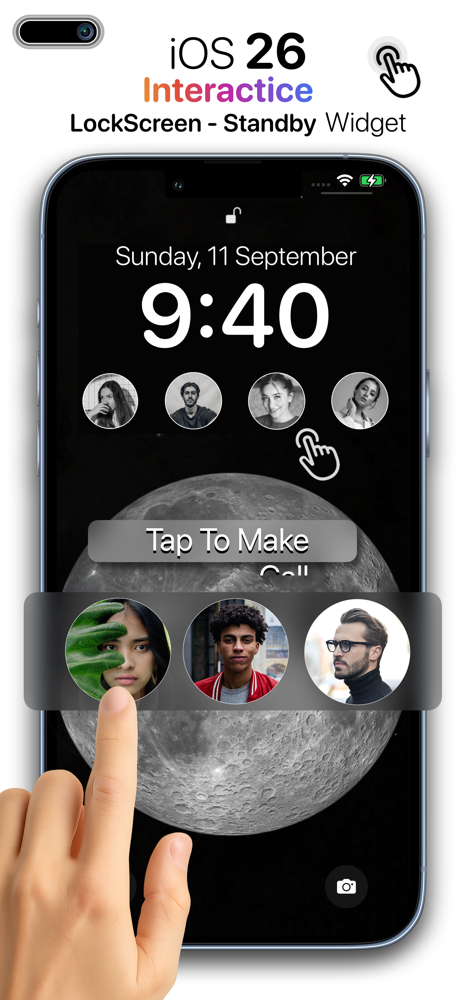
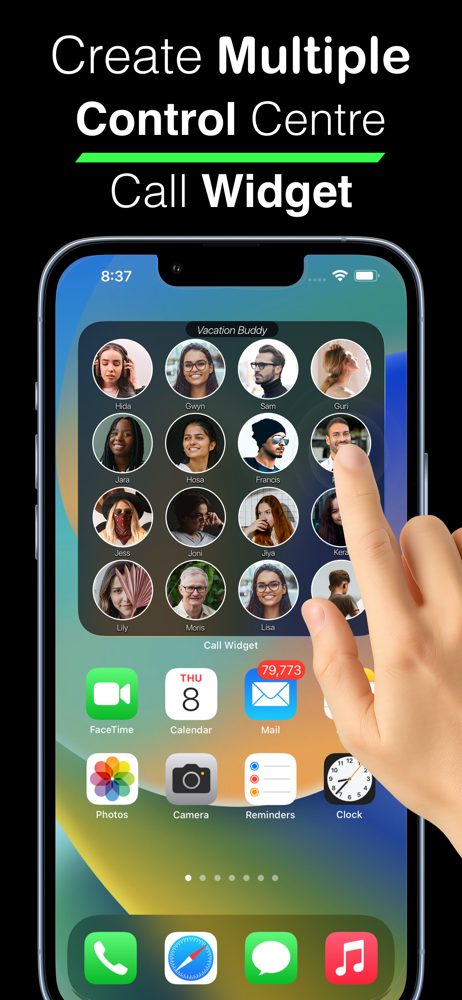
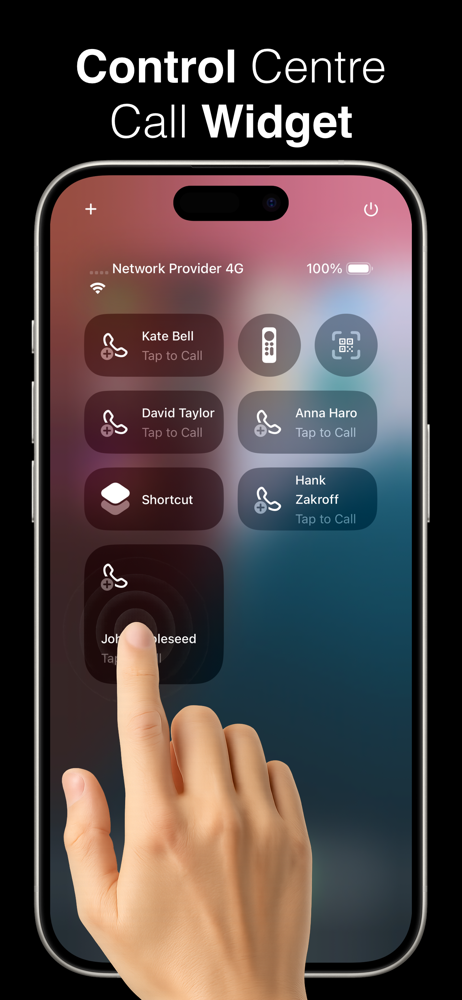
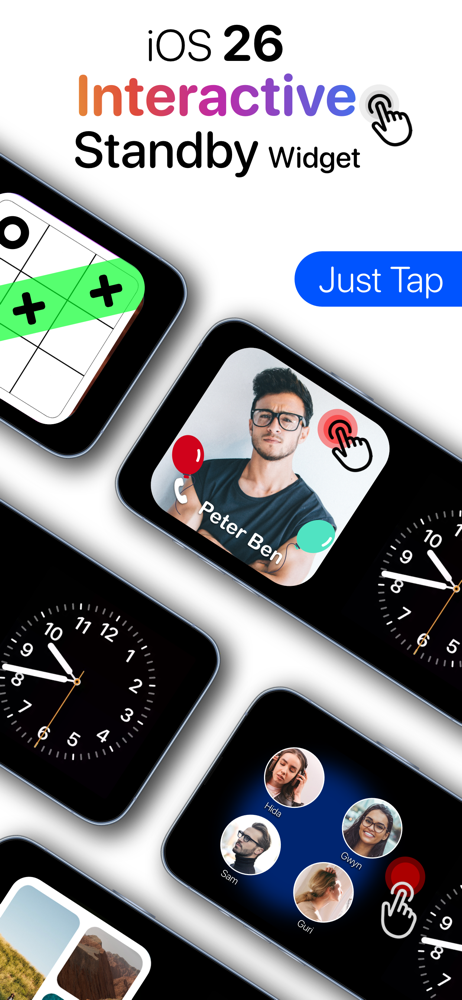
All new Widgets and standby for iOS 26 Call Widget is best widgets for speed- dialling your favourites (loved one) on your home screen. All you ne...
| Name | Price | Type |
|---|---|---|
| Call pro. (Weekly) | $2.99 | Weekly |
| Call pro. (Monthly) | $8.99 | Monthly |
| Call pro. (Annual) | $24.99 | Yearly |
| Call Pro. | $39.99 | One-time |