
Check the acquisition promise
Read the store headline, screenshots and description. What problem is the app promising to solve?
Study the storefront ↗
Johan Burgler · iOS
Explore the ad evidence, study the storefront, and build your next acquisition hypothesis.
01 / Creative research
Read the store headline, screenshots and description. What problem is the app promising to solve?
Study the storefront ↗Explore apps with direct store-link matches. Compare their hooks and formats without assuming the same approach works here.
Browse observed advertisers ↗Store rankings and revenue estimates describe market context. They do not establish ad spend, conversions or ROAS.
Review the market context ↗02 / Storefront & product
Study the product story and store experience behind the acquisition funnel.


03 / Market context
Keep revenue, downloads and store rankings separate from advertising performance.
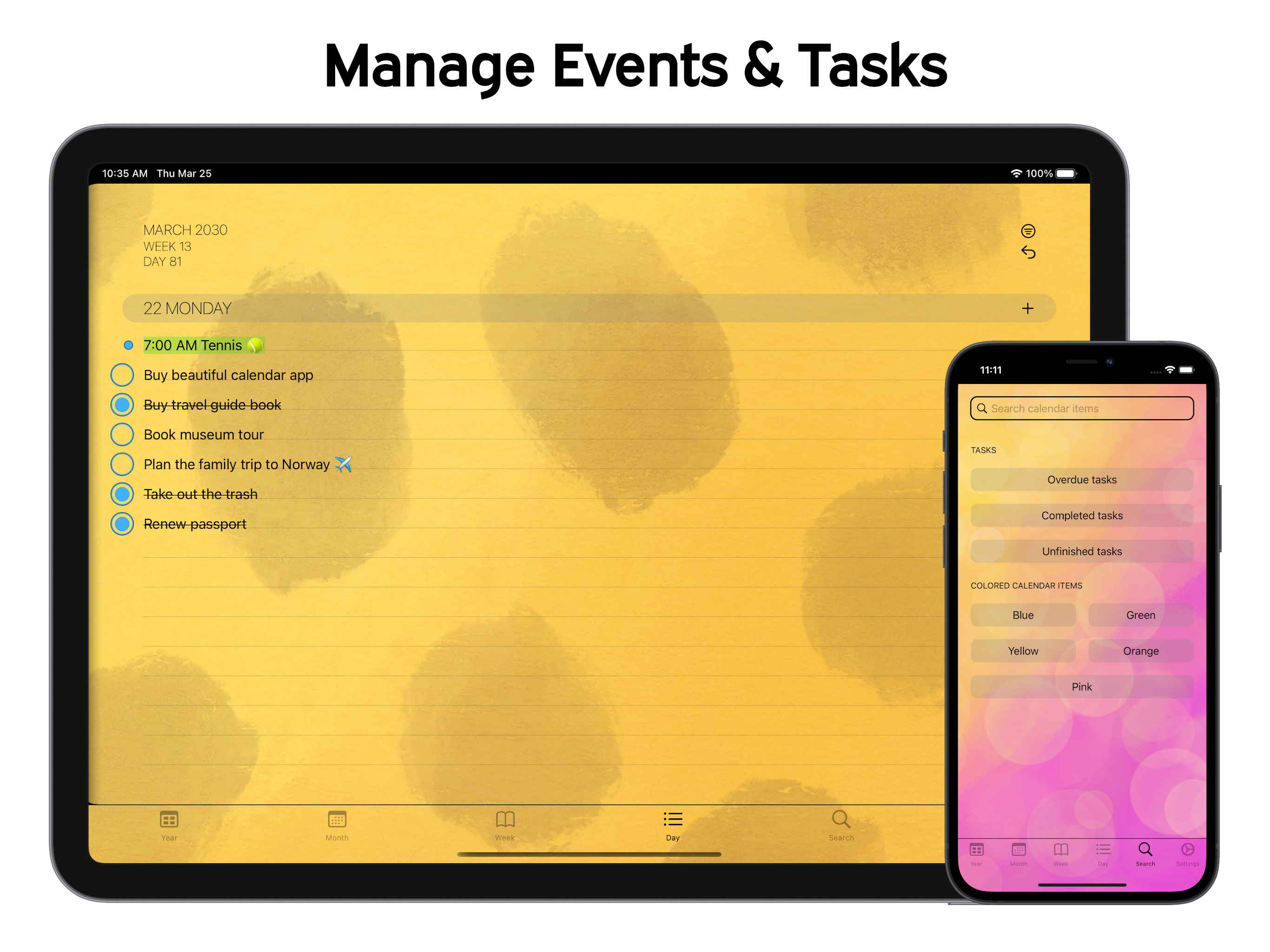
This calendar is great! It lets me see the whole week in one view like a paper planner which is what I am used to. I love the day view too! its gives you the start & end times of your events, unlike Apple's time block view calendar when used on iphone. However, I wish the developers would add the following features in the near future: #1 - I would like to see Events that have already ended have a strike through line automatically drawn. I still use a paper planner for the day because I need to visually see what's left in my day by drawing a line through the event, so if I had PaperCal do this automatically I could switch to a totally online calendar system. I realise that some people might like the calendar the way it is so maybe this could be a toggle switch in settings. #2 - While the tasks feature is a great addition, (I love the strike through feature on that with the check box circle) I would love to be able to import a copy of my tasks from other task managment apps like Apple Reminders and Things 3. This way I could schedule these tasks into my day without having to retype them daily. #3 - Lastly, I would like the option to keep the calendar's last view. As I stated before, I use the day view the most through out my day but the calendar defaults to week view when you open it. maybe add this as a toggle switch in settings? Other than that, This is probably one of the best paper-like calendars out there that also acts like a paper planner. You should totally buy this app!!
I was looking for something like this, and this app is wonderful! Only thing I would love to see is the option to have it sync with apple REMINDERS over calendar or both! I’m not sure if this possible- but I use reminders as my weekly planner and it would be extremely convenient to see it in pocket book format (your app). I don’t really care to see “ mop the floor” on my main calendar even when I select the option as task (not event)! Lol I know I can switch the calendar function off (by not selecting any calendars) and others may enjoy the syncing with calendar(s) function- I just wish we had the option of reminders! Also the option to REORDER tasks/lists once they are on the schedule..instead of having to delete them and add them in backwards order.. would be fantastic! Thanks a lot for the app though, it’s definitely a keeper! And it is immensely appreciated that you do not collect information or data!
I've been searching for a calendar replacement and it appears I've finally found it. PaperCal is similar to the calendar app I used and loved for years until it was rendered obsolete by an iOS update. Although the app I'm referring to had fewer features and far less elegance, I appreciated the simplicity and ease of use. PaperCal is like an old favorite with a massive upgrade! I've only run into one problem... PaperCal is absent from my list of widget options. Hopefully this can be fixed? (iPad Mini 5, 14.8.) Thanks to the developer. You have a winner here! 😊📆🌟
A paper calendar. Reimagined for iPhone. Simple, clear, and easy to use. With beautiful widgets for your Home and Lock Screen. ▶ Why PaperCal? ◀ • S...


