Check the acquisition promise
Read the store headline, screenshots and description. What problem is the app promising to solve?
Study the storefront ↗
TV Cast Pte. Ltd. · iOS
Explore the ad evidence, study the storefront, and build your next acquisition hypothesis.
01 / Creative research
Read the store headline, screenshots and description. What problem is the app promising to solve?
Study the storefront ↗Explore apps with direct store-link matches. Compare their hooks and formats without assuming the same approach works here.
Browse observed advertisers ↗Store rankings and revenue estimates describe market context. They do not establish ad spend, conversions or ROAS.
Review the market context ↗02 / Storefront & product
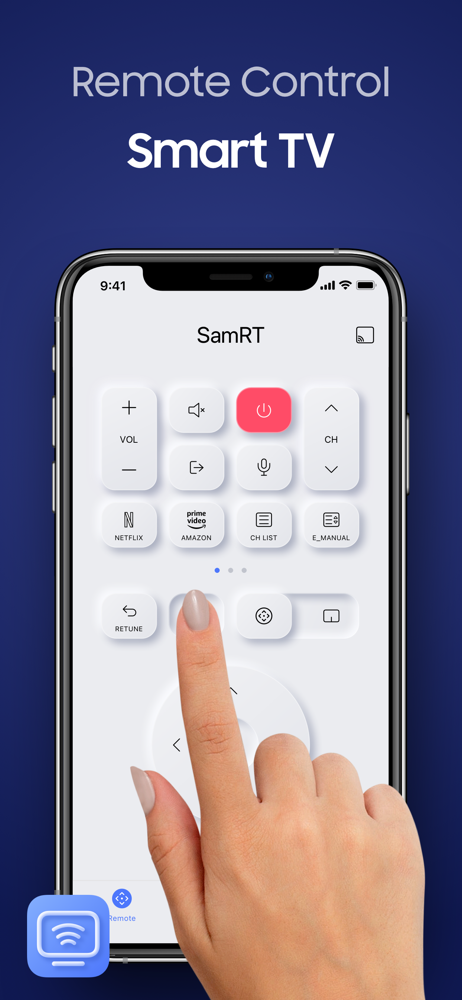
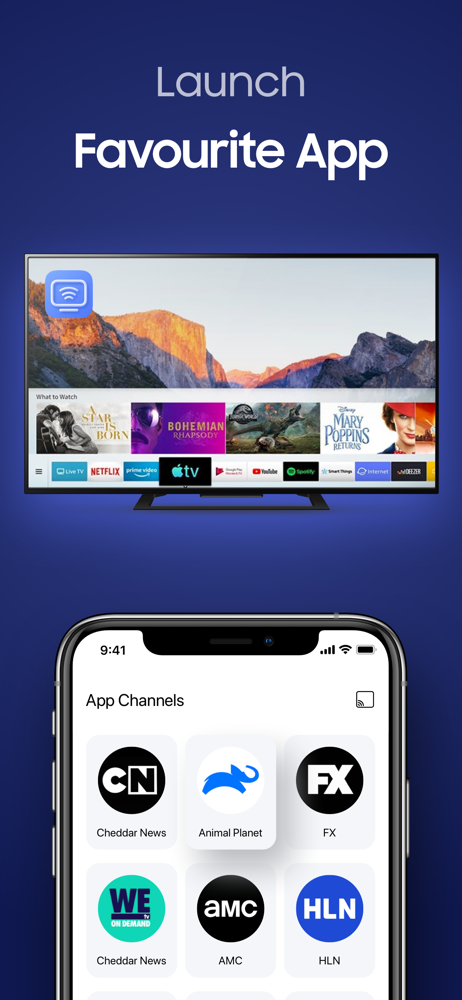
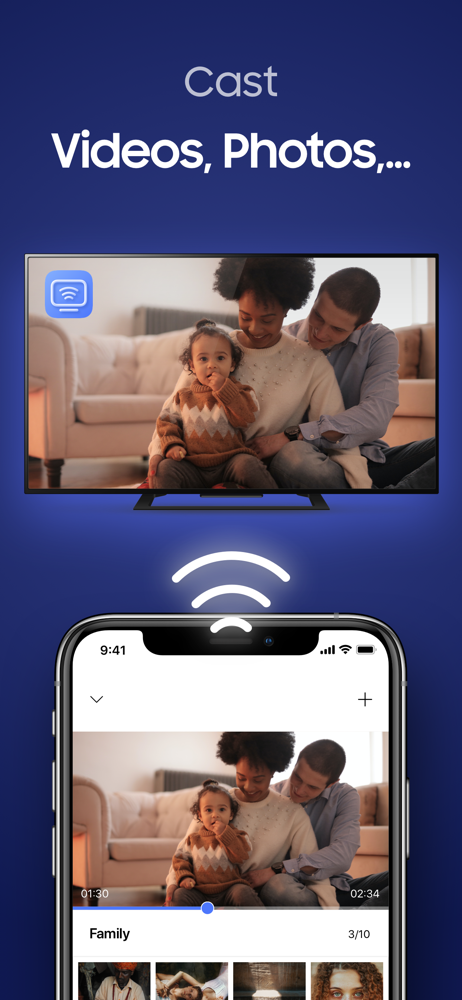
Study the product story and store experience behind the acquisition funnel.


03 / Market context
Keep revenue, downloads and store rankings separate from advertising performance.
All seriousness I believe most people have tried to get an app that will work with their TV. I know I have and they never worked or even was able to connect with the TV. I lost my remote and wasn’t very concerned about, but fast forward a year I wanted a remote back. I decided to look for an app again, and came across this one. The free version connected, as well as changed my TVs volume an channel once before it prompted for the purchase version. I was excited to see it had performed those functions when others hadn’t. I quickly purchased and have been loving using the app as the remote. Buy it!!
This looked like it was going to be a good app to use on my Samsung Smart TV. Unfortunately, it takes to long to connect. It will either say connected or connecting to the TV but the circle keep spinning. When it finally connects, the remote worked fairly well. For me, it doesn’t make sense to disconnect when you turn off the TV. It would be better to be able to auto connect to WiFi when open the app. I was not able to turn on the TV with this remote when the TV was off. It would not connect. Then would take forever to connect. I have a mesh router with an extender in the room with the TV and has excellent signal so I doubt it’s the internet connection. I tried the Channels tab and nothing loaded after 5 minutes. I would have purchased the lifetime subscription it’d this worked better.
I bought a brand new expensive Samsung television but they still want to squeeze more money out of me by charging a monthly fee just to use a remote control app. This is beyond ridiculous, I honestly can’t believe anyone would actually be willing to pay this fee. I don’t care about any of the other stupid “features” that the “premium” version of this app has, I just wound line to be able to use my phone as a remote but it won’t work unless I pay a monthly fee. They even expect people to pay this fee just to use the app to do the initial setup. The first thing the TV tells you to do is to download this app to setup your tv and the first thing the app does is tell you to upgrade to “Premium” which really means you have to pay for the app to work. Definitely will not be considering anymore Samsung purchases. I also tried contacting them through the “contact us “ feature of the app, that was well over a week ago and surprise surprise surprise...no response. I would give negative stars if that were an option. Still no response after multiple emails sent to “app support”. Beyond Worthless!!!!
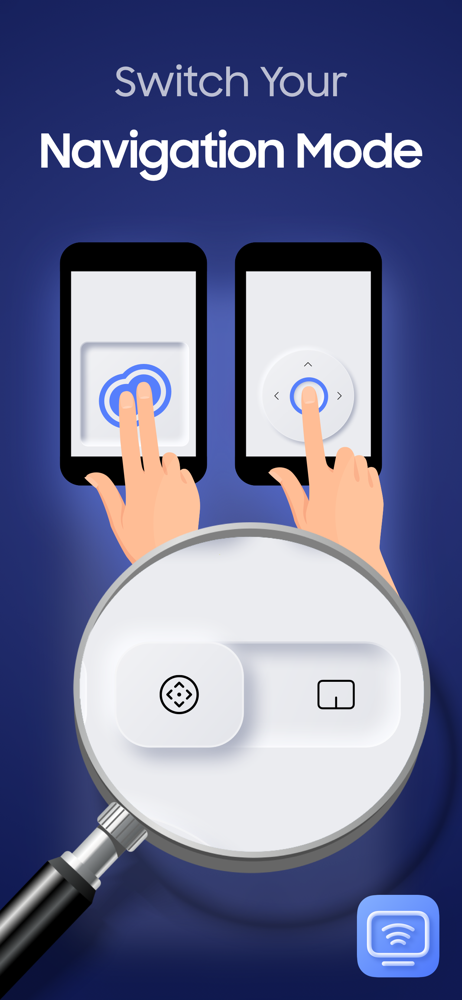
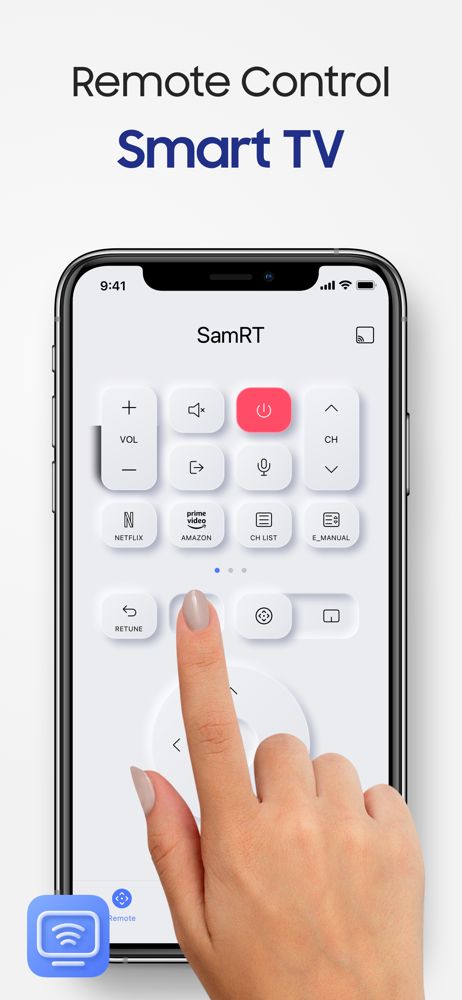
Smart TV App remote control that lets you control your TV Smart Remote will allow you to stream any photo, videos, media content from your device or...
| Name | Price | Type |
|---|---|---|
| Premium (Weekly) | $2.99 | Weekly |
| Premium (Monthly) | $4.99 | Monthly |
| Lifetime | $19.99 | One-time |
| Premium (Annual) | $29.99 | Yearly |