App Profile: City Utilities – My Account
Android / Games / Puzzles
City Utilities – My Account
Installs:
Rating:
4.61
Total Reviews:
4.01k
Top Countries:
US
< $5k
/mo
< 5k
/mo
Reviews: What People Think About City Utilities – My Account
rach1688
Rating: 5/5
I do everything from my smartphone and of course apps make things so much easier than navigating a webpage, which is why I am so glad CU took the plunge and got a. App! While I’ve just set up my account and obviously it’s a new app, I am loving the look and the features! So far so good!
Monett soccer
Rating: 2/5
Good idea to have an app to make paying your utility bill easier. This app however has been nothing but a pain in my a**. First I’m terribly annoyed on how I needed to make a new account, I had paperless billing setup and did not know my account number off the top of my head (which is needed for account setup) after a process to get my account number I make the account and try to pay my bill. When paying with debit/credit card it would not let me input the cards expiration date. Even if you scanned the card it wouldn’t put the date. Couldn’t pay with card, moved on to paying with my bank account information. Plugged it all in and sent my request to pay my monthly bill. I do not know if went through, will wait a few days to see if it has been pulled out of my account, still shows the outstanding balance and my bank information wasn’t saved. Once they get the kinks worked out the app will be useful, however wish they would’ve left it as an option. I was fine paying my bill the old way, forcing people to make a new account for no reason seems lazy. Sure a handful of people will get slapped with a late fee, not realizing the change and not knowing their account number.
Davidleestacy
Rating: 1/5
So I tried to change my password on the app, but I could not get an email through the app to change it. So I got on my computer and requested a change for the password and I was able to change it on the computer. In doing that I was able to login on my app on my phone.
However, when I went to make a payment and try to enter my credit card information it would not allow me to put the correct expiration date for the card. My card expiration date is 12/26. The app kept putting in 11/26. No matter how many times I tried to change it it would not change. I did get it to enter the correct date by moving the year to 2027 and leave the month of December. However, when I went to make a payment, I noticed that it had 11/26 as the expiration date which would have not allowed me to make a payment, so I had to go through my computer to make a payment. There’s a lot of fine programmers out there that would be more than happy to help you guys out.
About City Utilities – My Account
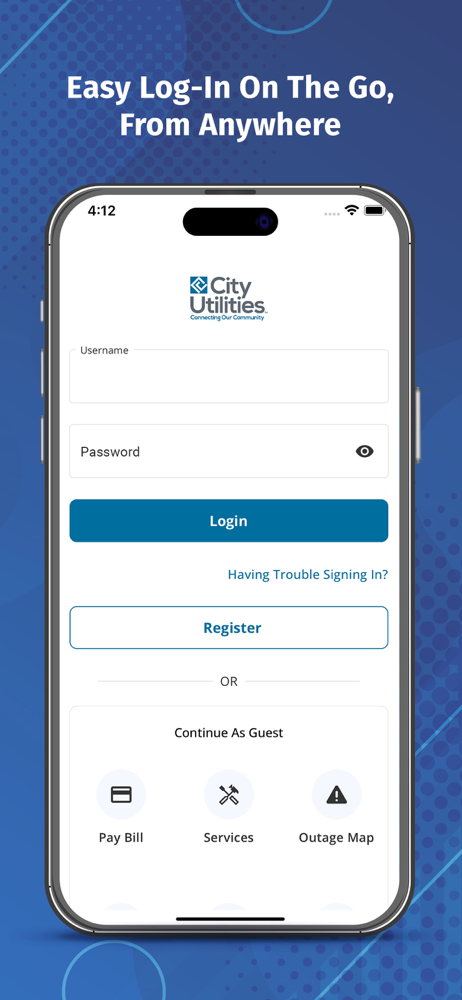
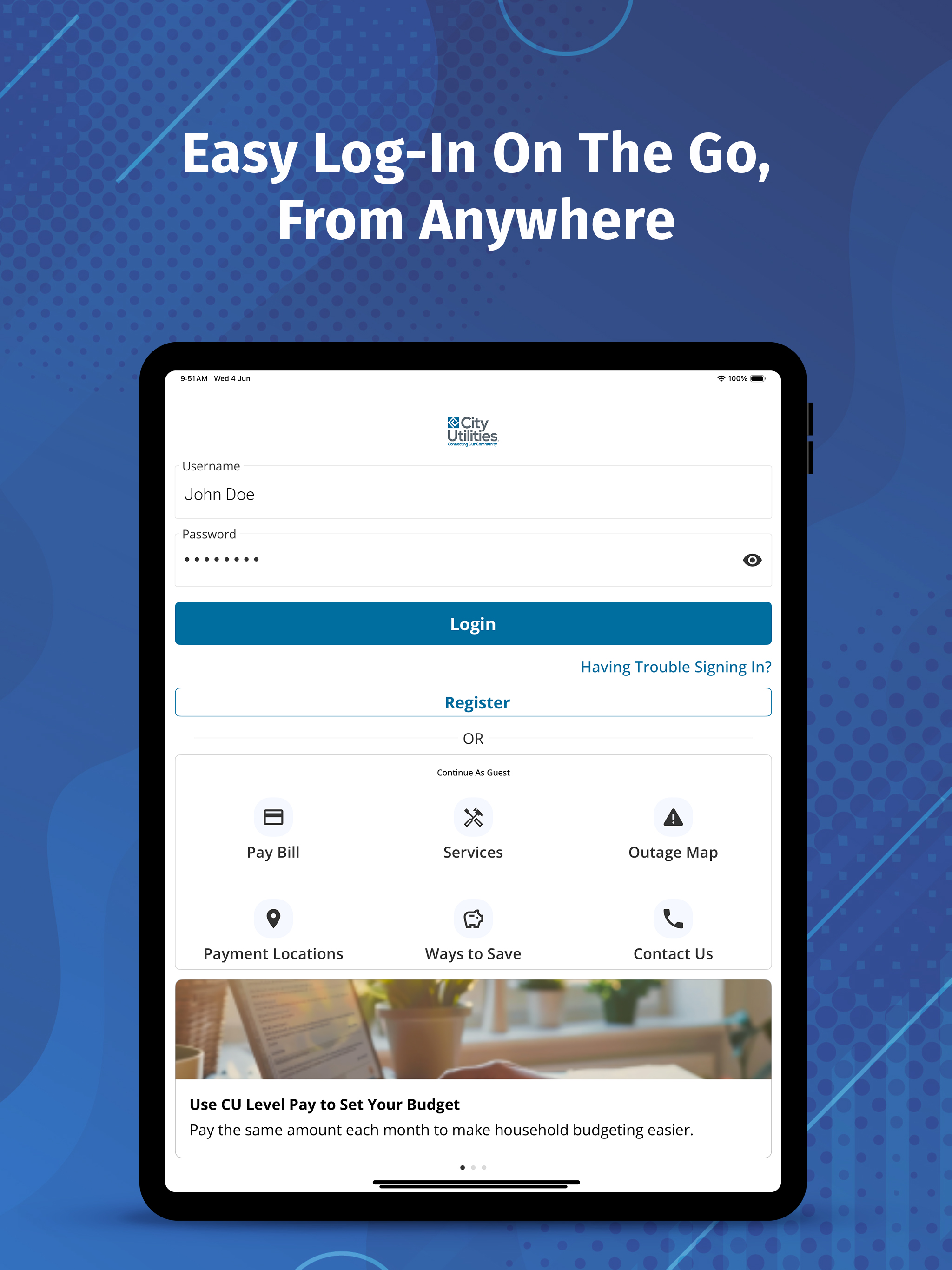
Managing your utility services has never been easier. Whether you’re at home, at work, or on the go, the City Utilities of Springfield (CUS) MyAccount app puts the power of convenience right in your hands. Designed with you in mind, the app brings together all your essential utility services, electric, natural gas, water, and transit, into one secure and easy-to-use platform.
From viewing your latest bill to reporting an outage, everything you need to manage your utility account is just a tap away. It’s the smart, simple, and secure way to stay connected with your utility services, anytime and anywhere.
With the CUS MyAccount App, you can easily:
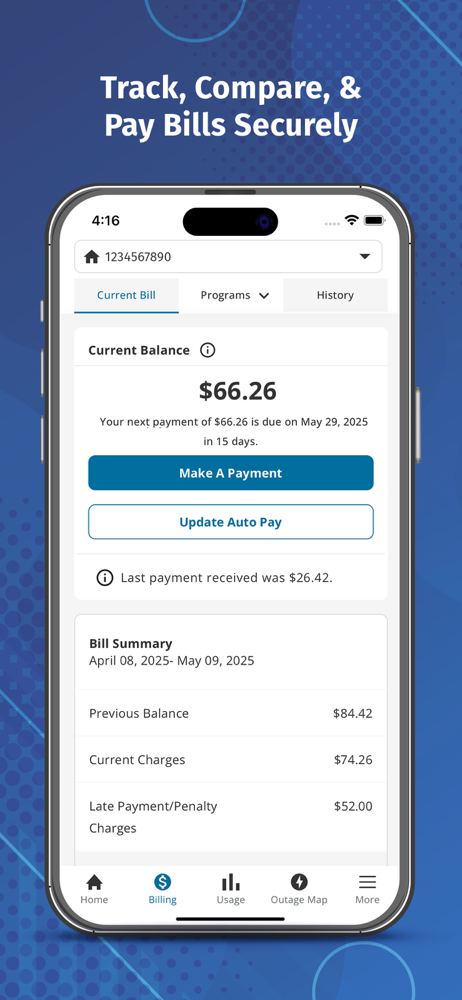
● Pay Your Bills with Ease: Securely make one-time payments or set up recurring payments directly through the app. No more waiting in line or mailing checks. Your utility bill is always just a few taps away.
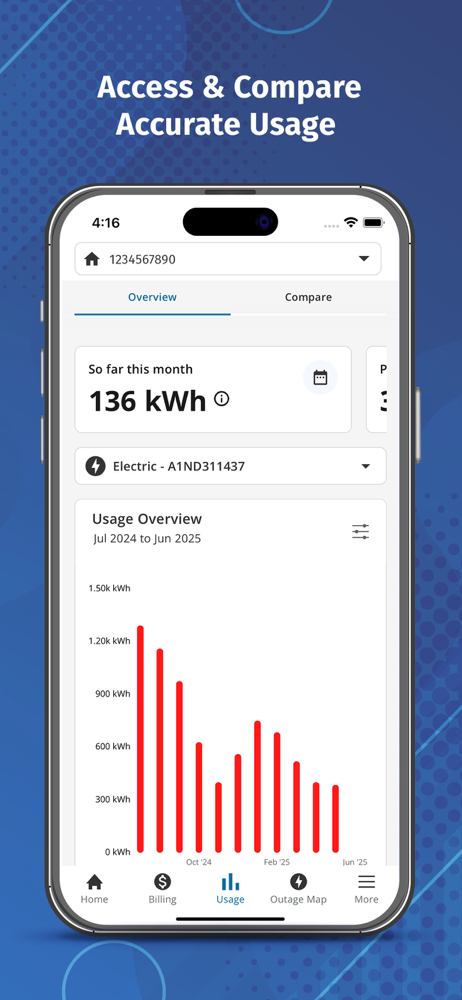
● Track Your Energy and Water Usage: View detailed insights into your electricity, gas, and water consumption. Monitor trends over time and make informed decisions to manage usage and conserve resources.
● Report Outages Instantly: Experiencing a power outage or other service issue? Use the app to report outages quickly and receive real-time updates on the status and estimated restoration times.
● Set Up Custom Notifications: Stay informed with email or text alerts for billing reminders, payment confirmations, outage updates, and more so you never miss a beat.
● View and Manage Billing History: Access your full billing history in one place. See past statements, compare monthly charges, and keep track of your payments with ease.
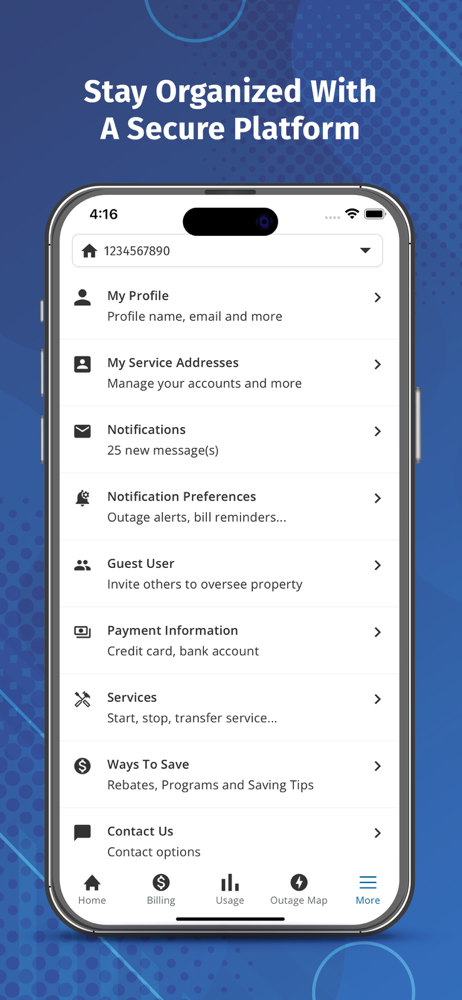
● Manage Multiple Accounts: Have more than one CUS account? No problem. Easily switch between accounts to view bills, make payments, and manage services across multiple properties.
● Start or Stop Service: Moving in or out? The app makes it easy to start or stop utility services without having to call or visit a service center.
● Access Customer Support: Need help? The app connects you directly to CUS customer service so you can get the assistance you need quickly and conveniently.
● Enjoy User-Friendly Navigation: With a clean, intuitive design, the app makes it easy to find what you’re looking for, whether you’re paying a bill or checking usage stats.
The City Utilities My Account app is built to support the way you live today. No more guesswork, paper clutter, or long hold times. Just a smarter, simpler way to manage your utility services from the palm of your hand.
Ready to simplify your utility experience?
Download the CUS My Account app today and put the power of utility management where it belongs; with you.
From viewing your latest bill to reporting an outage, everything you need to manage your utility account is just a tap away. It’s the smart, simple, and secure way to stay connected with your utility services, anytime and anywhere.
With the CUS MyAccount App, you can easily:
● Pay Your Bills with Ease: Securely make one-time payments or set up recurring payments directly through the app. No more waiting in line or mailing checks. Your utility bill is always just a few taps away.
● Track Your Energy and Water Usage: View detailed insights into your electricity, gas, and water consumption. Monitor trends over time and make informed decisions to manage usage and conserve resources.
● Report Outages Instantly: Experiencing a power outage or other service issue? Use the app to report outages quickly and receive real-time updates on the status and estimated restoration times.
● Set Up Custom Notifications: Stay informed with email or text alerts for billing reminders, payment confirmations, outage updates, and more so you never miss a beat.
● View and Manage Billing History: Access your full billing history in one place. See past statements, compare monthly charges, and keep track of your payments with ease.
● Manage Multiple Accounts: Have more than one CUS account? No problem. Easily switch between accounts to view bills, make payments, and manage services across multiple properties.
● Start or Stop Service: Moving in or out? The app makes it easy to start or stop utility services without having to call or visit a service center.
● Access Customer Support: Need help? The app connects you directly to CUS customer service so you can get the assistance you need quickly and conveniently.
● Enjoy User-Friendly Navigation: With a clean, intuitive design, the app makes it easy to find what you’re looking for, whether you’re paying a bill or checking usage stats.
The City Utilities My Account app is built to support the way you live today. No more guesswork, paper clutter, or long hold times. Just a smarter, simpler way to manage your utility services from the palm of your hand.
Ready to simplify your utility experience?
Download the CUS My Account app today and put the power of utility management where it belongs; with you.
File size: 60323840
Launched countries: USCAIN
Minimum OS version: 14.0
Release Date: 1618815600000
Published by Smart Energy Systems LLC
Website url: https://www.cityutilities.net/
Publisher country: US