Check the acquisition promise
Read the store headline, screenshots and description. What problem is the app promising to solve?
Study the storefront ↗
Hyperlink Infosystem · iOS
Explore the ad evidence, study the storefront, and build your next acquisition hypothesis.
01 / Creative research
Read the store headline, screenshots and description. What problem is the app promising to solve?
Study the storefront ↗Explore apps with direct store-link matches. Compare their hooks and formats without assuming the same approach works here.
Browse observed advertisers ↗Store rankings and revenue estimates describe market context. They do not establish ad spend, conversions or ROAS.
Review the market context ↗02 / Storefront & product
Study the product story and store experience behind the acquisition funnel.




03 / Market context
Keep revenue, downloads and store rankings separate from advertising performance.
I've been using this document scanner every day for my office work, and it has been a great experience. The app scans documents quickly, produces clear and high-quality results, and is very easy to use. It helps me organize, save, and share important files without any hassle, making my daily work much more efficient. The interface is simple, smooth, and reliable. If you're looking for a dependable scanner app for work, study, or personal documents, I highly recommend giving this app a try.
This app is very easy to use and has been incredibly useful for my children. I can quickly scan their school homework and create clear documents in just a few seconds. Converting files is simple, and everything works smoothly. It saves me a lot of time and makes managing school documents much easier. Highly recommended!
This is one of the most reliable documents scanner apps I’ve used. The scans come out clear and sharp, OCR works well, and converting documents to pdf is quick and effortless. There interface is clean, easy to navigate, and the app includes plenty of useful features for everyday document management. It’s a great productivity tool for work, school, or personal use. Highly recommended!
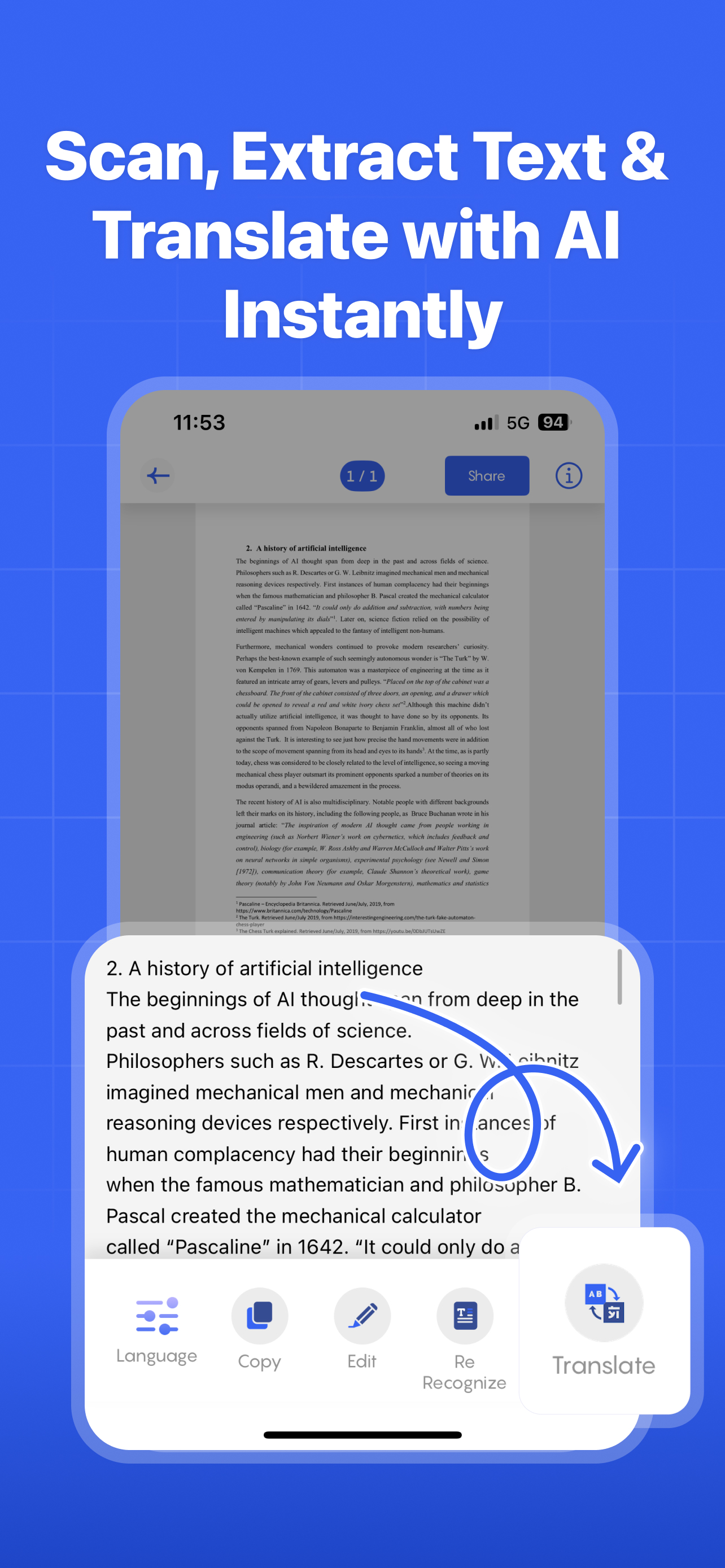
Scan To Go is your all-in-one scanner app for documents, PDFs, photos, and more. Effortlessly scan, convert, and manage your files in HD. Make your ev...
| Name | Price | Type |
|---|---|---|
| Weekly Subscription | $6.99 | Weekly |
| Monthly Subscription | $9.99 | Monthly |
| Quarterly Subscription | $28.99 | Quarterly |
| Get Ad-Free Experience (Annual) | $29.99 | Yearly |
| Yearly Subscription | $99.99 | Yearly |
| ONETIME PURCHASE | $499.99 | One-time |