Check the acquisition promise
Read the store headline, screenshots and description. What problem is the app promising to solve?
Study the storefront ↗
BIT TREAT SOFTWARE · iOS
Explore the ad evidence, study the storefront, and build your next acquisition hypothesis.
01 / Creative research
Read the store headline, screenshots and description. What problem is the app promising to solve?
Study the storefront ↗Explore apps with direct store-link matches. Compare their hooks and formats without assuming the same approach works here.
Browse observed advertisers ↗Store rankings and revenue estimates describe market context. They do not establish ad spend, conversions or ROAS.
Review the market context ↗02 / Storefront & product
Study the product story and store experience behind the acquisition funnel.


03 / Market context
Keep revenue, downloads and store rankings separate from advertising performance.
Is there anyway to turn off auto exposure). Ya killing my scenes as it blows out when I move hands in front of props. Do you have a paid version that does this? Other than that an amazing app
This app throws up the following alert: "Good You can now connect and broadcast to OBS OK" You have to click okay to dismiss it. I cannot figure out how to disable it. The app threw it up about 40 minutes into a broadcast today. It just sat there in the middle of the screen obscuring my video recording until I noticed it and dismissed it. Is there anyway to prevent this?
I love the simplicity and utility of this app. However, it would be really nice to be able to zoom and switch cameras. Using only a single camera on the rear of the phone is a major limitation. Otherwise, incredible!
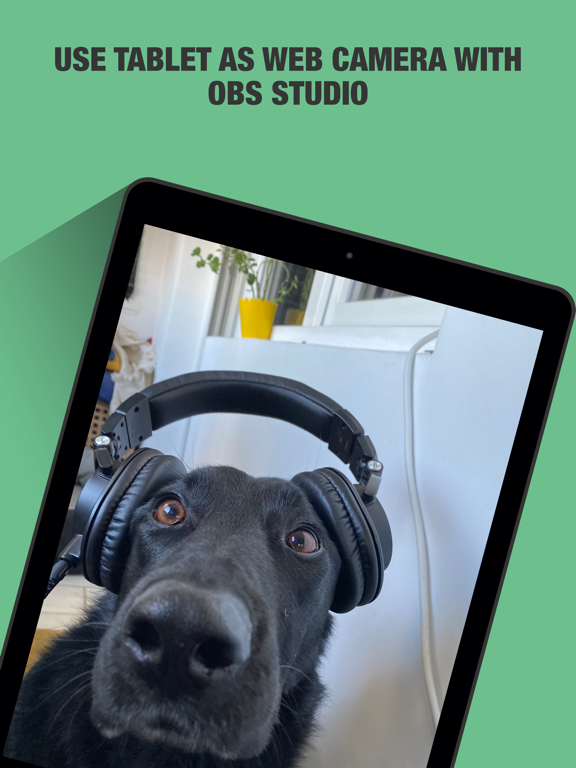
Use your iPhone camera as a video recording device with OBS Studio running only on MacBook computers. If you want you can even use your phone as camer...
| Name | Price | Type |
|---|---|---|
| Filters Starter Pack | $0.99 | One-time |