Check the acquisition promise
Read the store headline, screenshots and description. What problem is the app promising to solve?
Study the storefront ↗
Andrew Lee · iOS
Explore the ad evidence, study the storefront, and build your next acquisition hypothesis.
01 / Creative research
Read the store headline, screenshots and description. What problem is the app promising to solve?
Study the storefront ↗Explore apps with direct store-link matches. Compare their hooks and formats without assuming the same approach works here.
Browse observed advertisers ↗Store rankings and revenue estimates describe market context. They do not establish ad spend, conversions or ROAS.
Review the market context ↗02 / Storefront & product
Study the product story and store experience behind the acquisition funnel.




03 / Market context
Keep revenue, downloads and store rankings separate from advertising performance.
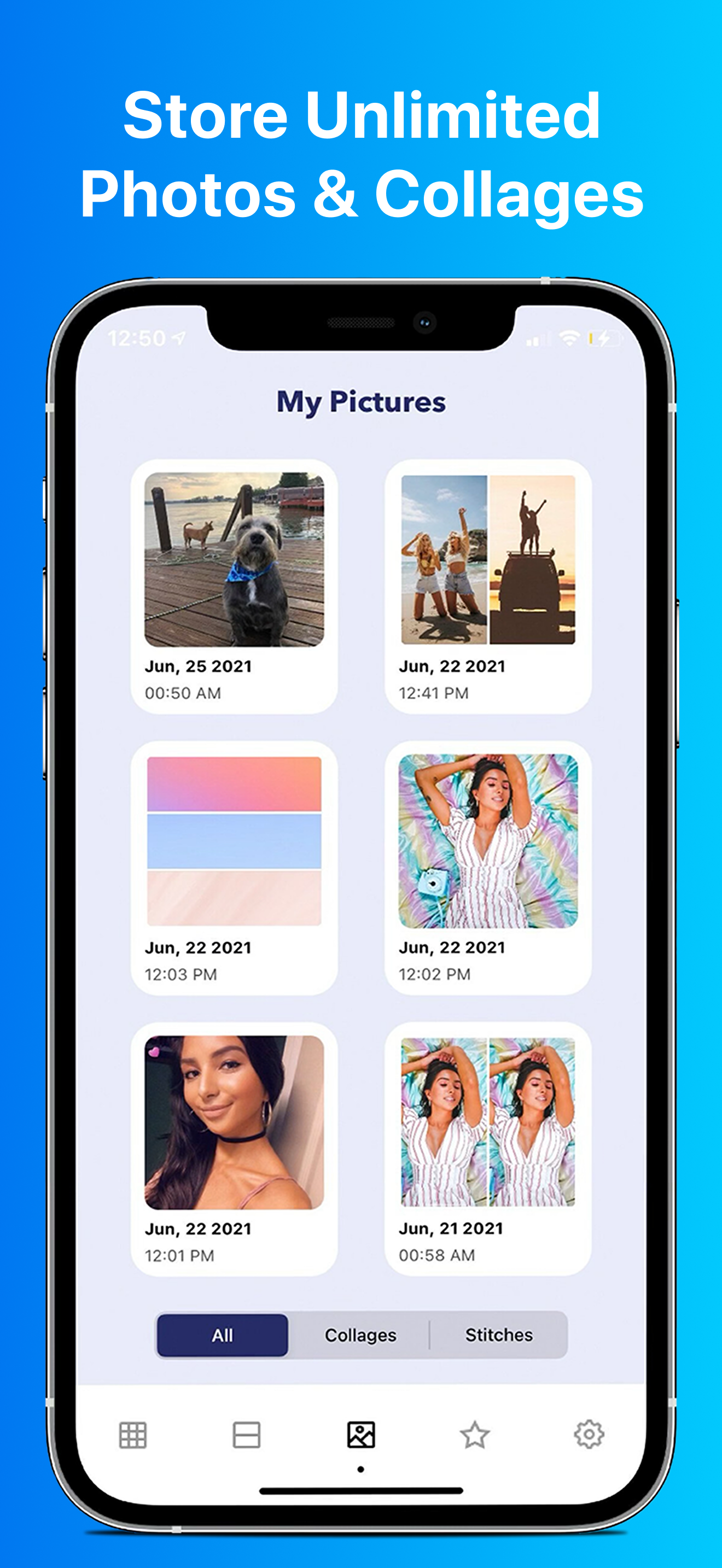
Picking your album is a pain on IOS. I can only choose from the first few albums listed or else the app force closes if I scroll too far. So every time I use the app I have to make a new album for the photos needed. I paid for the weekly option just because I have some photo books needing to be done ASAP and after trying multiple apps I do think this is the smoothest and fastest one I’ve tried (you’d think there’d be more options for simple pic merging!)… BUT despite paying for it, literally every time I save an image a pop up about reviewing the app to keep it free shows up. Every. Time. Super annoying when you’re trying to make multiple collages in succession. It also makes you wait 5-10 seconds before it allows you to close out the notification. So here I am reviewing hoping it will get rid of the notification. 🤷♀️ Wild to force it every time when someone is already paying for the app.
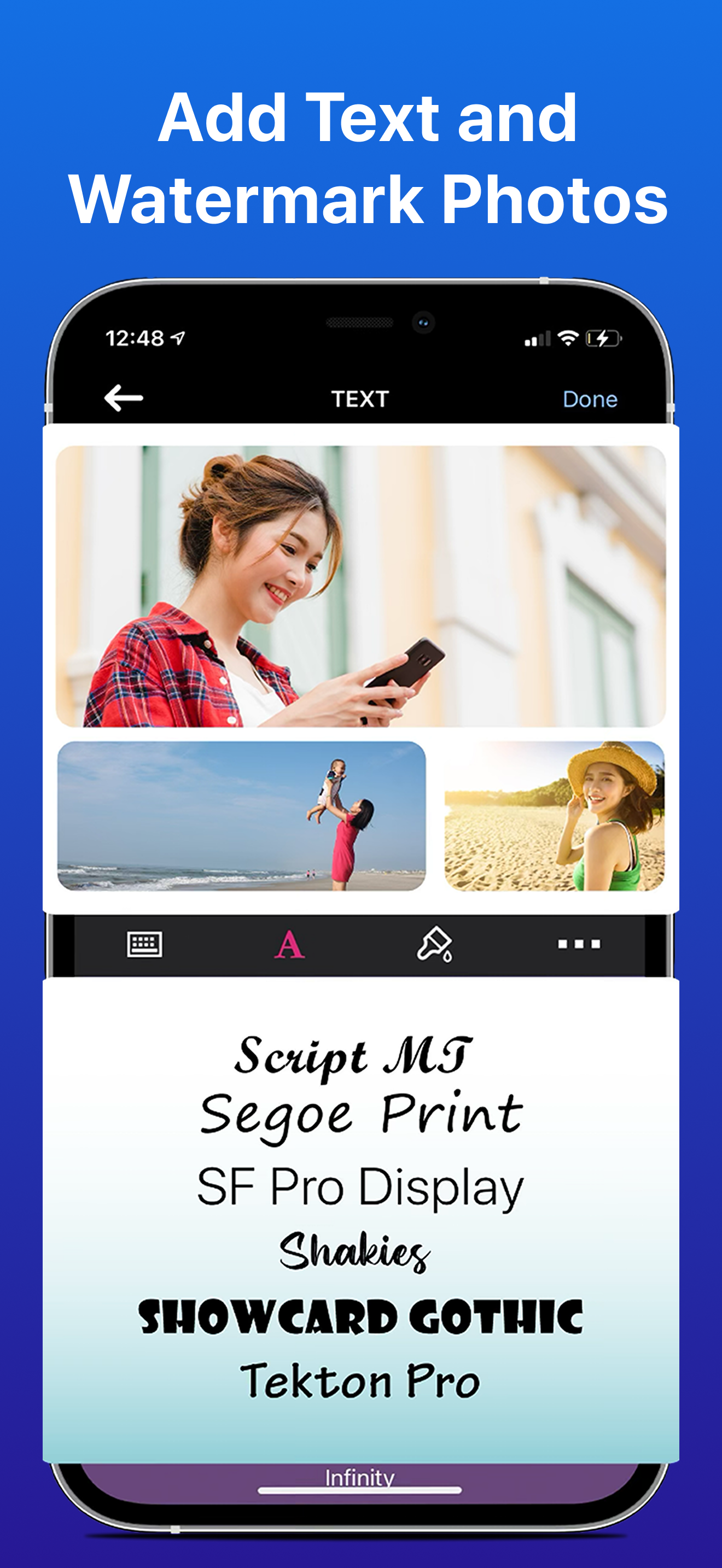
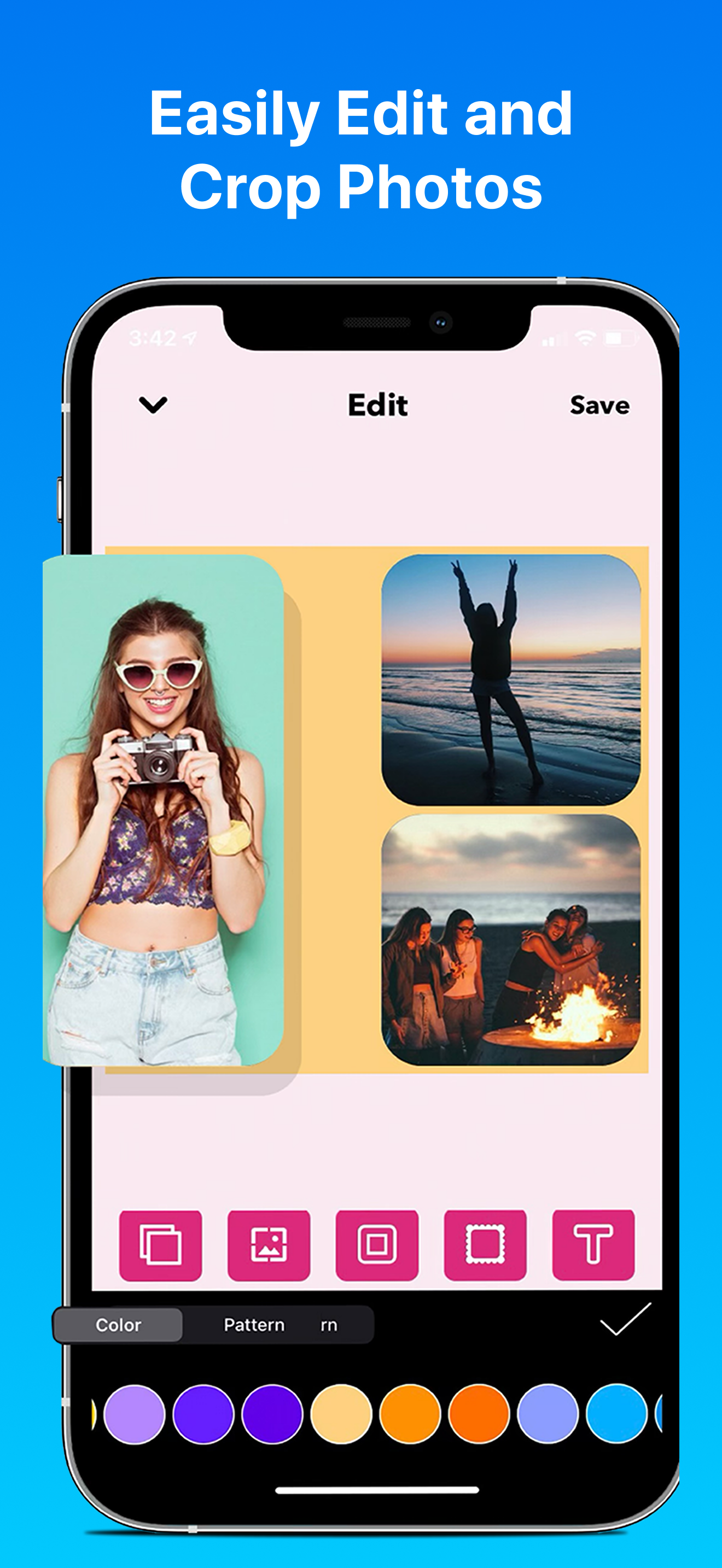
Hi, I made one collage with PicMerger, and two particular problems caught my eye. First, I like the app as a whole. It’s got a good set of features for what it is. Nothing fancy, but enough to get something done. The first problem I had was with the Text feature. I tried adding a sentence to a 2x2 collage. As I typed the sentence it appeared as expected, and I tried various fonts, all of which worked well. I was initially concerned that the text would not appear where I wanted it (I.e. above the collage) because, as I typed, the text appeared on top of a few photos in the collage, which doesn’t work for me. When I moved to the next screen, I saw my text had shrunk into a small box, which I was able to drag above the collage. Of course the box was so small that I could see only 1 or 2 letters. When I tried to drag the boundaries of the box to expand it, so I could see my text, the small box disappeared. I tried it a few times, to pull the borders of the tiny box with my text, but the box kept disappearing. Finally I gave up. I presume that the box containing the text is supposed to expand at some point, through some means, but I couldn’t get it to work. The other observation is that there’s no way to undo a change to the collage. There’s no way to edit it, even before it’s saved. Maybe an edit or undo feature is coming in a future release. Just something I noticed. The textbox issue was more important to me anyway. Regards, Daniel
I downloaded this app after a friend recommending it and it’s great. The app merges photos super well and I like how I can edit and watermark my pictures. I don’t usually do reviews but this one deserves it. There’s a free version that you can use to combine / edit your photos but the premium version is 100% worth it (you get a 7 day free trial so that’s what I did before I committed). I just wish there was also video editing, I’m not sure if that’s planned for the future but that would be amazing. Overall, this is one of my most used photo editing apps right now and it saves me a ton of time not having to go back and forth editing on my computer.
PicMerger has everything you need to edit and create beautiful photo collages all in one place. Here’s what you can do with PicMerger: ● Create phot...
| Name | Price | Type |
|---|---|---|
| PicMerger Premium: Discounted (Weekly) | $0.99 | Weekly |
| PicMerger Pro (1 Week) | $2.99 | Weekly |
| PicMerger Pro 1 Week | $2.99 | Weekly |
| PicMerger Pro 1 Week | $3.99 | Weekly |
| PicMerger Pro 1 Week | $4.99 | Weekly |
| PicMerger Premium: Weekly | $5.99 | Weekly |
| PicMerger Premium: 1 Week | $5.99 | Weekly |
| PicMerger Pro 1 Week | $5.99 | Weekly |
| PicMerger: Premium (Weekly) | $5.99 | Weekly |
| PicMerger Pro (12 Months) | $99.99 | Yearly |