
Check the acquisition promise
Read the store headline, screenshots and description. What problem is the app promising to solve?
Study the storefront ↗
thebaselab Ltd · iOS
Explore the ad evidence, study the storefront, and build your next acquisition hypothesis.
01 / Creative research
Read the store headline, screenshots and description. What problem is the app promising to solve?
Study the storefront ↗Explore apps with direct store-link matches. Compare their hooks and formats without assuming the same approach works here.
Browse observed advertisers ↗Store rankings and revenue estimates describe market context. They do not establish ad spend, conversions or ROAS.
Review the market context ↗02 / Storefront & product
Study the product story and store experience behind the acquisition funnel.




03 / Market context
Keep revenue, downloads and store rankings separate from advertising performance.
This is one of the very few apps that I would say is as close to being a full IDE within the limits of iPadOS. I would really like to be able to easily adjust file and folder permissions. Being able to see PHP errors would be awesome. Setting the initial path for a connection would be great. I can’t seem to see where I can edit a saved connection. Would be very helpful to sync the connections and configurations via iCloud, so I don’t;t have to setup everything up for each device (iPad and iPhone). Being able to see file and folder info like created date, modified date, file size, and permissions would be helpful. Overall, this is an awesome app and on its way to being the best IDE for iPadOS.
Using this at first was pretty frustrating running into problems with what felt like pretty basic stuff – terrible support for the touch keyboard (selecting text is difficult to impossible) PLUS issues with the hardware keyboard (Want to scroll with two fingers? Think again!) left me wondering how I was actually *supposed* to use the app. But when I went to submit a bug report and saw it was a direct link to the issues on GitHub, I read a little bit about why the bugs are the way they are, realized that this seems to be either a small team or like, one dude, and saw that they are trying their best and listening to feedback. And I appreciate that. So this won’t work as your lounge-on-your-couch-with-the-iPad-and-code app I like I hoped it would, but it’s still pretty solid. Looks good, performance is great – if you want to support a small team (or just a dude, possibly) and don’t mind a few little quirks here and there, this does the trick! (Also if you’re reading this, support for more than one set of GIT credentials eventually would be dope 👌)
This is the app that got me learning the basics of python, i still have a long way to go, and the fact that it can be used on a portable machine makes life 10X easier. One thing though, as i begin to take on more advanced project (making a program to automate excel files) it be easier to import modules. Is there any way i can get modules from Github or Pypi and install them on the app?
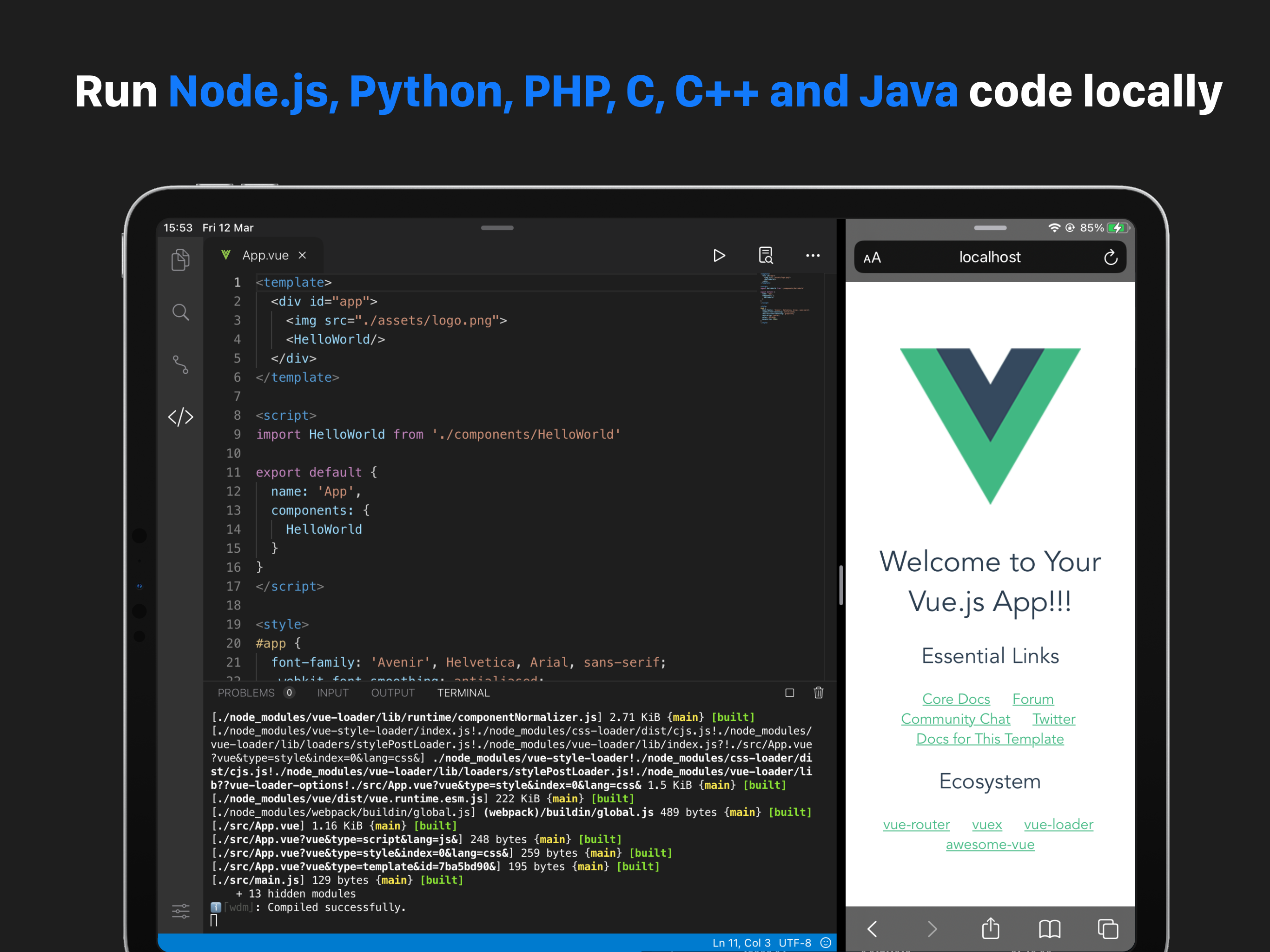
Code App is a MIT-licensed desktop-class code editor for iPadOS with built-in Node.js, Python, C, C++, PHP and Java runtime. We built it because ther...


