Check the acquisition promise
Read the store headline, screenshots and description. What problem is the app promising to solve?
Study the storefront ↗
丹丹 陈 · iOS
Explore the ad evidence, study the storefront, and build your next acquisition hypothesis.
01 / Creative research
Read the store headline, screenshots and description. What problem is the app promising to solve?
Study the storefront ↗Explore apps with direct store-link matches. Compare their hooks and formats without assuming the same approach works here.
Browse observed advertisers ↗Store rankings and revenue estimates describe market context. They do not establish ad spend, conversions or ROAS.
Review the market context ↗02 / Storefront & product
Study the product story and store experience behind the acquisition funnel.



03 / Market context
Keep revenue, downloads and store rankings separate from advertising performance.
Wouldn’t connect.
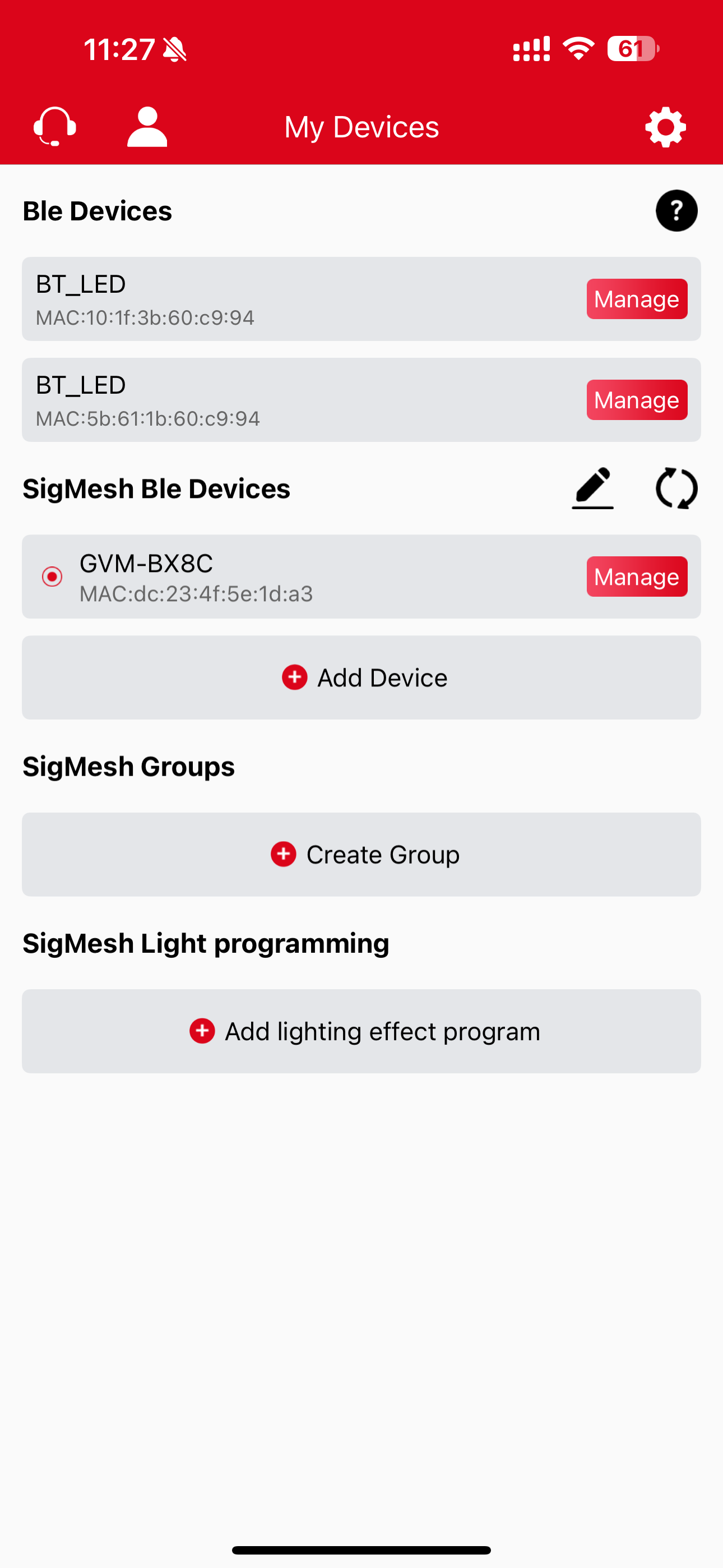
This app is a great way to control a lighting kit for a variety of projects. I have a three-light setup, and the app functioned very well prior to the recent update. Since the update, I have been unable to reconnect my lights and now have to control them manually.
So after about 2 minutes we figured out if you set light 1 to master then light 2 to slave you can then change your master to app. This will allow you to use both lights in app in master/slave made. However you have 2 lights and might want to have them set as 2 different colors or output. So you’ll want to set your light to exactly how you want it then change your channel (in app) to say 1. This will now allow you to change the light independently from the other one. If you need to change the slave light you’ll need to change your master back to channel 2 then make your adjustments. Once you’re done then simply change your channel in app again to change your master light. This is actually pretty freaking cool!!!
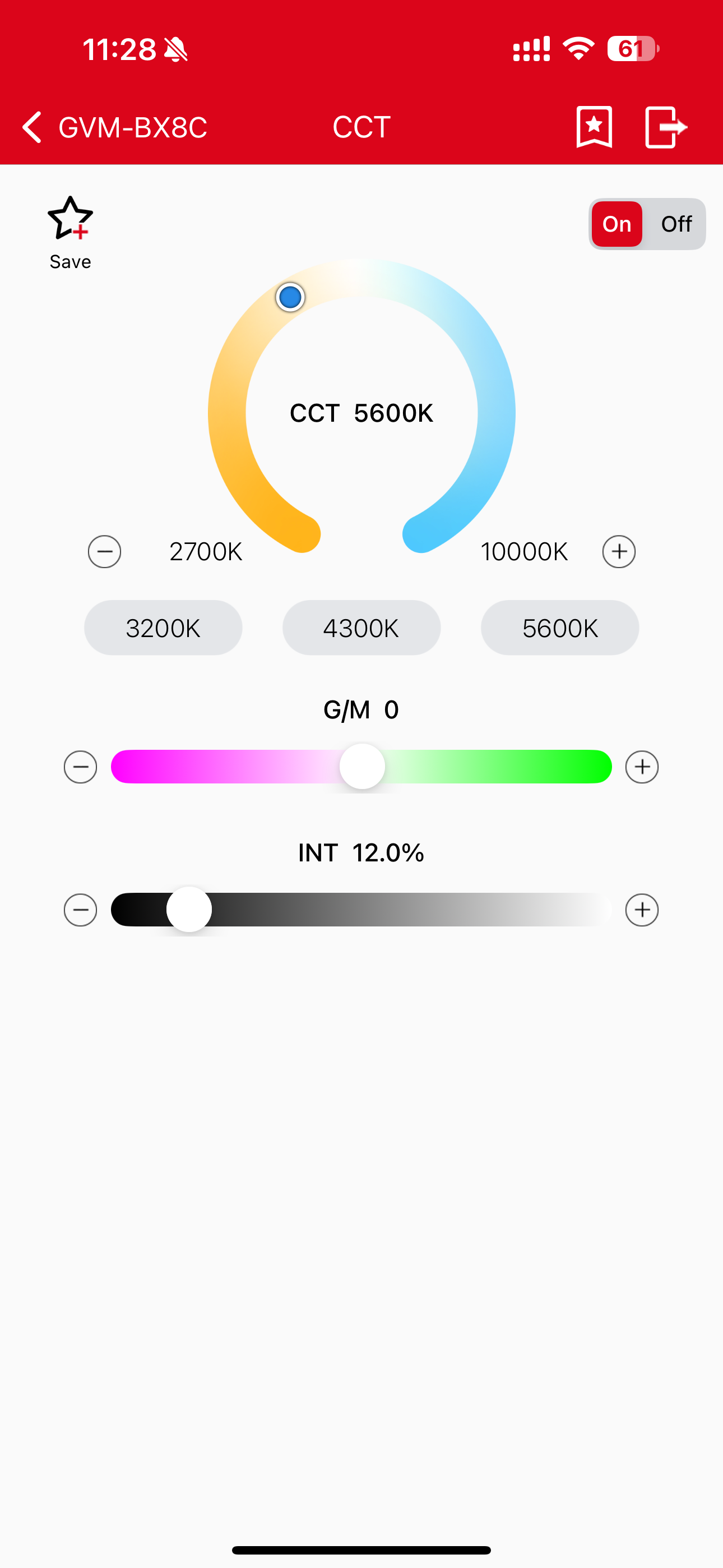
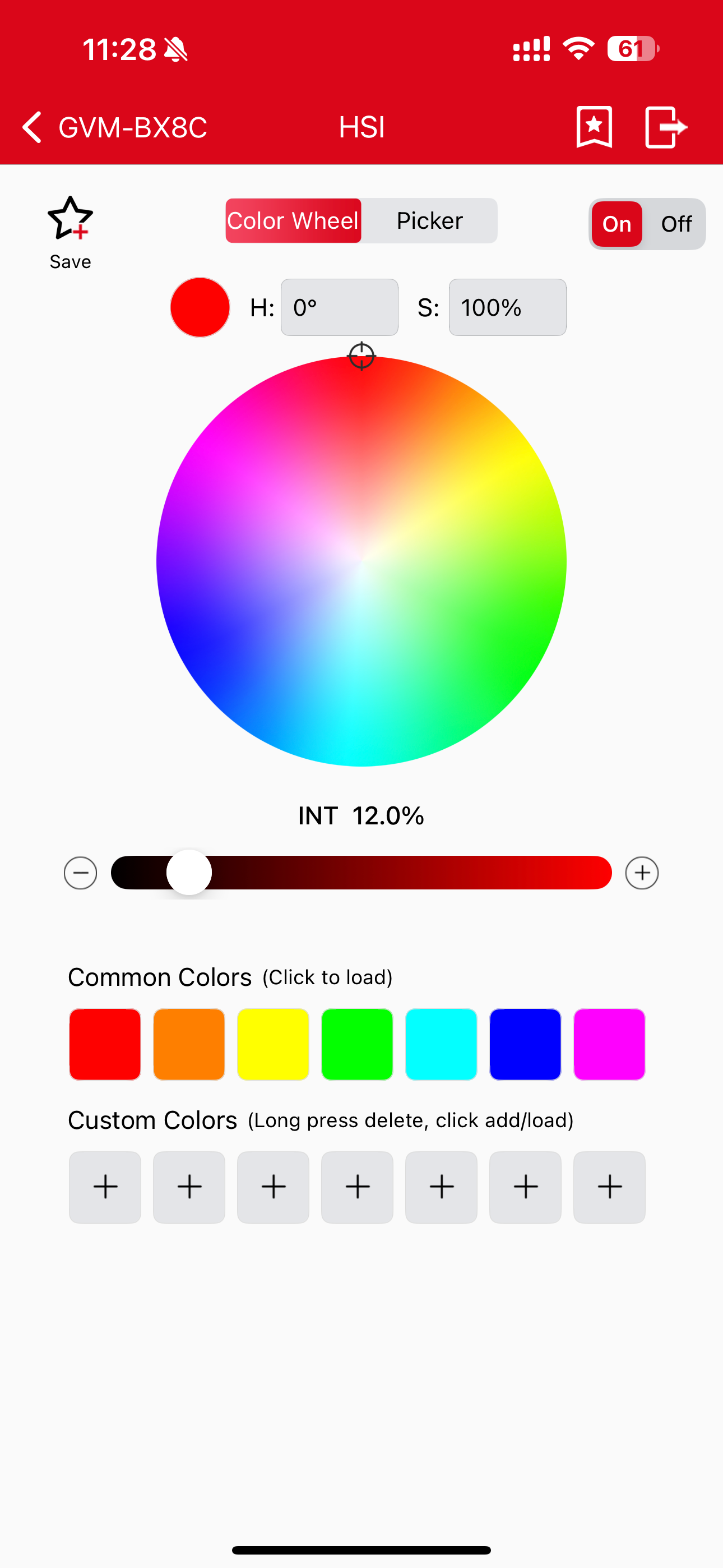
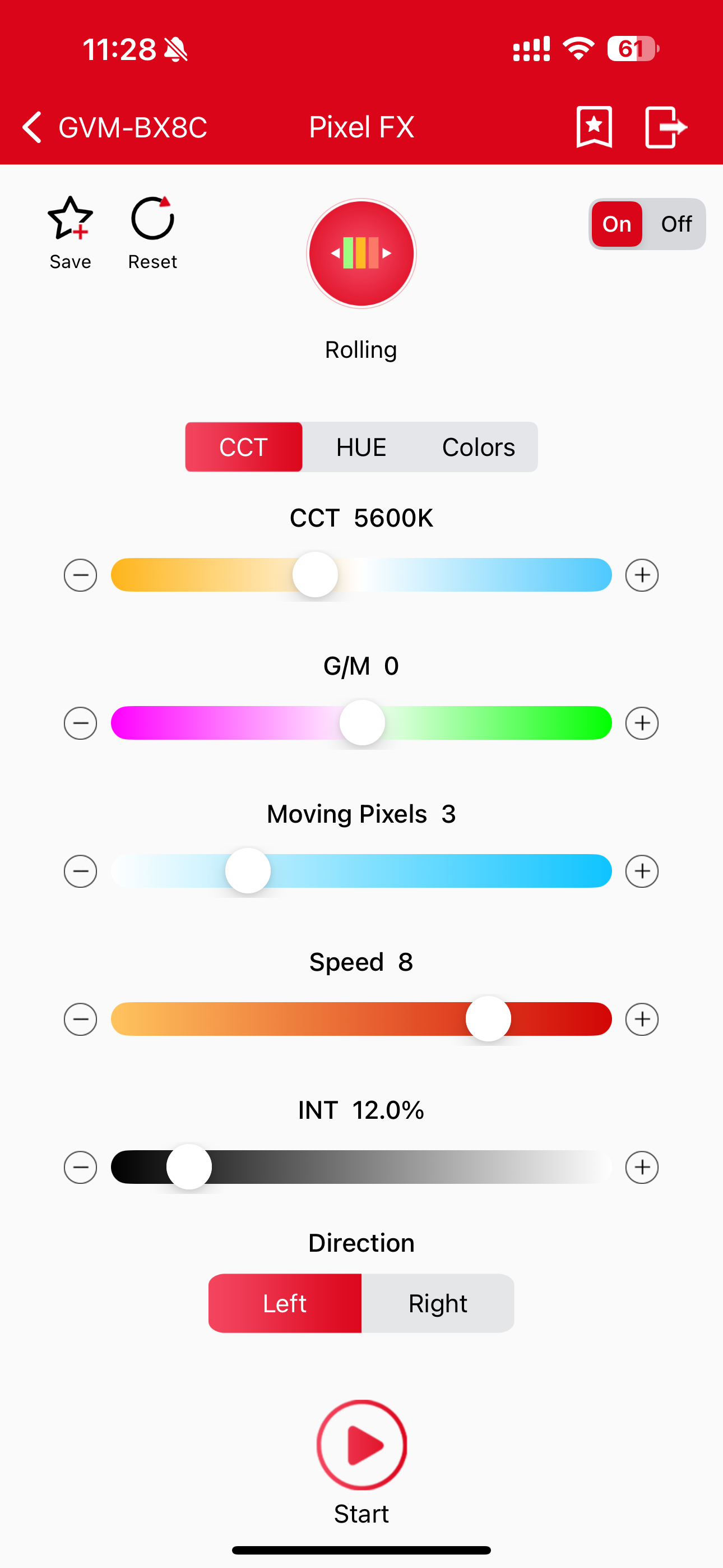
This is a software that can control the photography lamp. The app controls the photography lamp product with app function under GVM through Bluetooth...