Check the acquisition promise
Read the store headline, screenshots and description. What problem is the app promising to solve?
Study the storefront ↗
mysteryfiles.nl · iOS
Explore the ad evidence, study the storefront, and build your next acquisition hypothesis.
01 / Creative research
Read the store headline, screenshots and description. What problem is the app promising to solve?
Study the storefront ↗Explore apps with direct store-link matches. Compare their hooks and formats without assuming the same approach works here.
Browse observed advertisers ↗Store rankings and revenue estimates describe market context. They do not establish ad spend, conversions or ROAS.
Review the market context ↗02 / Storefront & product
Study the product story and store experience behind the acquisition funnel.


03 / Market context
Keep revenue, downloads and store rankings separate from advertising performance.
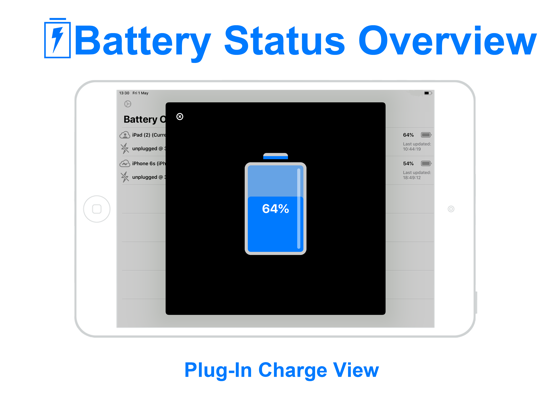
I purchased Status Overview with the hope that it would actually monitor the battery status of all of my Apple Devices. I installed it first on my iPad and it did show the charge level and status of my iPad. However, there was no way to add any of the other devices that I have. I installed Status Overview on my iPhone only to find that it does not work on the iPhone. I gets a ‘iCloudkit Error’ and that is all that it does. I search the Developers Website trying to find some answers, or at least a way to contact them for help. Support is not available anywhere on their site. I’m afraid that I just wasted money on this App. I would not recommend this App to anyone looking to check battery status on multiple Apple Devices.
Battery Overview List is an application for users with multiple Apple devices and who wish to keep track of battery charges across all those devices....