Check the acquisition promise
Read the store headline, screenshots and description. What problem is the app promising to solve?
Study the storefront ↗
BarracudaByte · iOS
Explore the ad evidence, study the storefront, and build your next acquisition hypothesis.
01 / Creative research
Read the store headline, screenshots and description. What problem is the app promising to solve?
Study the storefront ↗Explore apps with direct store-link matches. Compare their hooks and formats without assuming the same approach works here.
Browse observed advertisers ↗Store rankings and revenue estimates describe market context. They do not establish ad spend, conversions or ROAS.
Review the market context ↗02 / Storefront & product
Study the product story and store experience behind the acquisition funnel.




03 / Market context
Keep revenue, downloads and store rankings separate from advertising performance.
It doesn’t even do anything it just shows you how to do blender on a computer or tablet or whatever so this is the worst app in the world you know it even the aliens if they saw this, they would think that this app is trash or crap I guess that’s what you call it. This is I thought this was gonna be oh my gosh I don’t even have to go on my computer anymore. I can just do it right here on my iPad no, it’s just that’s why it’s called Blender Keys and I don’t. I don’t even know why I can just look on a tutorial how to do it. It will show me even better things like how to make Godzilla how to make myself how to make me smoke like not like how to make me like just like how to make me just like a walking steam, so this is the worst. This is the worst app in the world that’s all I had to say.
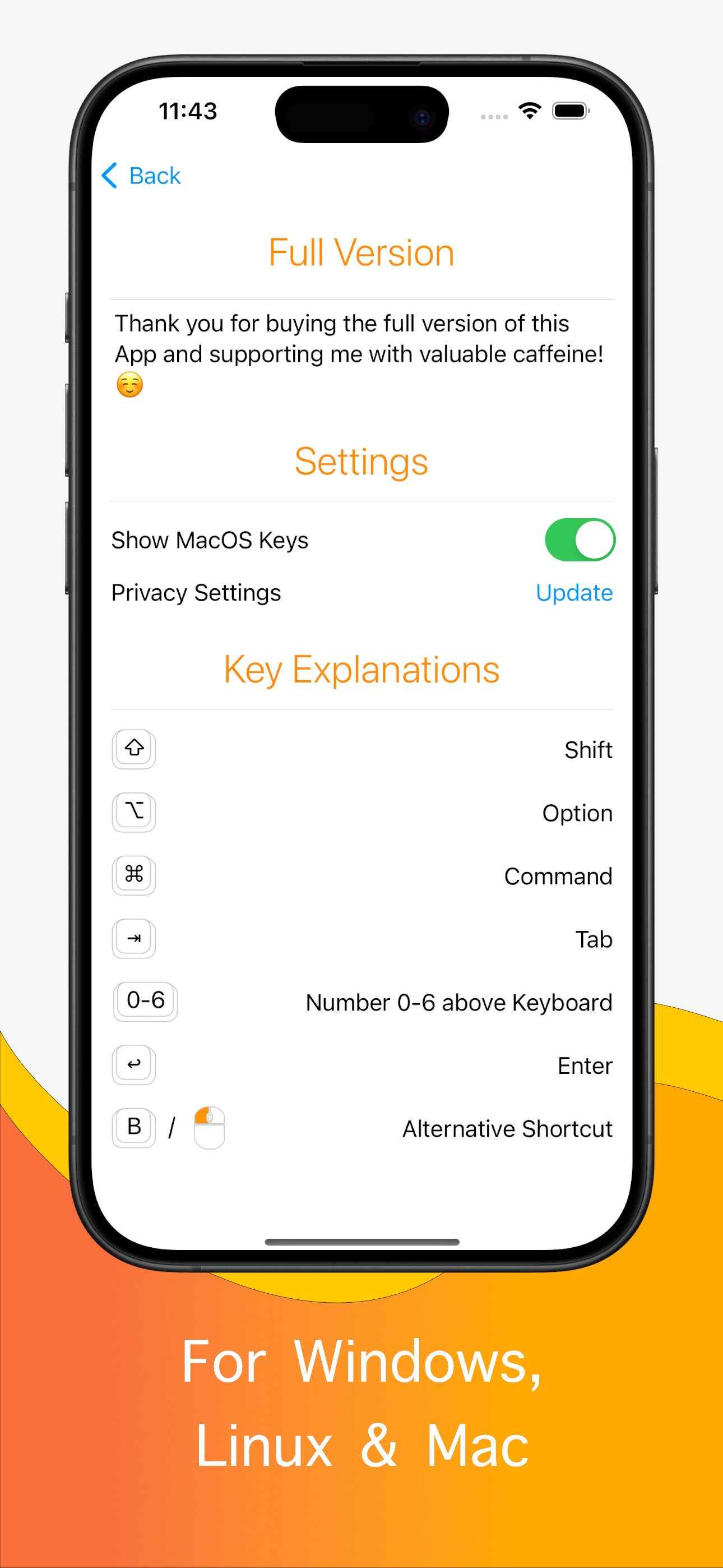
As a newbie I think this app is great. I was a little confused about the symbols on the keys at first until I found the switch for Show Mac Keys in About This App, Settings, and turned it off. Then I could see the familiar Alt and Control keys that I have on my pc. I think the Shift key should be the word Shift instead of a hollow up arrow because it could be confused with the actual up arrow key. Otherwise, I think the app is great. 2 free sections is reasonable (generous, really) and so far it’s all I need to learn the first steps (which for me are modeling and sculpting) in creating parts in Blender to 3d print. The people that left bad reviews don’t understand what this app is for or haven’t turned off dark mode in their phone settings. Developer could add white text at the top of each page that tells people to turn off dark mode to see the key pics.
This App is decent but it needs a few things: 1.) Key icons need more contrast. (White keys and letters on black background) 2.) Ability to toggle between light and dark mode. 3.) Move the UI list up to the center so that it’s on top of the background wallpaper not at the bottom. 4.) Larger key Icons so its easier to switch between referencing and workflow on various devices. 5.) A beginner tutorial or brief optional tutorial series for blender that might help new users with the basics. 6.) Possibly a settings tab to adjust numbers 1-4 or toggle options in the app. 7.) Ability to make personal notes about blender, Keys, or workflow.
PLEASE NOTE: This is a reference guide for keyboard shortcuts used in the desktop version of Blender. You CAN NOT create 3D models or animations insid...
| Name | Price | Type |
|---|---|---|
| Ad Free | $0.99 | One-time |