Check the acquisition promise
Read the store headline, screenshots and description. What problem is the app promising to solve?
Study the storefront ↗
ShanTou City Vison Electronictechnology Co., Ltd. · iOS
Explore the ad evidence, study the storefront, and build your next acquisition hypothesis.
01 / Creative research
Read the store headline, screenshots and description. What problem is the app promising to solve?
Study the storefront ↗Explore apps with direct store-link matches. Compare their hooks and formats without assuming the same approach works here.
Browse observed advertisers ↗Store rankings and revenue estimates describe market context. They do not establish ad spend, conversions or ROAS.
Review the market context ↗02 / Storefront & product
Study the product story and store experience behind the acquisition funnel.
03 / Market context
Keep revenue, downloads and store rankings separate from advertising performance.
I don’t think 2.5 * is accurate anymore. At first (~3y ago) I couldn’t figure out how to use the app w the drone. However, I just pulled it out again and have been flying it lately with exceptional results! There may have been a problem before or else I wasn’t following the directions properly or certain steps, but I have been able to get this thing working, flying, and taking pictures. I cannot figure out how to switch to the bottom camera though? And the top camera must be manually adjusted prior to takeoff (or when it’s in reach). I got a second battery and they recharge up fairly fast.
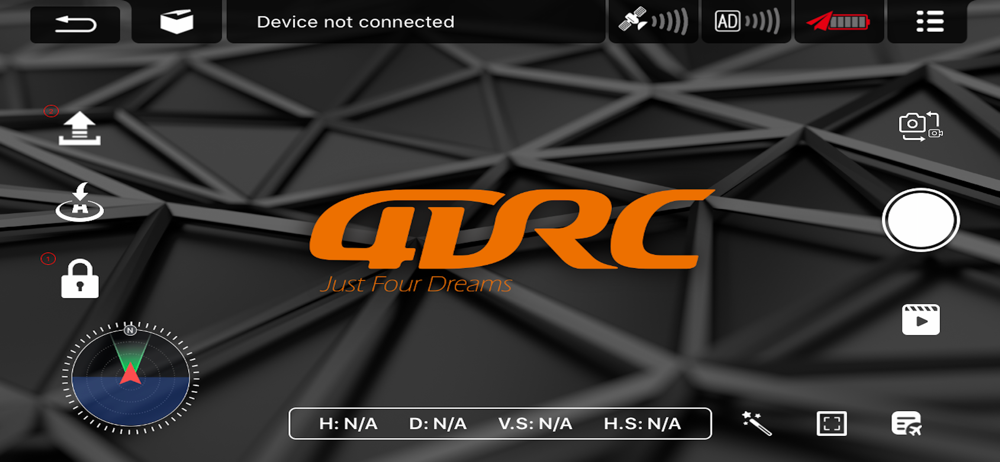
Turned on drone. Turned on remote. Went to Wi-Fi in settings on my phone and turned on Wi-Fi. After about 30 seconds the wi‑fi recognized the four DRC signal. Unsecured network. After compass, horizontal and vertical calibrations, it kicked in to a live shot. on my iphone. Went to the three bars next to the record button, chose video. Clicked the record button like you were making a normal video and it gave me a live stream and an awesome recording. Was able to download to my photos from my phone on my MacBook Air
It was kind of confusing to use the app at first and took a bit to figure out how to pair the drone. The instructions are sometimes unclear or confusing. Not a bad app but definitely should be better for the price of some of the drones.
This is an application for real-time image transmission and operation control of aircraft through wifi connection. It can take photos and videos remot...