
Check the acquisition promise
Read the store headline, screenshots and description. What problem is the app promising to solve?
Study the storefront ↗
Stefl und Taschauer OG · iOS
Explore the ad evidence, study the storefront, and build your next acquisition hypothesis.
01 / Creative research
Read the store headline, screenshots and description. What problem is the app promising to solve?
Study the storefront ↗Explore apps with direct store-link matches. Compare their hooks and formats without assuming the same approach works here.
Browse observed advertisers ↗Store rankings and revenue estimates describe market context. They do not establish ad spend, conversions or ROAS.
Review the market context ↗02 / Storefront & product
Study the product story and store experience behind the acquisition funnel.




03 / Market context
Keep revenue, downloads and store rankings separate from advertising performance.
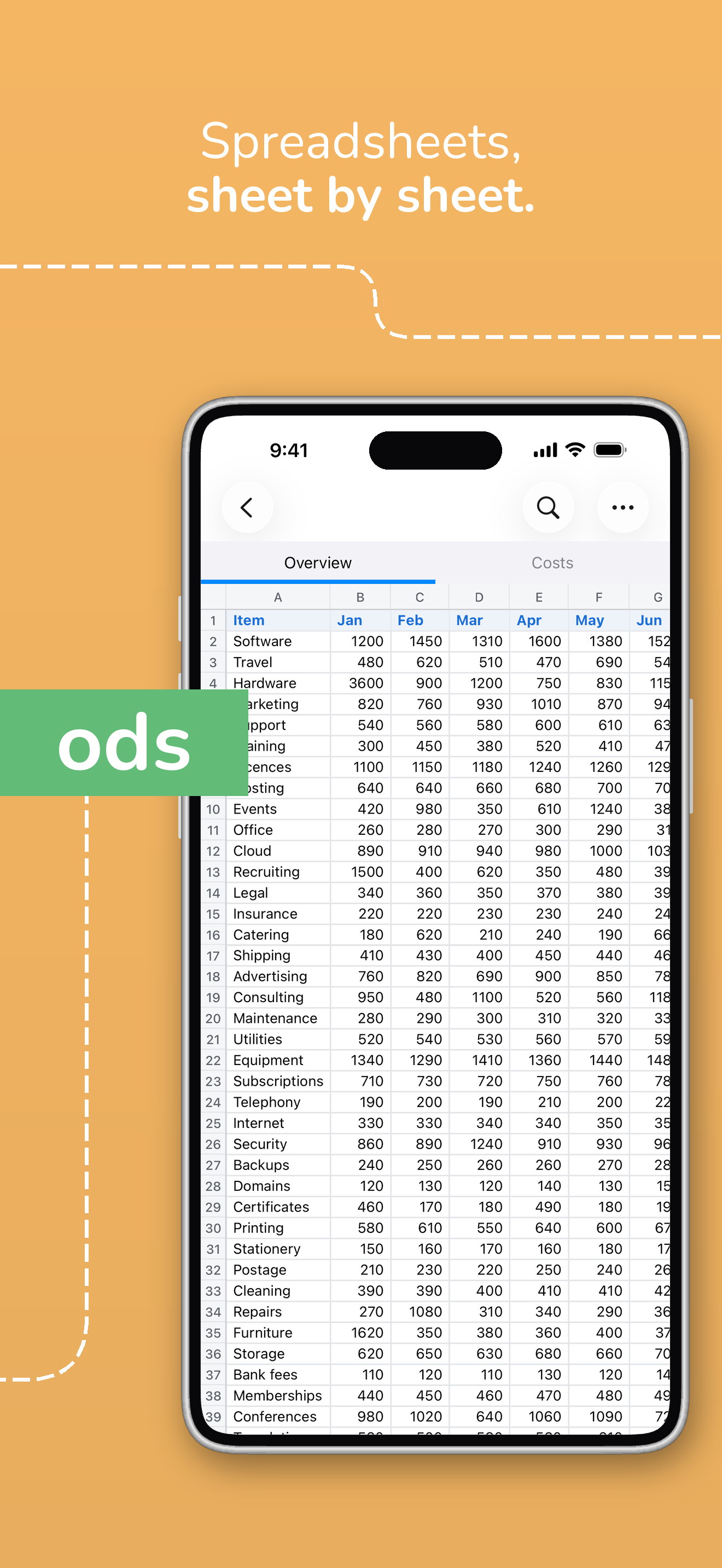
I created an odp file with LibreOffice on my computer, and saved it to iCloud Drive. When I opened it with this app, none of the images or fonts displayed, and neither the help or view full screen buttons worked, rendering the app essentially useless. However, the editing feature worked great! I hope these issues get resolved soon so that I can use the app. Note: I also couldn’t find a way to contact the developer within the app so I had to write a review here.
Good but when opening password protected file, the password is not being hidden while typing. Please fix this.
I created an invoice as an ods on my desktop using Libre CALC. I sent that file to my iPad through drop box. It became a zip file of only 70 or so KB which means it’s basically a pdf. When I was finally able to figure out how to unzip the file I found out I couldn’t enter any data into it. I only need to put a few numbers into a few cells to calculate the total charge for the customer once I have finished the job and while I am still at the job site. Doesn’t look like this can happen.
Read documents created using LibreOffice or OpenOffice on the go, wherever you keep them, with the Document Reader! The file reader lets you open fil...


