
Check the acquisition promise
Read the store headline, screenshots and description. What problem is the app promising to solve?
Study the storefront ↗
Khoa Pham · iOS
Explore the ad evidence, study the storefront, and build your next acquisition hypothesis.
01 / Creative research
Read the store headline, screenshots and description. What problem is the app promising to solve?
Study the storefront ↗Explore apps with direct store-link matches. Compare their hooks and formats without assuming the same approach works here.
Browse observed advertisers ↗Store rankings and revenue estimates describe market context. They do not establish ad spend, conversions or ROAS.
Review the market context ↗02 / Storefront & product
Study the product story and store experience behind the acquisition funnel.



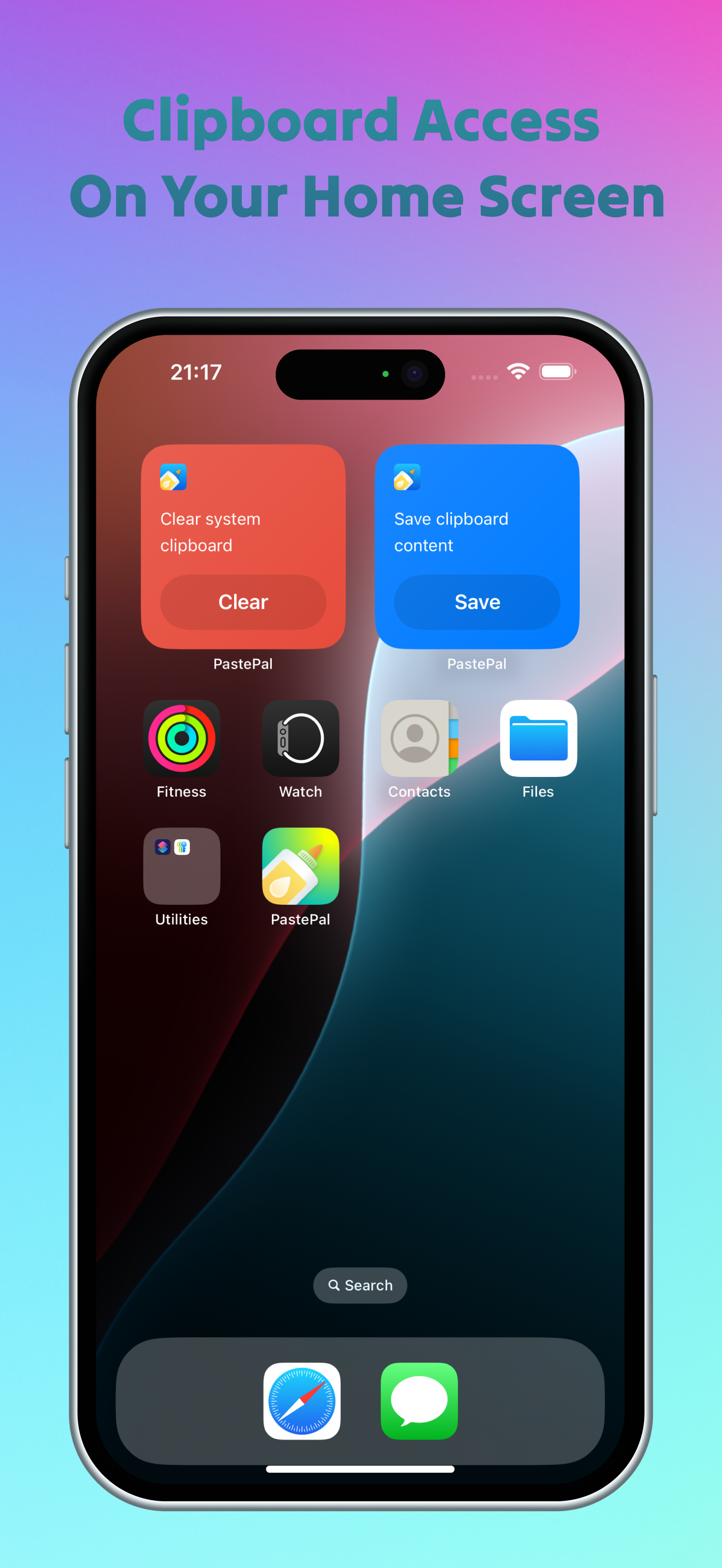


03 / Market context
Keep revenue, downloads and store rankings separate from advertising performance.
PastePal is an outstanding app, especially impressive for its ability to monitor the clipboard in the background on iOS. However, I do have a few suggestions that I hope can be implemented soon to further enhance the user experience: 1. Optimization of “Copy Stack” Pasting Experience 2. Currently, after enabling the Copy Stack, I need to click the on-screen “Paste” button to paste content. I can’t simply use the Cmd V shortcut to sequentially paste items. For scenarios that require efficient and continuous pasting, this greatly reduces the smoothness and efficiency of the operation. I hope this feature can be improved so that users can quickly paste multiple items directly using Cmd V. 3. Custom Colors for Clip Types 4. Is it possible to add the ability to customize colors for different clip types (similar to the color settings for collections)? This would not only help users manage and distinguish different types of clips more intuitively, but also make the interface more personalized and visually appealing. I sincerely hope that PastePal will continue to improve and bring an even more efficient and convenient experience to its users!
I’ve been using Paste Pal for over a year to keep my clipboard synced across all my iOS and Mac devices. It’s great for quickly editing text before pasting it into documents or messages. I like that you can set how long clips are saved and easily browse through everything you’ve copied. The app is easy to use, looks good, and is affordable. I haven’t had any issues on any device. While it can’t run in the background on iOS due to system limitations, I hope that changes in the future. If you want a simple, reliable clipboard manager, I think you’ll be happy with Paste Pal.
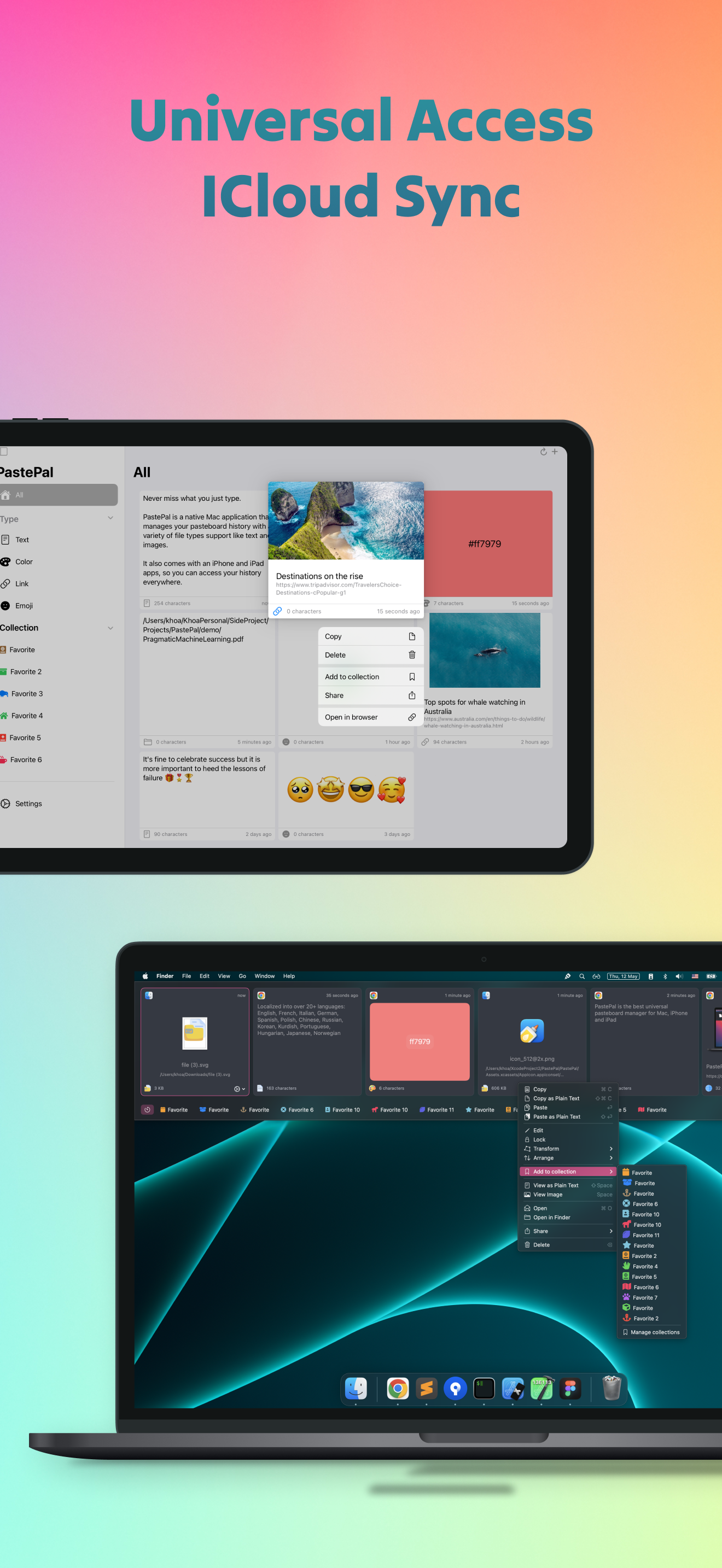
I’ve been using PastePal for a several months now, and it has completely transformed the way I work on my Mac. The ability to store and access my clipboard history with such ease is a game changer. Whether I’m working on a project, coding, or just managing daily tasks, PastePal ensures that I have quick access to all the snippets, links, and text I’ve copied. The interface is clean and intuitive, making it super easy to use right out of the box. I especially love the iCloud sync feature, which keeps my clipboard history in sync across all my devices. It’s also highly customizable, allowing me to tweak it to perfectly fit my workflow. If you’re someone who does a lot of copy-pasting or needs to keep track of multiple pieces of information throughout the day, this app is a must-have. PastePal has definitely earned a permanent spot in my dock. Highly recommended!
Trusted by thousands of users across Mac, iPhone, and iPad, PastePal is the clipboard manager that keeps everything you copy organized and instantly a...
| Name | Price | Type |
|---|---|---|
| Snack-Sized Tip | $0.99 | One-time |
| Coffee-Sized Tip | $3.99 | One-time |
| Lunch-Sized Tip | $5.99 | One-time |
| Pro | $14.99 | One-time |


