Check the acquisition promise
Read the store headline, screenshots and description. What problem is the app promising to solve?
Study the storefront ↗
Profuse · iOS
Explore the ad evidence, study the storefront, and build your next acquisition hypothesis.
01 / Creative research
Read the store headline, screenshots and description. What problem is the app promising to solve?
Study the storefront ↗Explore apps with direct store-link matches. Compare their hooks and formats without assuming the same approach works here.
Browse observed advertisers ↗Store rankings and revenue estimates describe market context. They do not establish ad spend, conversions or ROAS.
Review the market context ↗02 / Storefront & product
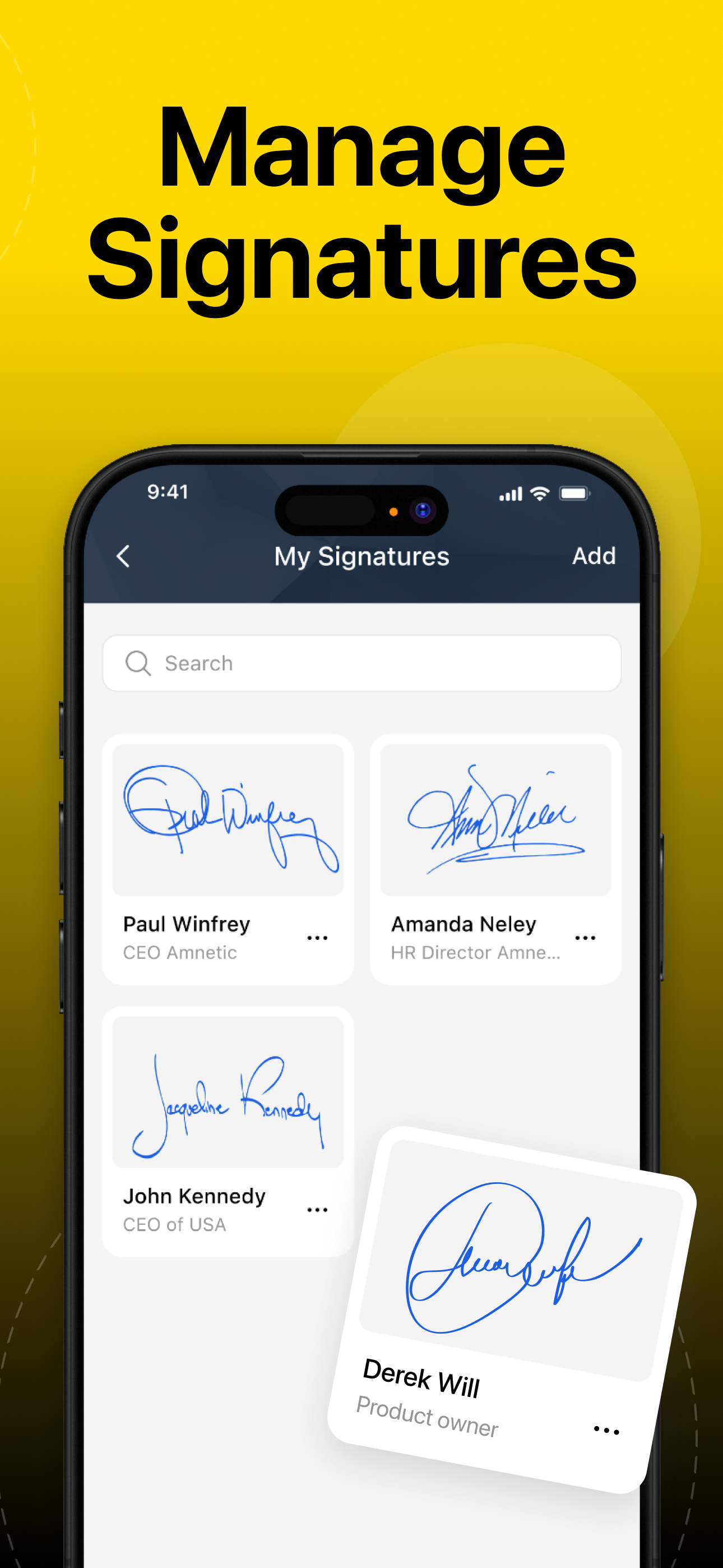
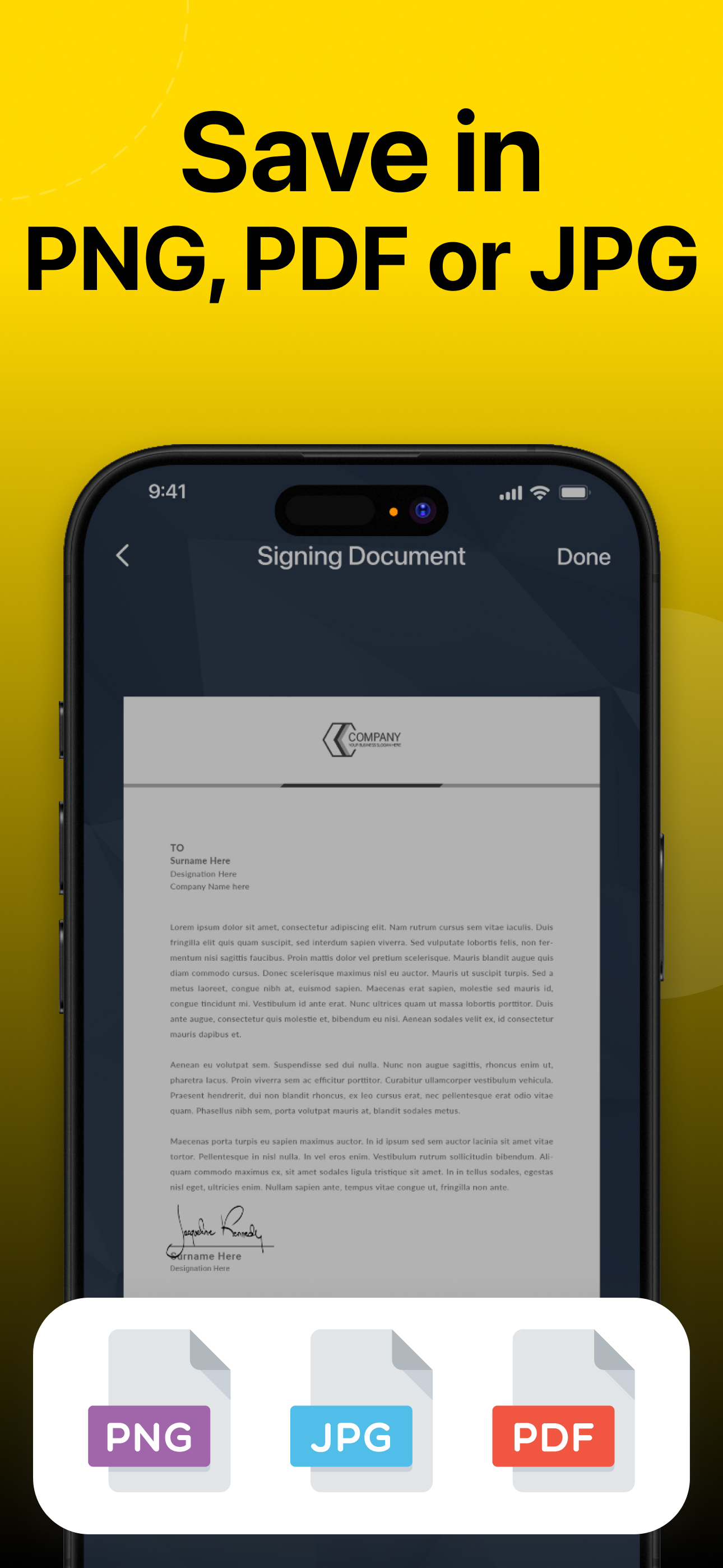
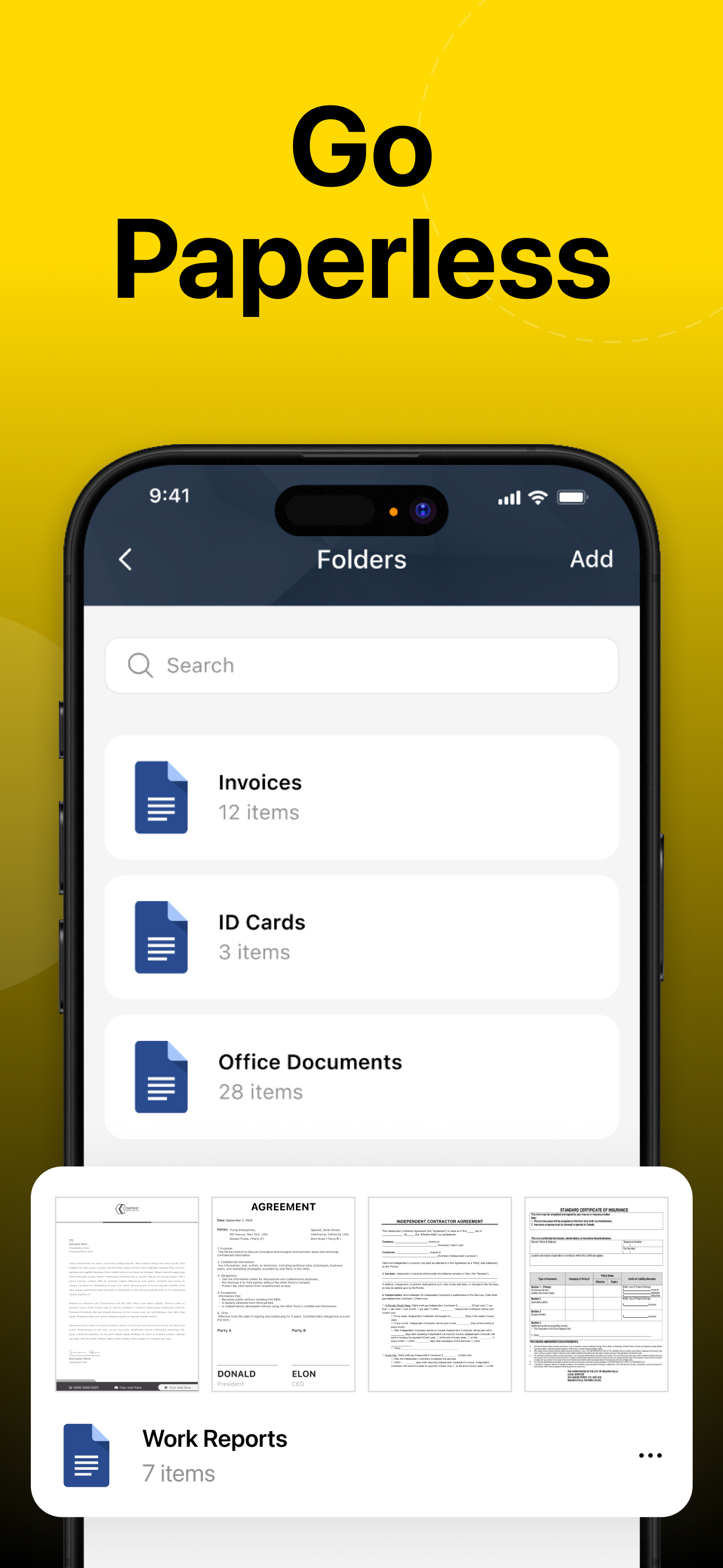
Study the product story and store experience behind the acquisition funnel.



03 / Market context
Keep revenue, downloads and store rankings separate from advertising performance.
I LOVE this app!! So many silly signature apps out there either make it impossible to get your signature to look normal, or they are not compatible with your normally-used document types! Will certainly recommend this to my colleagues!
I thought the app was going to be excellent. The installation was easy. Setting up your signature in the app was easy too. The problem was that my signature was very faint after I saved it. And it was just as faint when I added to the document on My iPad. I just different pens and even a broad felt tip magic marker. It was just as faint as with a pen. And my signature with the marker was as thin and narrow as the pen I used. I thought it would have been thicker and darker. That was after I followed the directions to use a sheet of blank white paper.
I don’t have a printer and I’ve always had a hard time when I’m told I need to print out a form and sign in by hand and then scan it to return it. With this app I’m able to still do my handwritten signature without needing to print the document. It’s amazing
Sign any document with your real handwritten signature. Secure, professional, and fast. Signature Scan is the signature app built for professionals wh...
| Name | Price | Type |
|---|---|---|
| Save 1 signature | $4.99 | One-time |
| Premium (Weekly) | $9.99 | Weekly |
| Premium (Weekly) | $9.99 | Weekly |
| Premium (Weekly) | $14.99 | Weekly |
| Premium (Monthly) | $19.99 | Monthly |
| Premium (Monthly) | $29.99 | Monthly |
| Premium (Annual) | $39.99 | Yearly |
| Premium (Annual) | $49.99 | Yearly |
| Premium | $79.99 | One-time |
| Premium (Annual) | $99.99 | Yearly |