Check the acquisition promise
Read the store headline, screenshots and description. What problem is the app promising to solve?
Study the storefront ↗
Dongwook Cho · iOS
Explore the ad evidence, study the storefront, and build your next acquisition hypothesis.
01 / Creative research
Read the store headline, screenshots and description. What problem is the app promising to solve?
Study the storefront ↗Explore apps with direct store-link matches. Compare their hooks and formats without assuming the same approach works here.
Browse observed advertisers ↗Store rankings and revenue estimates describe market context. They do not establish ad spend, conversions or ROAS.
Review the market context ↗02 / Storefront & product
Study the product story and store experience behind the acquisition funnel.






03 / Market context
Keep revenue, downloads and store rankings separate from advertising performance.
Masking is too hard to do and too inaccurate to do with a finger.
I hope they add automatic cutting of the photo so that the cutting is more specific and not cutting manually
The app itself does exactly what says it will - on an iPhone. It is _supported_ on iPad but this is not the same as having an iPad app. There is no landscape view, and the image size is that of an iPhone, it can be doubled once but it’s clunky. File search within photos is insufficient. All in all this is neat, but unless you have a very specific need for it and know exactly where your photo is and then move that photo your most recent, it’s just a party trick.
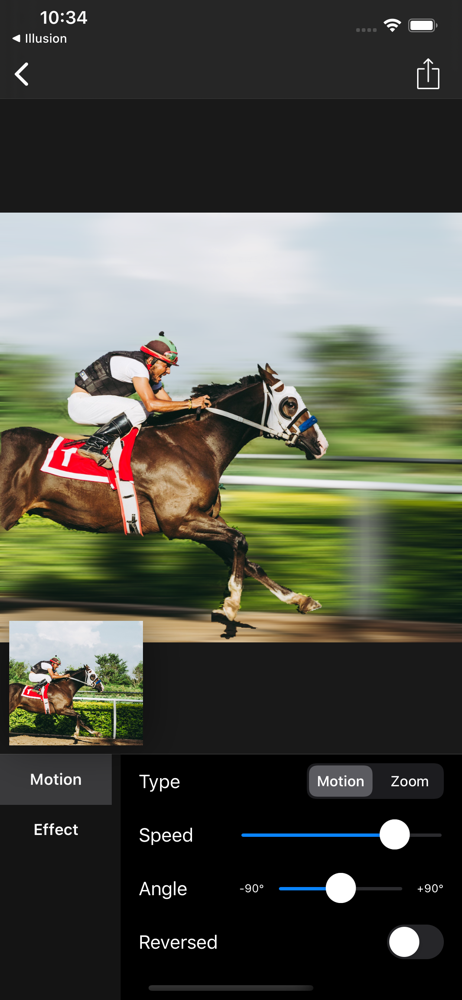
[Motion Blur] enables you to turn any ordinary photo into amazing pannig photo(aka motion blur photo) with powerful object masking tool and lots of pa...