Check the acquisition promise
Read the store headline, screenshots and description. What problem is the app promising to solve?
Study the storefront ↗
Ryoichi Fukugawa · iOS
Explore the ad evidence, study the storefront, and build your next acquisition hypothesis.
01 / Creative research
Read the store headline, screenshots and description. What problem is the app promising to solve?
Study the storefront ↗Explore apps with direct store-link matches. Compare their hooks and formats without assuming the same approach works here.
Browse observed advertisers ↗Store rankings and revenue estimates describe market context. They do not establish ad spend, conversions or ROAS.
Review the market context ↗02 / Storefront & product
Study the product story and store experience behind the acquisition funnel.


03 / Market context
Keep revenue, downloads and store rankings separate from advertising performance.
なぜiPhone版はこんなにも使いにくいの⋯!?同じと思いきや全然違う!手間もかかるし、ややこしい!Safariだけとかなんでやねーん!むしろSafariを使ってないっちゅーのに。Android版を知ってるだけに、不便極まりない。iPhoneの仕様でこんな事になってるんでしょうがあまりにも⋯。
他の方が指摘しているが、ページタイトルにスラッシュ/が含まれてるとエラーになるので自分で手動で直す必要あり。 サクサク保存できるしフォルダ分けもできていい。 欲を言えば、検索機能が欲しい。 保存数が多くなってくると探すのが大変になる。 それと、More押さないと残りが表示されないのは面倒、Gmailアプリのように、スクロールして下まで行ったら自動で残りを読み込んで表示させるようにできないか。
Webクリップ機能はとても良いと思います。 タイトルが自由に決められたりフォルダ分けできたりと、必要機能は揃っている印象。 HOME画面に戻る、リネームする、削除するなどのUI面では、まだまだ改良の余地があると思います。更なる改善に期待です。
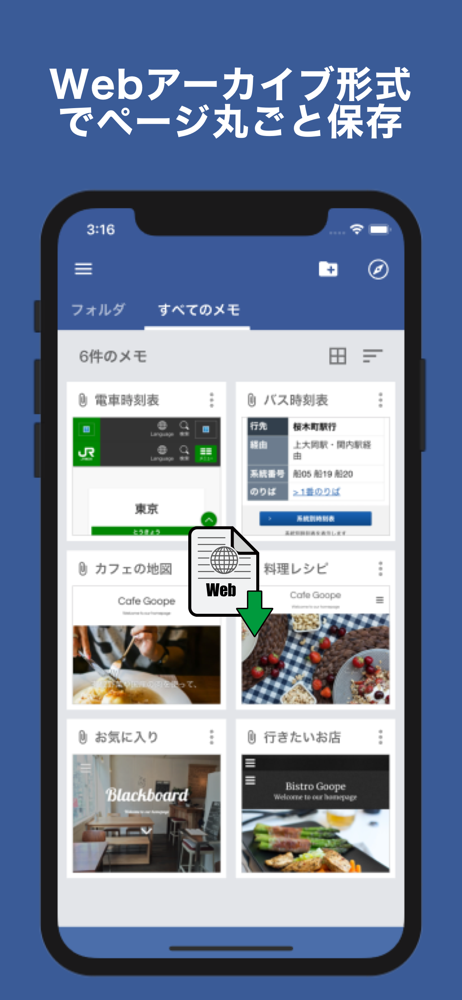
Safariで見ているページをWebアーカイブ形式で保存&管理するアプリです。 画面メモはスクショと違ってWebページ全体を保存できます。スクロールをして読むようなページでも丸ごと保存できます。スクショと違って画像形式ではないので、リンク先に飛んだり、文章をコピー&ペーストすることも可能です。...