
Check the acquisition promise
Read the store headline, screenshots and description. What problem is the app promising to solve?
Study the storefront ↗
向阳 杨 · iOS
Explore the ad evidence, study the storefront, and build your next acquisition hypothesis.
01 / Creative research
Read the store headline, screenshots and description. What problem is the app promising to solve?
Study the storefront ↗Explore apps with direct store-link matches. Compare their hooks and formats without assuming the same approach works here.
Browse observed advertisers ↗Store rankings and revenue estimates describe market context. They do not establish ad spend, conversions or ROAS.
Review the market context ↗02 / Storefront & product
Study the product story and store experience behind the acquisition funnel.

03 / Market context
Keep revenue, downloads and store rankings separate from advertising performance.
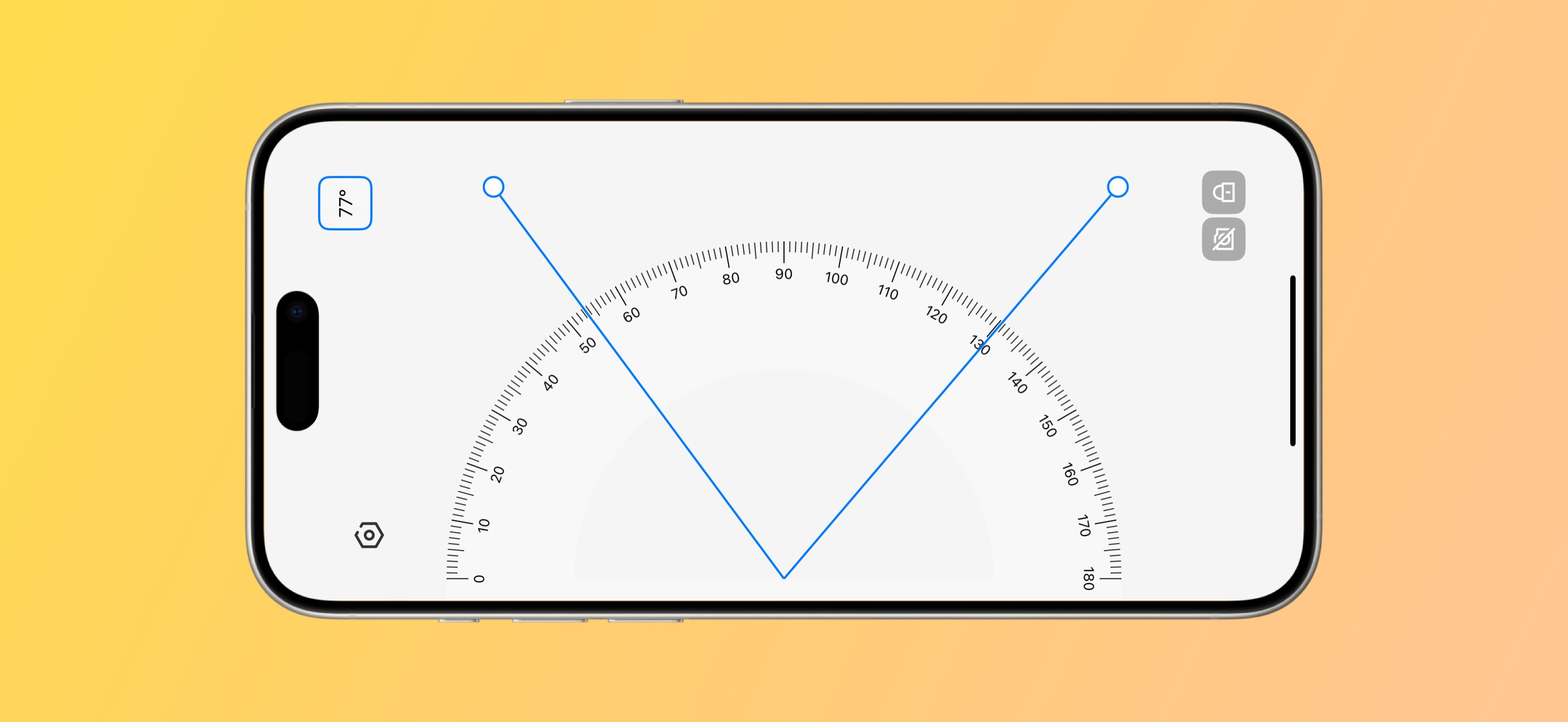
This app is exactly what I needed—a simple yet powerful tool for measuring angles with my phone. The edge alignment feature works surprisingly well, and the app is very responsive and easy to control. Whether I'm doing woodworking, drawing, or just checking random objects around the house, this digital protractor gives quick and accurate results every time. It’s lightweight, cleanly designed, and extremely useful. Definitely deserves five stars!
This protractor app works, but is very difficult to set any desired angle with my finger or even a stylus. I wish it had some way to select incremental increases and decreases in the angle and settings for some common angles such as 30, 45, 60, and 90 degrees. Having said that, I found this protractor app because I found its matching ruler app first. The Ruler app is very accurate on my iPhone XR. Thank you for an accurate ruler for my phone!
Protractor - smart instrument to measure angles. Support: https://k1er.github.io/
