
Check the acquisition promise
Read the store headline, screenshots and description. What problem is the app promising to solve?
Study the storefront ↗
Assad Ali · iOS
Explore the ad evidence, study the storefront, and build your next acquisition hypothesis.
01 / Creative research
Read the store headline, screenshots and description. What problem is the app promising to solve?
Study the storefront ↗Explore apps with direct store-link matches. Compare their hooks and formats without assuming the same approach works here.
Browse observed advertisers ↗Store rankings and revenue estimates describe market context. They do not establish ad spend, conversions or ROAS.
Review the market context ↗02 / Storefront & product
Study the product story and store experience behind the acquisition funnel.



03 / Market context
Keep revenue, downloads and store rankings separate from advertising performance.
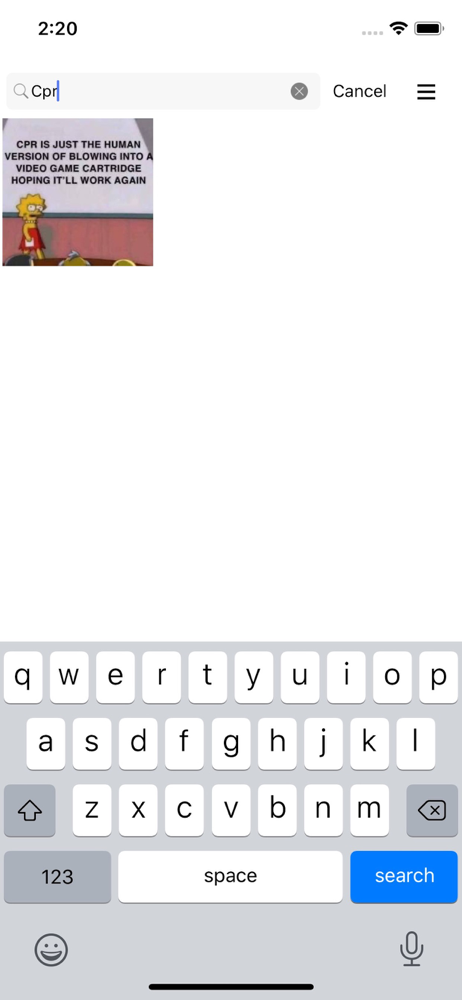
This app is definitely good for searching screenshots. It even managed to find words in screenshots that were somewhat blurry. I just have a few suggestions to the developer that I think will make this app even more useful. My first suggestion is that I wish we could add tags to further sort the images. I think tags would be a very useful feature because many images contain specific topics or themes that are not mentioned in the text within the image. My second suggestion is that I wish we could add notes to each of the photos. Sometimes I want to add my comments to a photo in order to explain it better. I may also wish to add additional info, such as links, in order to further research the details of the photo. If features such as these are added to this app, I think this app will be a lot more helpful in handling screenshots and other types of photos.
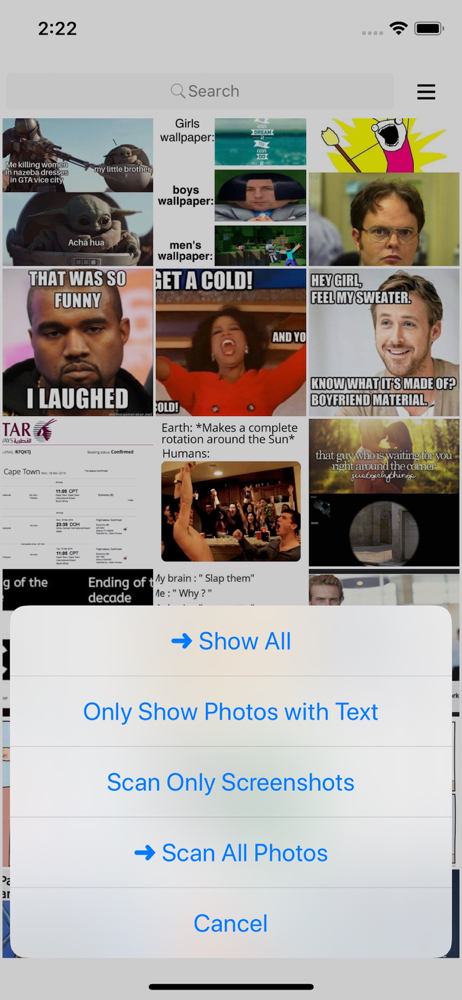
While the text search is a solid function as its primary feature, what you can do with that sorted gallery is the question. It takes a long time to sort, then sift and load your shots, which is okay, but there's no way to make use of that time spent indexing in any future sort organization action. So each time you re-do the same work. Not really helpful. Then there's what you can do once you have a narrower field of shots. Nothing but copy one screenshot to paste into a doc. One shot not multiple. There's no combining multiple shots (stitching) or even a collecting option so you can have all similar or contextually related shots on one place for easy access. And batch culling? Forget it. I thought I could identify shots I could delete (information on them already handled) but forget bulk actions in this app. Index is all you get. The text search is pretty accurate (who know what it misses?) but I need the functionality of combining shots to use in multiple formats not just copy and paste which can't be used within photo app. Will probably delete as I don't need to find just one screenshot that often.
I’ve tried them all- google photos, memos, and Orga- screenshot hero is simply the BEST!! It takes a bit longer to initially get your library uploaded but that’s likely due to how amazingly accurate it is. I use this app specifically for searching texts and class notes to put into Anki flashcards- works flawlessly. Thanks to the creator for making this item so accessible. I usually never write reviews and I felt compelled to do so.
Screenshot Hero scans through your screenshots (and other saved photos) and makes then instantly searchable by text in them. Highlights: - Images are...


