Check the acquisition promise
Read the store headline, screenshots and description. What problem is the app promising to solve?
Study the storefront ↗
Ringtones LLC · iOS
Explore the ad evidence, study the storefront, and build your next acquisition hypothesis.
01 / Creative research
Read the store headline, screenshots and description. What problem is the app promising to solve?
Study the storefront ↗Explore apps with direct store-link matches. Compare their hooks and formats without assuming the same approach works here.
Browse observed advertisers ↗Store rankings and revenue estimates describe market context. They do not establish ad spend, conversions or ROAS.
Review the market context ↗02 / Storefront & product
Study the product story and store experience behind the acquisition funnel.




03 / Market context
Keep revenue, downloads and store rankings separate from advertising performance.
I have been very discouraged trying to use this app. First it’s difficult to open up on my iPhone 11 unlike other app. Then when I send the fax it takes forever and then I can’t tell what it was sent or not. If I go back and look at history it says it wasn’t sent. I have tried this in multiple locate locations after multiple times during the day and different days. Have been trying it on Wi-Fi and cellular doesn’t seem to make a difference. I’ve contacted the developer and have had no response yet. I’m about ready to give up and try another one.I read the reviews on their site. I seem to be having the same problem that those were having it a year ago we’re having.I tried it out first on the free even though it didn’t work I decide to subscribe for year it doesn’t seem to make a difference.
In the first sentence in the description of this app is the question: “Have to work from home?” I bought this app because I do have to work from home and I do not have a landline installed, so I thought this application would give me the tools to receive and print faxes. Receiving the fax worked well, I was even notified quickly of the received fax, but I cannot print the fax. I have an iPad Pro with the latest iPadOS installed. When I click on the box with an up arrow that should give me multiple options, including print, nothing happens. I wrote the support team before 2:00 pm and it is now almost 8:00 pm and I still have not received a reply to my request for help. I really wish I had chosen one of the many other fax programs rather than this one. Almost any program can have issues, but there needs to be a support staff that will respond within a couple hours to your needs.
I had some paperwork I had to fax in which is normally not a problem. With all the stay at home rules I am forced to work at home with no real access to simple office tools. After reading several app descriptions and reviews I picked this one. SUPER simple and easy to use. My ONLY complaint is there are no price choices for people who only need it in rare instances. Hate to cancel my subscription but I can’t justify the cost with maybe 1 use every 3-4 months.
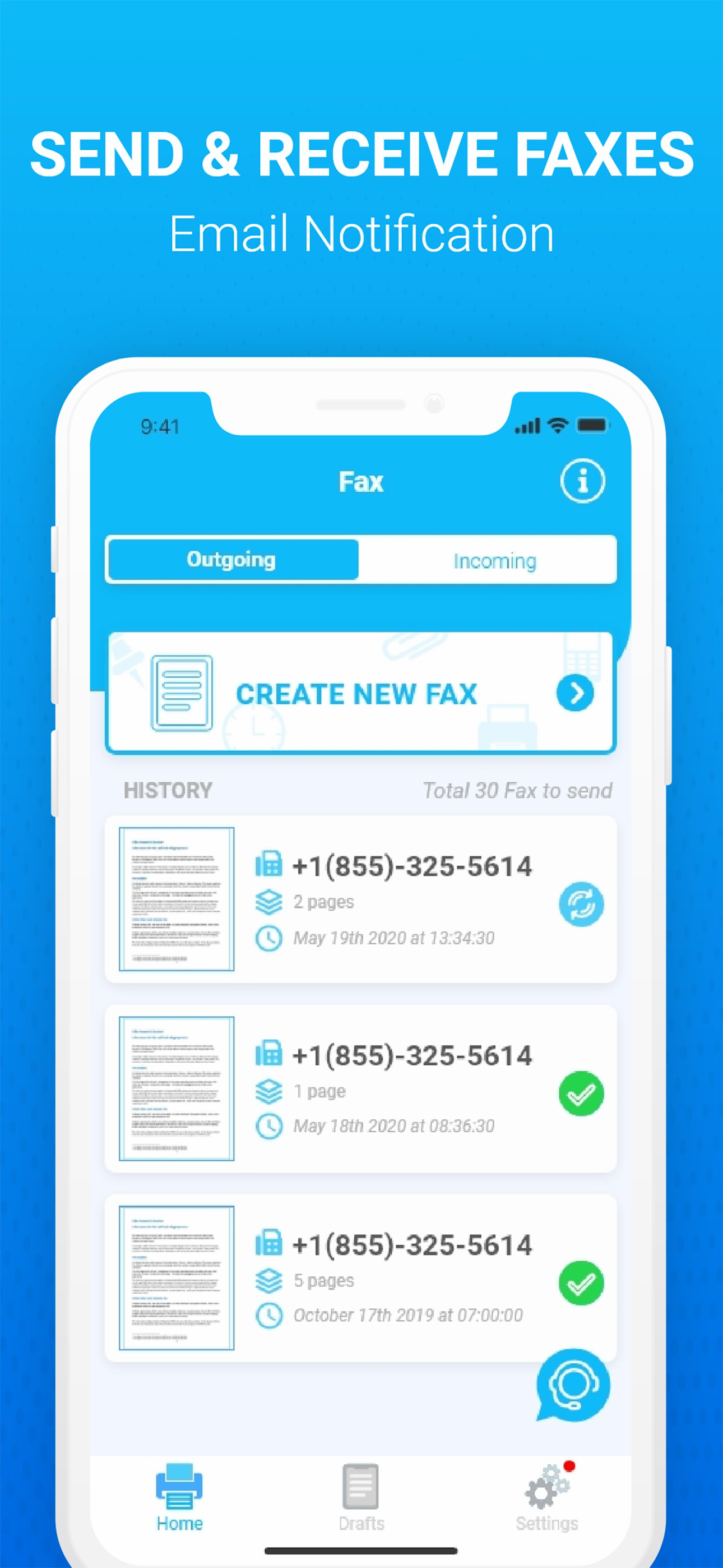
Send Fax in 3 Easy Steps: 1. Open App 2. Select Images or Take Pictures 3. Press Send Fax Receive Fax in 3 Easy Steps: 1. Open App 2. Select Receive...
| Name | Price | Type |
|---|---|---|
| Deliver Unlimited Faxes Weekly | $8.99 | Weekly |
| Send Unlimited Faxes Monthly | $26.99 | Monthly |
| Annual Unlimited Fax Delivery | $199.99 | Yearly |